

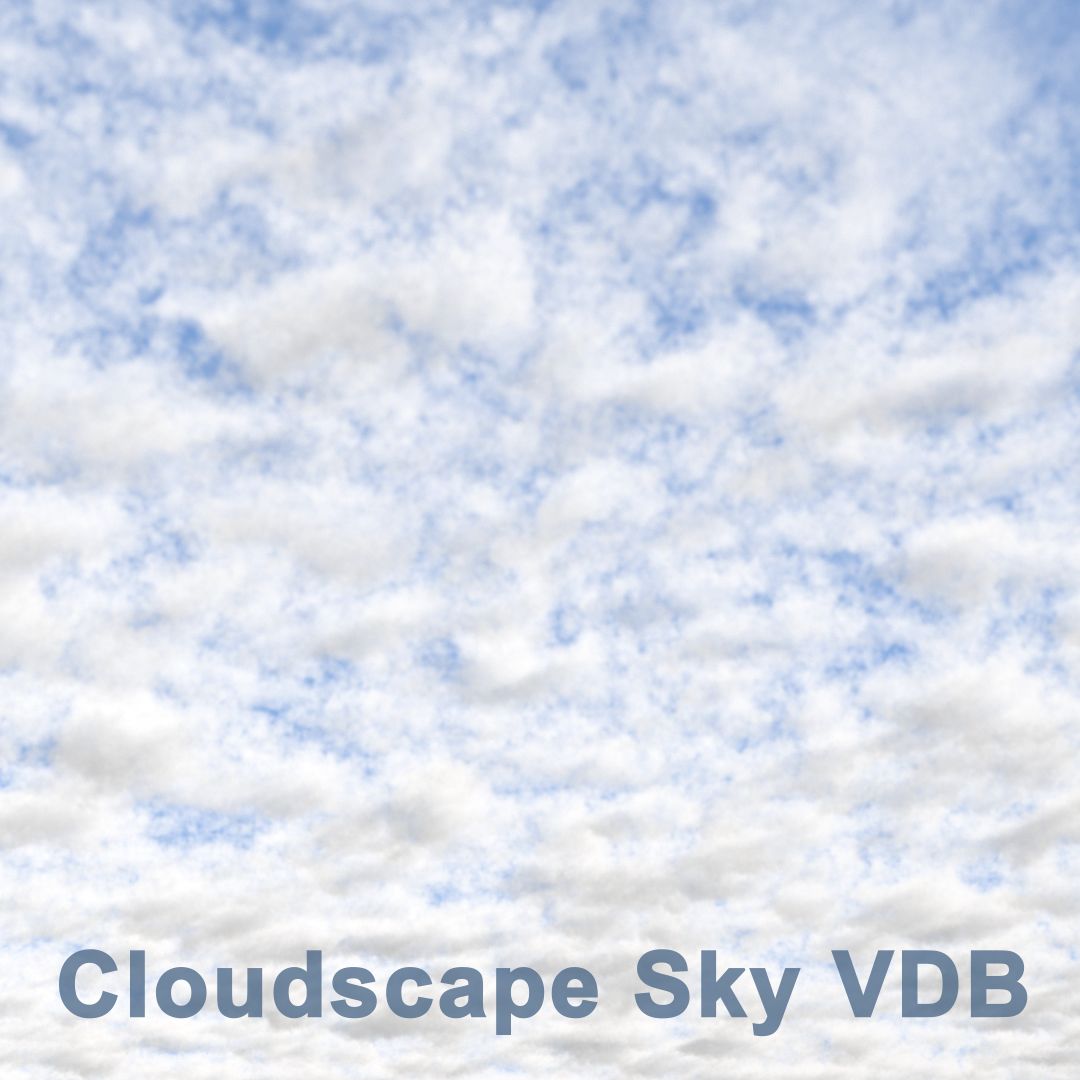

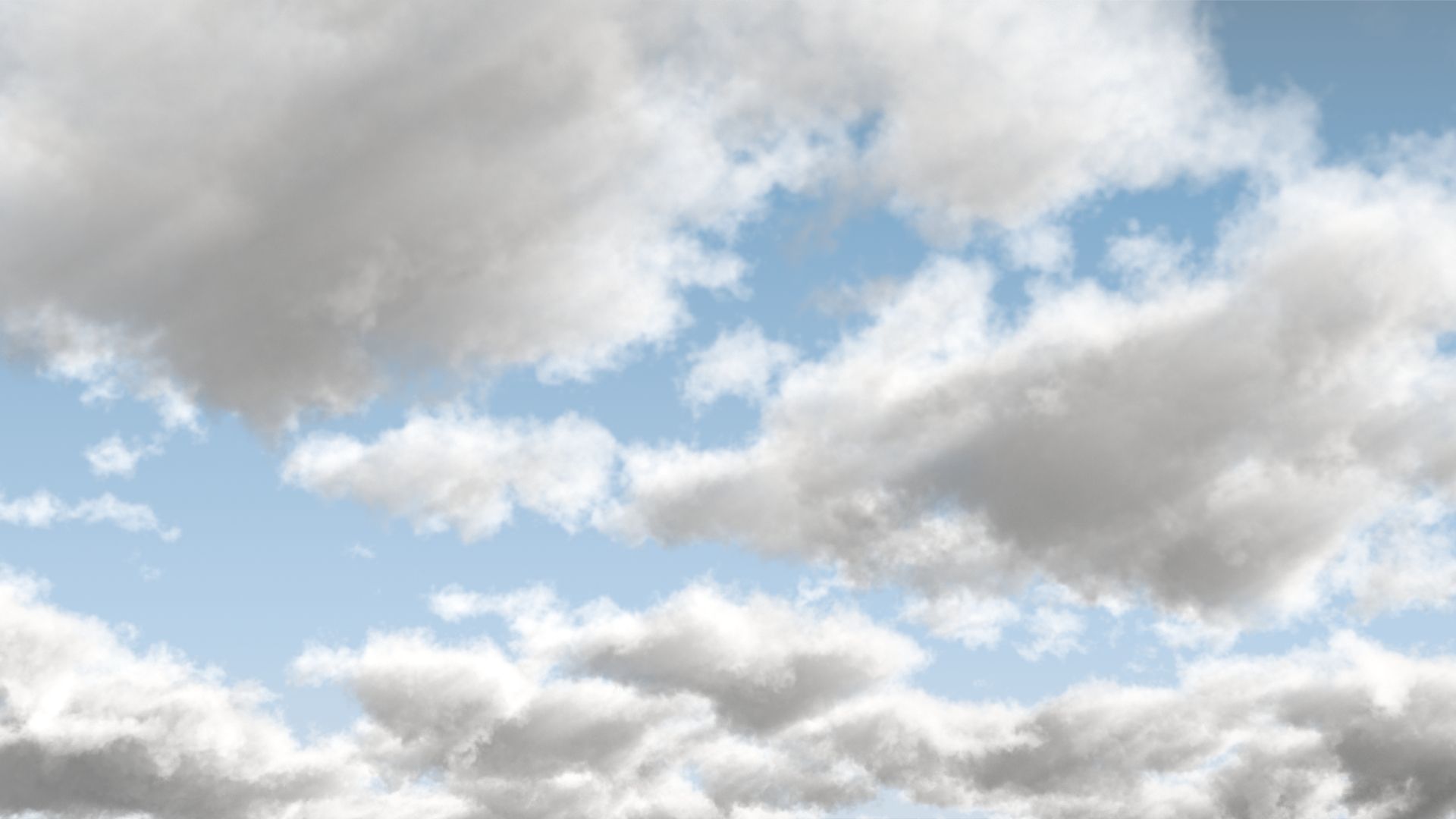


포토리얼 3D 클라우드 모델 3D 모델
0


0
방문

에 의해 제출 된
QTheory
명세서
- 기하학polygonal_quads/tris
- 다각형200
- 정점들300
- 텍스처Yes
- 딱딱한No
- 생기 있는No
- 3D 인쇄 가능 준비No
- 게임 준비 (낮은 폴리)No
- UV 매핑 됨Yes
- 포장되지 않은 자외선non-overlapping
기술
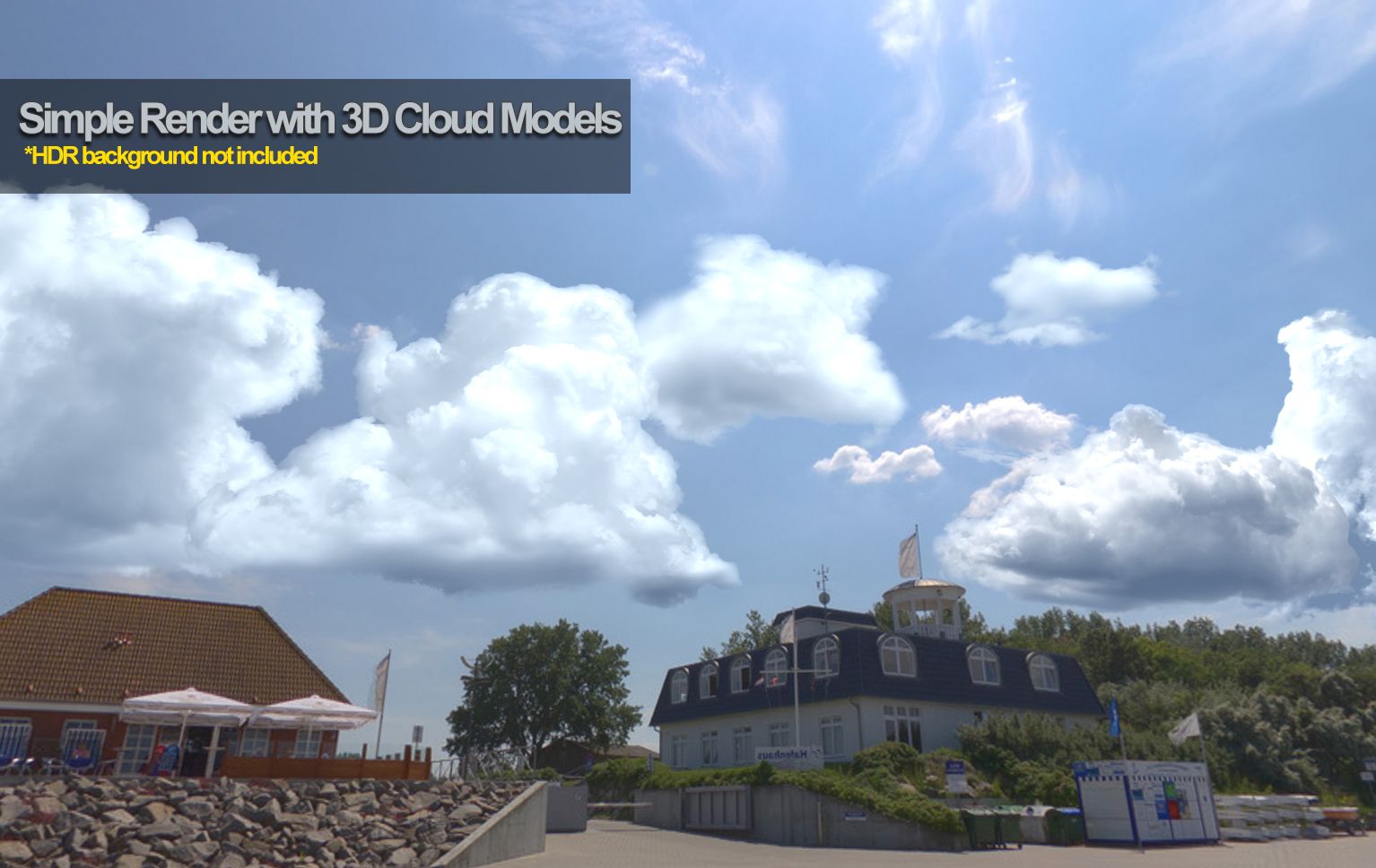
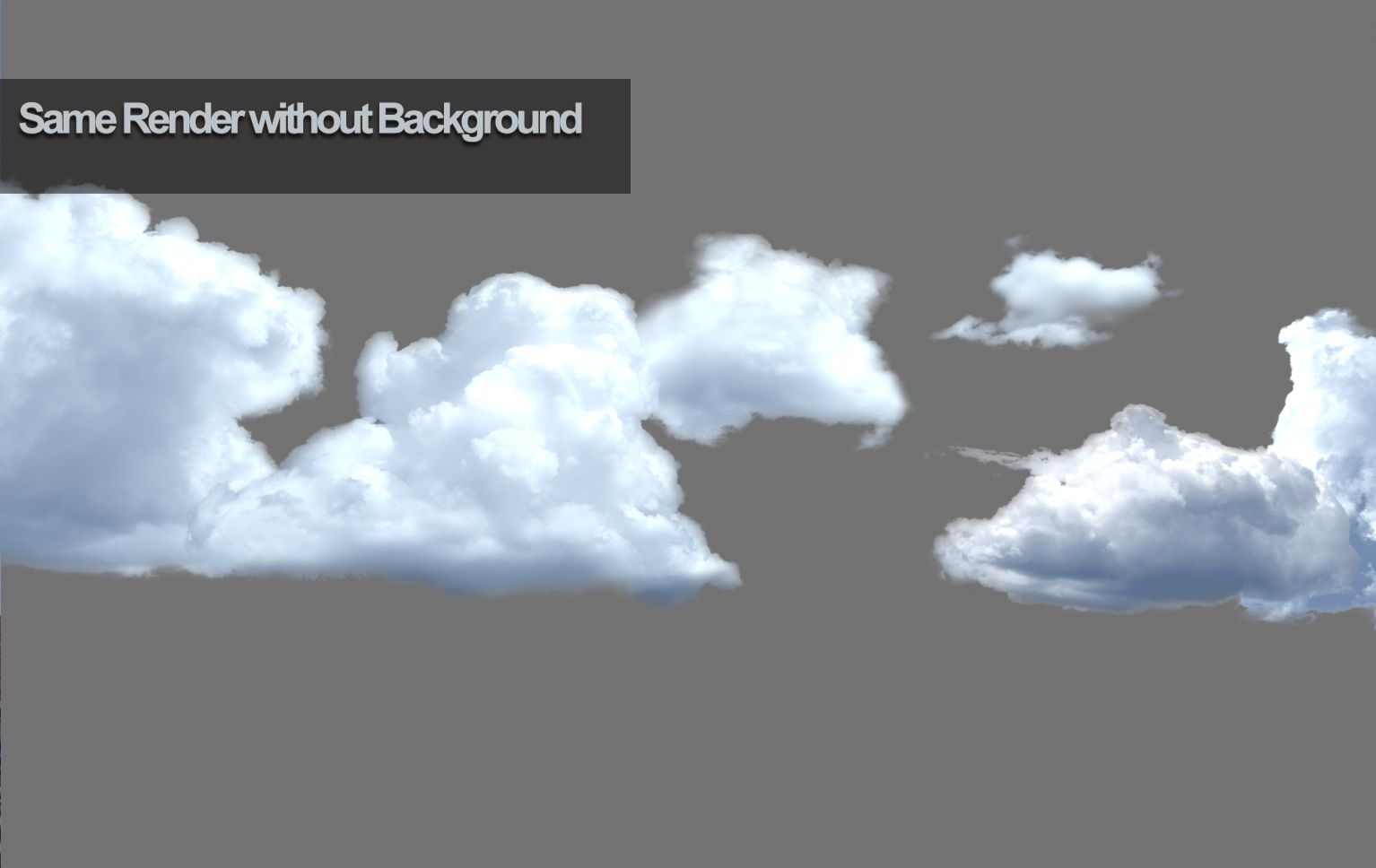
3D Cloud Models is a package of 15 photoreal planar (not volumetric) cloud models. You can position them anywhere you like, rotate them, scale them.
Hi res and sourced from real photos, they're great for game engines, illustration, or compositing into your projects for video or 3D rendering production.
Versions
------------
Max file, FBX files,and master OBJ file included.
3D Studio Max Setup
-------------------
Compatible with 3DSMax 2011+.
It's all setup for you. Just load the 3D Cloud Models.Max file. Each cloud is on a master multi-subobject material. Cloud 1 is on material 1, Cloud 2 is on material 2, and so on. The opacity is controlled by the alpha channel of the associated texture. The diffuse Mix material allows you to control over 2 colors; the sun (color #2) and ambient (color #1). Each material is self-illuminated.
Maya, Blender, Etc.
-------------------
You can import either FBX files or the OBj file which includes all the clouds. The material setup is not included, so you will have to author it yourself.
3DCloudModel_1 uses 3DCloudModel_1.tga, 3DCloudModel_2 uses 3DCloudModel_2.tga, and so on. The alpha channel of each texture is for opacity/transparency. To setup the sun and ambient control, you will have to setup a blend colors or mix between two colors (sun and ambient). Use the associated texture as the blend map.
Nov 12, 2021
추가 된 날짜
Sep 29, 2022
마지막 업데이트
리뷰
현재이 제품에 대한 리뷰가 없습니다.
얼음을 깬 첫 번째 사람이되지 않겠습니까?
