-->
건축물차량문자항공기가구전자 제품동물식물무기스포츠식품해부
북마크 됨
북마크 삭제됨

스피커베이스 V2 3D 모델

0
스피커베이스 V2 royalty-free 3d model - Preview no. 1
스피커베이스 V2 royalty-free 3d model - Preview no. 2
스피커베이스 V2 royalty-free 3d model - Preview no. 3
스피커베이스 V2 royalty-free 3d model - Preview no. 4
스피커베이스 V2 royalty-free 3d model - Preview no. 5
스피커베이스 V2 royalty-free 3d model - Preview no. 6
스피커베이스 V2 royalty-free 3d model - Preview no. 7
스피커베이스 V2 royalty-free 3d model - Preview no. 8
스피커베이스 V2 royalty-free 3d model - Preview no. 9
스피커베이스 V2 royalty-free 3d model - Preview no. 10
스피커베이스 V2 royalty-free 3d model - Preview no. 11
스피커베이스 V2 royalty-free 3d model - Preview no. 12
스피커베이스 V2 royalty-free 3d model - Preview no. 13
스피커베이스 V2 royalty-free 3d model - Preview no. 14
스피커베이스 V2 royalty-free 3d model - Preview no. 1
스피커베이스 V2 royalty-free 3d model - Preview no. 2
스피커베이스 V2 royalty-free 3d model - Preview no. 3
스피커베이스 V2 royalty-free 3d model - Preview no. 4
스피커베이스 V2 royalty-free 3d model - Preview no. 5
스피커베이스 V2 royalty-free 3d model - Preview no. 6
스피커베이스 V2 royalty-free 3d model - Preview no. 7
스피커베이스 V2 royalty-free 3d model - Preview no. 8
스피커베이스 V2 royalty-free 3d model - Preview no. 9
스피커베이스 V2 royalty-free 3d model - Preview no. 10
스피커베이스 V2 royalty-free 3d model - Preview no. 11
스피커베이스 V2 royalty-free 3d model - Preview no. 12
스피커베이스 V2 royalty-free 3d model - Preview no. 13
스피커베이스 V2 royalty-free 3d model - Preview no. 14
로열티 무료 라이센스광고 작성 전용
단순 반품
최저가 보장
상자에서 작동 함
2 방문
Newlc

명세서

  • 기하학polygonal_quads/tris
  • 다각형9,096
  • 정점들9,444
  • 텍스처No
  • 딱딱한No
  • 생기 있는No
  • 3D 인쇄 가능 준비No
  • 게임 준비 (낮은 폴리)No
  • UV 매핑 됨Yes
  • 포장되지 않은 자외선none

형식 및 파일

3DS
(.3ds)

SpeakerBass V2.3ds
Cinema 4D
(.c4d)
1 MB

SpeakerBass V2.c4d
FBX
(.fbx)

SpeakerBass V2.fbx
OBJ
(.obj)

SpeakerBass V2.obj
3ds Max
(.max)
2 MB

vray
SpeakerBass V2.max

기술

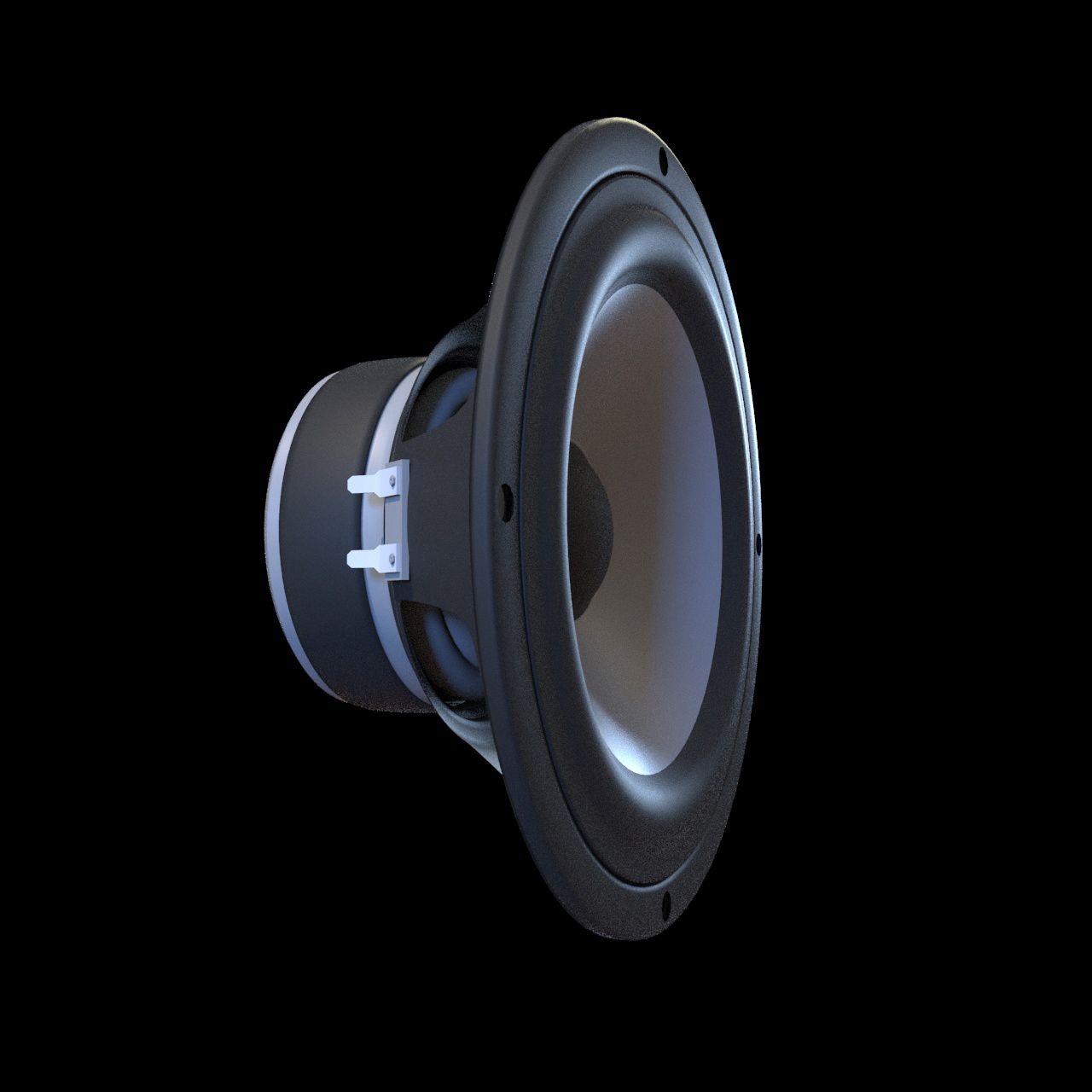
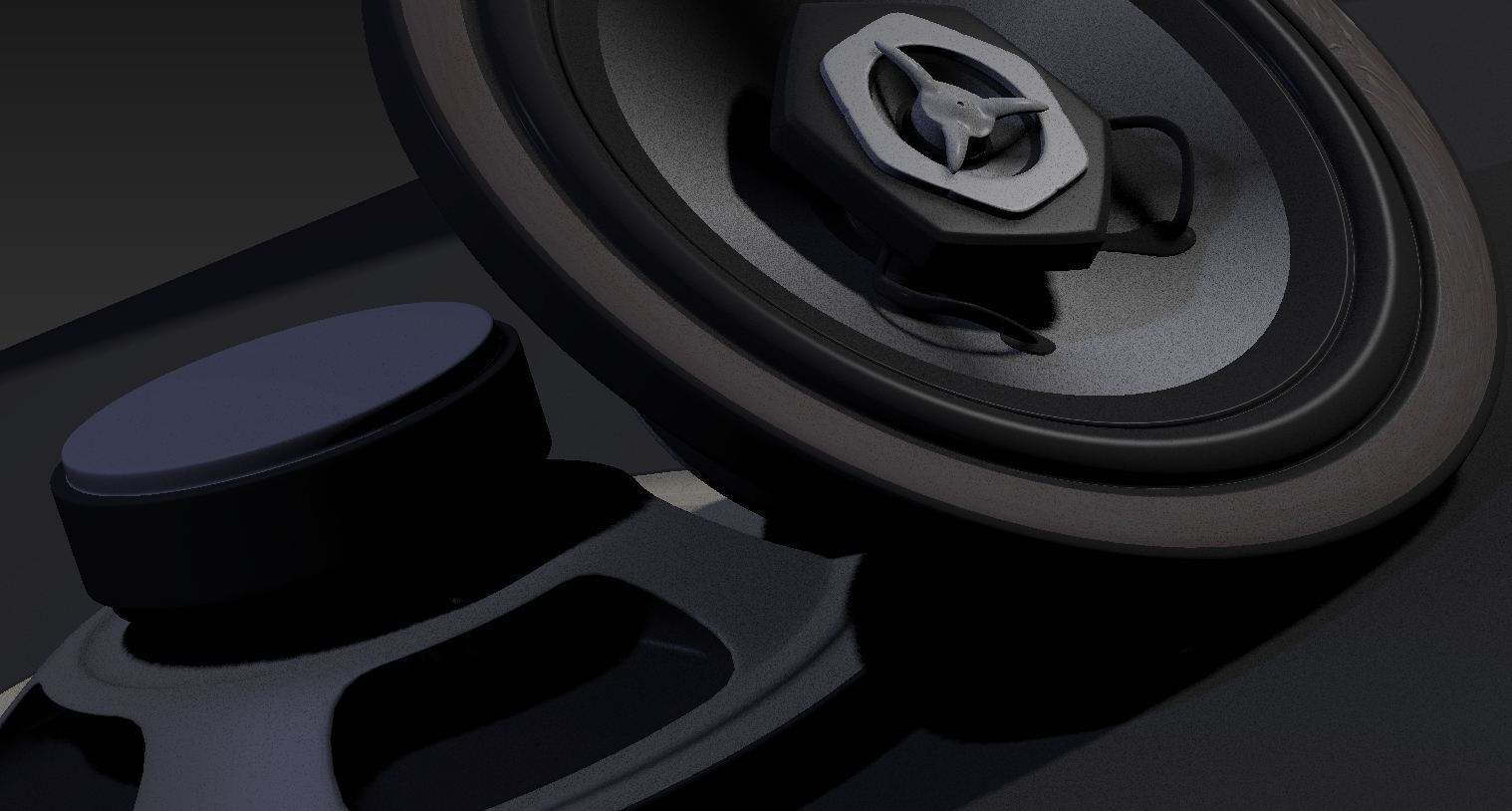
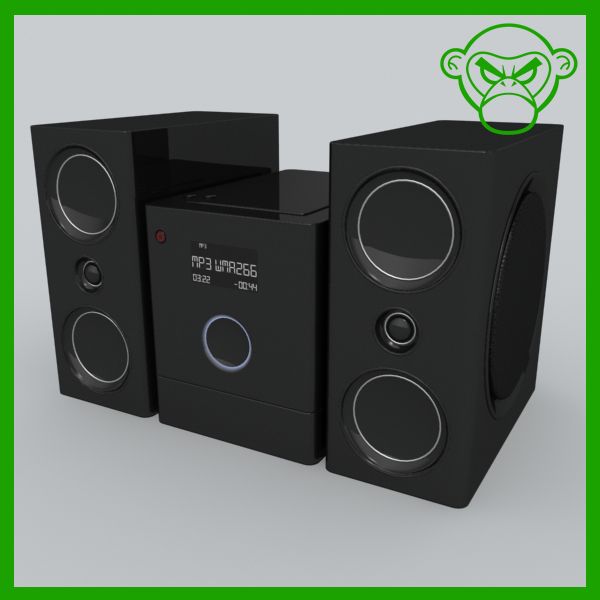
Realistic & beautiful Audio Speaker 3d model CLEAN TOPOLOGY MODELING Rendered with Cinema4D Advanced Render Separate elements so you can easily remove or modify anything you want - Model resolutions are optimized for polygon efficiency(in 3DS MAX the meshsmooth function can be used to increase mesh resolution if necessary). - All colors can be easily modified. - No part-name confusion when importing several models into a scene. - No cleaning up necessary, just drop model into your scene and start rendering. - No special plugin needed to open scene. HDRI & scene not included ********************************* File formats: - Max (vray material & meshsmooth available) - OBJ (Multi Format) - 3DS (Multi Format) - FBX (Multi Format) - Cinema 4D R15 (subdiv available) ///////////////////////////////////////////////////////////////////// Hope you like it! Also check out my other models, just click on my user name to see complete gallery. Newlc - 2015
Nov 04, 2019 추가 된 날짜
Nov 10, 2021 마지막 업데이트

리뷰

현재이 제품에 대한 리뷰가 없습니다.
얼음을 깬 첫 번째 사람이되지 않겠습니까?