


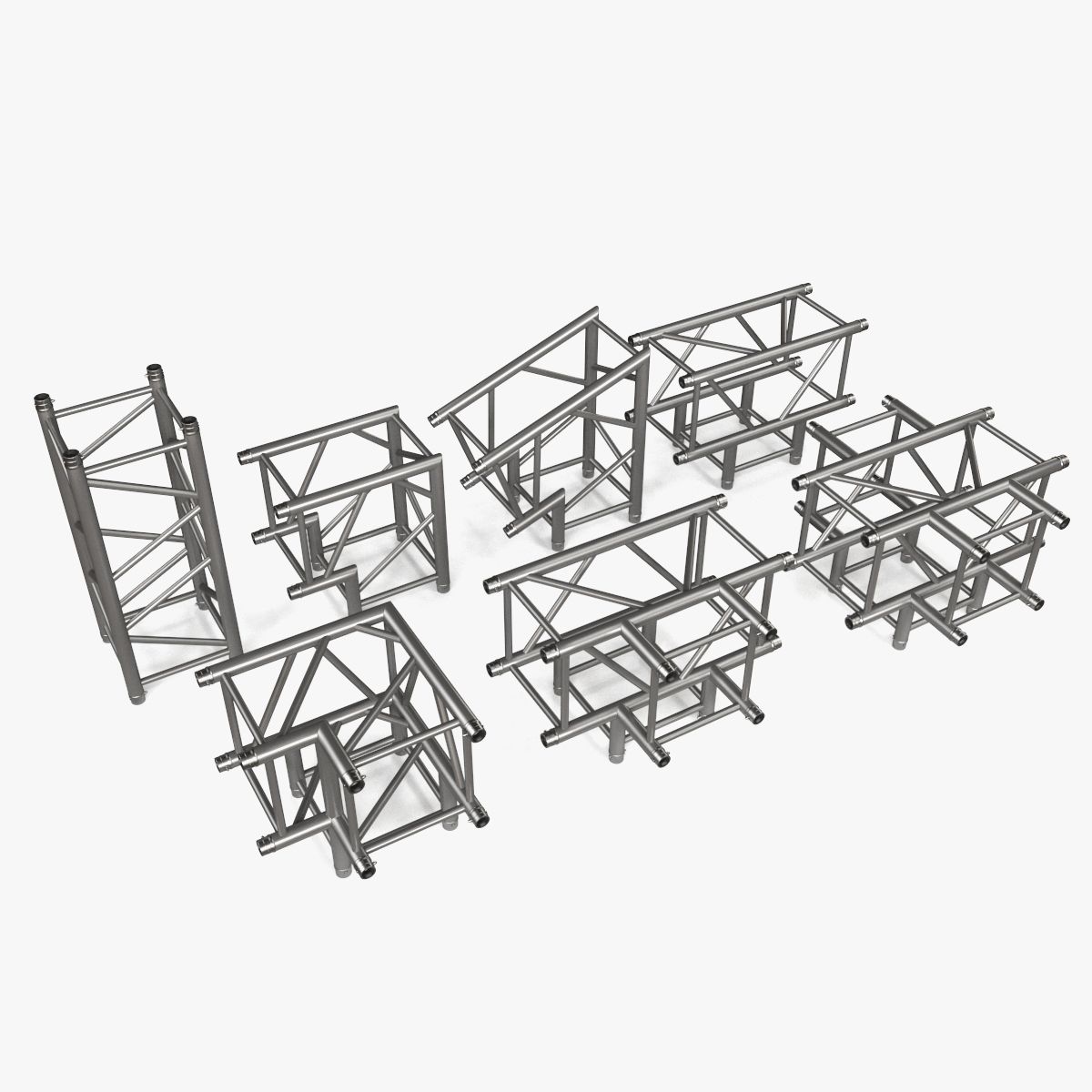


Straight Truss 4 points 3D 모델
0


23
방문

에 의해 제출 된
Newlc
명세서
- 기하학polygonal_quads/tris
- 다각형52,404
- 정점들51,060
- 텍스처No
- 딱딱한No
- 생기 있는No
- 3D 인쇄 가능 준비No
- 게임 준비 (낮은 폴리)No
- UV 매핑 됨Yes
- 포장되지 않은 자외선none
기술
This is a full 3d model
detailed design that allows for close-up renders.
photo real model that will enhance detail and realism to any of your rendering projects.
Originally modeled in 3ds Max 2013 and rendered with V-Ray.
*********************************
Features:
-6 objects
-High quality polygonal model, correctly scaled for an accurate representation of the original object.
-Models resolutions are optimized for polygon efficiency. the Meshsmooth or subdivision function can be used to increase mesh resolution if necessary.)
-All colors can be easily modified.
-3ds Max and c4D models are grouped for easy selection, and objects are logically named for ease of scene management.
-No part-name confusion when importing several models into a scene.
-No cleaning up necessary just drop your models into the scene and start rendering.
-No special plugin needed to open scene.
-Model does not include any backgrounds, HDRI or scenes used in preview images.
*********************************
File Formats:
- Max 2k13
- 3DS (Multi Format)
- OBJ (Multi Format)
- FBX (Multi Format)
- Cinema 4D R15
Every model has been checked with the appropriate software.
*********************************
Warning: Depending on which software package you are using, the exchange formats (.obj, and .fbx) may not match the preview images exactly. Due to the nature of these formats, possibly triangulated geometry.
*********************************
Hope you like it!
Also check out my other models, just click on my user name to see complete gallery, i'm pretty sure you will find something interesting.
Newlc 2016
Oct 20, 2019
추가 된 날짜
Mar 07, 2022
마지막 업데이트
리뷰
현재이 제품에 대한 리뷰가 없습니다.
얼음을 깬 첫 번째 사람이되지 않겠습니까?