




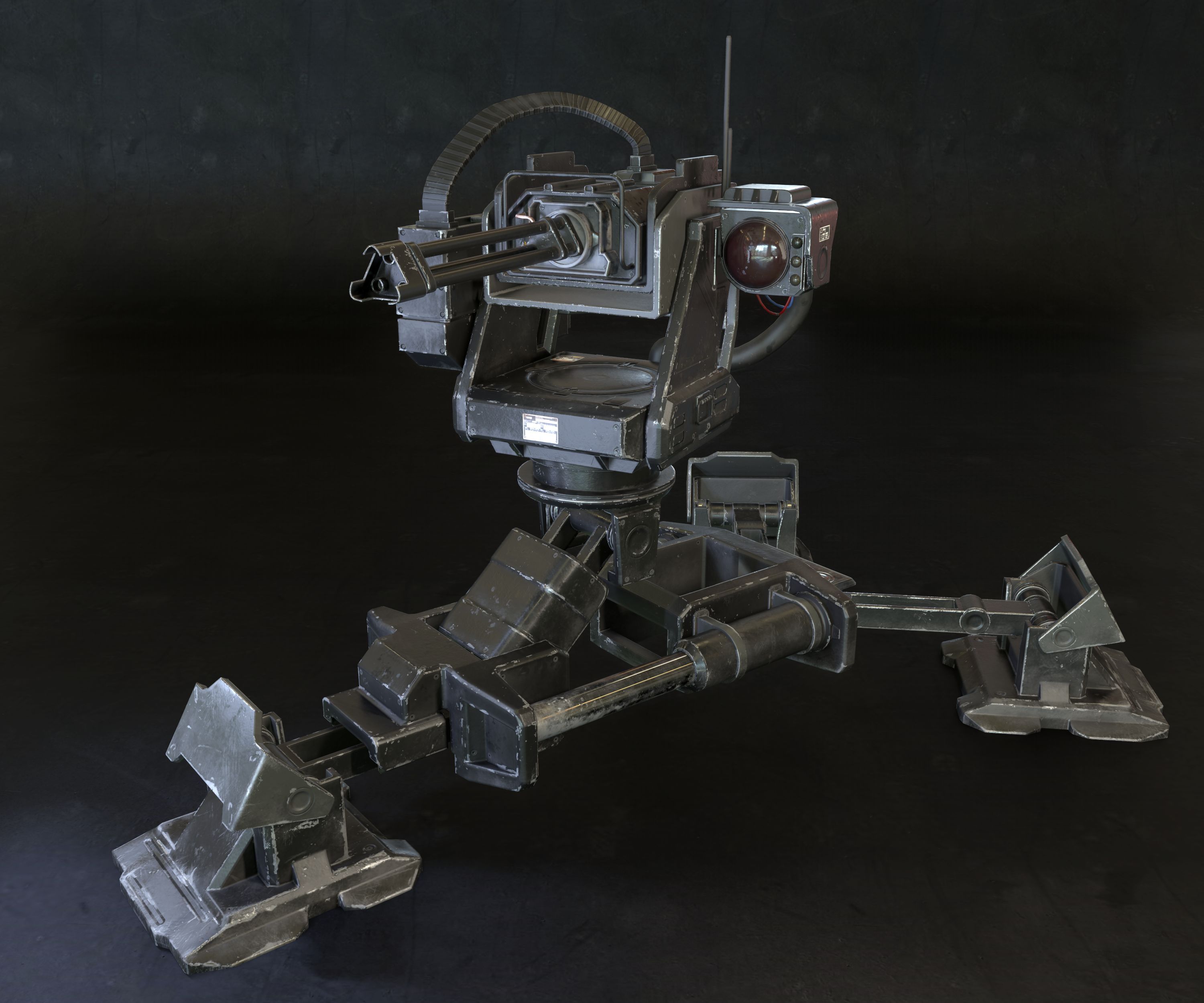
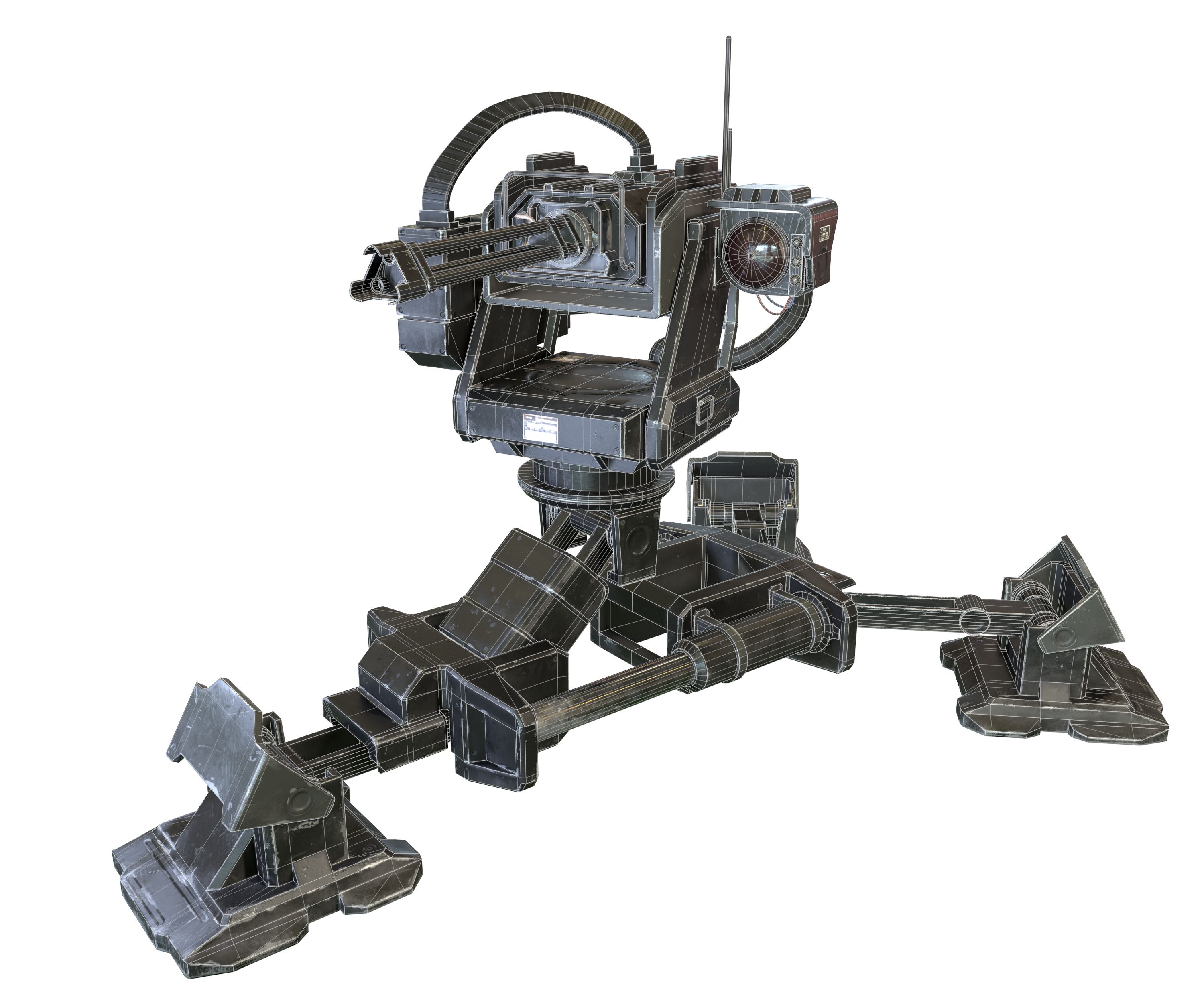
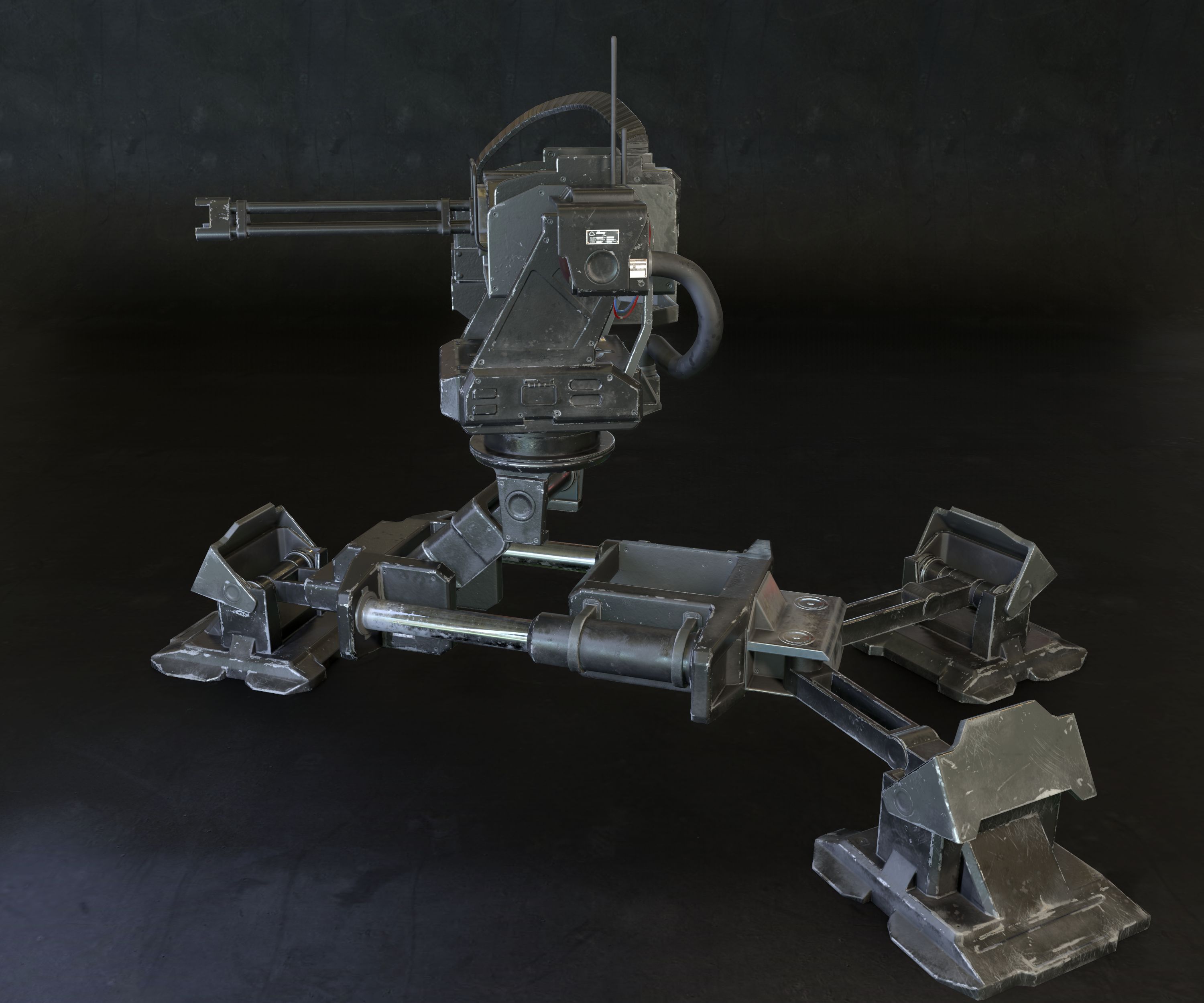
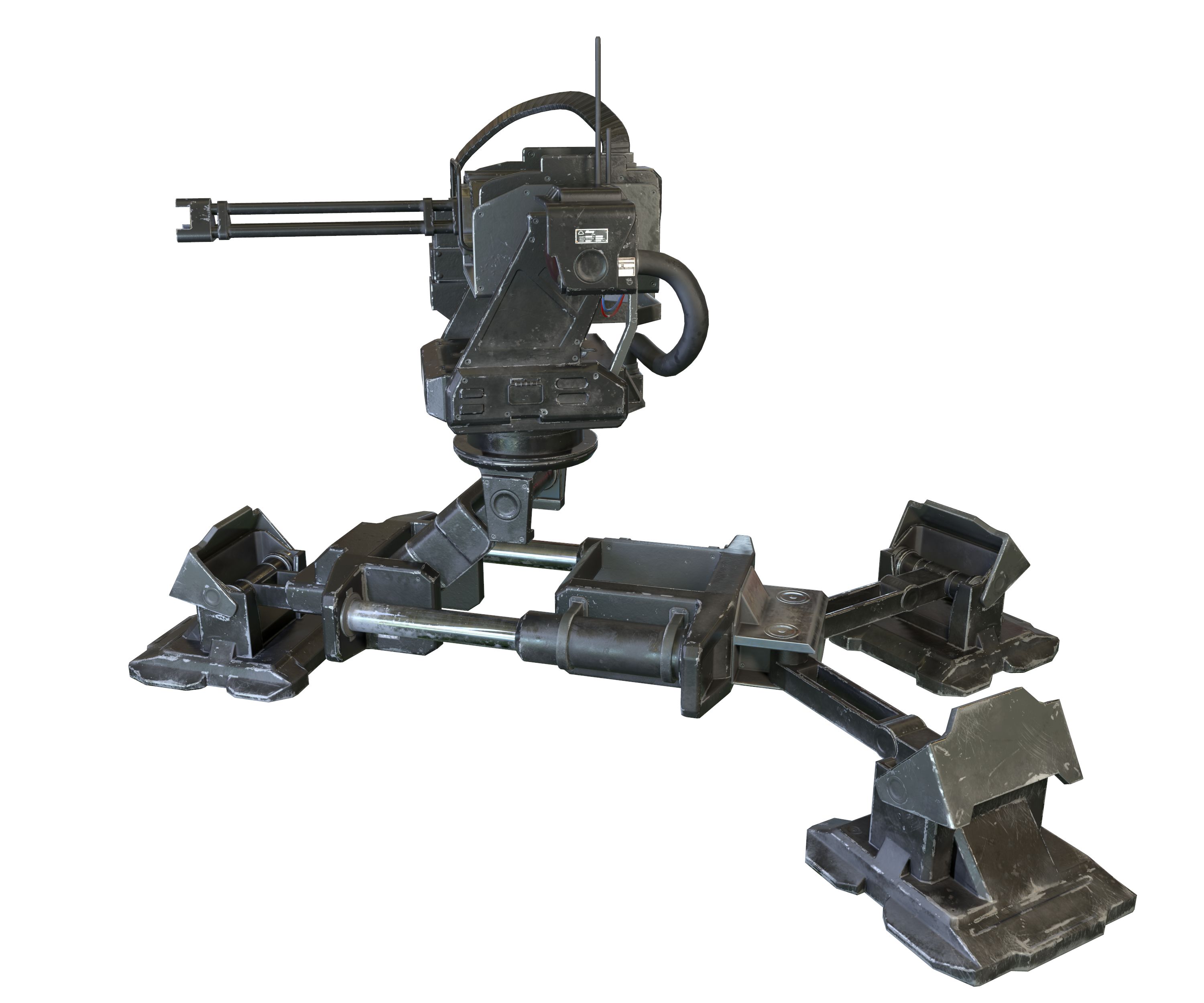
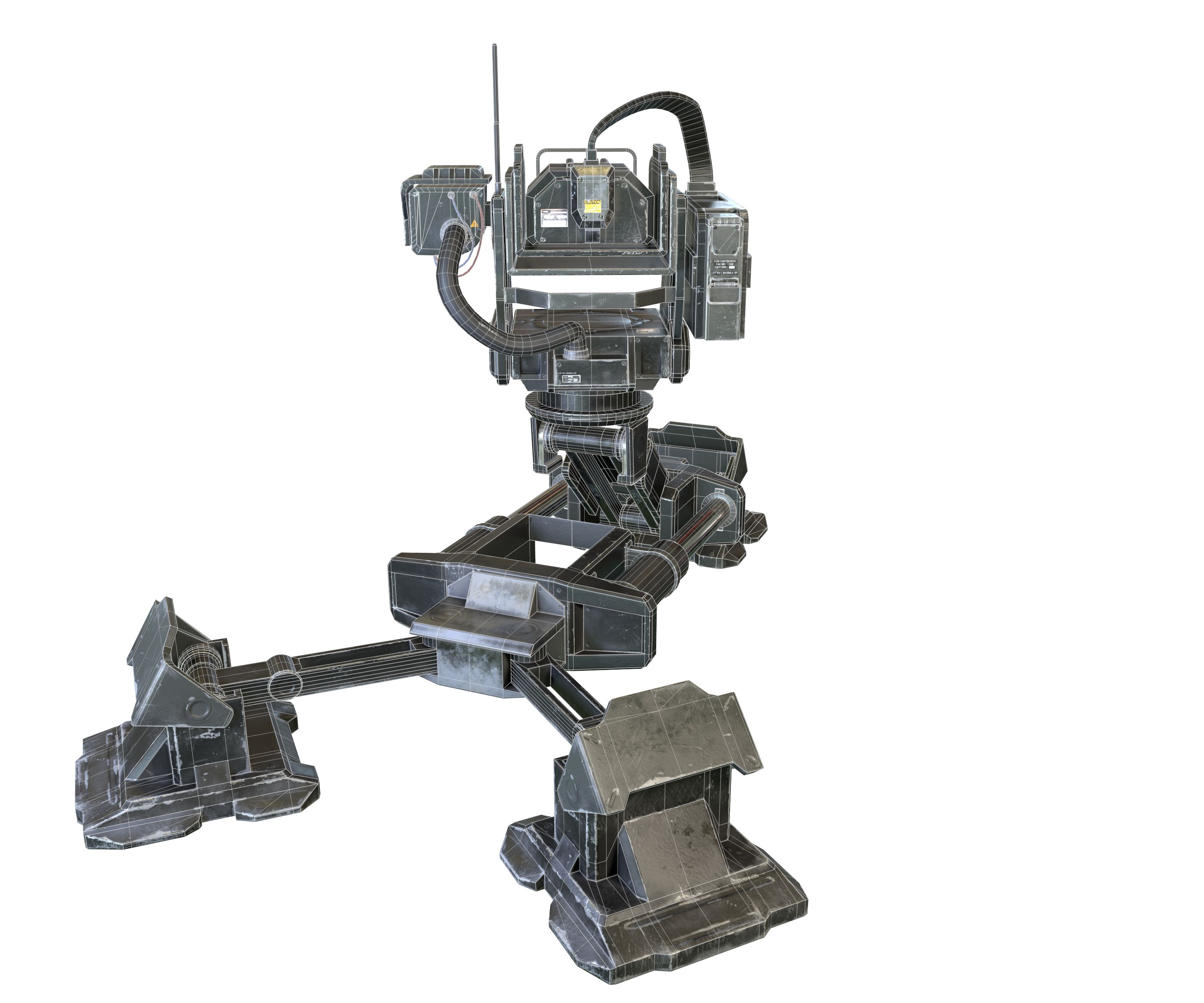
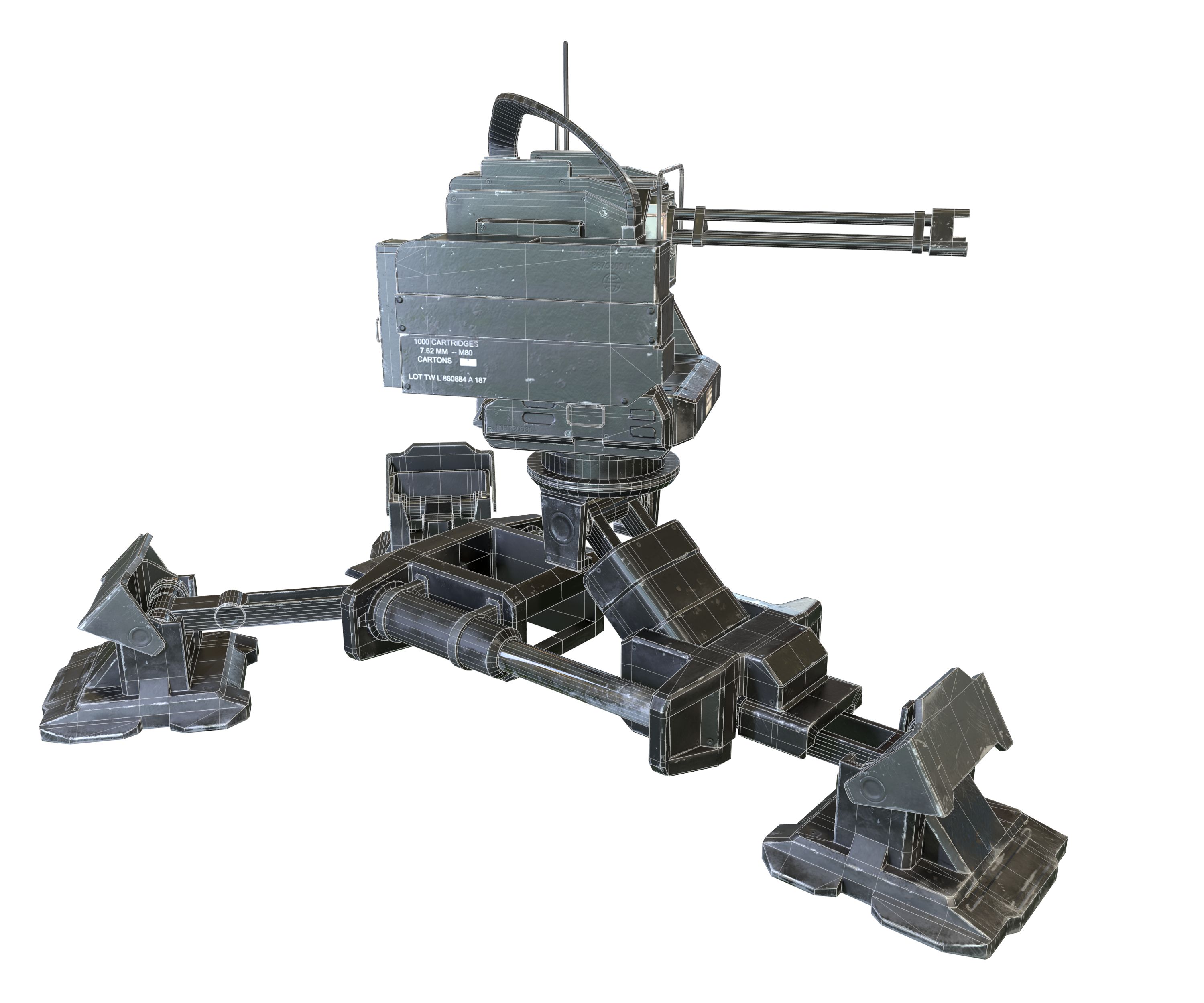
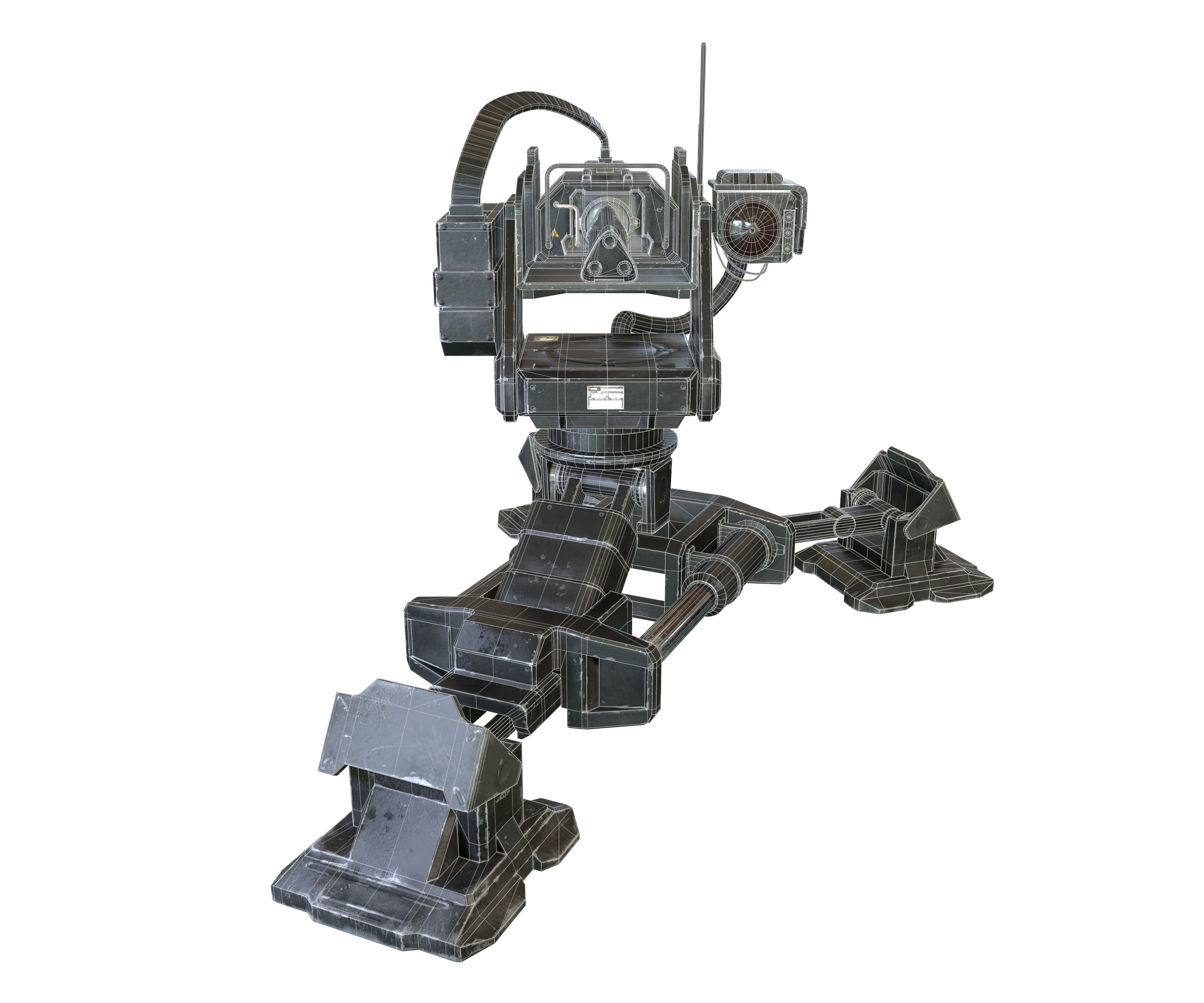
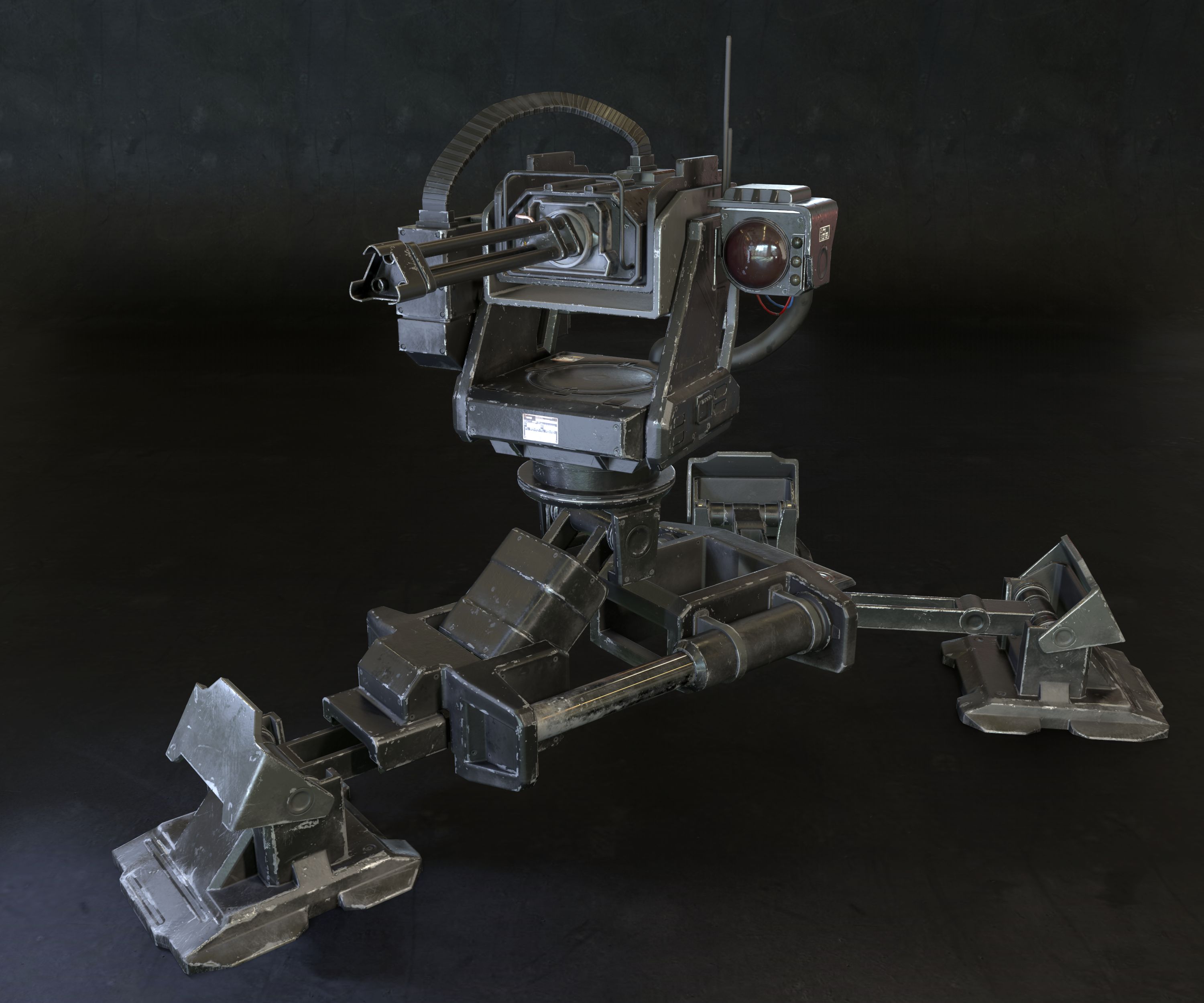
Turret Sentry - Game Ready 3D 모델
1











0
방문

에 의해 제출 된
MeshMagnet
명세서
- 기하학polygonal_quads/tris
- 다각형13,485
- 정점들14,527
- 텍스처Yes
- 딱딱한No
- 생기 있는No
- 3D 인쇄 가능 준비No
- 게임 준비 (낮은 폴리)No
- UV 매핑 됨Yes
- 포장되지 않은 자외선mixed
기술
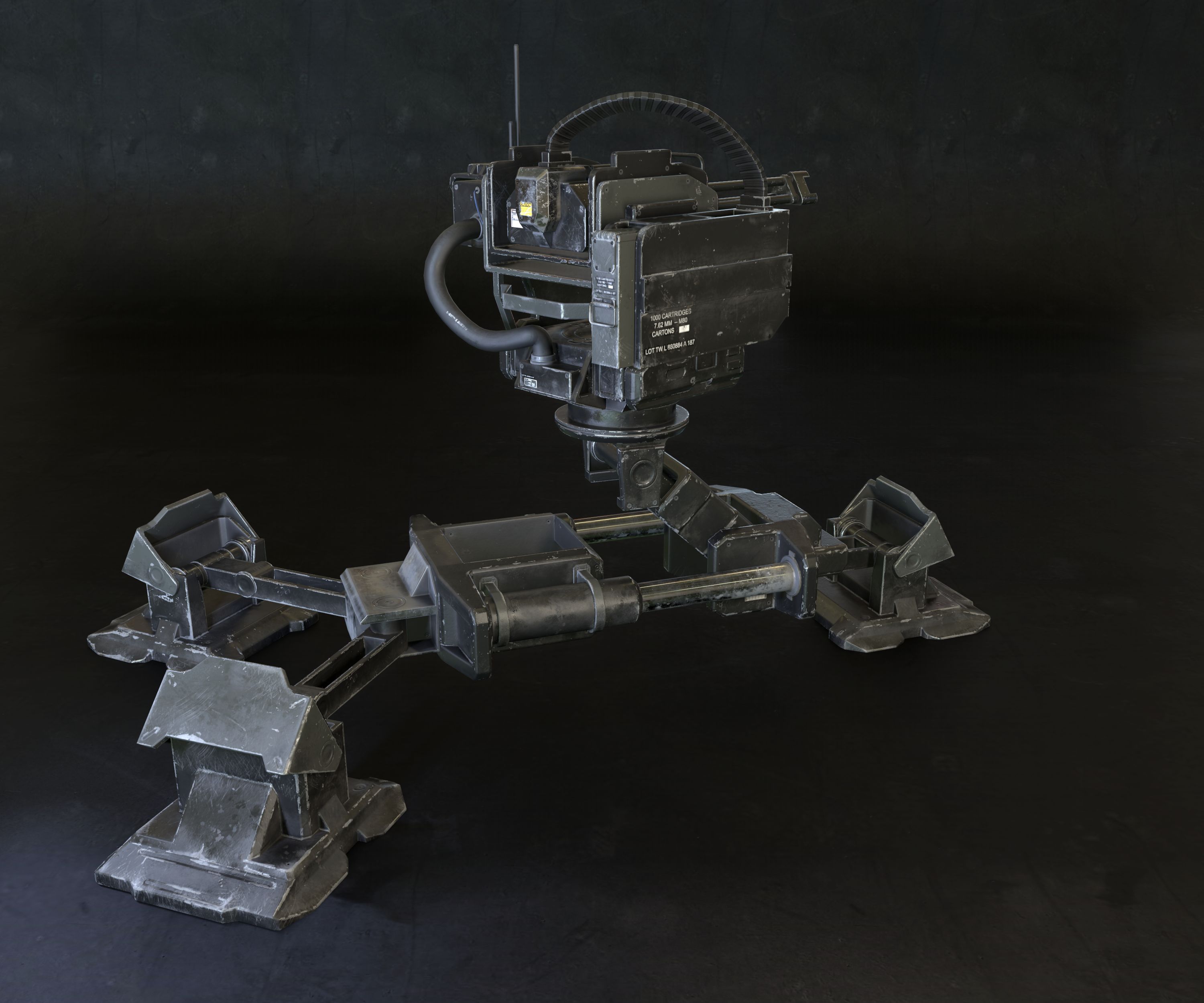
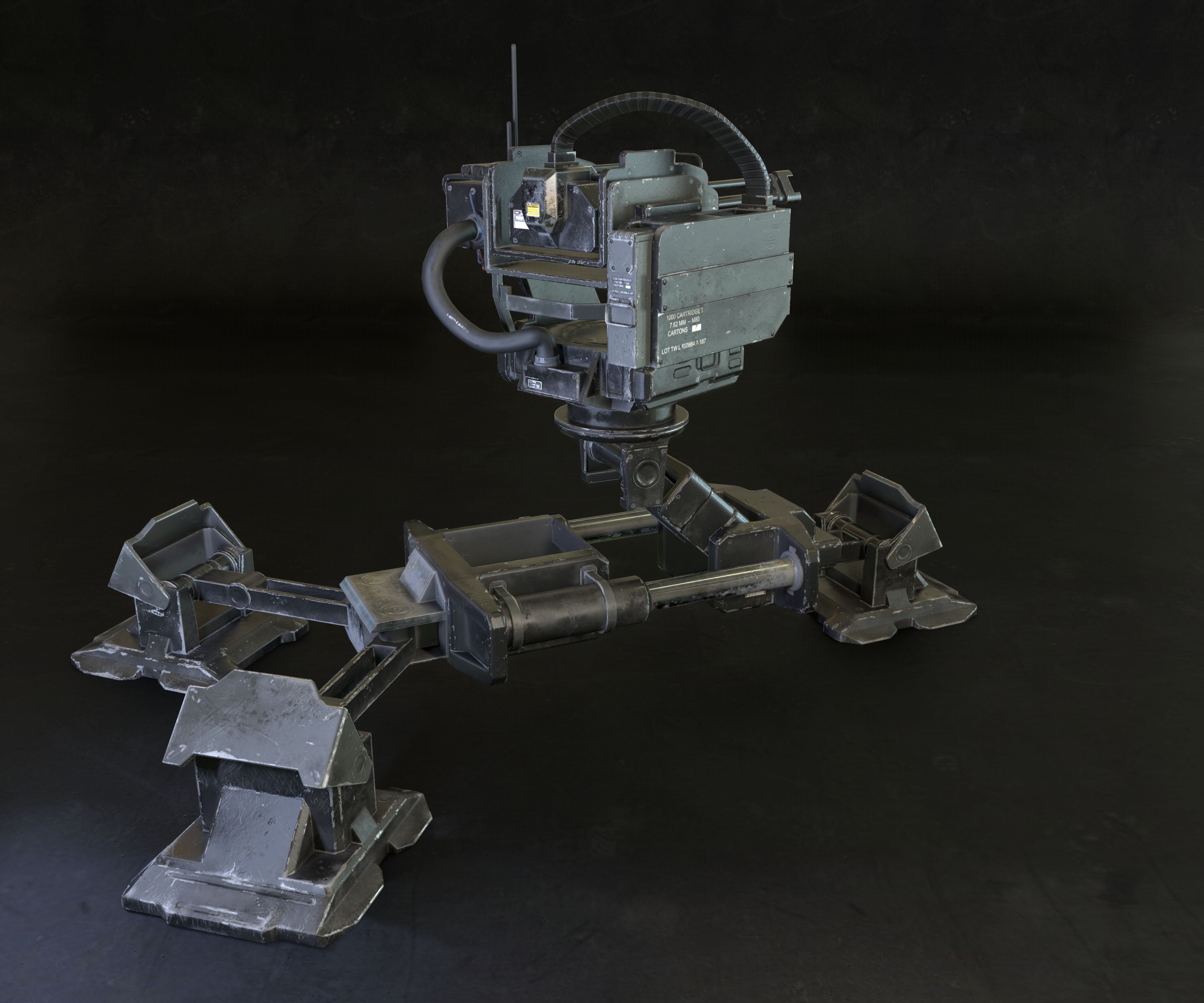
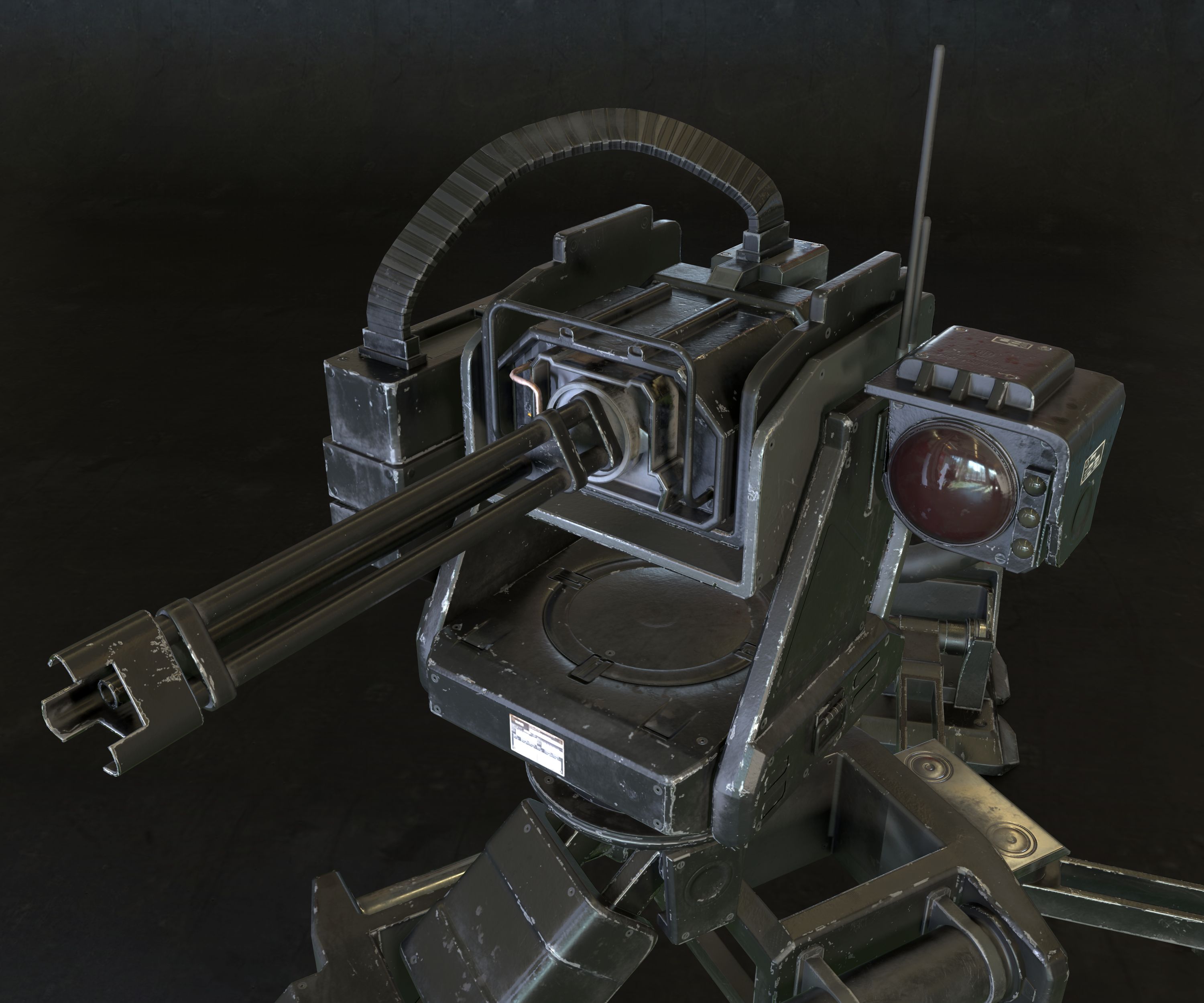
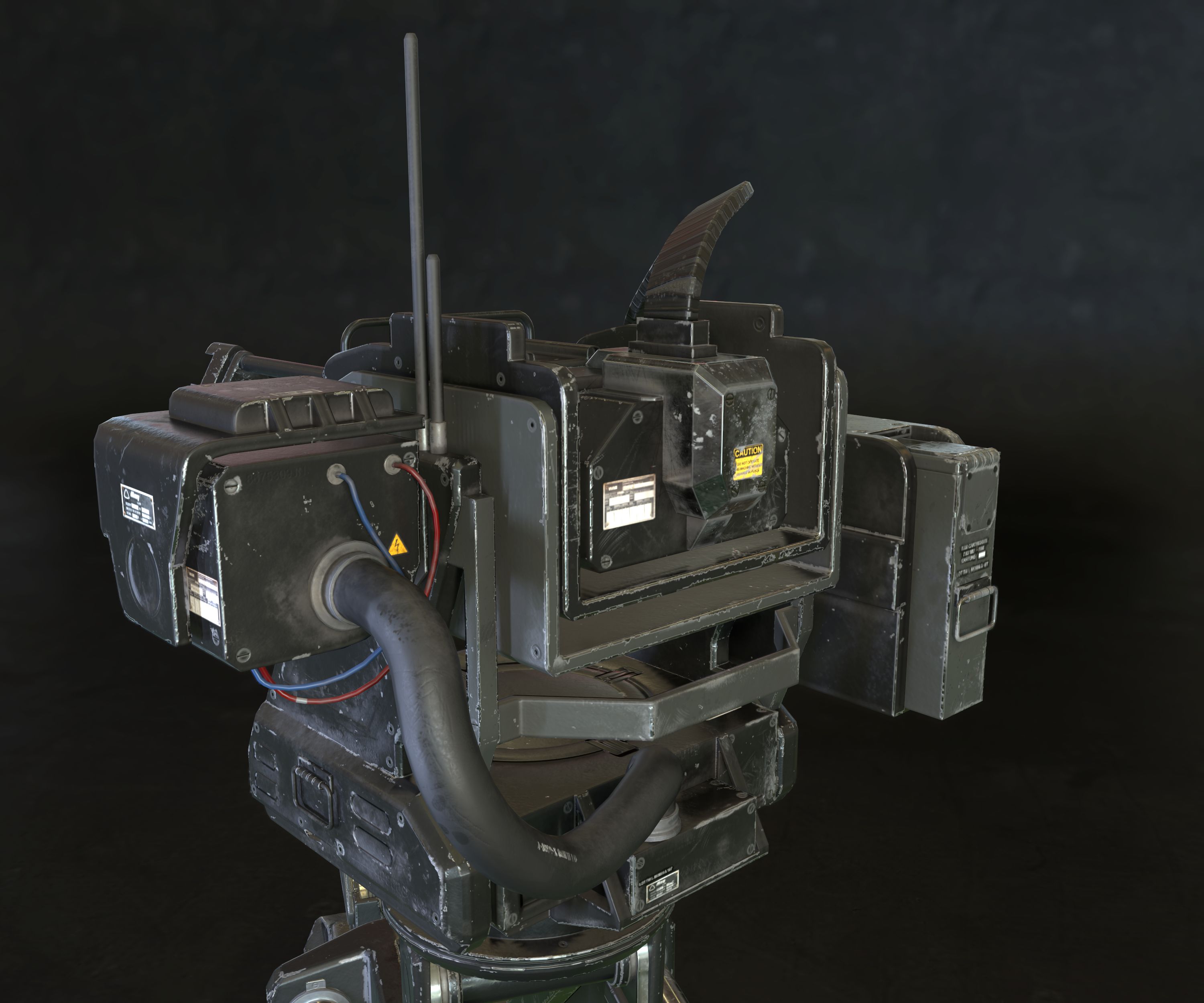
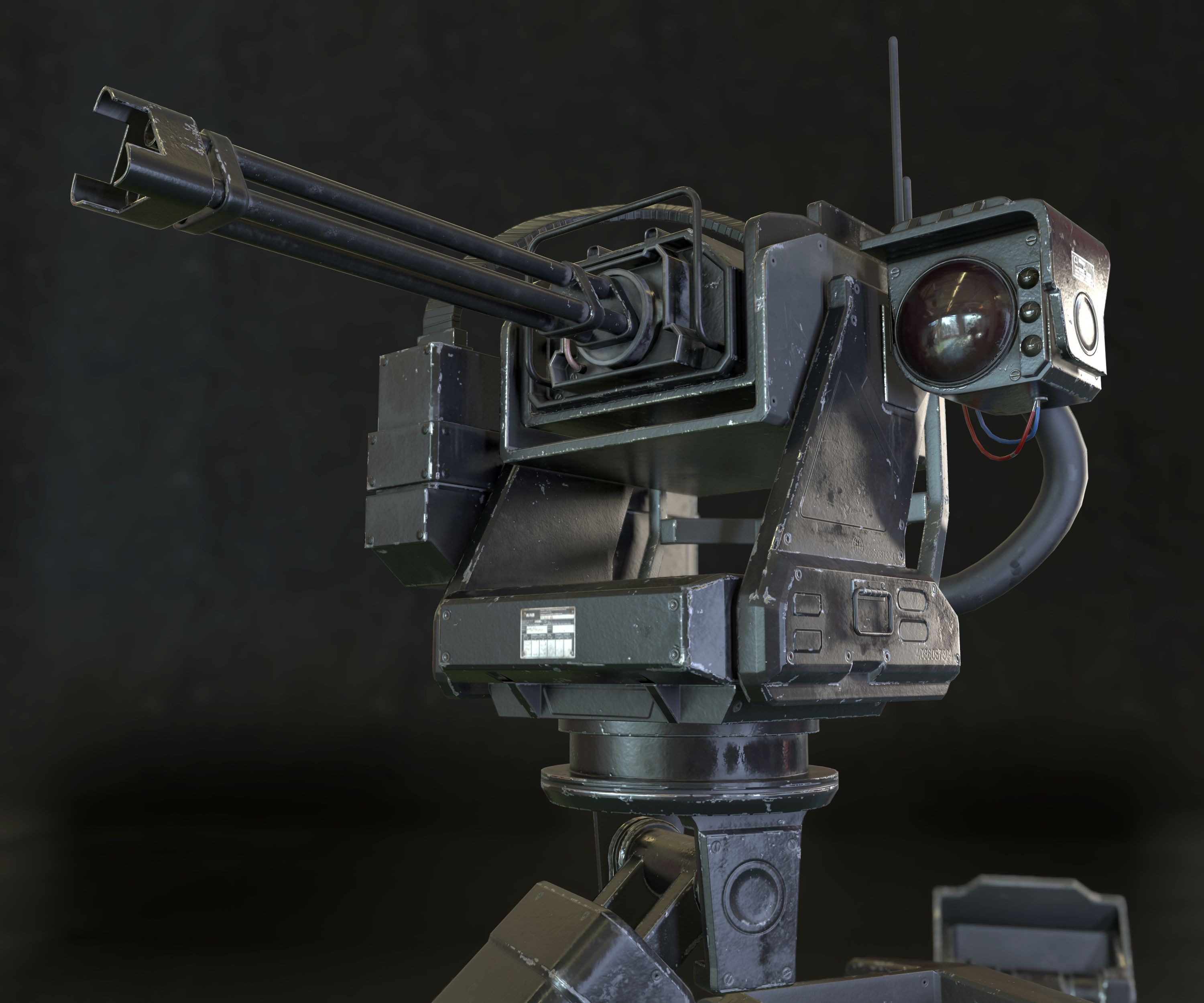
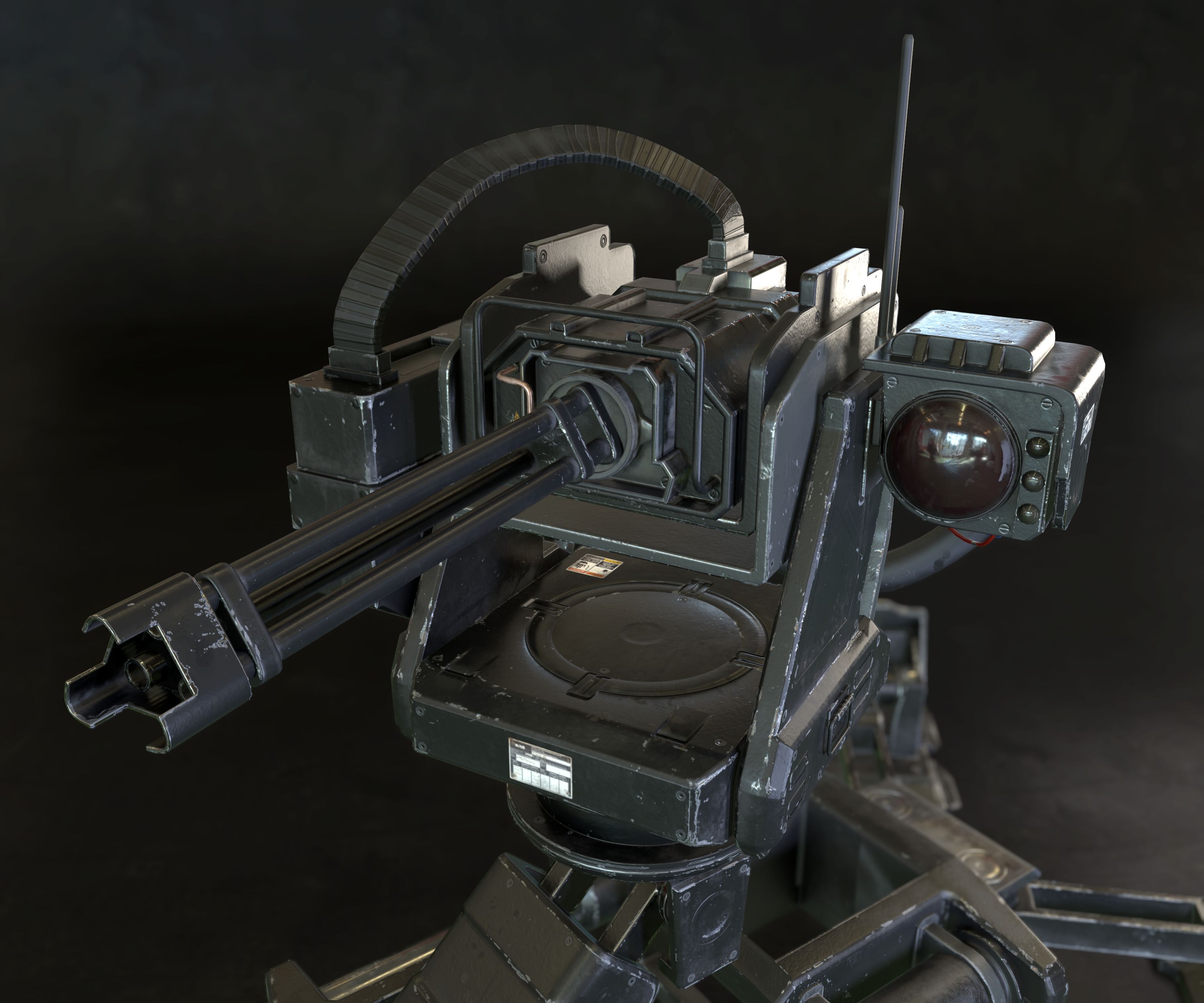
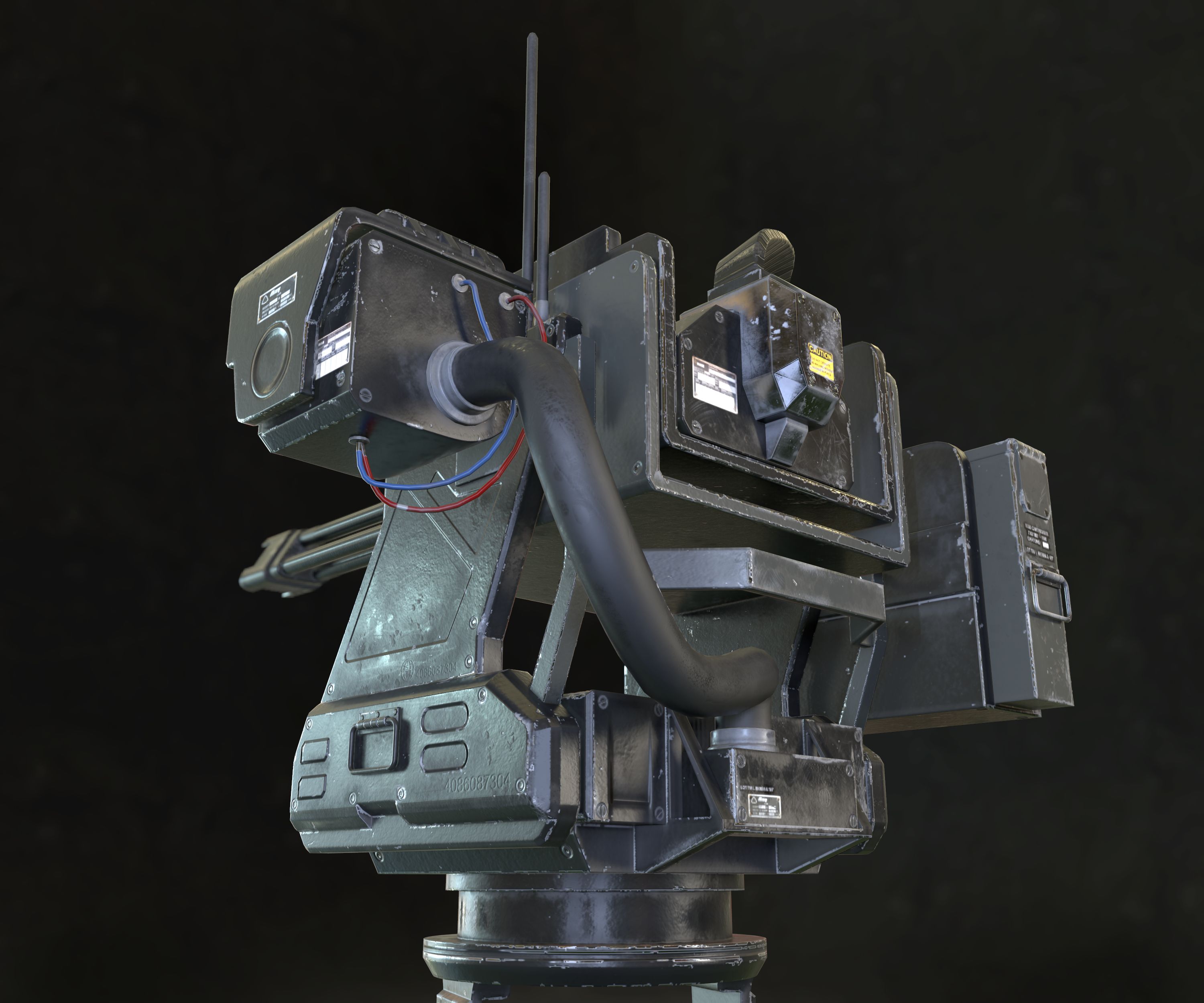
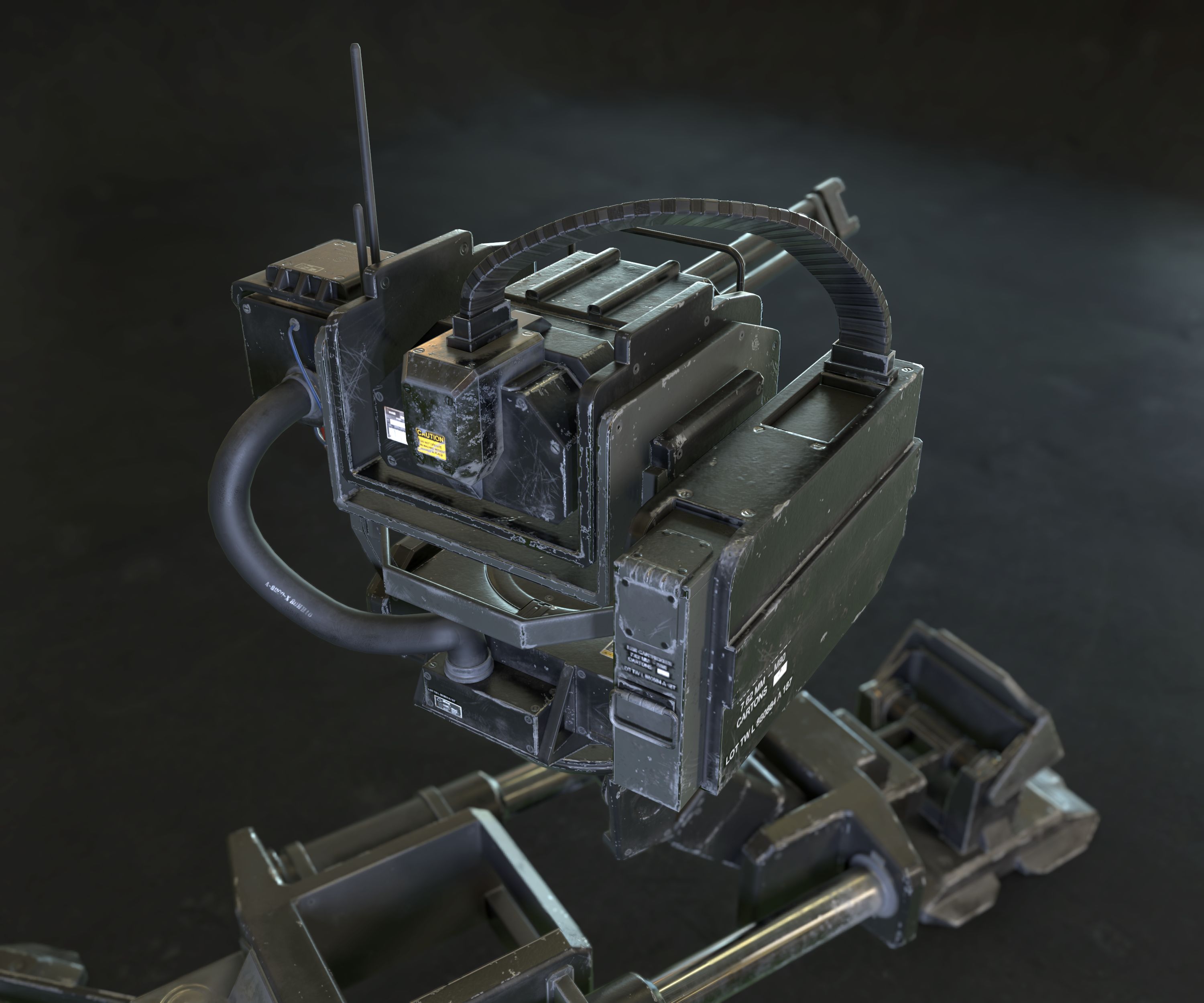
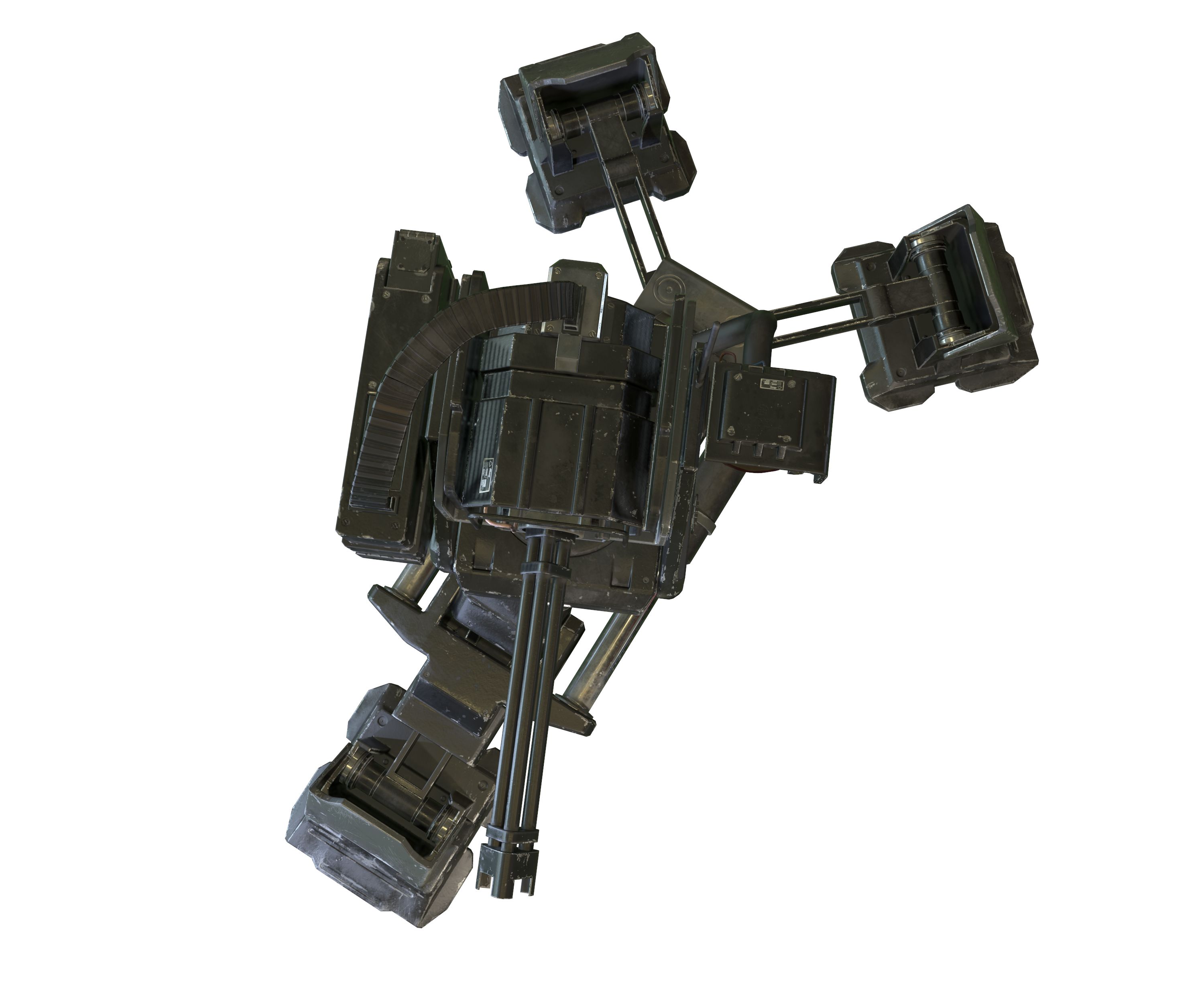
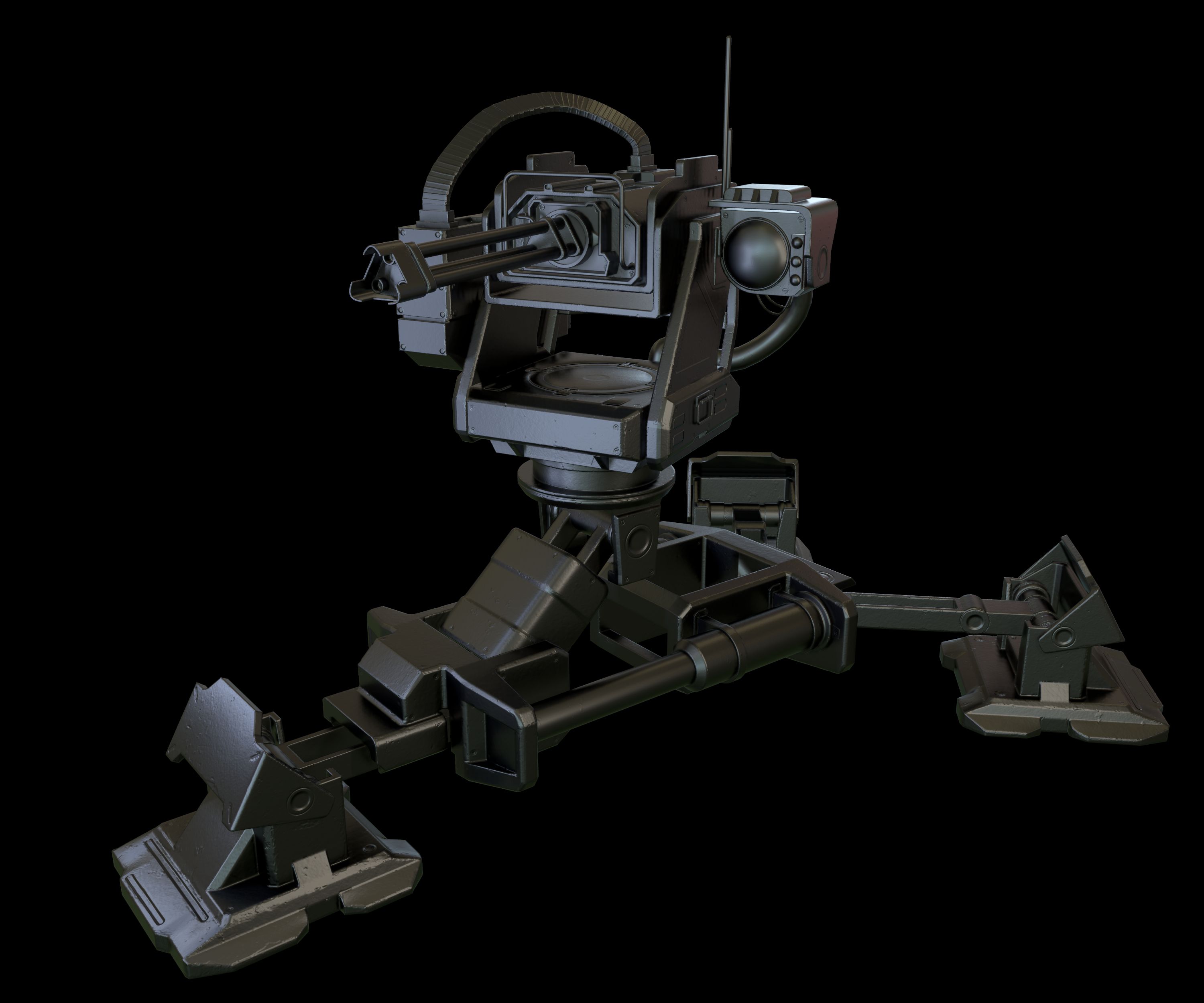
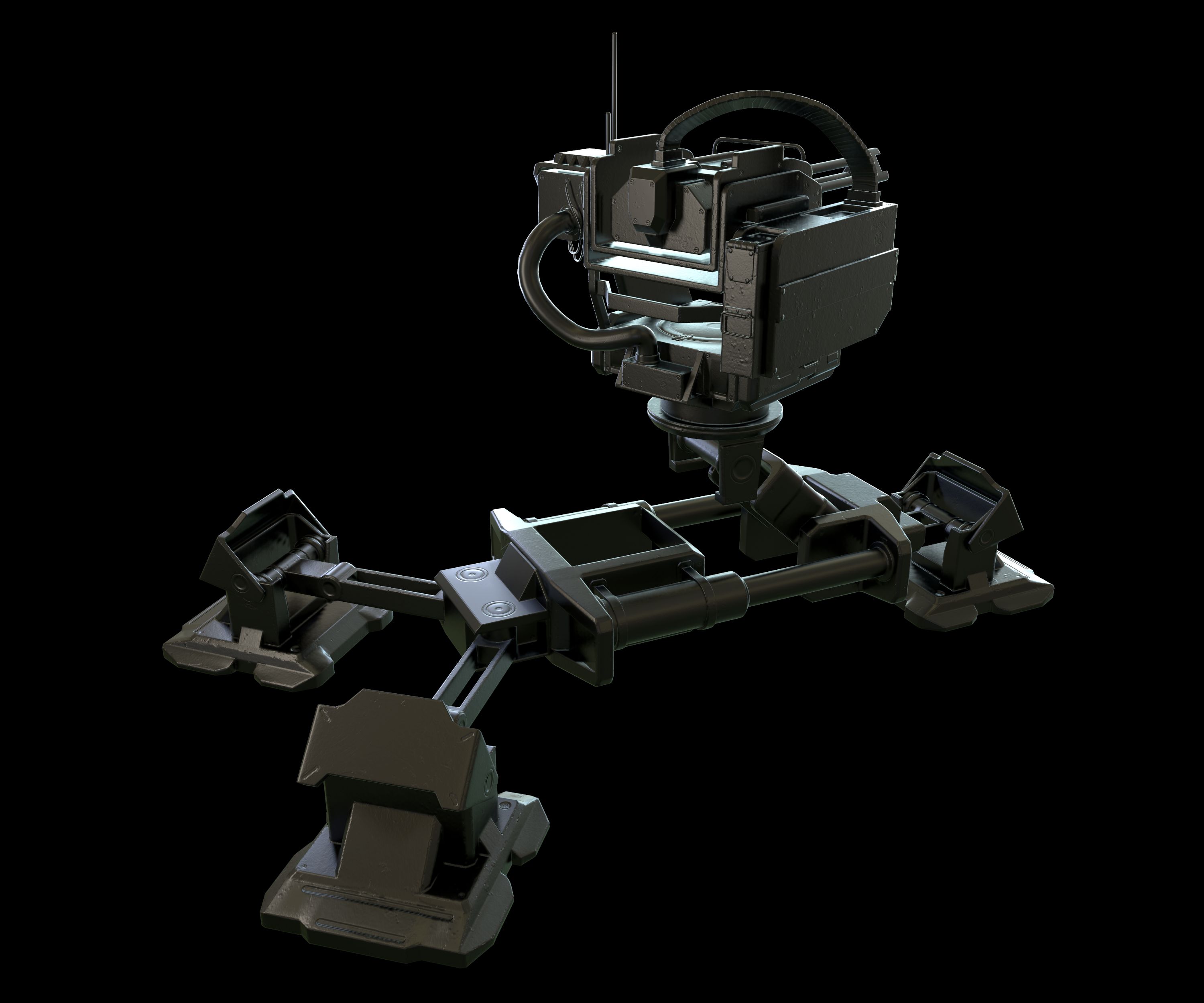
Real-Time Game Ready Sentry Turret Gun.
Multiple file types are also included in the .zip file so you can open this in just about any 3d program or game engine.
Display images were rendered in Marmoset Toolbag.
Normal maps were baked from a high poly model.
Includes the following 3d file types: (use the .fbx file to import into any popular 3d package)
Blender 2.90.1
.FBX
.OBJ
Marmoset File - (the images you see in the thumbnails are using this file)Includes the following PBR texture types (BOTH Metalness and Specular, perfect for Unity, Cryengine and UE4):
4096x4096: Ambient_Occlusion
4096x4096: Base Color
4096x4096: Diffuse
4096x4096: Gloss
4096x4096: Normal Map
4096x4096: Roughness
4096x4096: Specular
4096x4096: Metalness
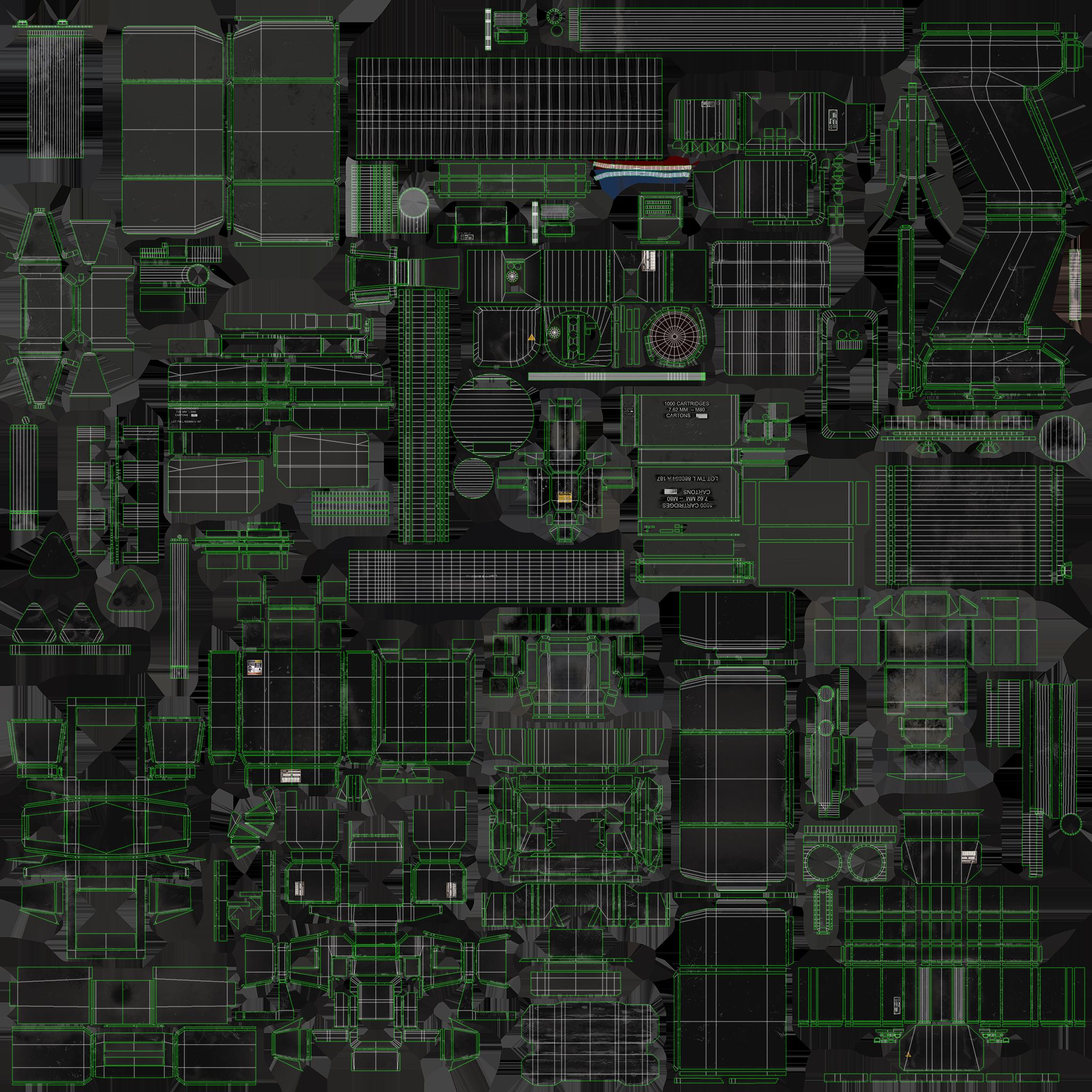
4096x4096: UV Map
Note about textures. The Normal maps are -y, this is fine for directx. If they look flipped, just highlight the green channel in photoshop and hit ctrl+i.
If the roughness and metalness look too shiny in say, UE4, you'll have to make sure they are set to linear. Just double click the texture and uncheck the sRGB box.
You can also fix that by combining maps in an image editor like Photoshop.
UV's are mostly flat with a few pieces overlapping where necessary.
Units are Metric.
Game Ready!
Multiple file types are also included in the .zip file so you can open this in just about any 3d program or game engine.
Display images were rendered in Marmoset Toolbag.
Normal maps were baked from a high poly model.
Includes the following 3d file types: (use the .fbx file to import into any popular 3d package)
Blender 2.90.1
.FBX
.OBJ
Marmoset File - (the images you see in the thumbnails are using this file)Includes the following PBR texture types (BOTH Metalness and Specular, perfect for Unity, Cryengine and UE4):
4096x4096: Ambient_Occlusion
4096x4096: Base Color
4096x4096: Diffuse
4096x4096: Gloss
4096x4096: Normal Map
4096x4096: Roughness
4096x4096: Specular
4096x4096: Metalness
4096x4096: UV Map
Note about textures. The Normal maps are -y, this is fine for directx. If they look flipped, just highlight the green channel in photoshop and hit ctrl+i.
If the roughness and metalness look too shiny in say, UE4, you'll have to make sure they are set to linear. Just double click the texture and uncheck the sRGB box.
You can also fix that by combining maps in an image editor like Photoshop.
UV's are mostly flat with a few pieces overlapping where necessary.
Units are Metric.
Game Ready!
Nov 12, 2021
추가 된 날짜
Mar 01, 2022
마지막 업데이트
리뷰
현재이 제품에 대한 리뷰가 없습니다.
얼음을 깬 첫 번째 사람이되지 않겠습니까?