
-->
건축물차량문자항공기가구전자 제품동물식물무기스포츠식품해부
북마크 됨
북마크 삭제됨

덩굴 생성기 3D 모델

0
덩굴 생성기 royalty-free 3d model - Preview no. 1
덩굴 생성기 royalty-free 3d model - Preview no. 2
덩굴 생성기 royalty-free 3d model - Preview no. 3
덩굴 생성기 royalty-free 3d model - Preview no. 4
덩굴 생성기 royalty-free 3d model - Preview no. 5
덩굴 생성기 royalty-free 3d model - Preview no. 6
덩굴 생성기 royalty-free 3d model - Preview no. 7
덩굴 생성기 royalty-free 3d model - Preview no. 8
덩굴 생성기 royalty-free 3d model - Preview no. 9
덩굴 생성기 royalty-free 3d model - Preview no. 10
덩굴 생성기 royalty-free 3d model - Preview no. 11
덩굴 생성기 royalty-free 3d model - Preview no. 12
덩굴 생성기 royalty-free 3d model - Preview no. 13
덩굴 생성기 royalty-free 3d model - Preview no. 14
덩굴 생성기 royalty-free 3d model - Preview no. 15
덩굴 생성기 royalty-free 3d model - Preview no. 16
덩굴 생성기 royalty-free 3d model - Preview no. 17
덩굴 생성기 royalty-free 3d model - Preview no. 18
덩굴 생성기 royalty-free 3d model - Preview no. 19
덩굴 생성기 royalty-free 3d model - Preview no. 20
덩굴 생성기 royalty-free 3d model - Preview no. 1
덩굴 생성기 royalty-free 3d model - Preview no. 2
덩굴 생성기 royalty-free 3d model - Preview no. 3
덩굴 생성기 royalty-free 3d model - Preview no. 4
덩굴 생성기 royalty-free 3d model - Preview no. 5
덩굴 생성기 royalty-free 3d model - Preview no. 6
덩굴 생성기 royalty-free 3d model - Preview no. 7
덩굴 생성기 royalty-free 3d model - Preview no. 8
덩굴 생성기 royalty-free 3d model - Preview no. 9
덩굴 생성기 royalty-free 3d model - Preview no. 10
덩굴 생성기 royalty-free 3d model - Preview no. 11
덩굴 생성기 royalty-free 3d model - Preview no. 12
덩굴 생성기 royalty-free 3d model - Preview no. 13
덩굴 생성기 royalty-free 3d model - Preview no. 14
덩굴 생성기 royalty-free 3d model - Preview no. 15
덩굴 생성기 royalty-free 3d model - Preview no. 16
덩굴 생성기 royalty-free 3d model - Preview no. 17
덩굴 생성기 royalty-free 3d model - Preview no. 18
덩굴 생성기 royalty-free 3d model - Preview no. 19
덩굴 생성기 royalty-free 3d model - Preview no. 20
로열티 무료 라이센스모든 확장 용도
단순 반품
최저가 보장
상자에서 작동 함
0 방문
Ricmage

명세서

  • 기하학polygonal
  • 다각형99,999,999
  • 정점들99,999,999
  • 텍스처Yes
  • 딱딱한Yes
  • 생기 있는Yes
  • 3D 인쇄 가능 준비No
  • 게임 준비 (낮은 폴리)No
  • UV 매핑 됨Yes
  • 포장되지 않은 자외선overlapping

형식 및 파일

3ds Max
(.max)
6 MB

vray NEXT
Ivy_TyFlow_toTurboSquidImages.max
3ds Max
(.max)
2 MB

vray NEXT
Ivy_TyFlow_ToAnimation.max
3ds Max
(.max)
2 MB

vray NEXT
Ivy_TyFlow_ToAnimation_2017.max
3ds Max
(.max)
2 MB

vray NEXT
Ivy_TyFlow_ToAnimation_ViewLessheavy.max
3ds Max
(.max)
2 MB

vray NEXT
Ivy_TyFlow_ToAnimation_ViewLessheavy_2017.max
3ds Max
(.max)
2 MB

vray NEXT
Ivy_TyFlow_Still_Just WindUseFromEndFormationFrame232ToForward.max
3ds Max
(.max)
2 MB

vray NEXT
Ivy_TyFlow_Still_Just WindUseFromEndFormationFrame232ToForward_2017.max
3ds Max
(.max)
2 MB

vray NEXT
Ivy_TyFlow_STILL_Just FormationUsefromEndFrame232ToForward.max
3ds Max
(.max)
2 MB

vray NEXT
Ivy_TyFlow_STILL_Just FormationUsefromEndFrame232ToForward_2017.max

기술

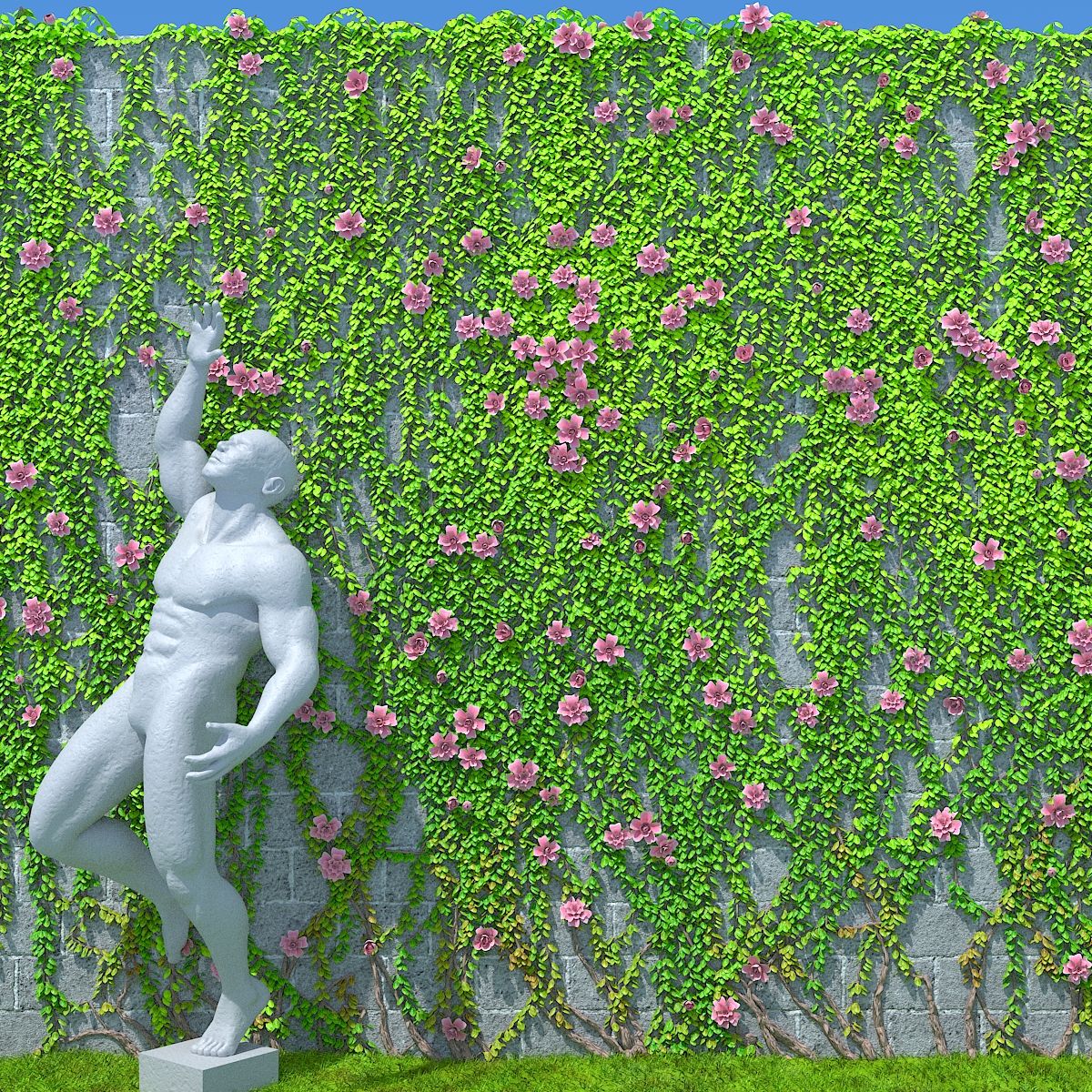
Vines Generator, Animated, made with TyFlow particle system in 3dsmax To Put the Vines in your Meshs: Duplicate your mesh select the mesh where they already are working, select sub object "Element", delete all elements, than , atach the mesh you had duplicated Make the same thing to mesh from where they are birthing starting to grow, Or, just ajust the mesh from where the vines already birthing starting to grow in the original file, to the floor near of your mesh where you to want they climb. But in the images also have explaining better how to do. - Procedural maps Animations: - Branchs grow - Leaves and Flowers grow - "Wind" after grow **InTyFlow Editor, Increasing a lot the "Variation " parameter amount in " Surface Force" "Atraction", in the first event make the branchs get more flying Distances of the walls, generating more chaotic branchs formation; Knowing some of particle system TyFlow you can reach to Several Differents insterestings results with. Thanks to Ibele Notes: - I put some images explaning about how use better the Ivy - You need Install Tyflow to works, Just download and copy your right version to inside \Plugins 3ds Max directory. Its here to Download, and also if you browser search for "tyflow" you found easy to download in your official website, its Free; - Need also download the avaiable in this product, Vray proxies of leaves and flower, the Ivy TyFlow system are using they; - Case when you download leaves dont apear, you just re set where the vrayproxies are, in tyflow "Shape" operators -Needs Vray, or transpose to render that will be used - Case you to want uses the Ivy already in your wall, You have to wait the Ivy grow, are seted to reach more or less in frame 230; - The scene of AnimationSample02 of previews with butterflies is not included, but your vines were made with the same Vines Generator just with some adjustments. - You can add "export" node in events of Tyflow and generate the objects or vray Proxies of the frame you choose, and convert the branchs to editable meshes, and use only these, then after , turn off tyflows or delete them. Hope you Enjoy.
Sep 13, 2020 추가 된 날짜
Nov 03, 2021 마지막 업데이트

리뷰

현재이 제품에 대한 리뷰가 없습니다.
얼음을 깬 첫 번째 사람이되지 않겠습니까?