


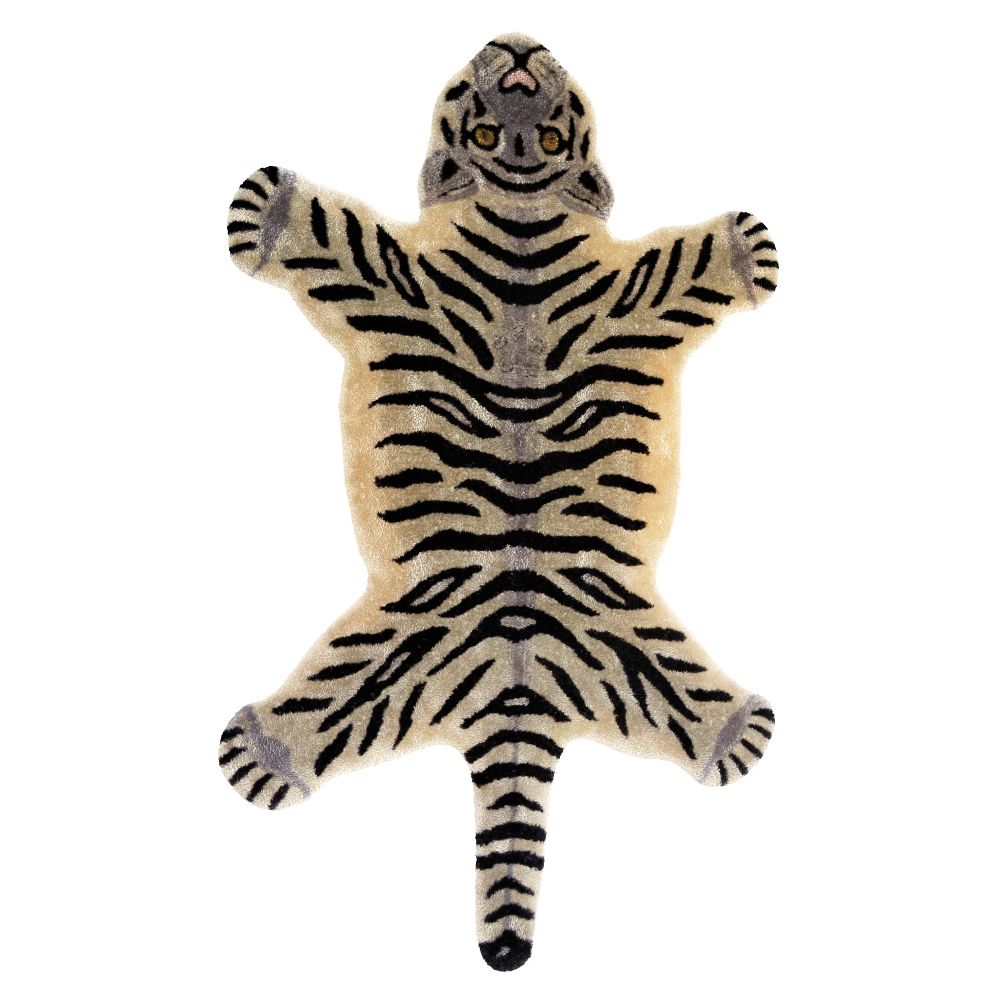


Wild Tiger 3D 모델
0


0
방문

에 의해 제출 된
snscgworks
명세서
- 기하학polygonal
- 다각형164,927
- 정점들157,382
- 텍스처Yes
- 딱딱한No
- 생기 있는No
- 3D 인쇄 가능 준비No
- 게임 준비 (낮은 폴리)No
- UV 매핑 됨Yes
- 포장되지 않은 자외선non-overlapping
기술
I have included light setup in the scene file.
This has been modeled with good production standards.
This model was constructed with utmost care and attention to detail, with clean edge flow for rigging / facial comfort.
Maintained well organized hierarchy and naming throughout the outliner and hyper-shade.
Model file contains teeth n tongue geometry also.
Textures / source images of resolution 4096X4096 ,JPEG format used.chk the Zip file for texture map.
Used only Maya n mental-ray shaders for rest of the objects applied to selected faces with the colors as shown in the images in the presentation page.
Constructed from the real photographs of tiger collected from internet and tried to go as close as possible also keeping the deformation flexibility in mind.
Only Maya format contains the shaders and lit setup used for rendering.other formats provide only model geometry.
*********************************
Poly count :
Body - Polys: 8680; Vertices: 8689
Fur- Polys: 151077; Vertices:143586
Eyes - Polys: 1640; Vertices:1608
Inner Mouth - Polys: 2618; Vertices: 2683
Nails - Polys: 912; Vertices: 816
Wild Tiger : Total - Polys: 164927; Vertices: 157382.
*********************************
File formats:
- Maya 2015 ( Lit file,Contains also mental ray and standard materials )
-Maya 2015 model geometry file
-FBX ( multi format )
-OBJ ( multi format )
Make sure mental-ray plugin loaded from plugin-manager settings in Maya ,then simply open the scene file and proceed for rendering for the quality promised in the presentation page.
Hope U like it.
Sep 16, 2020
추가 된 날짜
Feb 12, 2022
마지막 업데이트
리뷰
현재이 제품에 대한 리뷰가 없습니다.
얼음을 깬 첫 번째 사람이되지 않겠습니까?
