-->
건축물차량문자항공기가구전자 제품동물식물무기스포츠식품해부
북마크 됨
북마크 삭제됨

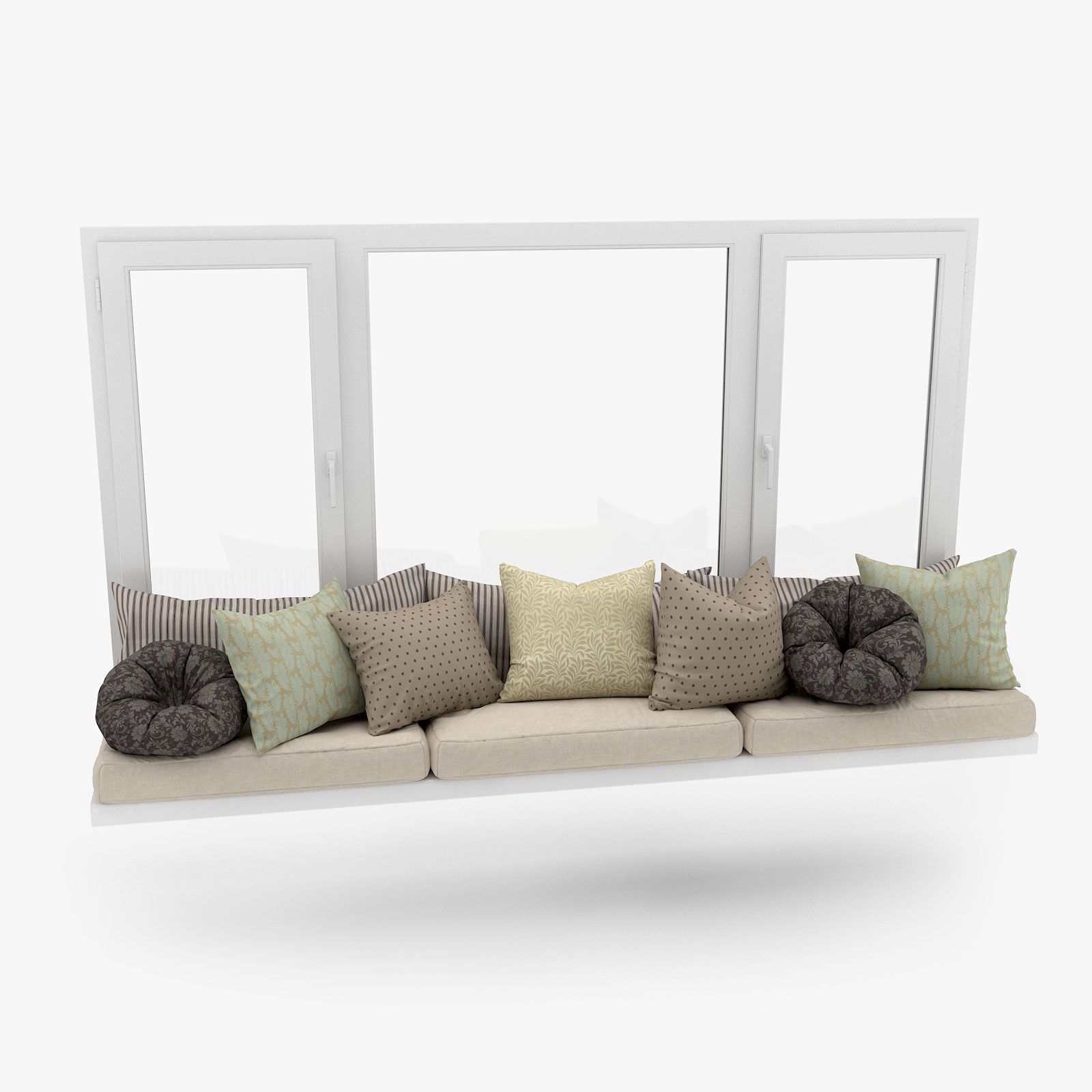
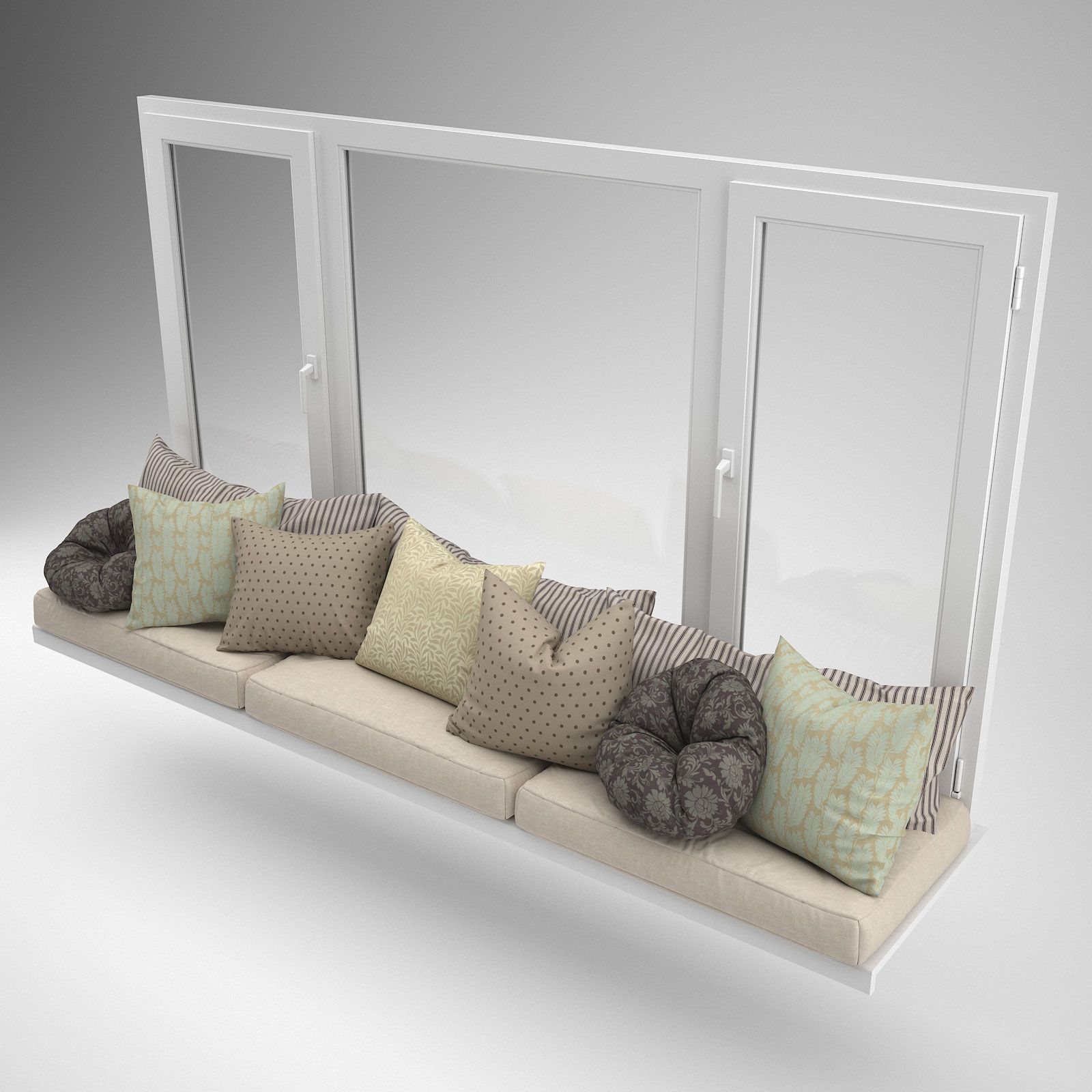
창가의 좌석 3D 모델

0
창가의 좌석 royalty-free 3d model - Preview no. 1
창가의 좌석 royalty-free 3d model - Preview no. 2
창가의 좌석 royalty-free 3d model - Preview no. 3
창가의 좌석 royalty-free 3d model - Preview no. 4
창가의 좌석 royalty-free 3d model - Preview no. 5
창가의 좌석 royalty-free 3d model - Preview no. 6
창가의 좌석 royalty-free 3d model - Preview no. 7
창가의 좌석 royalty-free 3d model - Preview no. 8
창가의 좌석 royalty-free 3d model - Preview no. 9
창가의 좌석 royalty-free 3d model - Preview no. 10
창가의 좌석 royalty-free 3d model - Preview no. 11
창가의 좌석 royalty-free 3d model - Preview no. 12
창가의 좌석 royalty-free 3d model - Preview no. 13
창가의 좌석 royalty-free 3d model - Preview no. 1
창가의 좌석 royalty-free 3d model - Preview no. 2
창가의 좌석 royalty-free 3d model - Preview no. 3
창가의 좌석 royalty-free 3d model - Preview no. 4
창가의 좌석 royalty-free 3d model - Preview no. 5
창가의 좌석 royalty-free 3d model - Preview no. 6
창가의 좌석 royalty-free 3d model - Preview no. 7
창가의 좌석 royalty-free 3d model - Preview no. 8
창가의 좌석 royalty-free 3d model - Preview no. 9
창가의 좌석 royalty-free 3d model - Preview no. 10
창가의 좌석 royalty-free 3d model - Preview no. 11
창가의 좌석 royalty-free 3d model - Preview no. 12
창가의 좌석 royalty-free 3d model - Preview no. 13
로열티 무료 라이센스모든 확장 용도
단순 반품
최저가 보장
상자에서 작동 함
10 방문
Istinnaya

명세서

  • 기하학polygonal_quads/tris
  • 다각형571,124
  • 정점들345,499
  • 텍스처Yes
  • 딱딱한No
  • 생기 있는No
  • 3D 인쇄 가능 준비No
  • 게임 준비 (낮은 폴리)No
  • UV 매핑 됨Yes
  • 포장되지 않은 자외선mixed

형식 및 파일

FBX
(.fbx)
95 MB

window_seat.FBX
3ds Max
(.max)
55 MB

vray 3.20.03
window_seat.max
OBJ
(.obj)
46 MB

window_seat.obj
(.unknown)
26 MB

window_seat_full_scene_MAX_Vray.zip

기술

Window Seat is a high quality 3d model to add more details and realism to your rendering projects. Fully detailed, textured model. Detailed enough for close-up renders. Originally modeled in 3ds Max 2012. Final images rendered with V-Ray. FEATURES: - High quality polygonal model - correctly scaled accurate representation of the original objects. - Model resolutions are optimized for polygon efficiency (in 3ds Max the TurboSmooth Modifier already applied on Iterations level 1 to increase polygon resolution as necessary). - 8 different materials are suggested in material editor. - All colors can be easily modified. - Scene objects are organized by layers/Groups. - No cleaning up necessary, just drop model into your scene and start rendering. - No third-party renderer or plug-ins needed. TEXTURES: All textures are in .jpg format NOTE: OBJ and FBX file formats are exported directly from 3ds Max.
Oct 27, 2019 추가 된 날짜
Mar 02, 2022 마지막 업데이트

리뷰

현재이 제품에 대한 리뷰가 없습니다.
얼음을 깬 첫 번째 사람이되지 않겠습니까?