


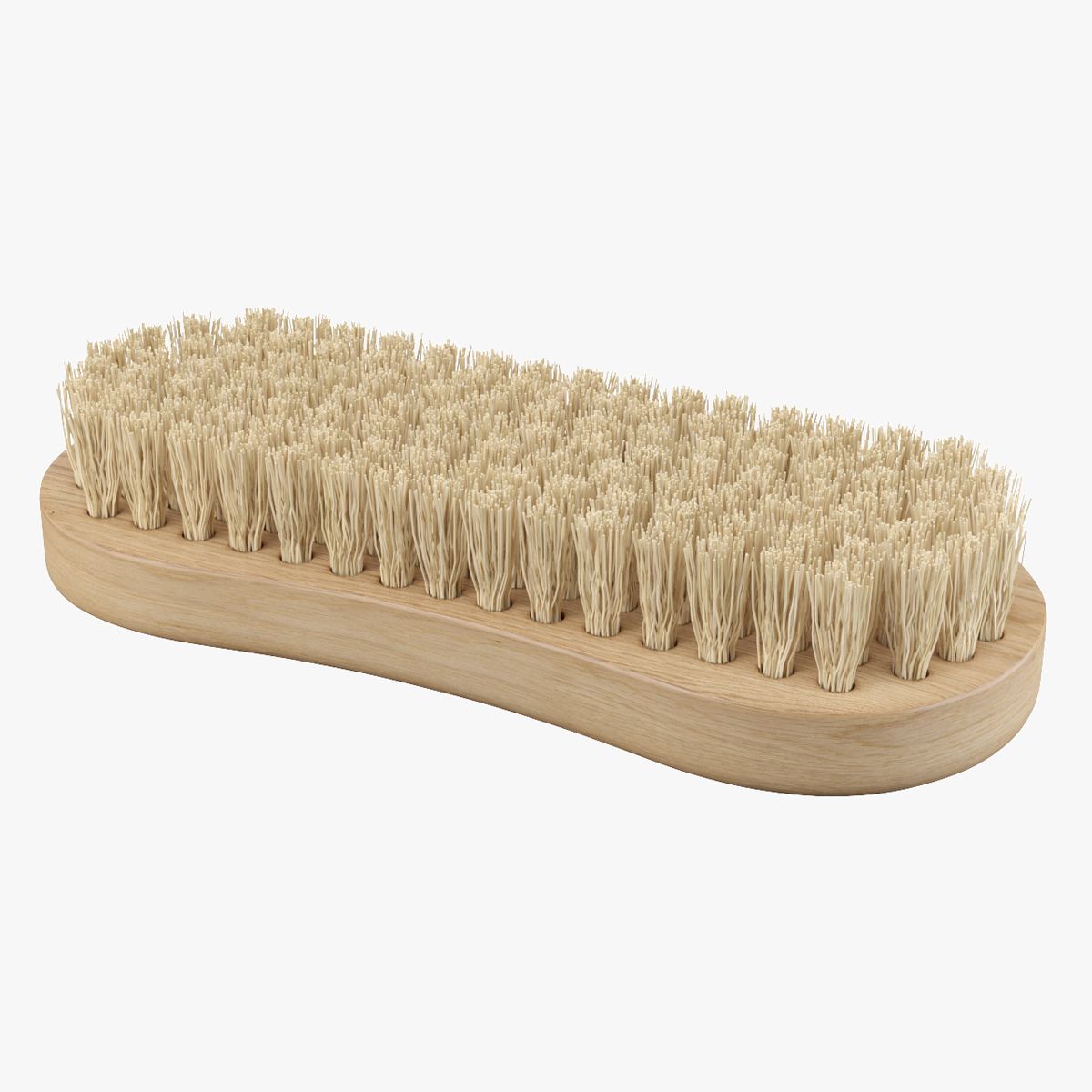

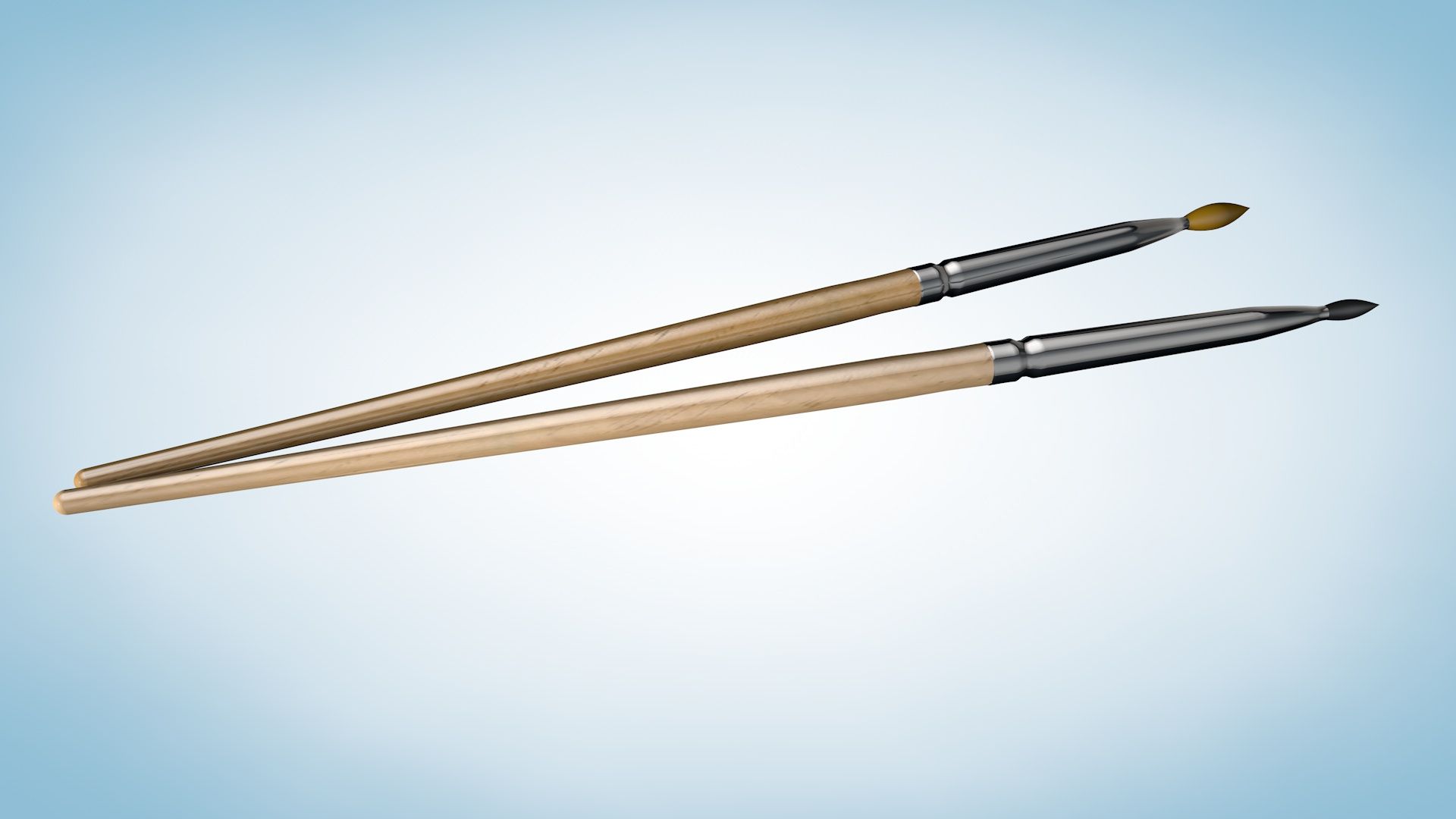

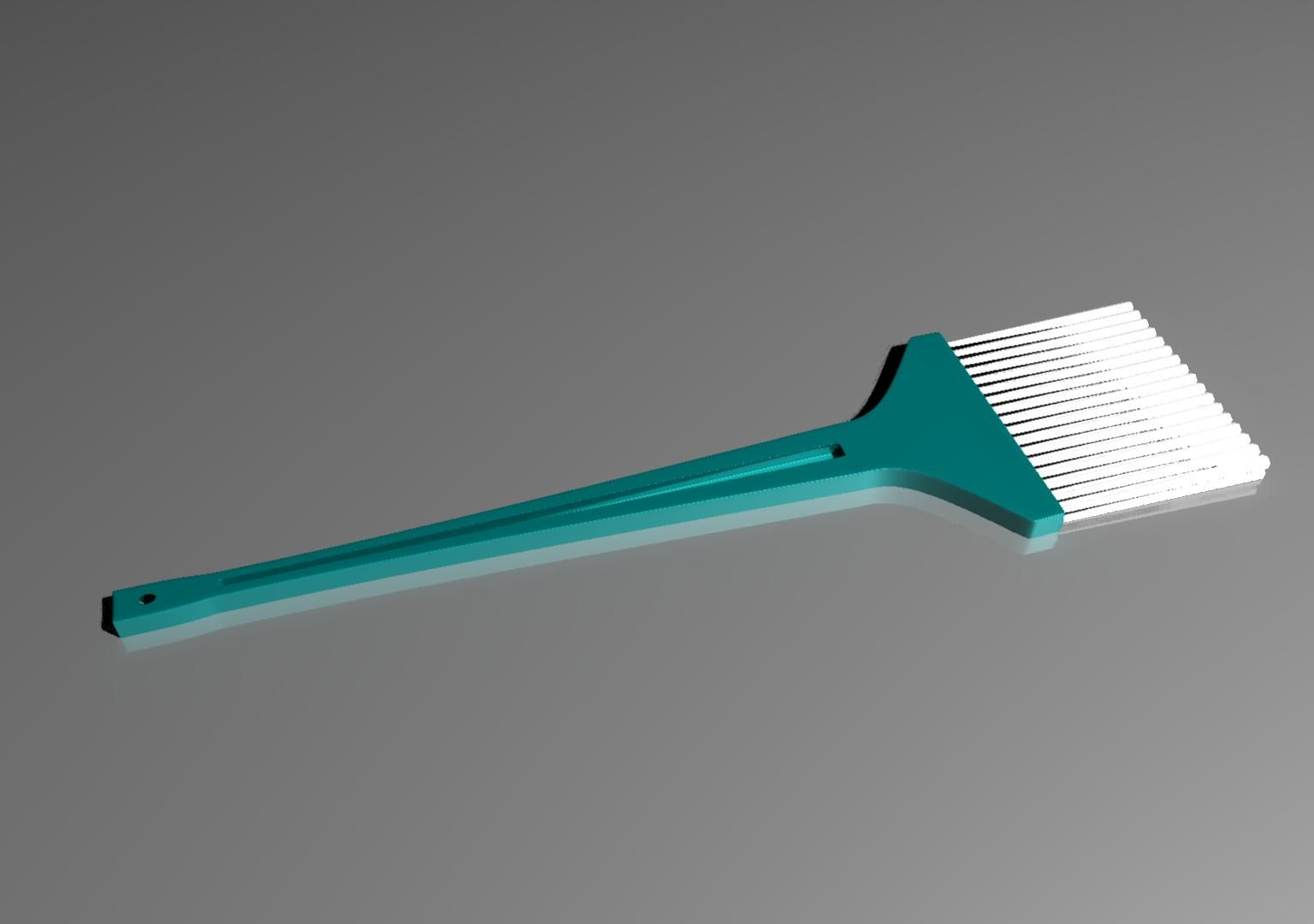


Blush-borstel 3d model
0


66
bezoeken

Ingezonden door
Newlc
bestek
- Geometriepolygonal
- polygonen2,820
- hoekpunten3,090
- texturesYes
- opgetuigdNo
- AnimatedNo
- Geschikt voor 3D-afdrukNo
- Game Ready (laag poly)No
- UV-gemappedYes
- Onverpakte UV'snone
Omschrijving
Blush Brush is a 3D models to add more details and realism to your rendering projects. Detailed enough for close-up renders.
Originally modelled in C4d. Final images rendered with vrayforc4d.
*********************************
Features:
- Separated elements
- High quality polygonal model - correctly scaled accurate representation of the original objects.
- Model resolutions are optimized for polygon efficiency(in 3DS MAX the meshsmooth function can be used to increase mesh resolution if necessary).
- All colors can be easily modified.
- Model is fully textured with all materials applied.
- All textures and materials are included in zip file
- Max models grouped for easy selection & objects are logically named for ease of scene management.
- No part-name confusion when importing several models into a scene.
- No cleaning up necessary, just drop your models into the scene and start rendering.
- No special plugin needed to open scene.
*********************************
File formats:
- 3ds Max
- OBJ (Multi Format)
- 3DS (Multi Format)
- FBX (Multi Format)
- Cinema 4D R15
Every model has been checked with the appropriate software.
*********************************
Textures formats:
JPEG (.jpg)
*********************************
Hope you like it!
Also check out my other models, just click on my user name to see complete gallery.
© Newlc - 2015
Oct 04, 2019
Datum toegevoegd
Feb 17, 2022
laatste update
beoordelingen
Er zijn momenteel geen beoordelingen voor dit product.
Waarom niet de eerste zijn om het ijs te breken?