-->
ArchitectuurVoertuigenTekensVliegtuigMeubilairElektronicaDierenPlantenWapensSport-VoedselAnatomie
bookmarked
Bladwijzer verwijderd

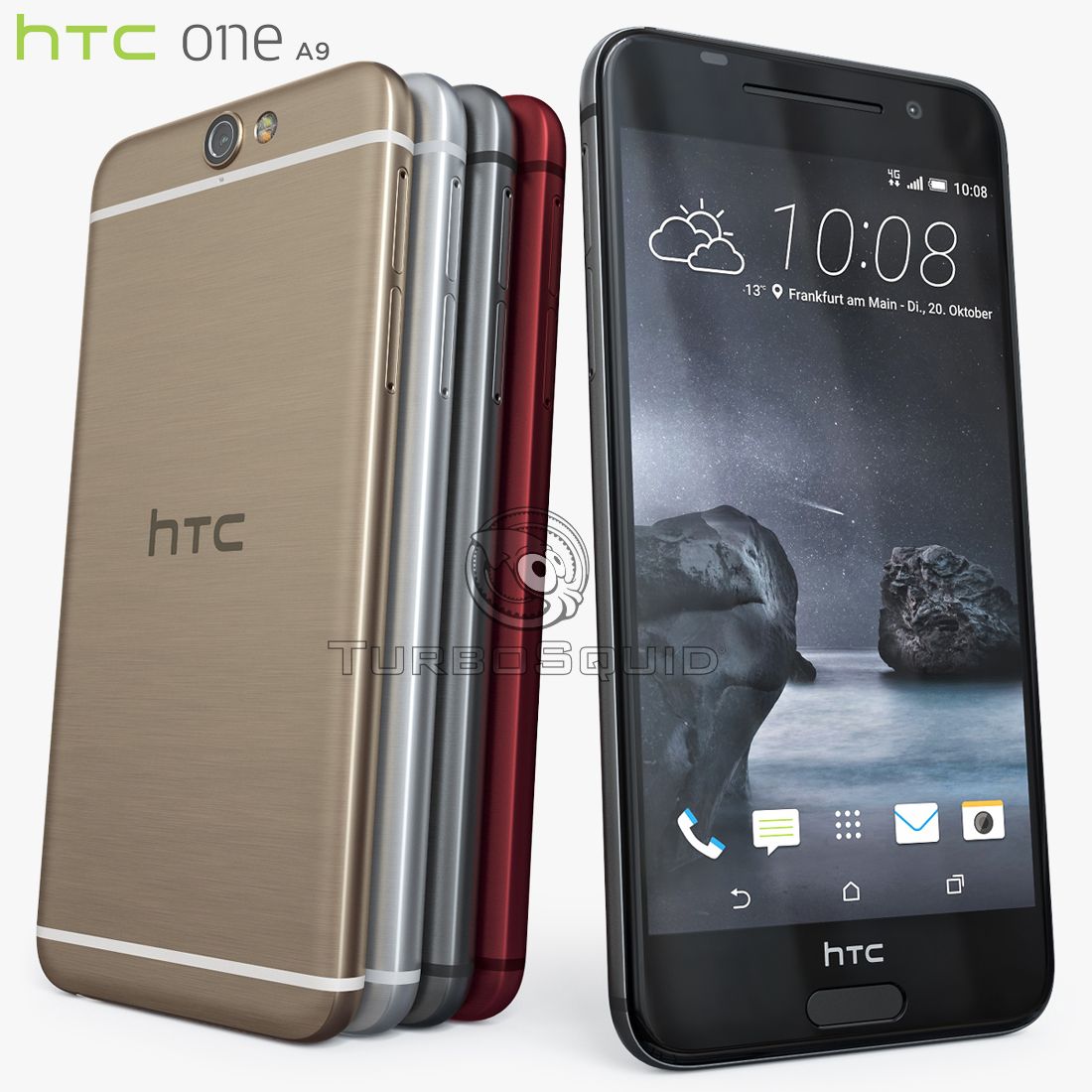
HTC One A9 Element3D V2.2 3d model

0
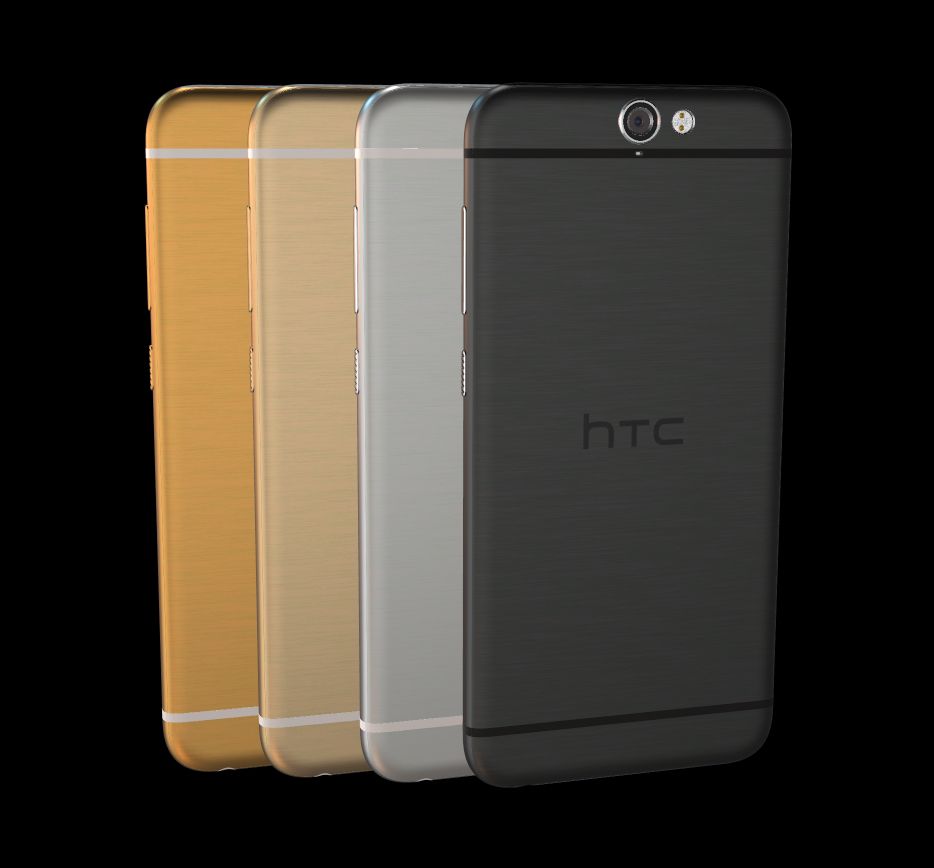
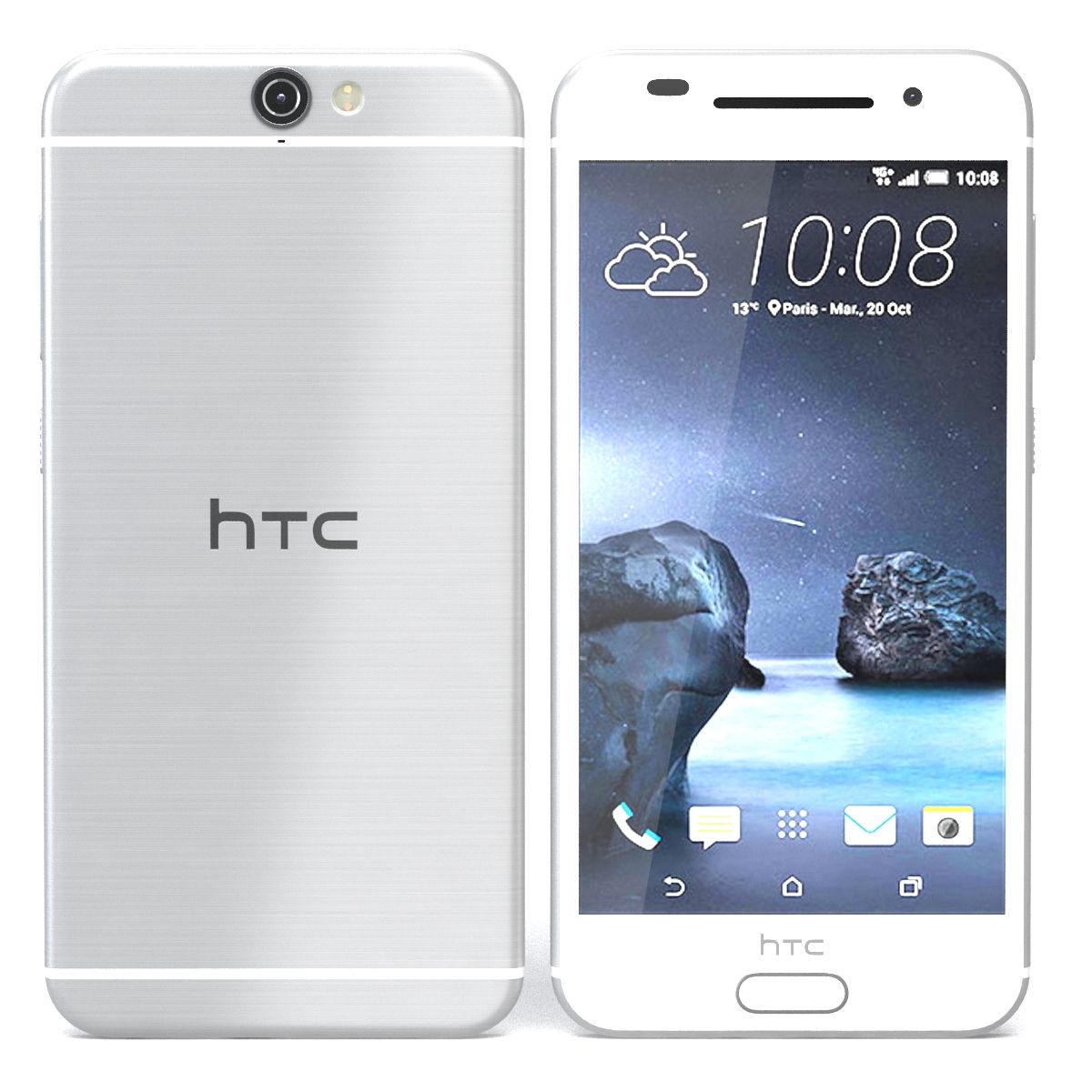
HTC One A9 Element3D V2.2 royalty-free 3d model - Preview no. 1
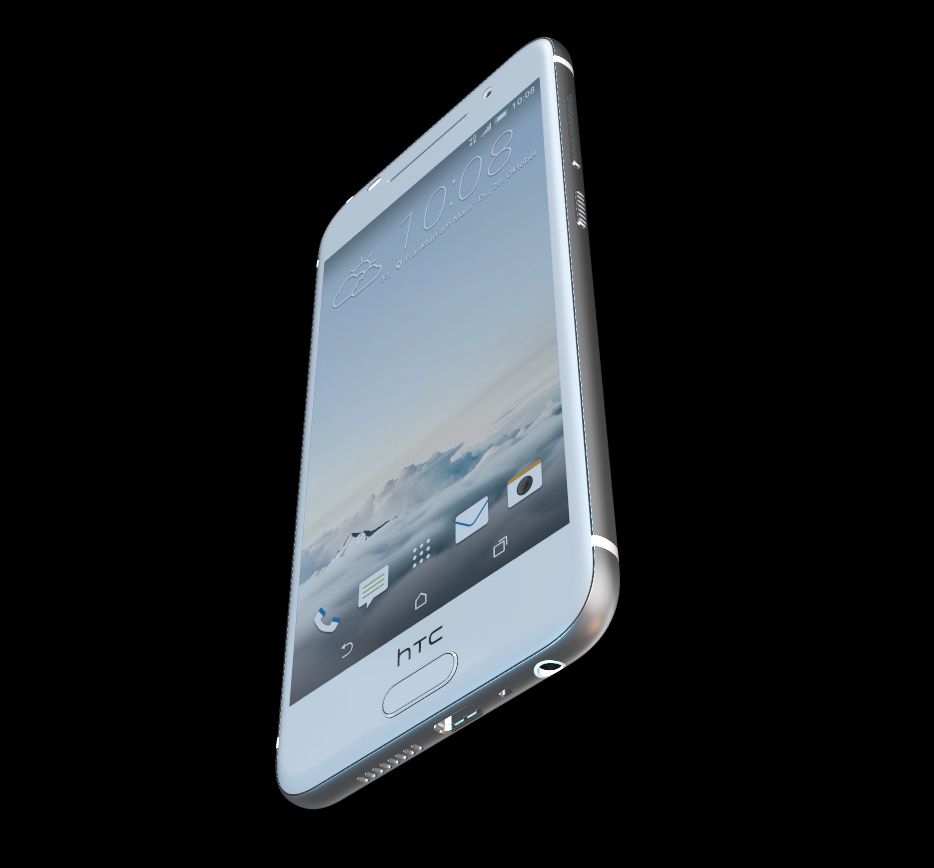
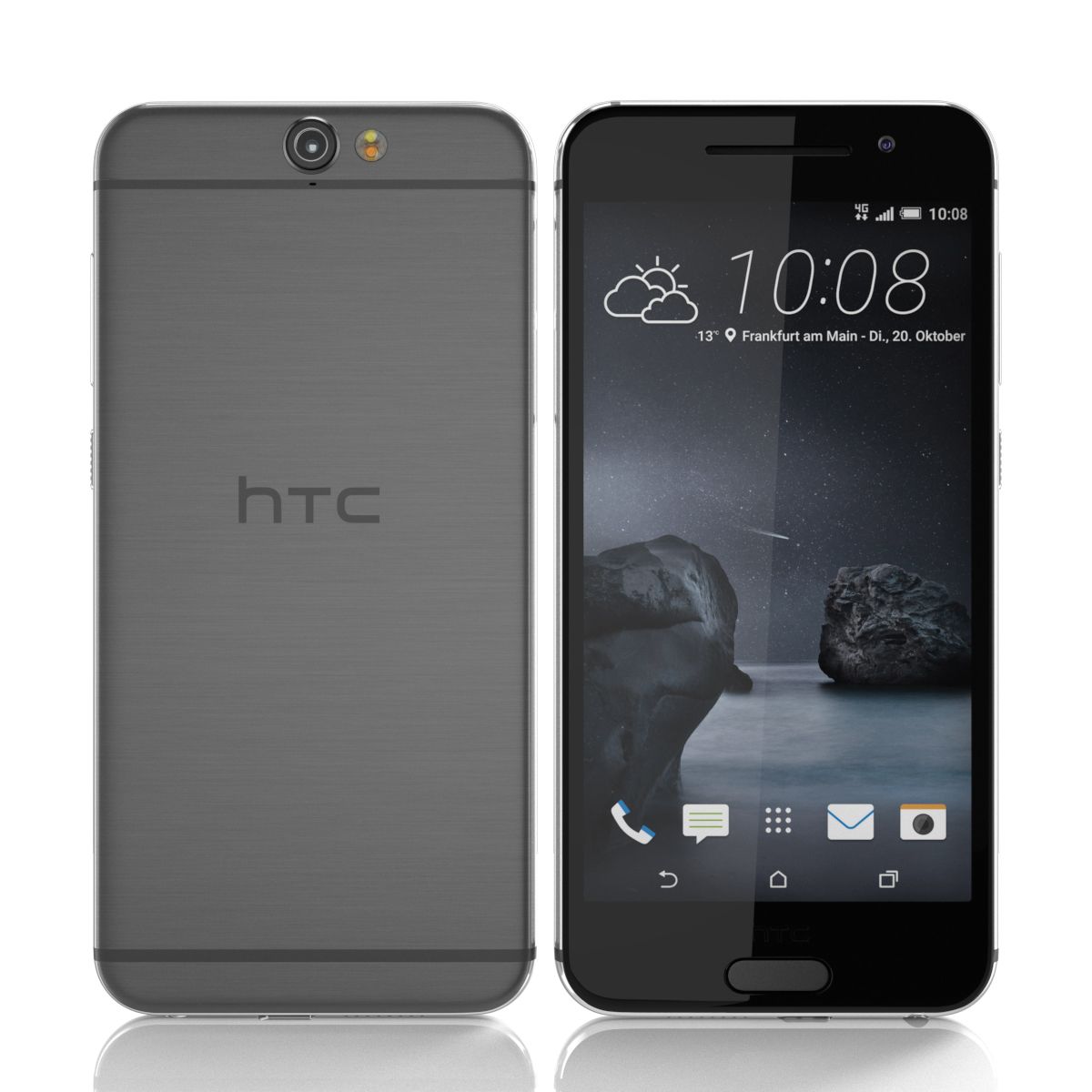
HTC One A9 Element3D V2.2 royalty-free 3d model - Preview no. 2
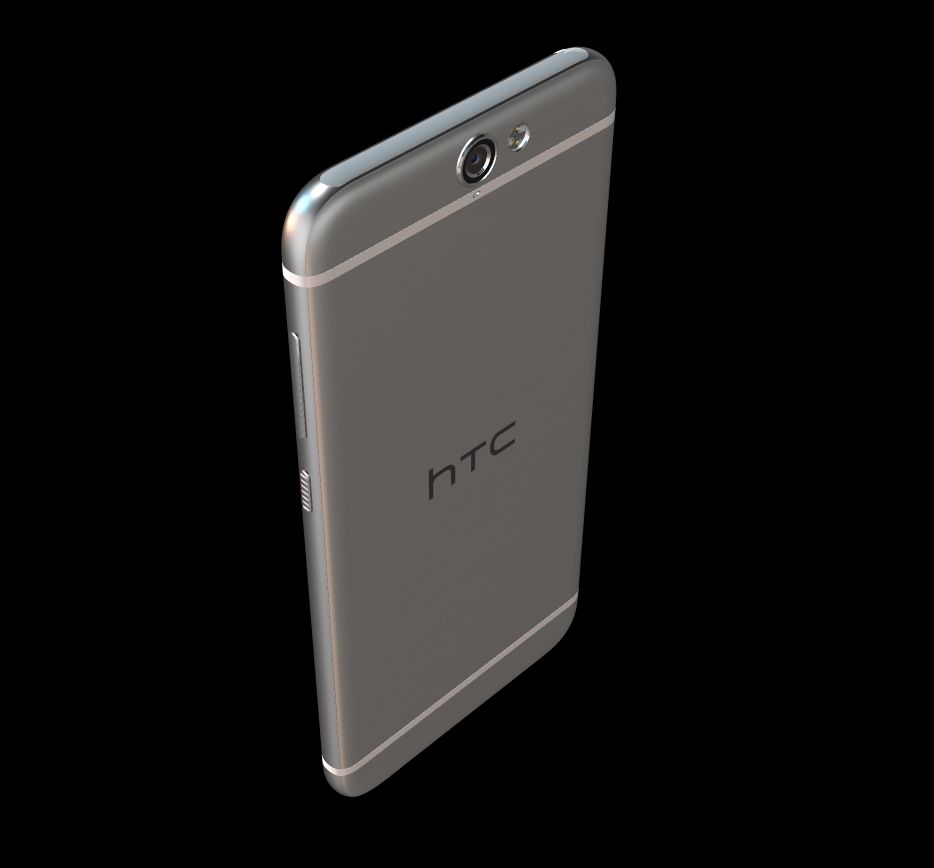
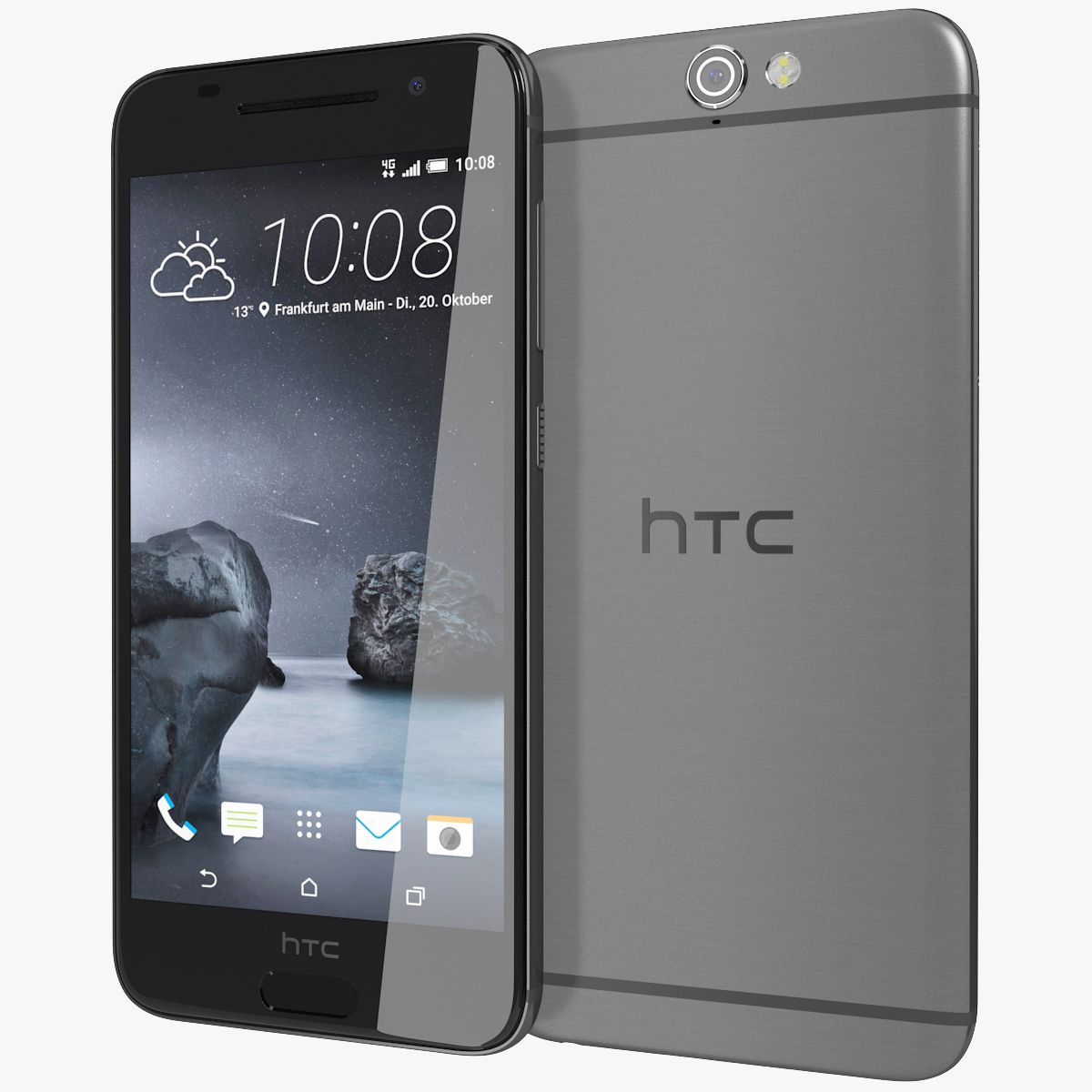
HTC One A9 Element3D V2.2 royalty-free 3d model - Preview no. 3
HTC One A9 Element3D V2.2 royalty-free 3d model - Preview no. 4
HTC One A9 Element3D V2.2 royalty-free 3d model - Preview no. 5
HTC One A9 Element3D V2.2 royalty-free 3d model - Preview no. 6
HTC One A9 Element3D V2.2 royalty-free 3d model - Preview no. 7
HTC One A9 Element3D V2.2 royalty-free 3d model - Preview no. 8
HTC One A9 Element3D V2.2 royalty-free 3d model - Preview no. 9
HTC One A9 Element3D V2.2 royalty-free 3d model - Preview no. 10
HTC One A9 Element3D V2.2 royalty-free 3d model - Preview no. 1
HTC One A9 Element3D V2.2 royalty-free 3d model - Preview no. 2
HTC One A9 Element3D V2.2 royalty-free 3d model - Preview no. 3
HTC One A9 Element3D V2.2 royalty-free 3d model - Preview no. 4
HTC One A9 Element3D V2.2 royalty-free 3d model - Preview no. 5
HTC One A9 Element3D V2.2 royalty-free 3d model - Preview no. 6
HTC One A9 Element3D V2.2 royalty-free 3d model - Preview no. 7
HTC One A9 Element3D V2.2 royalty-free 3d model - Preview no. 8
HTC One A9 Element3D V2.2 royalty-free 3d model - Preview no. 9
HTC One A9 Element3D V2.2 royalty-free 3d model - Preview no. 10
Royalty-vrije LicentieAlleen redactie
Eenvoudig rendement
Beste prijsgarantie
Werkt uit de doos
0 bezoeken
Frezzy

bestek

  • Geometriepolygonal_quads/tris
  • polygonen22,224
  • hoekpunten23,316
  • texturesYes
  • opgetuigdNo
  • AnimatedNo
  • Geschikt voor 3D-afdrukNo
  • Game Ready (laag poly)No
  • UV-gemappedYes
  • Onverpakte UV'smixed

Formaten en bestanden

OBJ
(.obj)
3 MB

HTC One A9 Gray - OBJ.rar
Cinema 4D
(.c4d)
5 MB

default_scanline R12
HTC One A9 Gray - C4D.rar
(.unknown)
10 MB

HTC One A9 - E3D.rar

Omschrijving

This pack: Element 3D V2.2 ( All colors ) models preset easy to use - 1 file OBJ High poly - 1 file OBJ standard - 1 file C4D R12 standard render - E3D file full materials set up like previews How to use it? 1. Open After Effects CC 2014 ( or higher) and create new composition ( You need Element3D V2.2 to use ) 2. Create new Solid layer and add Element effect. ( Effect/Video Copilot/ Element ) 3. Click Scene Setup 4. Click on IMPORT inside Element3D scene setup 5. Choose my .e3d preset for the model and press Open. If you dont see the model do not forget to right click on the model name and press Replace model then select the .obj model file in the respective models folder.
Aug 04, 2020 Datum toegevoegd
Feb 27, 2022 laatste update

beoordelingen

Er zijn momenteel geen beoordelingen voor dit product.
Waarom niet de eerste zijn om het ijs te breken?