


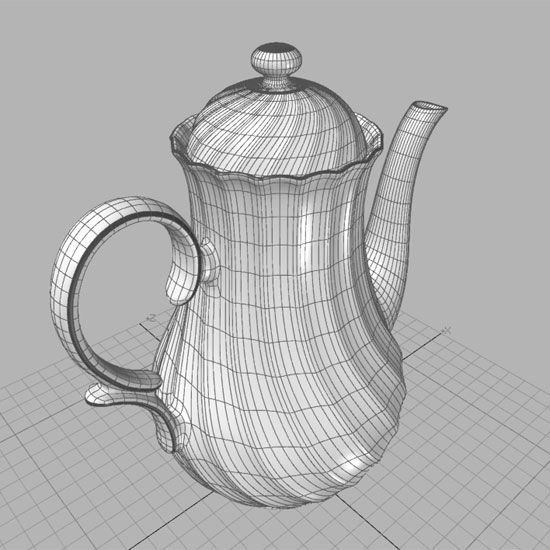
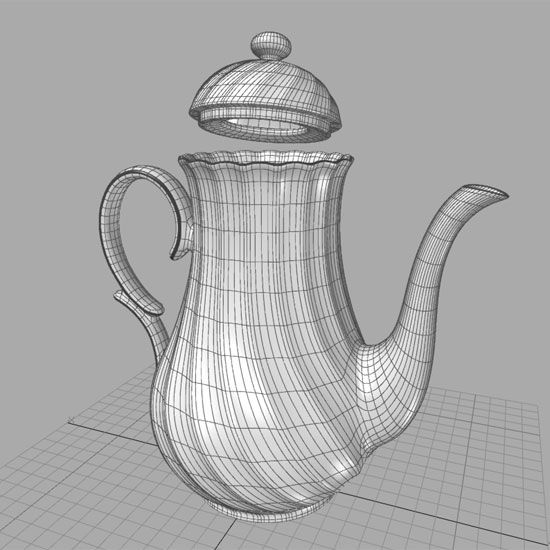
Porseleinen theepot 3d model
0


Royalty-vrije LicentieAlle uitgebreide toepassingen
Eenvoudig rendement
Beste prijsgarantie
Werkt uit de doos
836
bezoeken

Ingezonden door
Lauranar
bestek
- Geometriesubdivision
- polygonen9,321
- hoekpunten9,177
- texturesNo
- opgetuigdNo
- AnimatedNo
- Geschikt voor 3D-afdrukNo
- Game Ready (laag poly)No
- UV-gemappedYes
- Onverpakte UV'snon-overlapping
Omschrijving
Teapot, Porcelain with gold decorations.
High detailed and accurate.
The model is UV mapped (unwrapped).
3Dstudio max zip:
- 1 complete scene, Vray render version 1.50.sp5
- 1 complete scene, Mental Ray render
The object is a Group.
Subdivision method is Nurms Subdividion, you may turn it off or increase under Edit Poly tab.
Lightwave zip:
- 1 complete scene
- Objects (Teapot, base, sphere)
The Pot is in 1 layer with different surfaces.
Subdivision activated, press Tab in modeler to toggle.
Softimage zip:
- Project with 1 complete scene.
Subdivision activated, press + or - on numeric keyboard to toggle.
The object is a Model.
Obj zip:
- Object with simple materials, no Subdivision (exported at Level 0.)
Polygons at Level 0: 9321
Triangles at Level 0: 18354
Sep 07, 2018
Datum toegevoegd
Dec 15, 2021
laatste update
beoordelingen
Er zijn momenteel geen beoordelingen voor dit product.
Waarom niet de eerste zijn om het ijs te breken?