

Tafellamp 3d model
0


Royalty-vrije LicentieAlle uitgebreide toepassingen
Eenvoudig rendement
Beste prijsgarantie
Werkt uit de doos
14
bezoeken

Ingezonden door
DecArt
bestek
- Geometriepolygonal_quads/tris
- polygonen7,496
- hoekpunten7,561
- texturesYes
- opgetuigdNo
- AnimatedNo
- Geschikt voor 3D-afdrukNo
- Game Ready (laag poly)No
- UV-gemappedYes
- Onverpakte UV'snone
Omschrijving
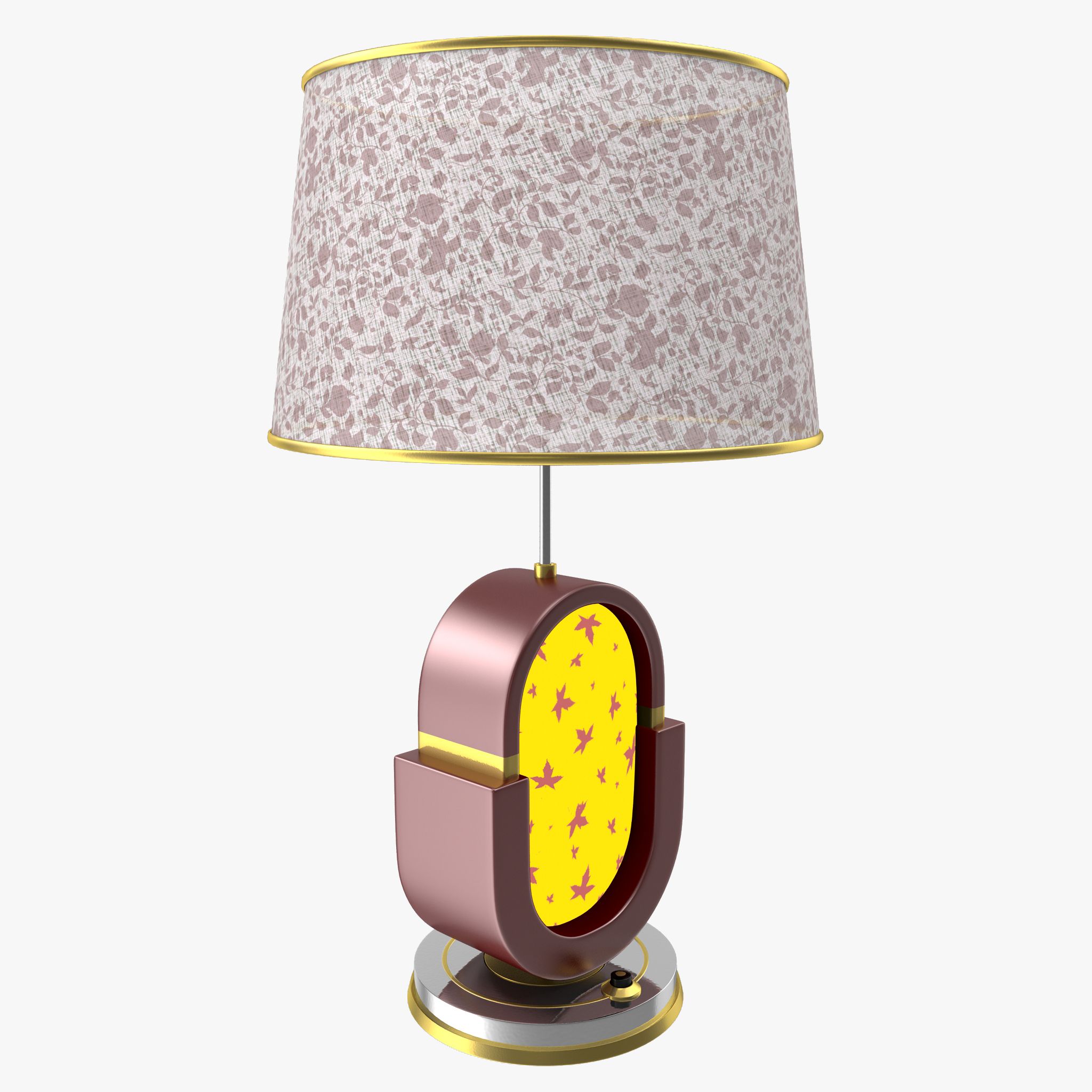
Table Lamp is a high quality and detailed model to add more details and realism to your rendering projects.
Models possible to use in any project.
Originally modelled in 3ds Max 2015(system unit -cm). Final images rendered with V-Ray.
==========================================
Features:
- High quality polygonal model - correctly scaled accurate representation of the original objects.
- Model resolutions are optimized for polygon efficiency(in 3ds Max the meshsmooth function can be used to increase mesh resolution if necessary).
- All colors can be easily modified.
- Model is fully textured with all materials applied.
- All materials are included and mapped in max format only.
- Max models grouped for easy selection & objects are logically named for ease of scene management.
- No part-name confusion when importing several models into a scene.
- No cleaning up necessary, just drop your models into the scene and start rendering.
- No special plug-in needed to open scene.
==========================================
Scene Specification
Scene Totals:
Objects: 4
Shapes: 0
Cameras: 0
Lights:1
Helpers: 0
Space Warps: 0
Total: 5
Textures Formats:
JPG (.jpg)
1200x900x1
700x531x1
512x512x1
2000x2000x3
HDRI(hdr)
1500x1200x1
Mesh Totals:
Faces: 7496
Verts: 7561
==========================================
Also check out my other models, just click on my user name to see complete gallery.
Oct 17, 2019
Datum toegevoegd
Feb 02, 2022
laatste update
beoordelingen
Er zijn momenteel geen beoordelingen voor dit product.
Waarom niet de eerste zijn om het ijs te breken?