





Black porcelain vase Model 3D
0


Licencja bezpłatnaWszystkie rozszerzone zastosowania
Proste zwroty
Gwarancja najlepszej ceny
Działa po wyjęciu z pudełka
0
Odwiedziny

Przesłane przez
Energyoverflow
Specyfikacje
- Geometriasubdivision
- Wieloboki14,000
- Wierzchołki14,000
- TeksturyNo
- RiggedNo
- OżywionyNo
- Gotowy do druku 3DNo
- Game Ready (low poly)No
- Mapowanie UVYes
- Nieopakowane UVnone
Opis
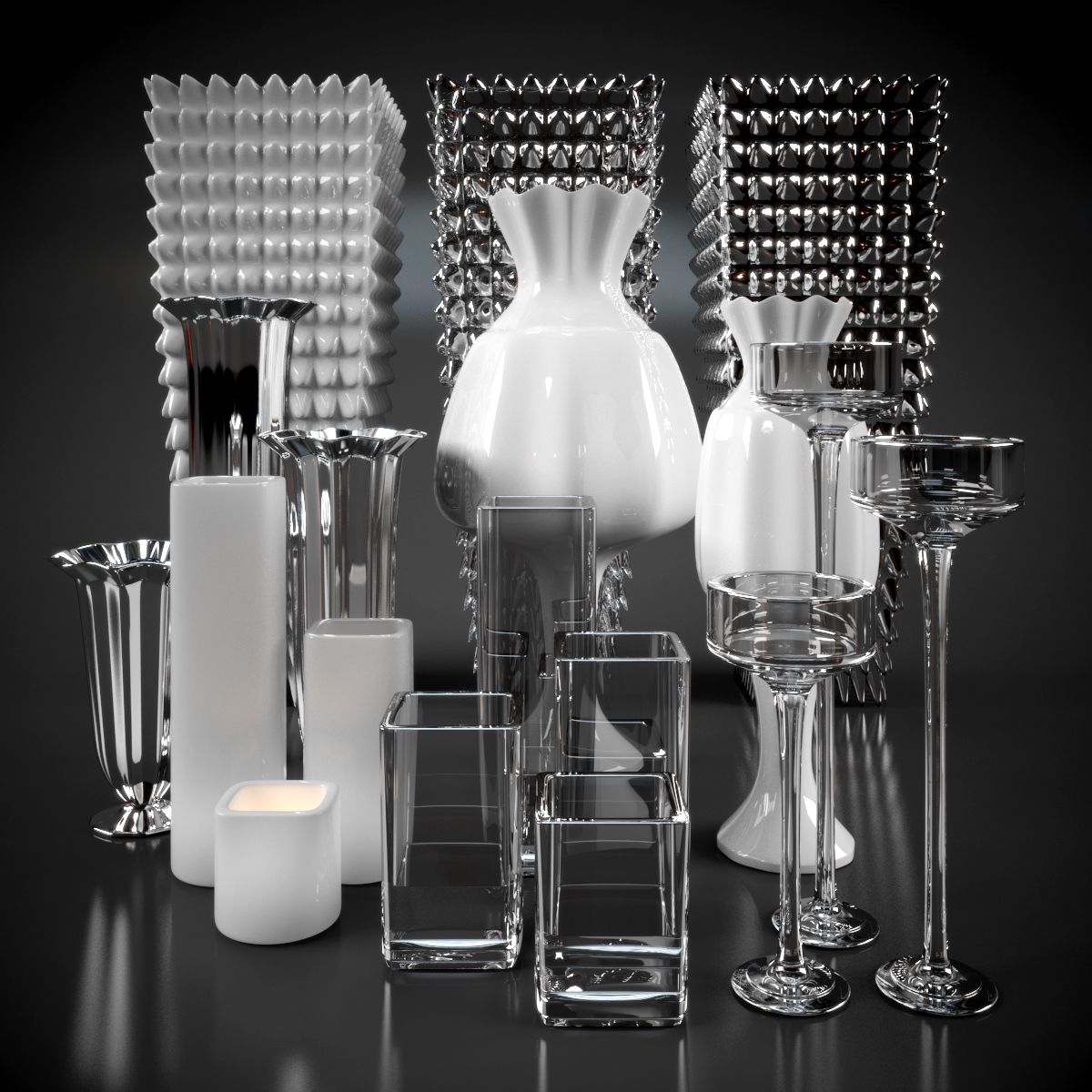
Detailed model of a Black porcelain vase. This vase can be used in high quality internal archiviz renders as an accessary to bring life to the scene. Can be used in traditional and contemporary scenes.
The model is ready for quality renders and close ups. Renders were created with Cycles.
Tech info:
The model is a subdivision surface, the renders were done with 1 iteration.
Object origin is set to the base of the model for easy placement and scaling.
Material is set for Cycles.
Polygon count (without subdivision): 14000
Vertex count (without subdivision): 14000
Package info:
There are 2 different blend files included:
vaseonly.blend – only contains the models with the materials.
vase.blend – contains 2 models like on the preview image with HDRI lighting in a „ground-bowl”. (The file doesn’t contain the HDRI image)
OBJ and FBX files are tested in 3ds Max
To use only the model you can choose append from your scene and navigate to the vaseonly.blend file and append the model or simply open the blend file and you will find the model at the center on layer 1.
Scale and rotations are applied to avoid issues during editing.
Aug 06, 2020
Data dodania
Oct 09, 2022
Ostatnia aktualizacja
Recenzje
Obecnie nie ma recenzji tego produktu.
Dlaczego nie być pierwszym, który złamie lód?