
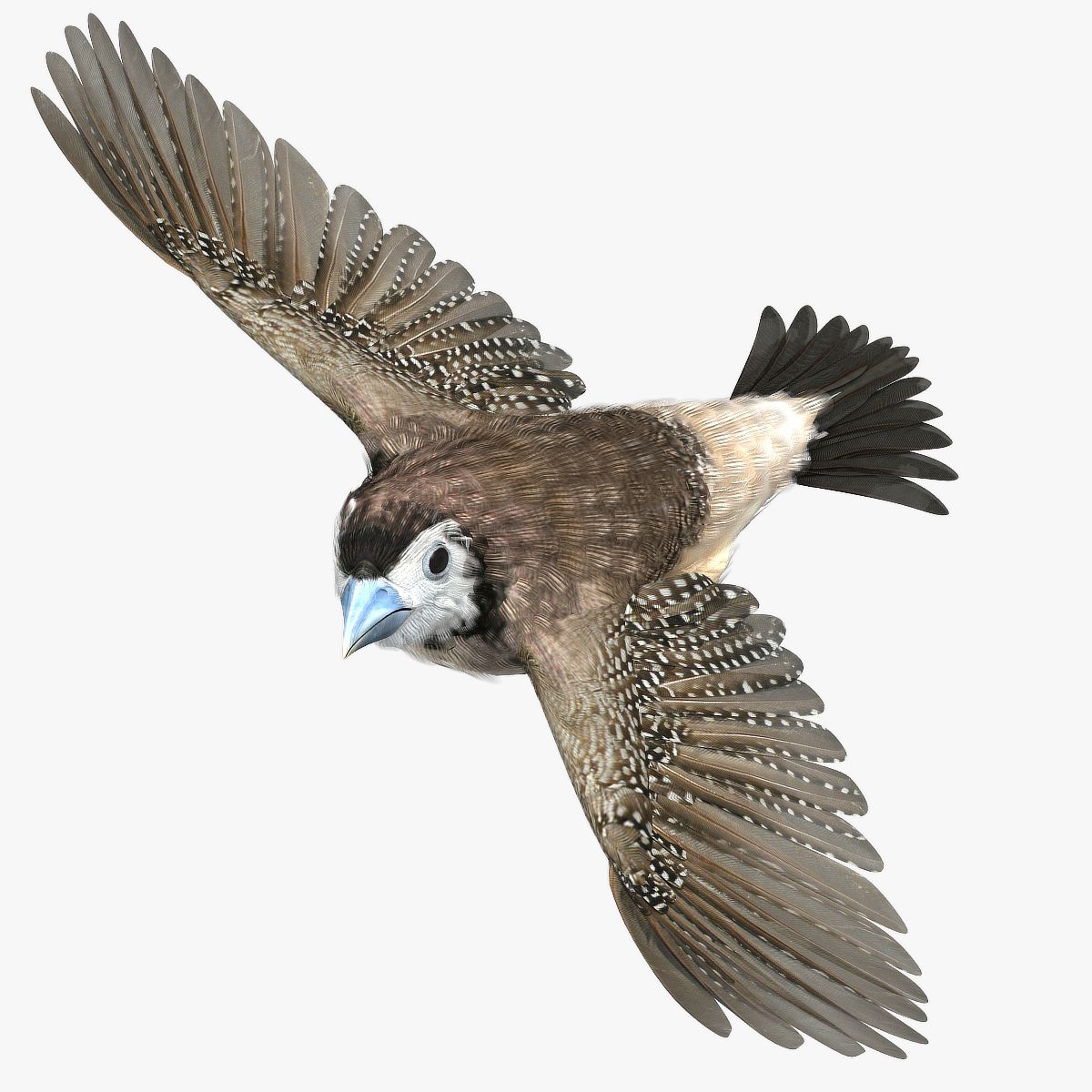


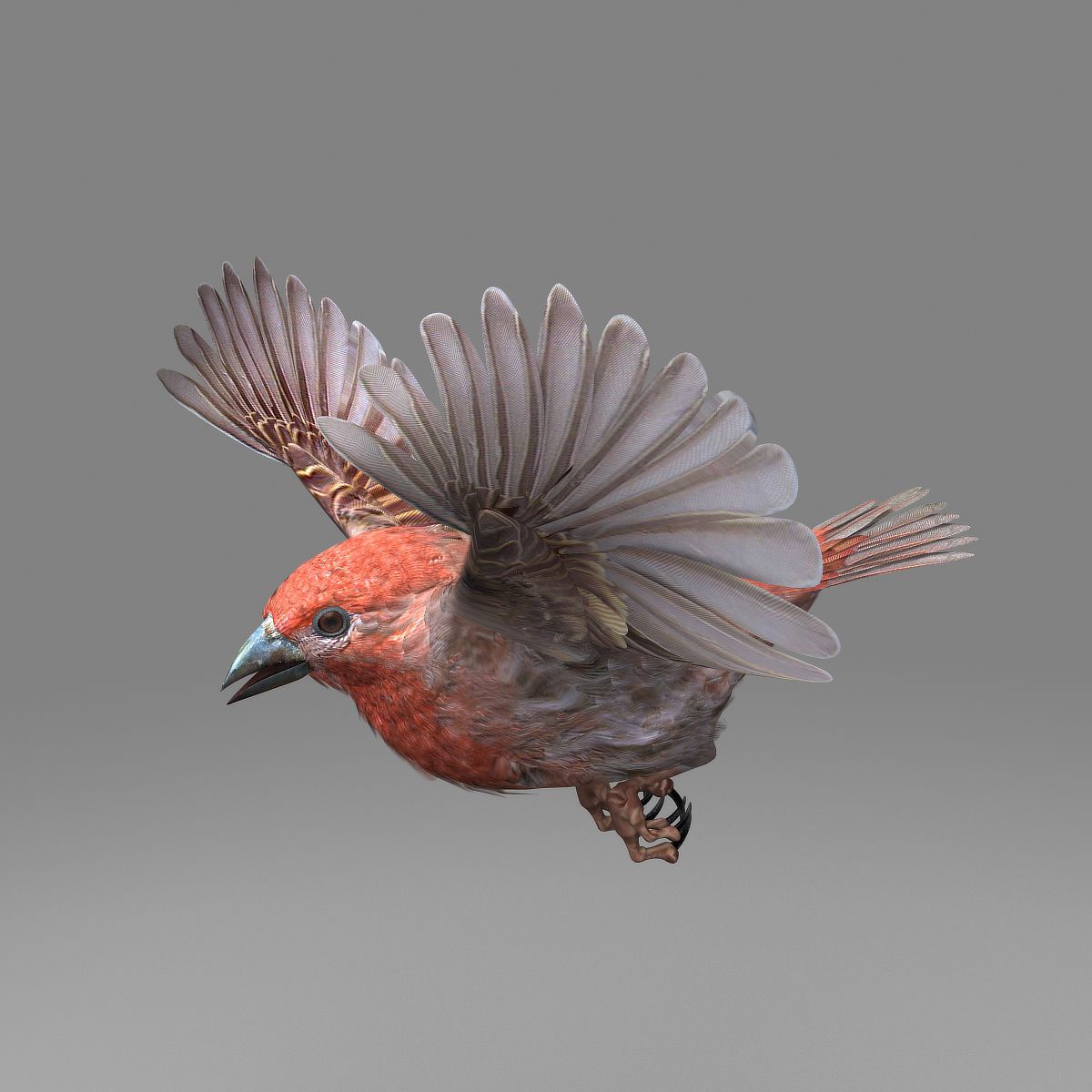
House Finch Model 3D
0




Licencja bezpłatnaWszystkie rozszerzone zastosowania
Proste zwroty
Gwarancja najlepszej ceny
Działa po wyjęciu z pudełka
0
Odwiedziny

Przesłane przez
r189
Specyfikacje
- Geometriapolygonal_quads only
- Wieloboki12,740
- Wierzchołki18,410
- TeksturyYes
- RiggedYes
- OżywionyYes
- Gotowy do druku 3DNo
- Game Ready (low poly)No
- Mapowanie UVYes
- Nieopakowane UVmixed
Opis
House finch
Rigged and Animated for Lightwave 8.5 and up standard maps
Rigged and Animated for Lightwave 2019 PBR maps
Rigged and Animated for 3DS MAX 8 and up standard maps
Rigged and Animated for 3DS MAX 2017 and up PBR maps
Rigged and Animated for 3DS MAX 2017 and up VRAY maps
MAX 2017 generated FBX
MAX 2009 generated FBX
Lightwave 2015 generated FBX
OBJ - includes base object and all morph target objs
The feathers are geometry so they render fast and no plugins are needed.
This model comes with several pre-animated scenes to get you started.
The wings are animated using the 3 bones within each. The wings are folded using one of several morph targets.
You can also make adjustments, like spreading the wing tip feathers and spreading the tail using morph targets.
-------------------------
The main controlling object is the "ROOT" bone
HF-ZERO.lws' is the name given to my BASIC set up, no animation, but it is rigged.
I have provided several scene files to get you started:
HF-FlyLoop.lws
HF-LandTakeOff.lws
The feet and legs are controlled by "LT-FootController" and "RT-FootController" respectively (Lightwave - Max - C4D)
There are two 'neck' bones, a 'head' bone and a 'lower beak' bone.
There are 25 Morph targets.
The 'Mouth' and phonemes are controlled by 9 Morph targets located when you select the mesh and go to "Object" => "Properties" => "Deform.(Lightwave)
The 'Mouth' and phonemes are controlled by Morph targets located when you select the EGF mesh and go to 'Modify' => 'Morpher'. (MAX)
The 'Mouth' and phonemes are controlled by 9 Morph targets (C4D)
The wings are controlled by 3 bones each
and have 10 Morph positions, including flapping and folded positions
WingFold-01
WingFold-02
WingFold-03
WingFold-04
WingFold-06a
WingFold-06b
WingFold-07a
WingFold-07b
WingTIpsDn
WingTIpsSpread-01
WingTIpsSpread-02
WingTIpsSpread-03
The Tail spread is controlled via Morph target TailClosed, the Tail bone controls position and rotation.
The eyes have several morph targets:
EyeBrowsMUP-LT
EyeBrowsMUP-RT
EyelidsClosed
The toes are controlled by 12 bones on each foot.
To fold the wings use the morphs noted above.
But if you have positioned the wings by moving the bones, AND you try to use morph targets to fold them, you WILL have some pretty weird distortions that will freak you out.
Don't panic, the solution is to 'zero' out your wing bone positions, as or just before you apply the 'Morph' targets.
-------------
If, after turning the modifiers 'TurboSmooth' and 'Morph' on and off a few times, while setting up your animation, you may find that points on the model are suddenly no longer attached to their bones.
Save what you are doing, close Max and then reopen Max. Reopen your scene and you should be fine.
Max gets sometimes lost when the modifiers are turned on and off.
-----------
The model is made hi resolution by using Sub-Patching, so the actual geometry is much less than the rendered geometry.
Lightwave Model:
House Finch:
Real Geometry:
18410 vertices
12740 polygons
Max Model:
House Finch:
Real Geometry:
(19, 159) vertices.
(13, 722) polygons
Cinema 4D Model:
House Finch:
15410 vertices
12740 polygons
--------------------------
the maps are RGB or greyscale, 300dpi, 2666px X 2666px
Sep 28, 2020
Data dodania
Nov 03, 2025
Ostatnia aktualizacja
Recenzje
Obecnie nie ma recenzji tego produktu.
Dlaczego nie być pierwszym, który złamie lód?