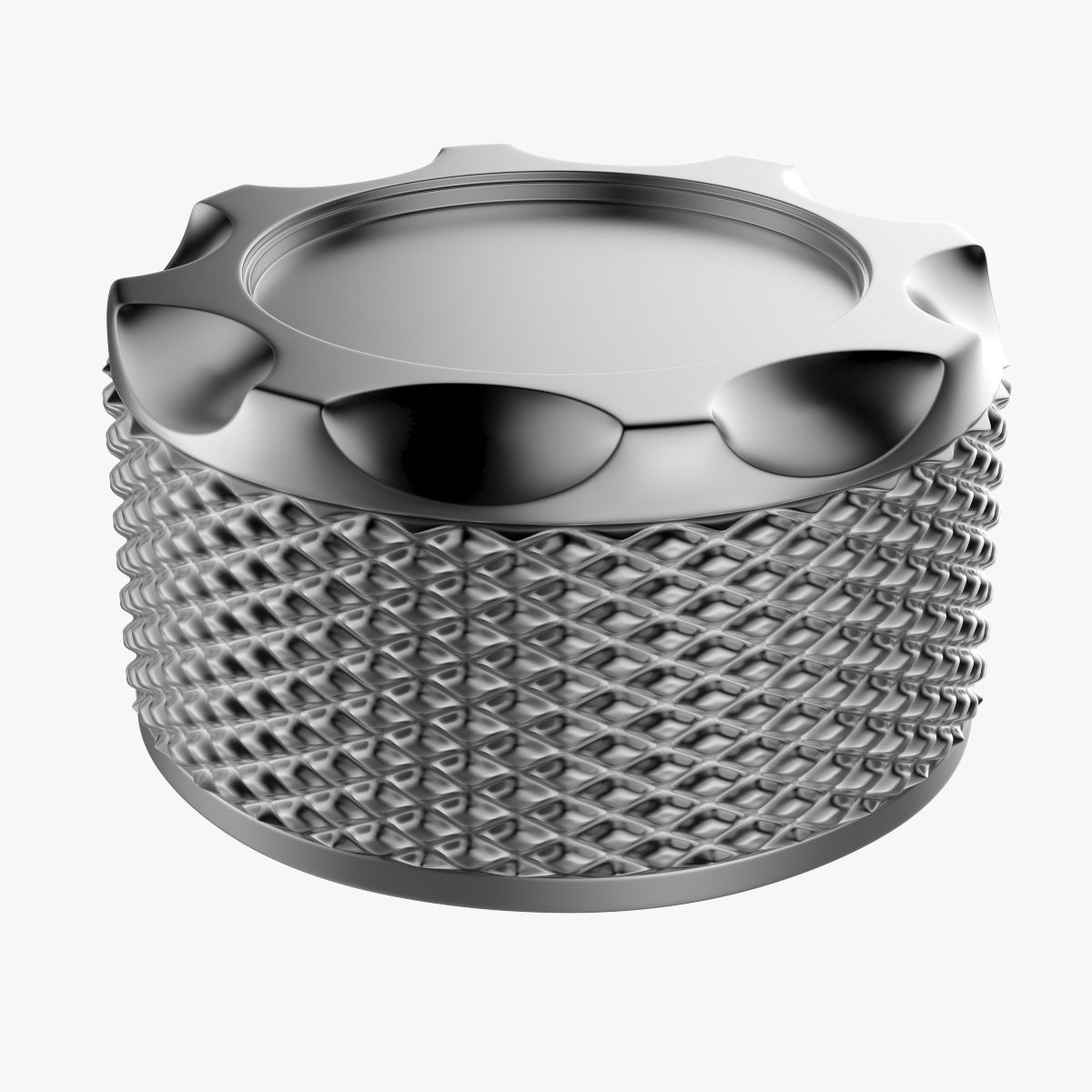
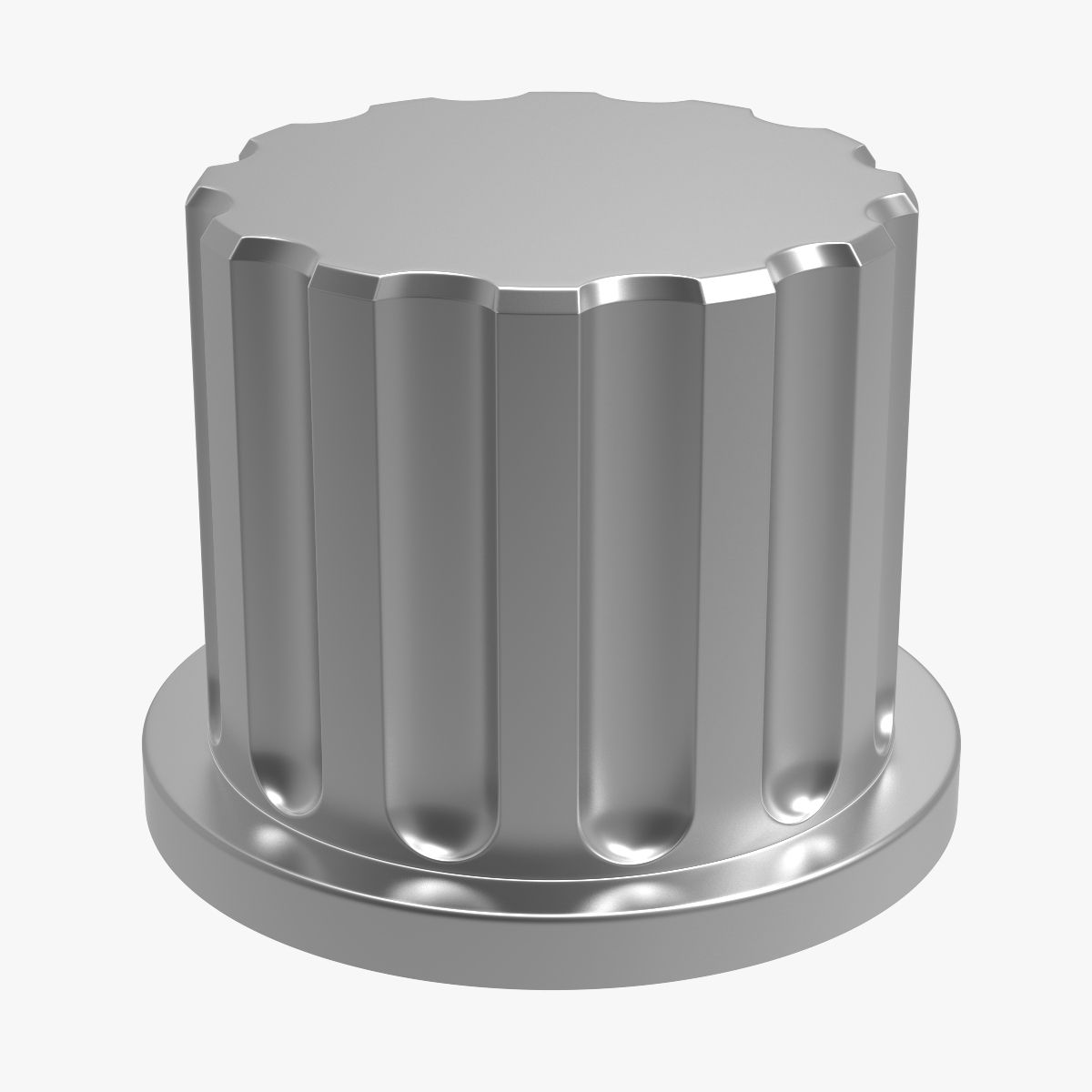



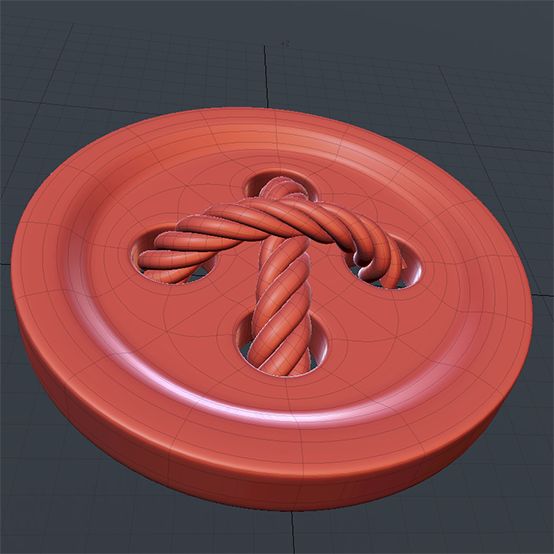

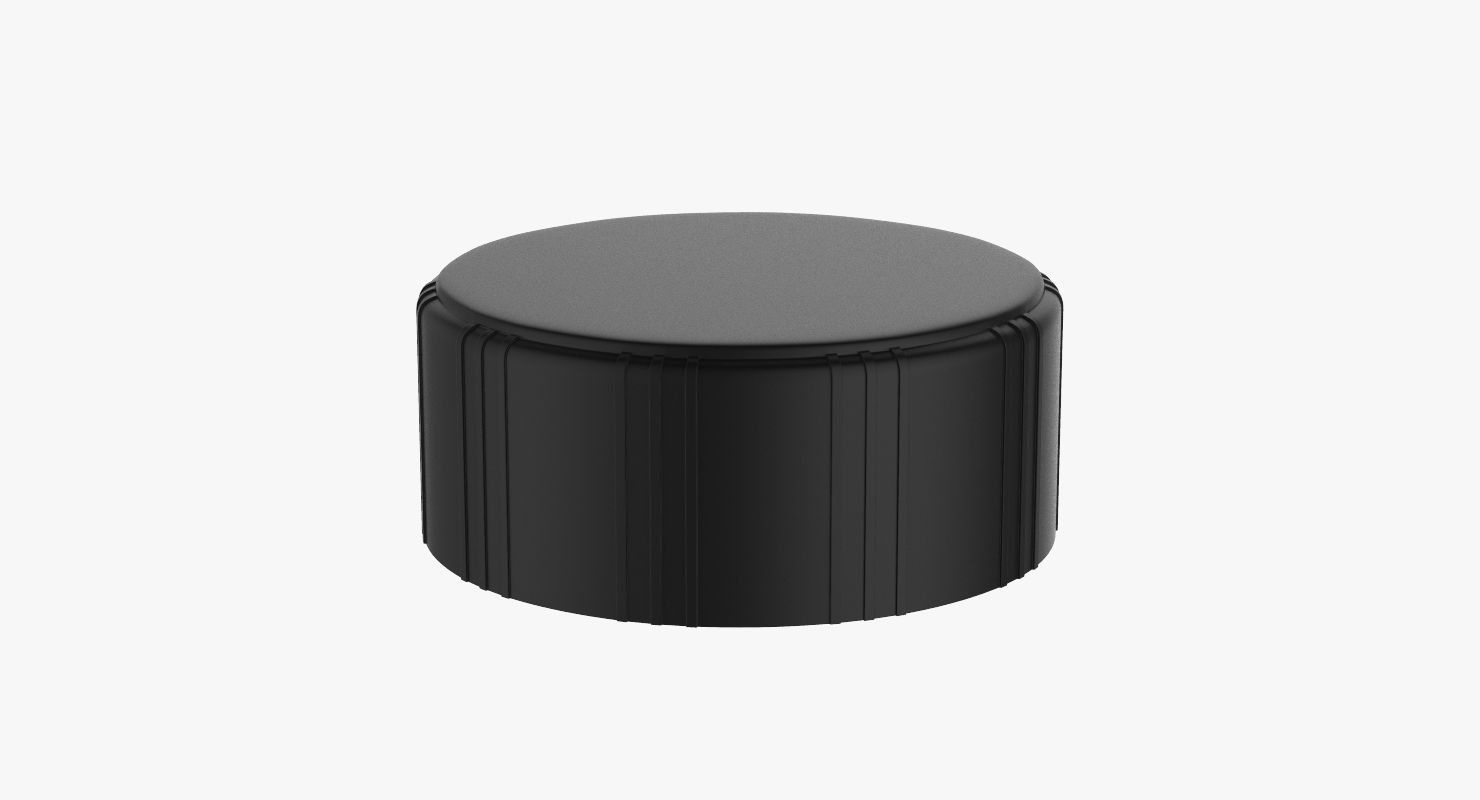
Przycisk pokrętła 8 Model 3D
0



Licencja bezpłatnaWszystkie rozszerzone zastosowania
Proste zwroty
Gwarancja najlepszej ceny
Działa po wyjęciu z pudełka
48
Odwiedziny

Przesłane przez
Newlc
Specyfikacje
- Geometriapolygonal_quads only
- Wieloboki8,978
- Wierzchołki8,990
- TeksturyNo
- RiggedNo
- OżywionyNo
- Gotowy do druku 3DNo
- Game Ready (low poly)No
- Mapowanie UVYes
- Nieopakowane UVnon-overlapping
Opis
'Knob Button V8' is a high & accurate full 3D model to add more details and realism to your projects. Detailed enough for close-up renders.
*********************************
Features:
- Model resolutions are optimized for polygon efficiency(in 3DS MAX the meshsmooth function can be used to increase mesh resolution if necessary).
- All colors can be easily modified.
- No part-name confusion when importing several models into a scene.
- No cleaning up necessary, just drop model into your scene and start rendering.
- No special plugin needed to open scene.
- HDRI background i used is not included
- Position on the Scene: 0.0.0.
- The unit of measure: Centimeter
- Model unwrapped
*********************************
File formats:
- Max
- FBX (Multi Format)
- OBJ (Multi Format)
- Cinema 4D R19
- STL (Subdivided level:3)
*****************************************
Hope you like it!
Also check out my other models, just click on my user name to see complete gallery.
Infos about my work:
I work always my files with a lot of attention to details, good topology and optimizes polygons without Ngones, I also bring a serious touch in the provided textures.
I would like to thank every guys who bought my files, you motivate me to produce some more very nice 3d models.
Newlc - 2019
Oct 01, 2019
Data dodania
Feb 19, 2022
Ostatnia aktualizacja
Recenzje
Obecnie nie ma recenzji tego produktu.
Dlaczego nie być pierwszym, który złamie lód?