

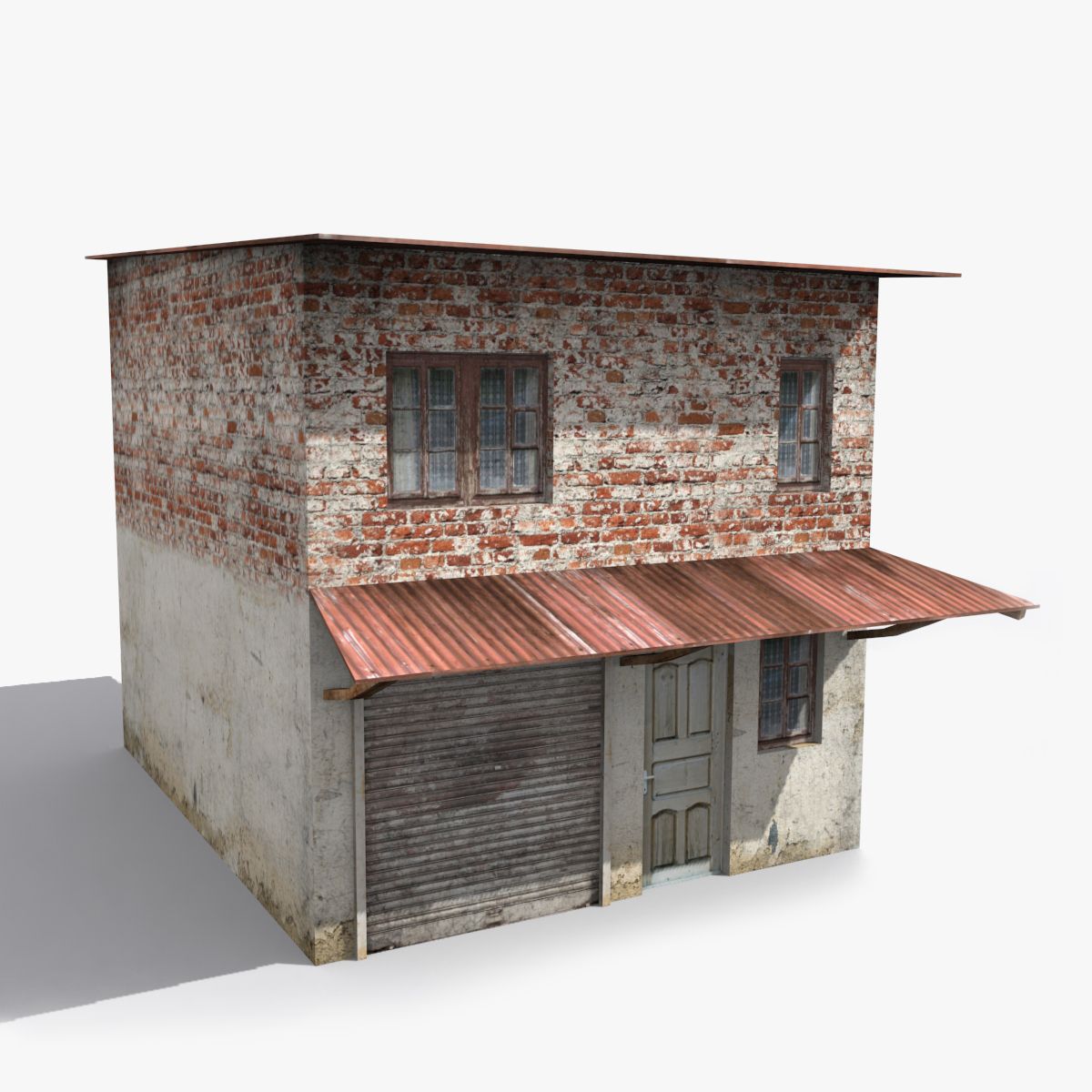

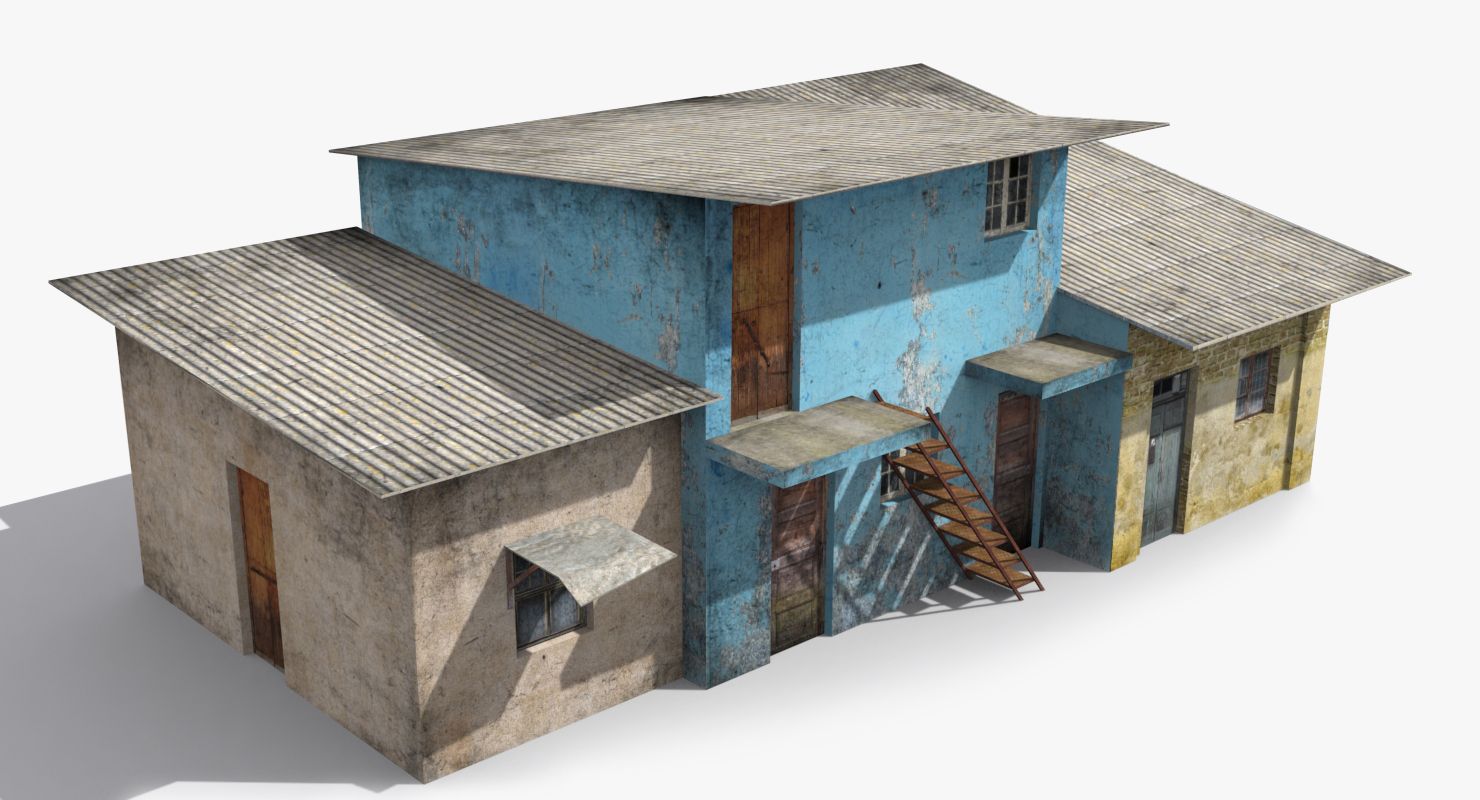
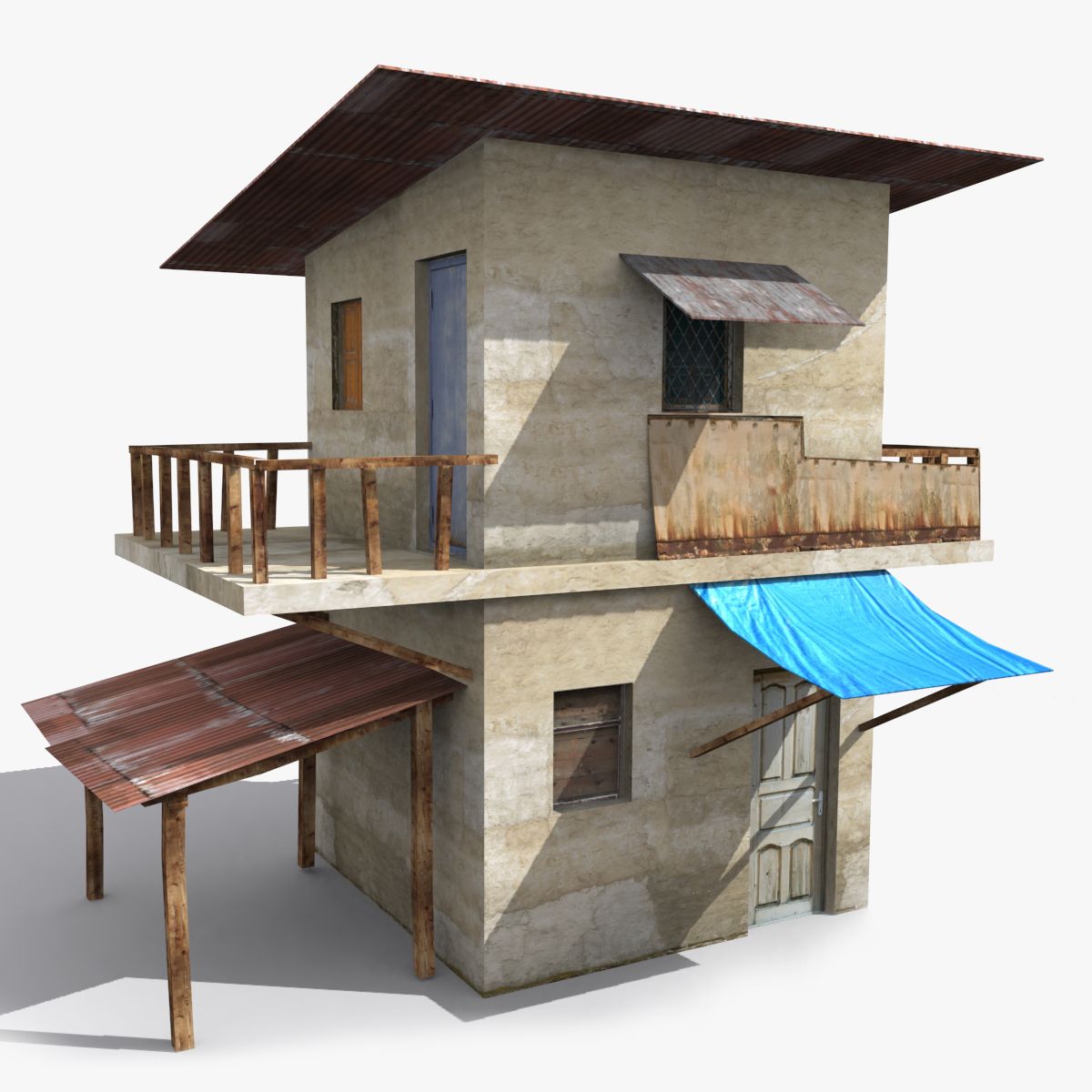
Slumsy 1 ConcreteFactory Model 3D
0


Licencja bezpłatnaWszystkie rozszerzone zastosowania
Proste zwroty
Gwarancja najlepszej ceny
Działa po wyjęciu z pudełka
0
Odwiedziny

Przesłane przez
K.Sjet
Specyfikacje
- Geometriapolygonal
- Wieloboki167,633
- Wierzchołki175,968
- TeksturyYes
- RiggedNo
- OżywionyNo
- Gotowy do druku 3DNo
- Game Ready (low poly)No
- Mapowanie UVYes
- Nieopakowane UVmixed
Opis
=============================================
Slums_1 ConcreteFactory
=============================================
File formats:
FBX 2012, 2016, 2018; OBJ and Unreal Engine 4 files
=============================================
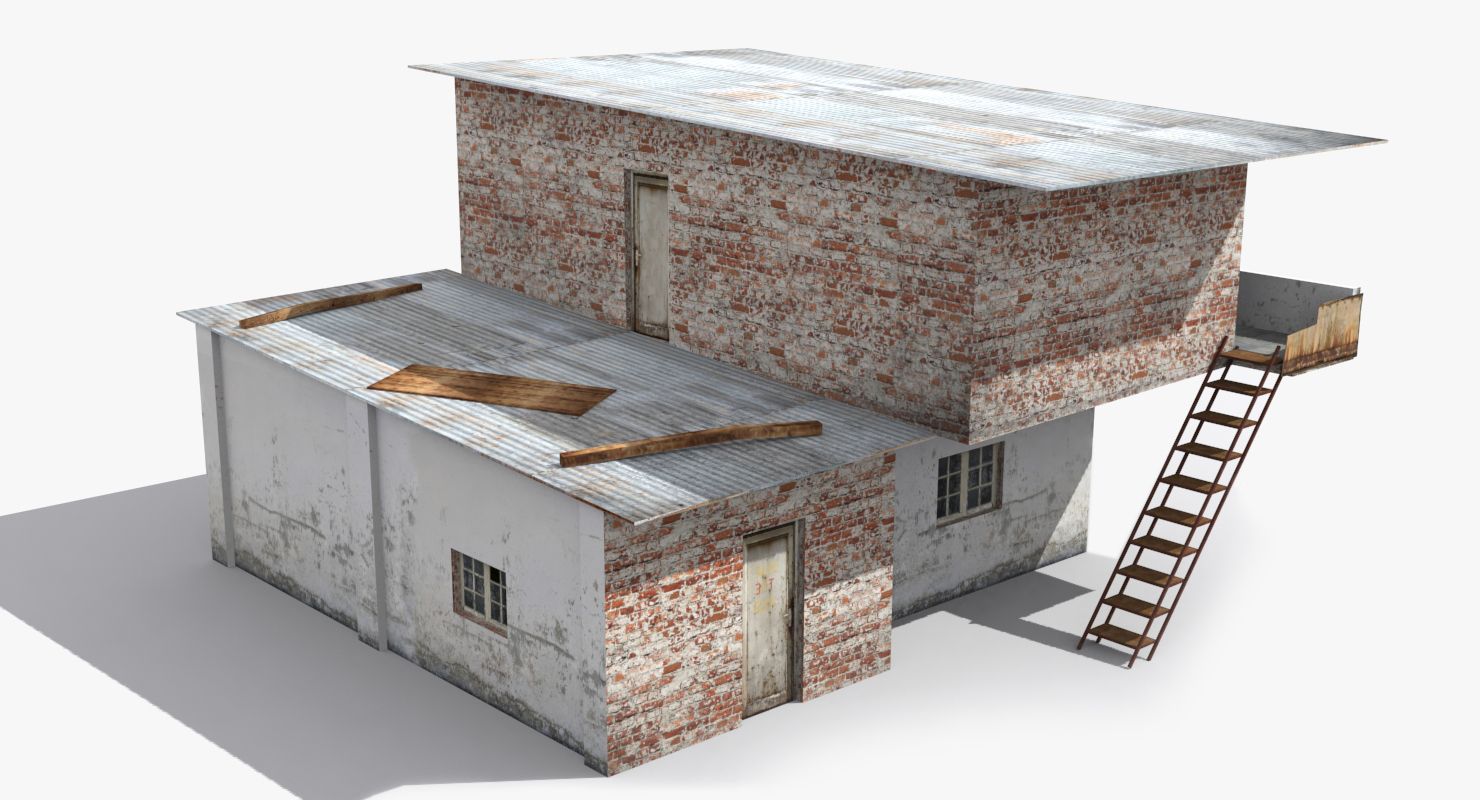
The building was design with a post-apocalyptic theme in mind. It is a low-tech cement factory that recreates real-world cement production using Limestone Cycle where limestone is heated in the boilers (furnaces) and then dissolved in baths.
=============================================
All models were modeled using Blender.
Texture baking was done in Blender, Gimp, and Inkscape.
Normal maps generated in Blender and Gimp.
PLacement of all props was done using Unreal Engine Version: 4.20
Whole scene saved in 'Slums_1_2012.fbx','Slums_1_2016.fbx','Slums_1_2018.fbx' files. Also all the models where saved in separate .fbx filse inside 'FBX Assests' folders.
=============================================
Textures
All models are unwrapped in Blender with some overlapping.
Some of the textures are my own and rest were downloaded from Textures_com and following their guidelines I am obligated to add the following disclaimer
"One or more textures on this 3D model have been created with photographs from Textures_com. These photographs may not be redistributed by default; please visit textures_com page for more information."
=============================================
Materials
I have generated all my materials using Unreal Engine Version: 4.20.
Unfortunately, UE4 have a problem with exporting materials setting, so if you plan to use them the way I did there are two options for you.
The first way is to copy all the models from 'UE4 Assets' folder to your UE4 project and then edit every material so that textures point to the right texture files. All other settings should be saved in respective files.
The second way is to use 'M_Master.uasset' file, edit it and point to the right texture files and then create instances of this material. Settings for each material can be found in 'Material Settings' spreadsheets. This method is a bit more tedious but material instances take less memory in UE4 making your game faster.
=============================================
Polycount
Whole scene 167,633 polygons and 175,968 vertices
Whole Architecture assets 82,760 polygons
Props individual polygons:
Bathtub 1,434
Bed_frame 2,400
Boiler_c_c 4,266 (c_c-top_closed,bottom_closed)
Boiler_o_c 4,306 (c_c-top_open,bottom_closed)
Book_Shelf 72
Bottle 316
Cable_Rell_1 380
Cable_Rell_2 380
calcium_for_bath 266
Cement_Bag 108
Coal_Pile 456
Concrete_block_1 80
Concrete_block_2 112
Concrete_block_3 80
Concrete_Mixer 3,198
Corrugated_Sheet_1 206
Corrugated_Sheet_2 188
Ladder 896
Light 478
Mattress 188
Oil_Barrel_1 2,228
Oil_Barrel_2 1,332
Pallet 394
Pipe_System 1,140
Shovel_1 566
Shovel_2 514
Shower 1,284
Sink 1,116
Table 84
Tarp_1 909
Tarp_2 1,540
Toilet_1 330
Toilet_2 12
Toilet_3 80
Water_Tank 508
=============================================
Sep 29, 2020
Data dodania
Oct 07, 2022
Ostatnia aktualizacja
Recenzje
Obecnie nie ma recenzji tego produktu.
Dlaczego nie być pierwszym, który złamie lód?