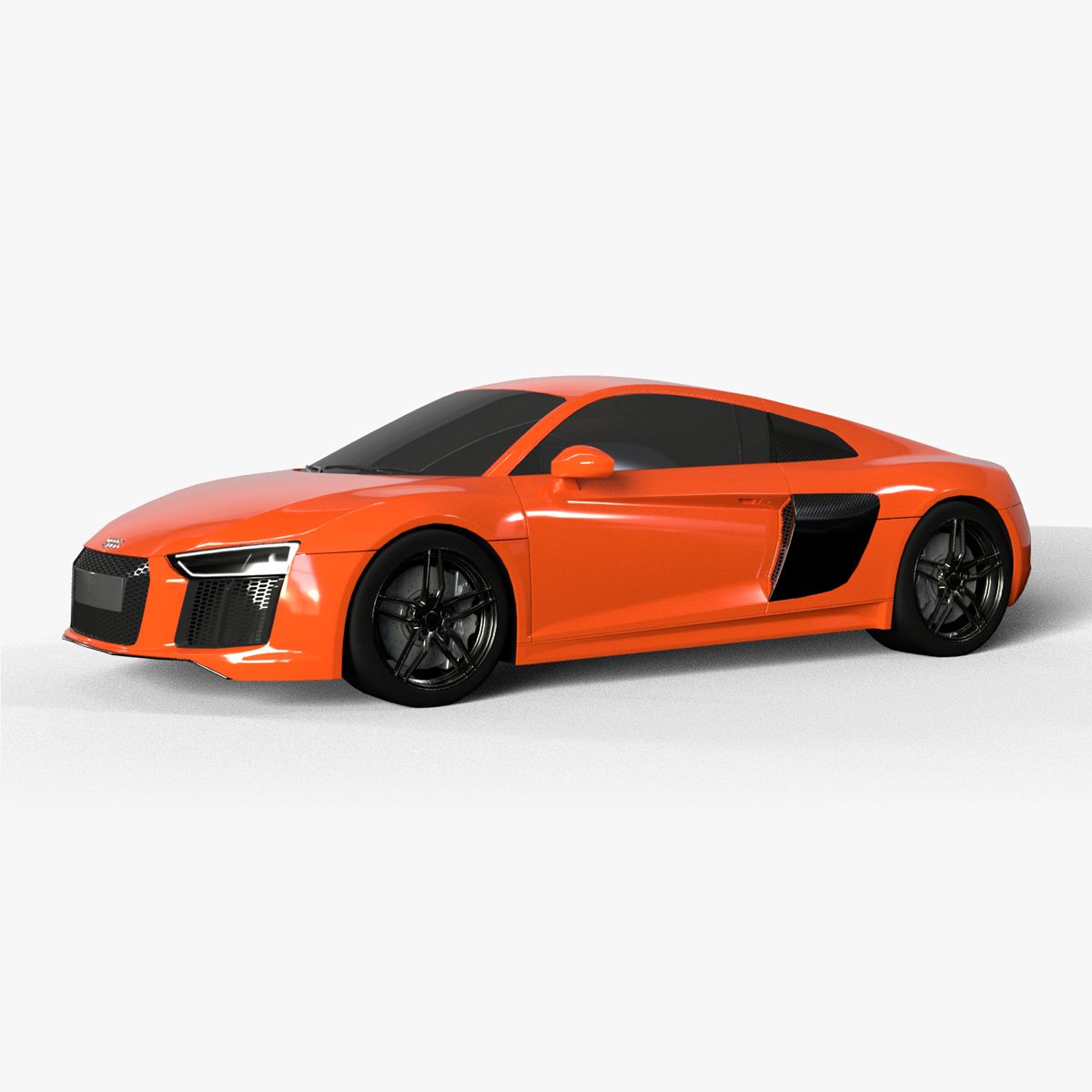

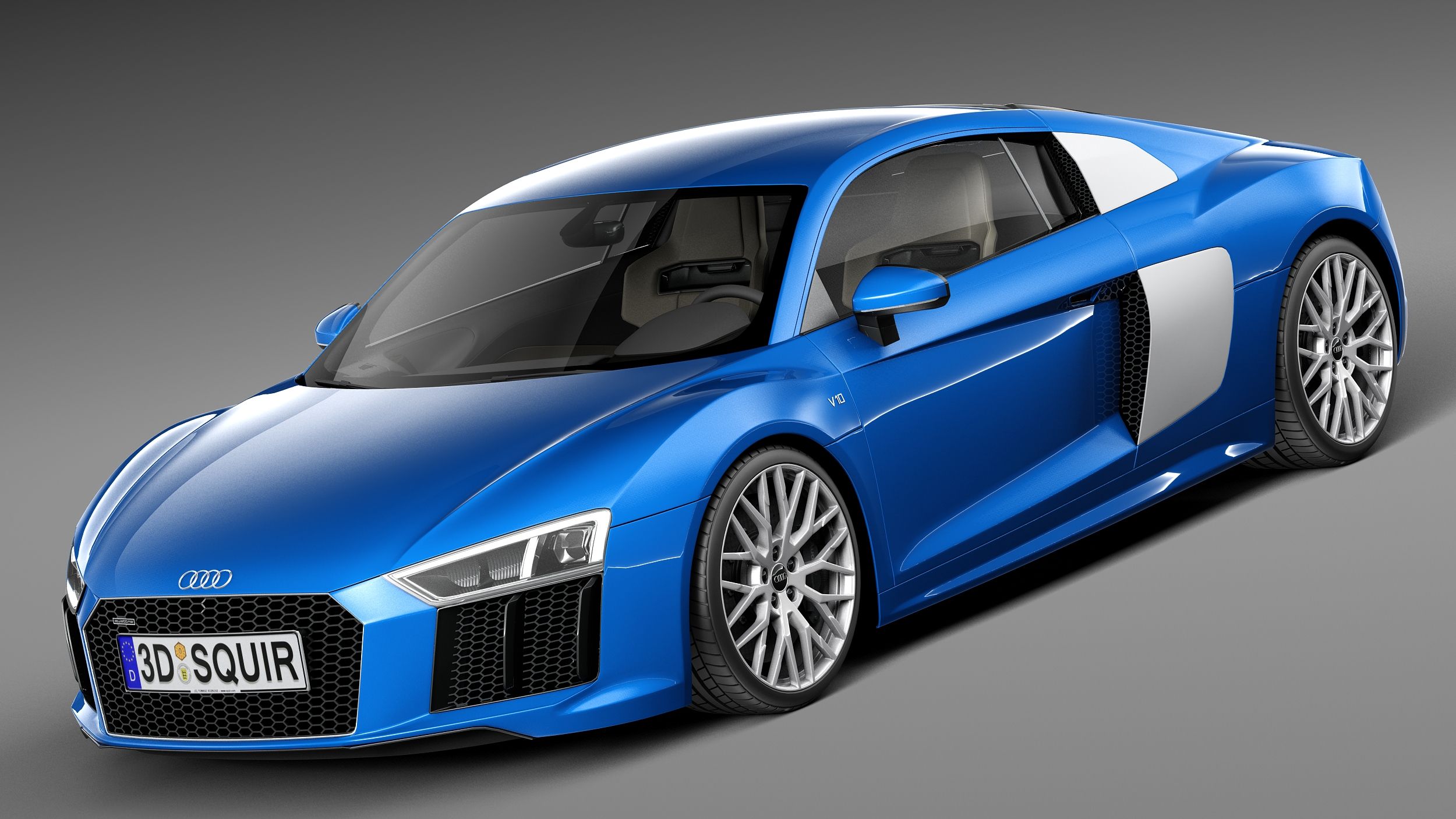


2016 Audi R8 Modelo 3D
0


Licença isenta de direitosApenas editorial
Retornos simples
Melhor Preço Garantido
Trabalha fora da caixa
0
visitas

Enviado por
HKV Studios
Especificações
- Geometriapolygonal_quads/tris
- Polígonos150,101
- Vértices166,730
- TexturasYes
- RiggedNo
- AnimadoNo
- Pronto para impressão em 3DNo
- Jogo pronto (baixo poli)No
- Mapeado por UVYes
- UVs não enroladosmixed
Descrição
High detailed 3D model of 2016 Audi R8 with interior.
Main features:
- Originally created with 3ds Max 2015
- Two .MAX files with V-Ray and Standard 3ds Max materials
- Two .MB files with V-Ray and Standard Maya materials
- Subdivision modifier is available in the history for .MAX, .MB and .C4D file formats (subdivision iteration 1 is set for all objects). So you can get access to original non-smoothed mesh by deactivating the Subdivision modifier
- Separate objects like body, wheels and doors. Total number of objects is 21. All objects are intelligently named
- Doors can be opened
- Unit system is set to metric (millimeters). Real-world scale
- All textures and materials are included and assigned
- 7 textures, which vary in resolution from 1710x1710px to 4096x3072px
- Windshield, rear window and back side windows are using high resolution transparency mask texture
- Previews rendered in 3ds Max 2015 with V-Ray 3.50.04
Special notes:
- .OBJ format is recommended for import in other 3d software. If your software doesn't support .OBJ format, please use .3ds format; .OBJ format was exported from 3ds Max. The geometry for .OBJ format is set to quads
- .MAX files can be loaded in 3ds Max 2015 or higher. In order to use V-Ray rendering setups and materials, V-Ray 3.50.04 or higher is needed. V-Ray shaders and render setups are backwards compatible, so you can use V-Ray 2.0 or higher
- .MB files can be loaded in Autodesk Maya 2015 or higher. In order to use V-Ray rendering setups and materials in Maya, V-Ray 3.10.01 or higher is needed. Maya V-Ray renders are similar to 3ds Max V-Ray rendered previews, but not identical
- .C4D file can be loaded in MAXON Cinema4D R17 or higher. Only standard Cinema4D materials and Standard renderer used. Material reflections are set up using the new Reflectance channel introduced in R16
Polycounts:
- .MAX format (only one file included with MeshSmooth iteration 1 applied to all objects):
no MeshSmooth: 150,101 faces and 166,730 vertices
MeshSmooth iteration 1: 598,573 faces and 633,956 vertices
MeshSmooth iteration 2: 2,394,292 faces and 2,465,352 vertices
- .MB format (only one file included with Subdivision iteration 1 applied to all objects):
no Subdivision: 150,101 faces and 166,730 vertices
Subdivision iteration 1: 598,573 faces and 633,956 vertices
Subdivision iteration 2: 2,394,292 faces and 2,465,352 vertices
- .C4D format (only one file included with Subdivision iteration 1 applied to all objects):
no Subdivision: 150,101 faces and 166,730 vertices
Subdivision iteration 1: 598,573 faces and 633,956 vertices
Subdivision iteration 2: 2,394,292 faces and 2,465,352 vertices
- .FBX and .OBJ formats (3 files included for each format):
low: 150,101 faces and 166,730 vertices
medium: 598,573 faces and 633,956 vertices
high: 2,394,292 faces and 2,465,352 vertices
Sep 13, 2020
data adicionada
Feb 03, 2025
última atualização
Rever
Atualmente não há comentários para este produto.
Por que não ser o primeiro a quebrar o gelo?