


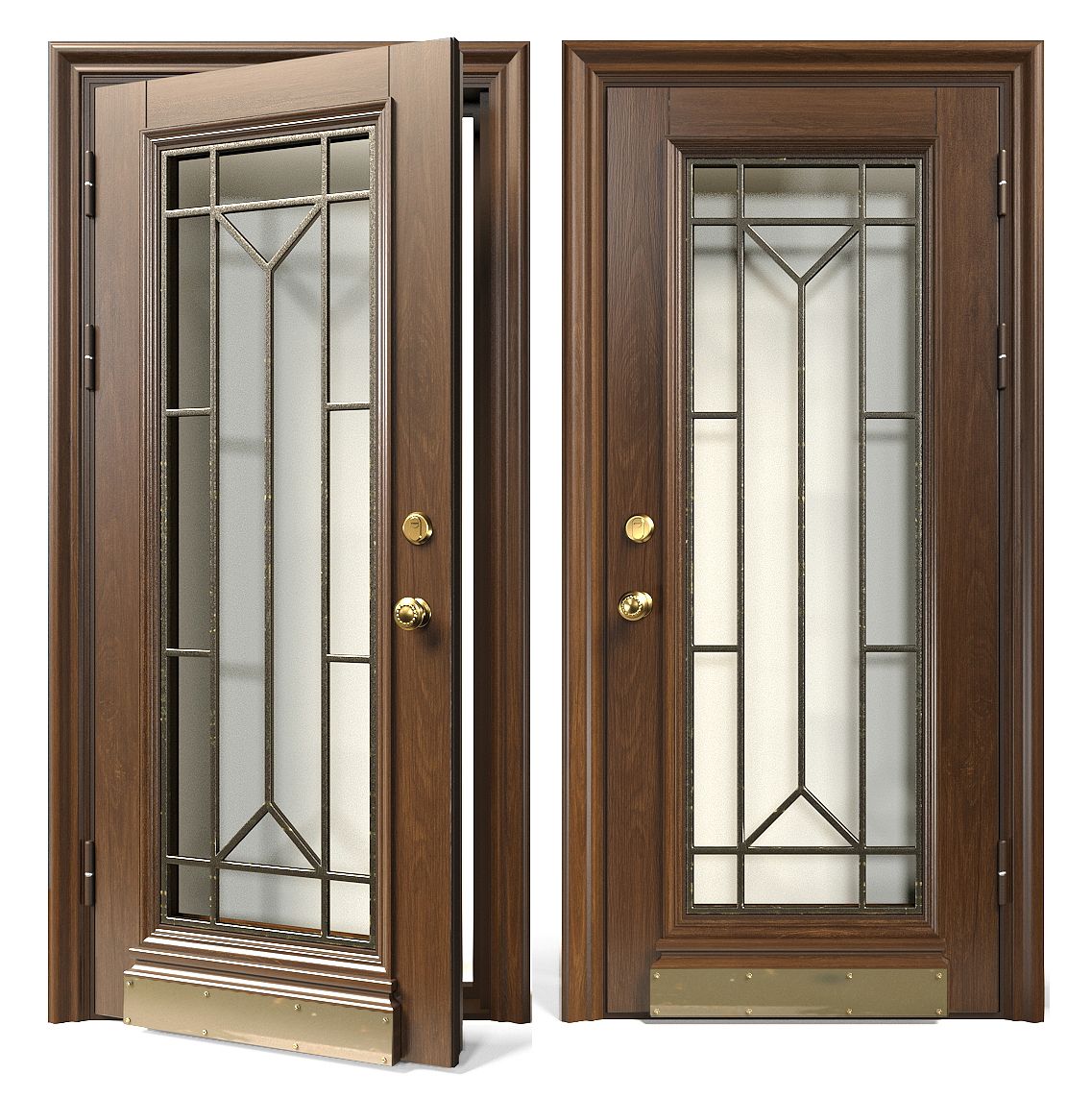
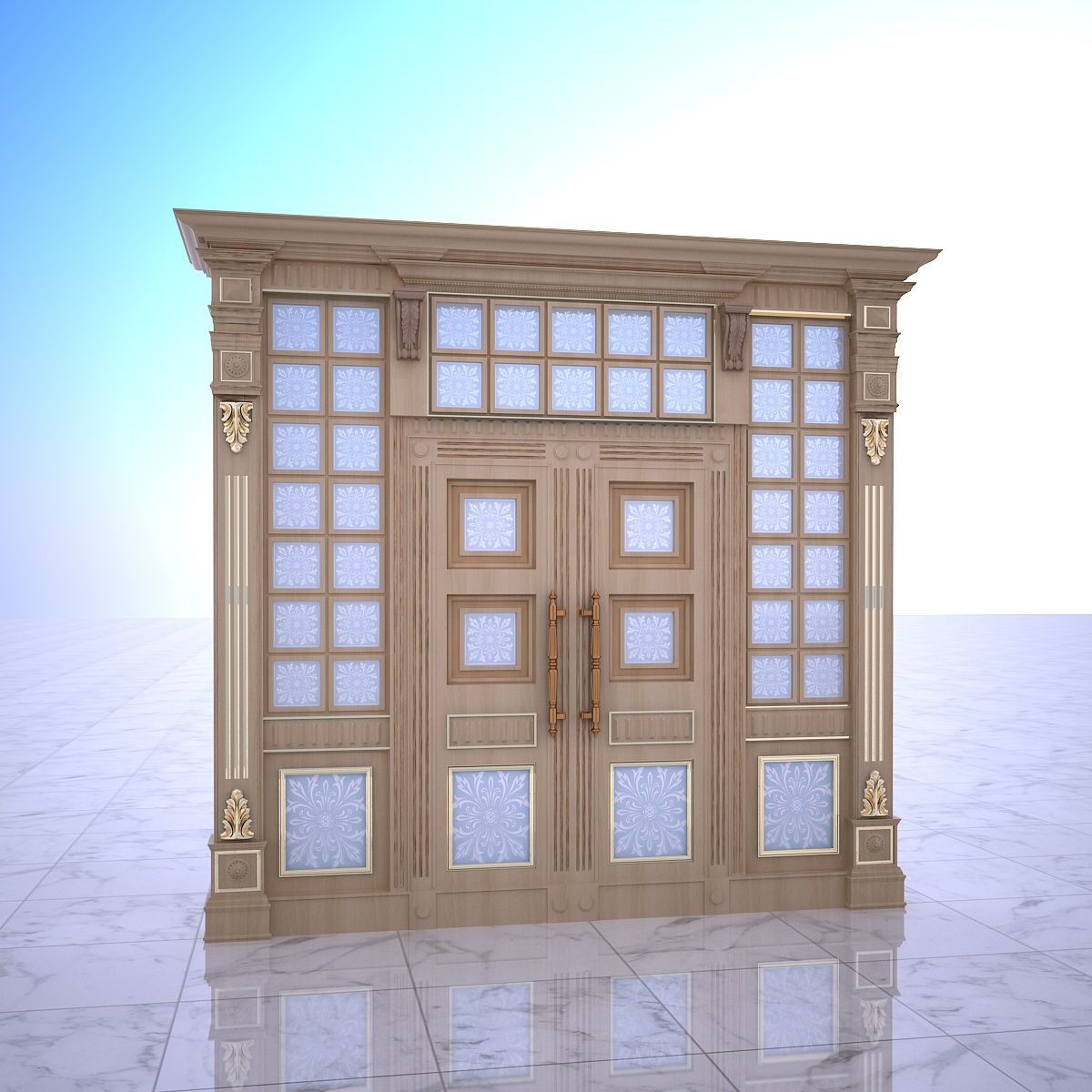


Door-021 Modelo 3D
0


Licença isenta de direitosTodos os usos estendidos
Retornos simples
Melhor Preço Garantido
Trabalha fora da caixa
28
visitas

Enviado por
Runnriot
Especificações
- Geometriapolygonal
- Polígonos7,689
- Vértices8,813
- TexturasYes
- RiggedNo
- AnimadoNo
- Pronto para impressão em 3DNo
- Jogo pronto (baixo poli)No
- Mapeado por UVYes
- UVs não enroladosnone
Descrição
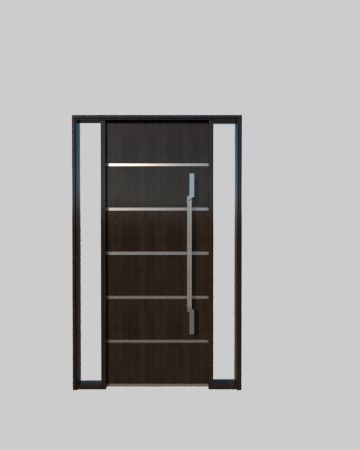
High Detail 3d Model of a modern Wood Door with White Detail stripe
Reflection on door may have to be adjusted based on scene
Door is Rigged Pivot to Rotate on Hinges so you can render it open and closed.
-Modeled in 3ds Max 2015, rendered in Vray
-Modeled to Scale and Dimensions- 34' W x 86' H, can easily be adjusted for different dimensions.
-Hinges, Door lever,strike plates,threshold included.
-Ready for Close up
-Object is Grouped into one group-Frame with Hinges & Door with hinges and hardware.
-Set to 0,0,0 Axis and grouped for easy scene movement.
-Wood Textures Included
-Textures will have to be relinked after opening file.
-To render door in open position open group, click on door, rotate to desired position. Door Pivot is set to Hinges. If pivot gets reset go to 'Hierarchy' tab, click on 'Affect Pivot Point' and move the pivot to the center of the hinge, another trick if its temporarily reset is to hit affect pivot point, hit the rotate button and then click out of the pivot.
Happy Modelling,
Enjoy!
Oct 02, 2019
data adicionada
Mar 06, 2022
última atualização
Rever
Atualmente não há comentários para este produto.
Por que não ser o primeiro a quebrar o gelo?
