





Camponês A zbrush Modelo 3D
0


Licença isenta de direitosTodos os usos estendidos
Retornos simples
Melhor Preço Garantido
Trabalha fora da caixa
6
visitas

Enviado por
Dannan
Especificações
- Geometriapolygonal_quads/tris
- Polígonos13,692
- Vértices14,122
- TexturasNo
- RiggedNo
- AnimadoNo
- Pronto para impressão em 3DNo
- Jogo pronto (baixo poli)No
- Mapeado por UVYes
- UVs não enroladosnon-overlapping
Descrição
PRODUCT OVERVIEW
--------------------------------
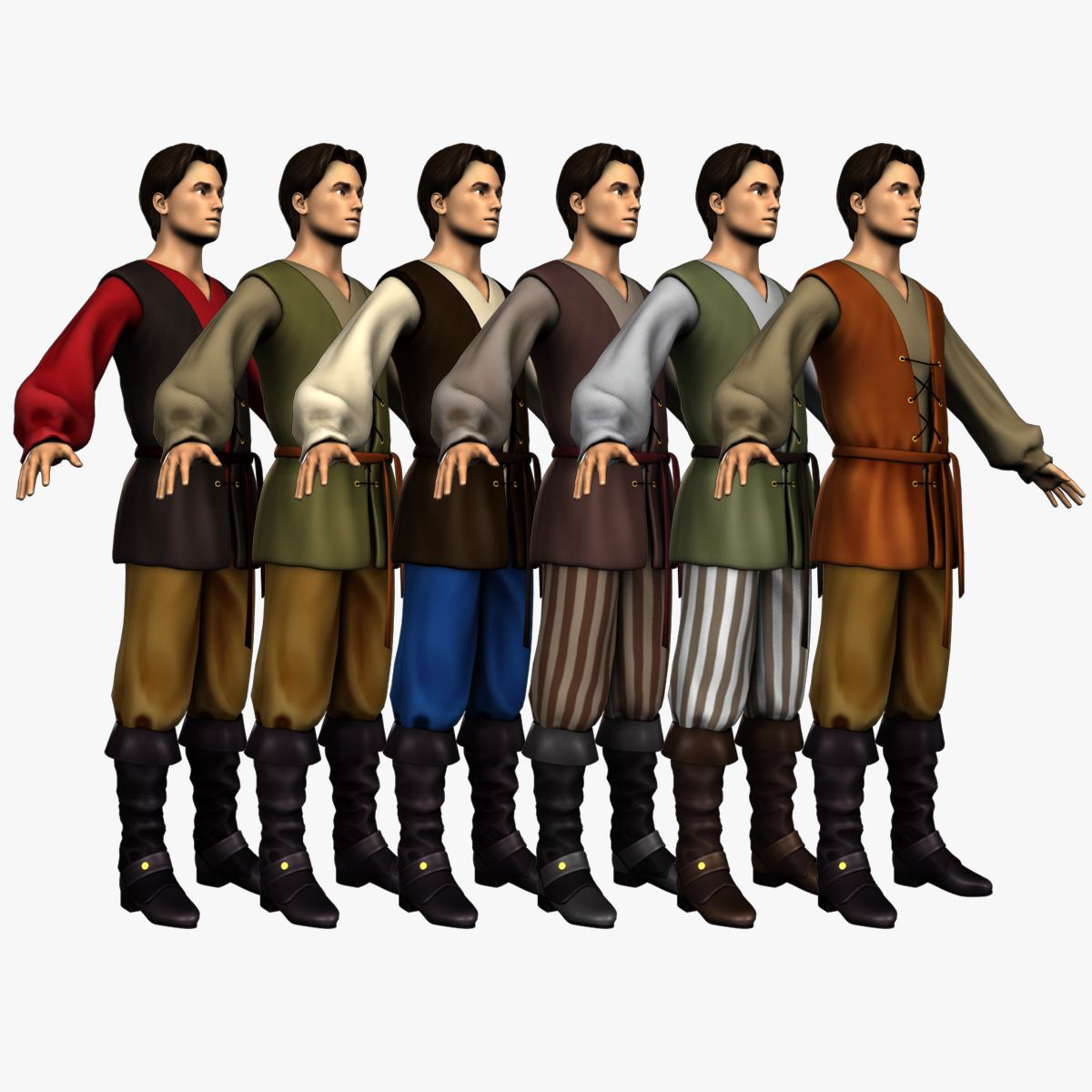
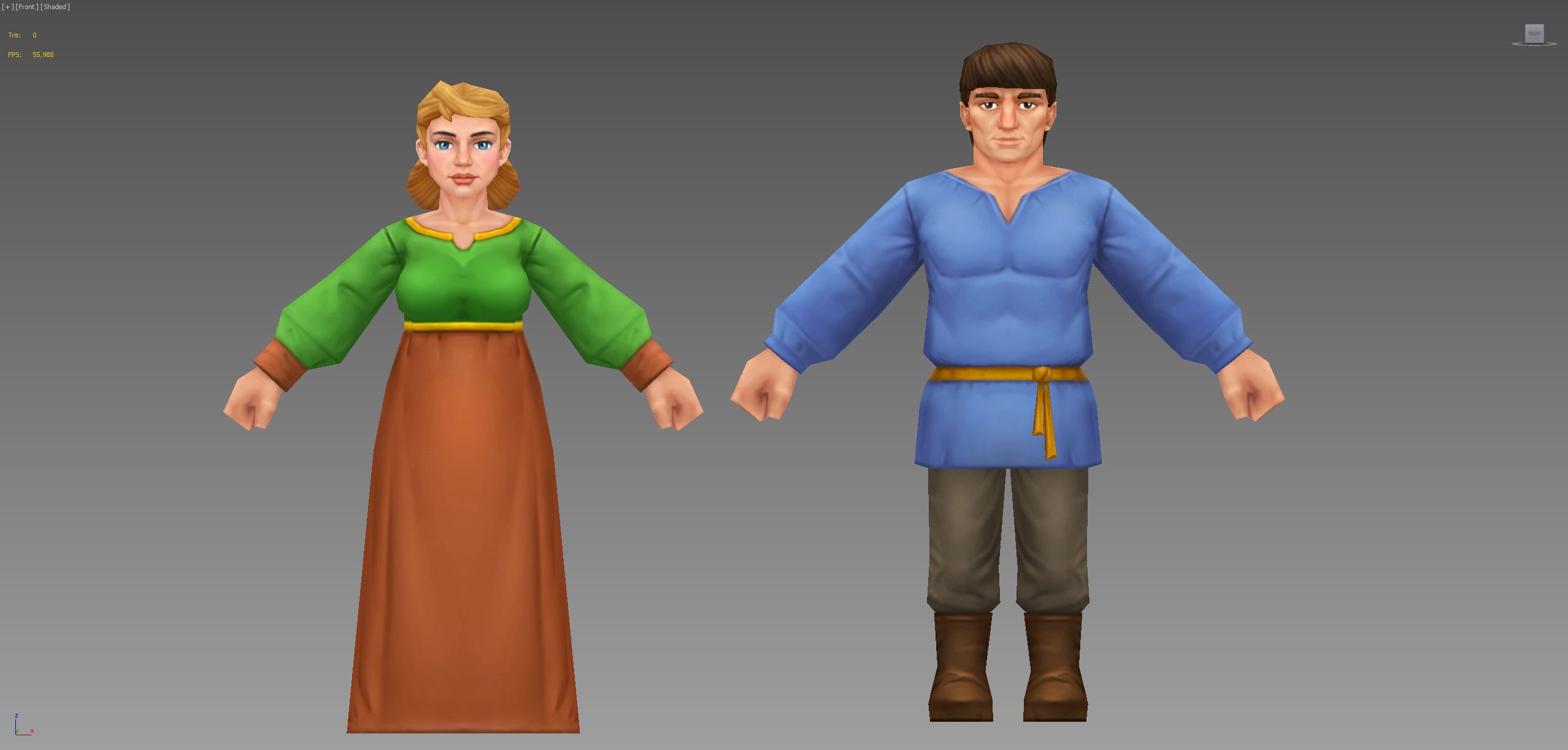
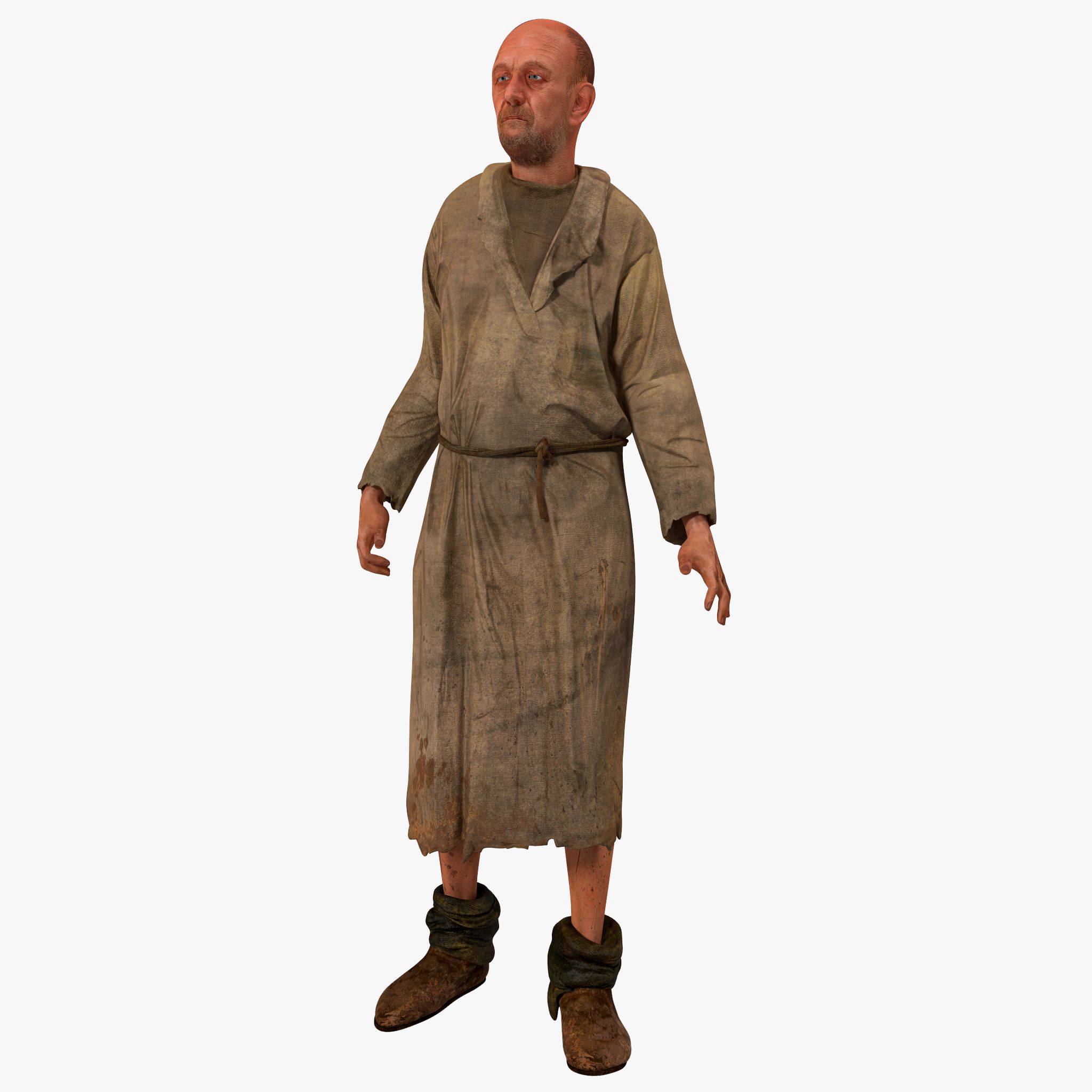
This is a 3d sculpt of a peasant man.
GEOMETRY LIST
------------------------
head
eyes
eyelashes
tongue
teeth
hands
long sleeve under shirt
sleeveless top
pans
waist wrap
boots
boot covers
boot cover straps
boot folds
.ZTL DETAILS
---------------------
Product is provided in obj and .ztl format. You need to have Zbrush 4r6 or above to open .ztl file.
This product opens with all the subtools/meshes on their lowest subdivision level. subdivisions of each subtool ranges from 1 to 6 subdivision levels and can be exported from zbrush to your 3d package of choice. Either by exporting .obj files or using the GoZ feature in Zbrush.
**Links to free video tutorials on how to use GoZ in zbrush with Maya,3ds Max and Cinema 4D provided with product download
UV MAPPING
---------------------
All subdivision levels have been UVed
POLYGON COUNT
----------------------------
The wireframe turnables shown in the last few preview images are of the meshes at their lowest subdivision level.
The polygon and vertice count specified above is based on the combined poly count of the lowest subdivision level of this character, using the body geometry with no feet shown in the preview images.
.OBJ DETAILS
-------------------------
The .obj files of the character are provided in 6 different subdivision levels and the can be re-exported from the ztl file if needed.
OBJ-SubD1 = 13,692 polys || 14,122 verts
OBJ-SubD2 = 54 727 polys || 55, 575 verts
OBJ-SubD3 = 218, 908 polys || 220, 551 verts
OBJ-SubD4 = 868,000 polys || 871,033 verts
OBJ-SubD5 = 3,425,968 polys || 3431733 verts
OBJ-SubD6 = 8,792,560 polys || 8,803,373 verts
Subdivision levels range from 1 to 5,6 & 7
for all assets.
assests from different subdivision levels
can be mixed and matched to acheive various
quality levels at desired polygon counts.
Some assets look their best at subdivision leve
4 or 5 and therefore have not been subdivided
any further. in those cases the highest subidivion
level of that model is placed in the higher subbdivsion
level folders.
eg. the tongue's highest subidivsion level is 4 so the obj
folders for subdivision level 5,6 and 7 have the tongue
at subdivision level 4.
Nov 12, 2019
data adicionada
Dec 01, 2021
última atualização
Rever
Atualmente não há comentários para este produto.
Por que não ser o primeiro a quebrar o gelo?