


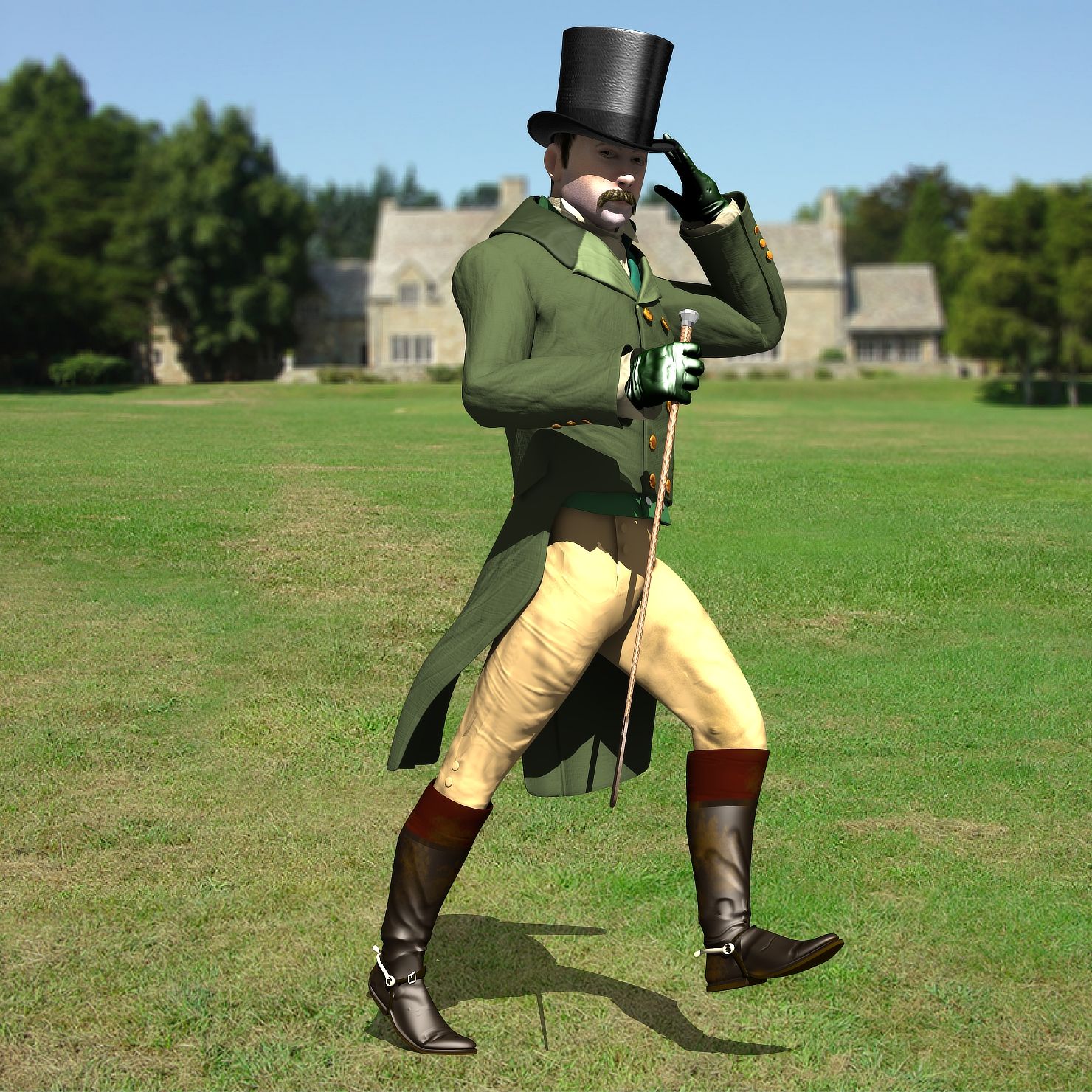
Regency Man Modelo 3D
0












Licença isenta de direitosTodos os usos estendidos
Retornos simples
Melhor Preço Garantido
Trabalha fora da caixa
0
visitas

Enviado por
r189
Especificações
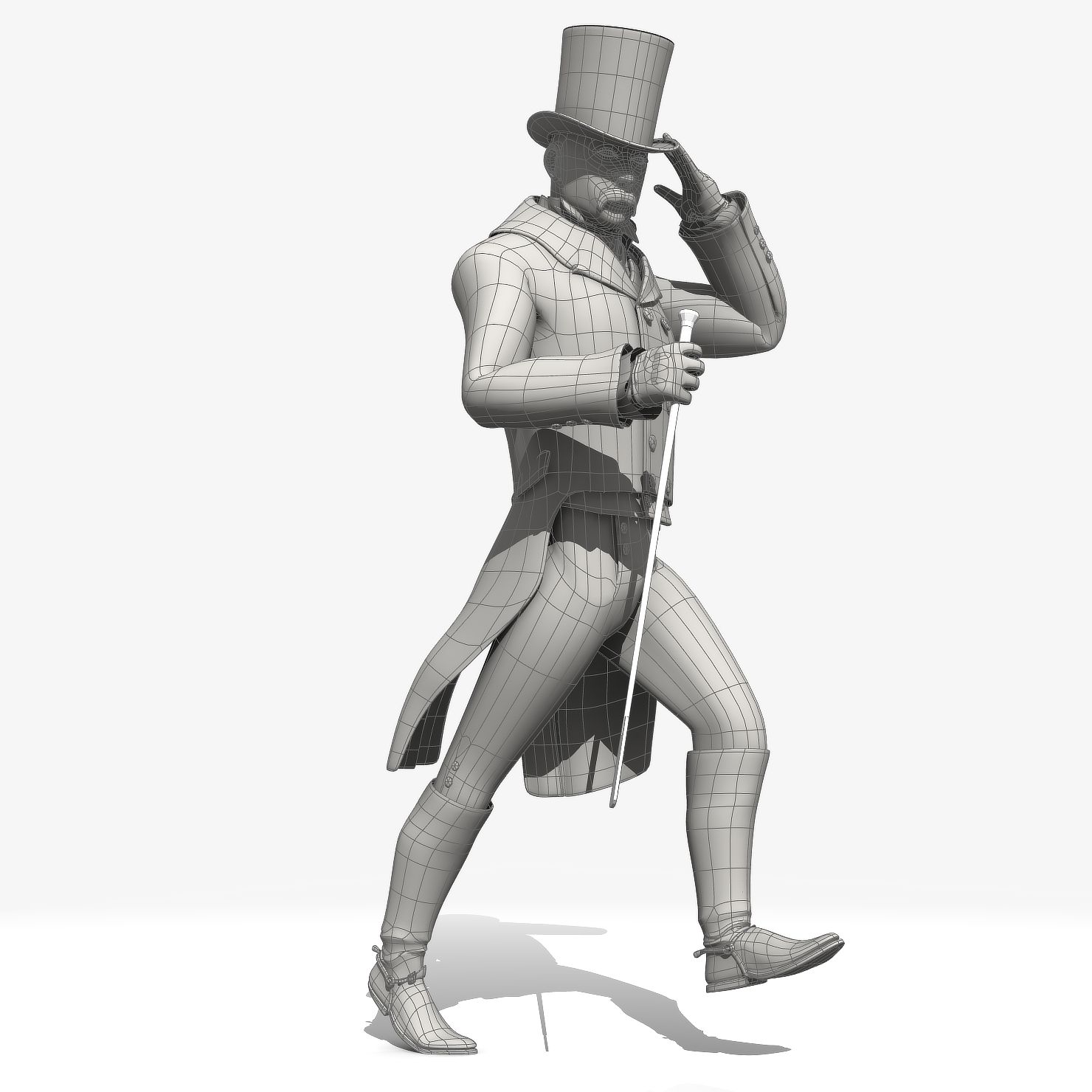
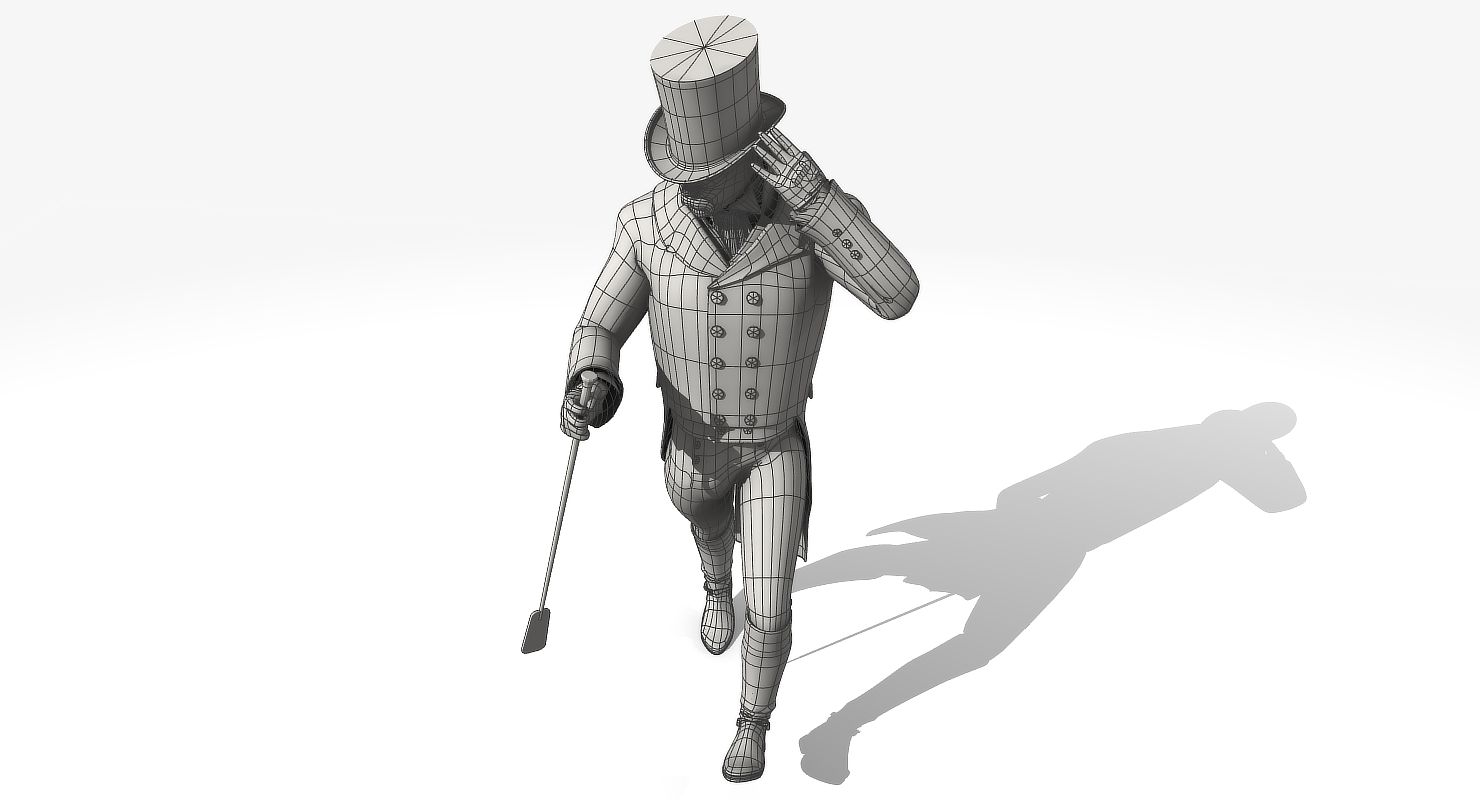
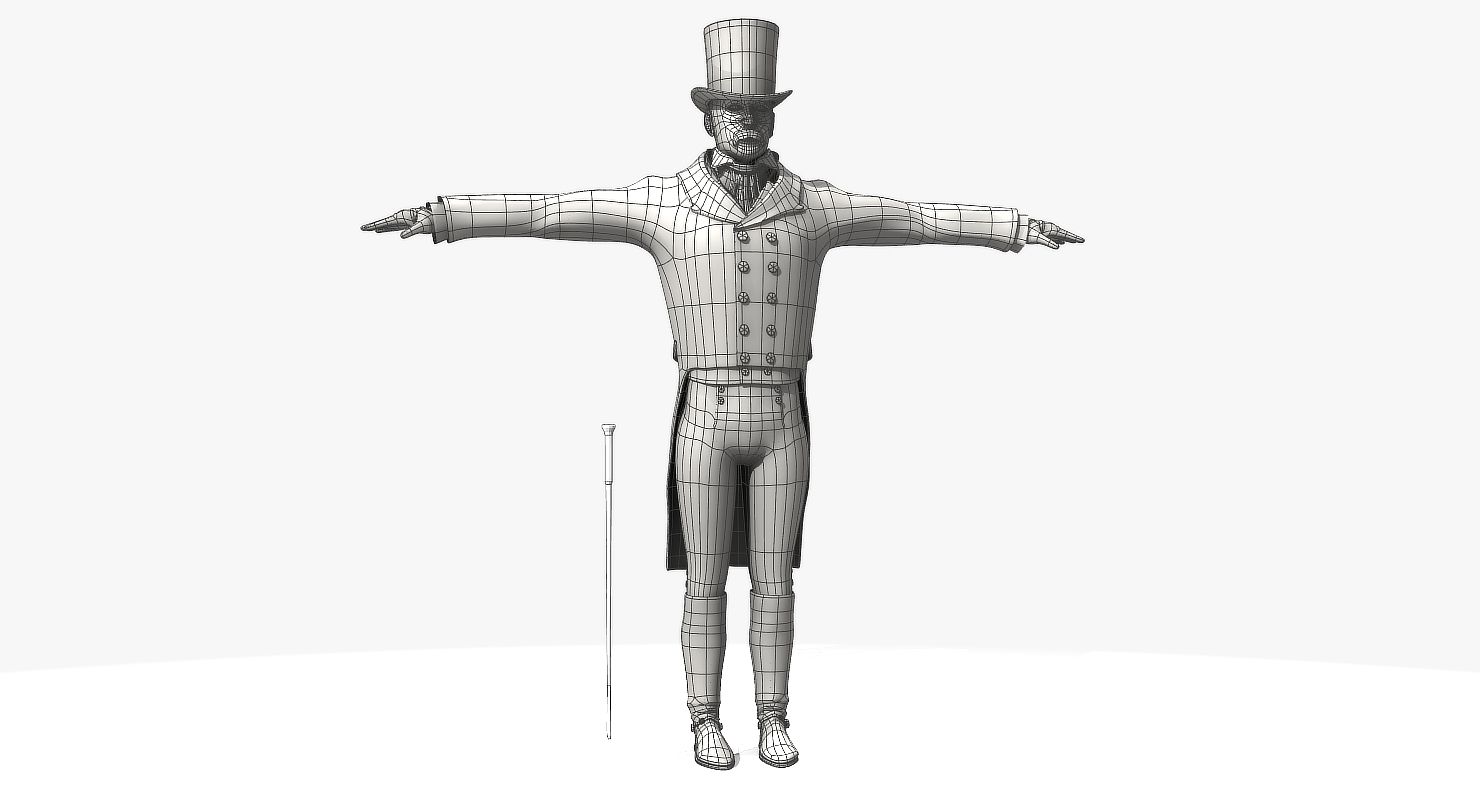
- Geometriapolygonal_quads only
- Polígonos10,767
- Vértices11,292
- TexturasYes
- RiggedYes
- AnimadoYes
- Pronto para impressão em 3DNo
- Jogo pronto (baixo poli)No
- Mapeado por UVYes
- UVs não enroladosnon-overlapping
Descrição
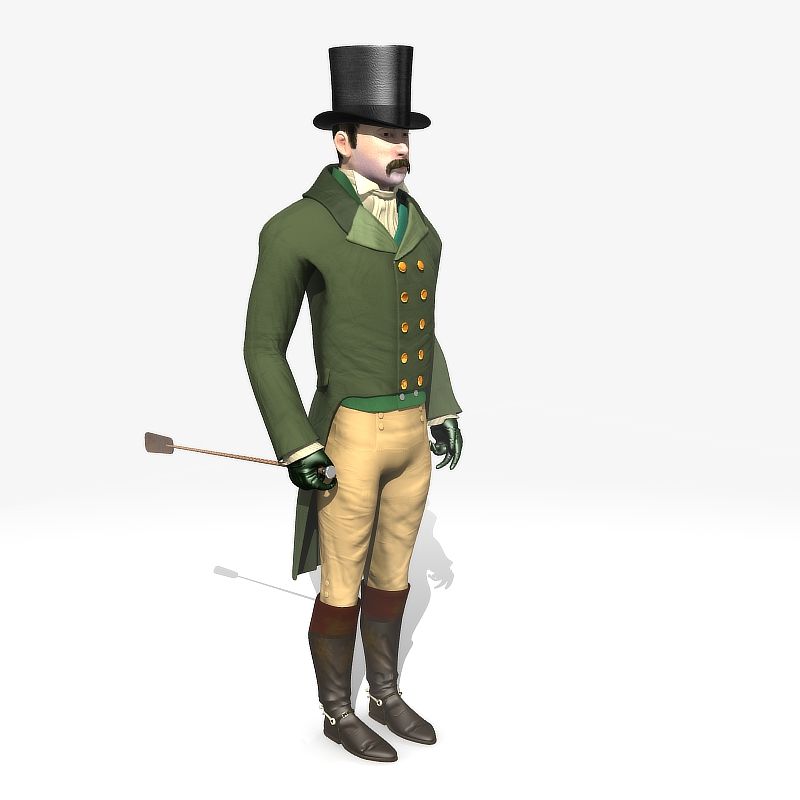
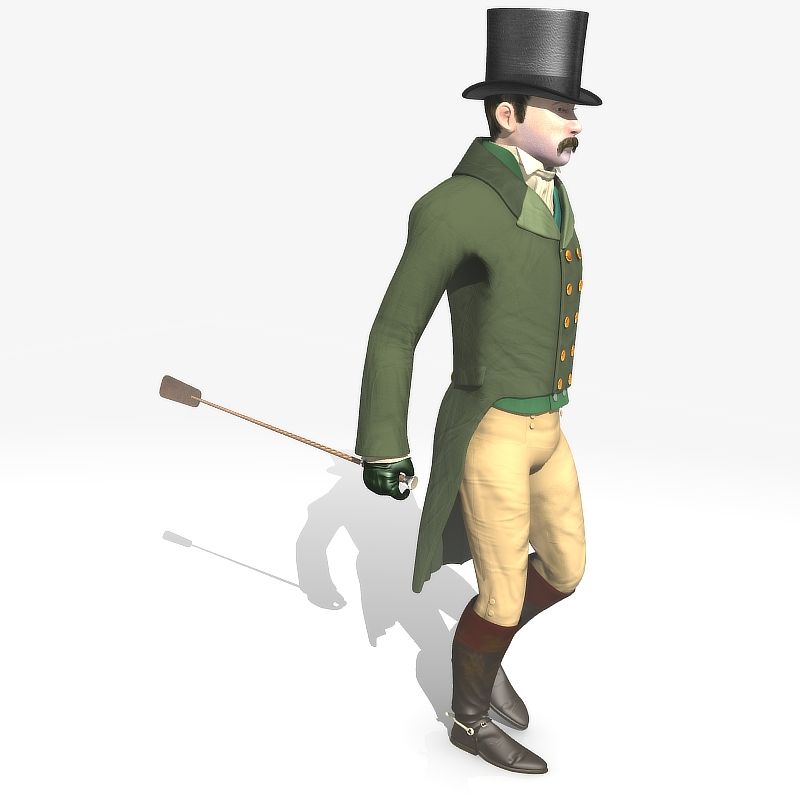
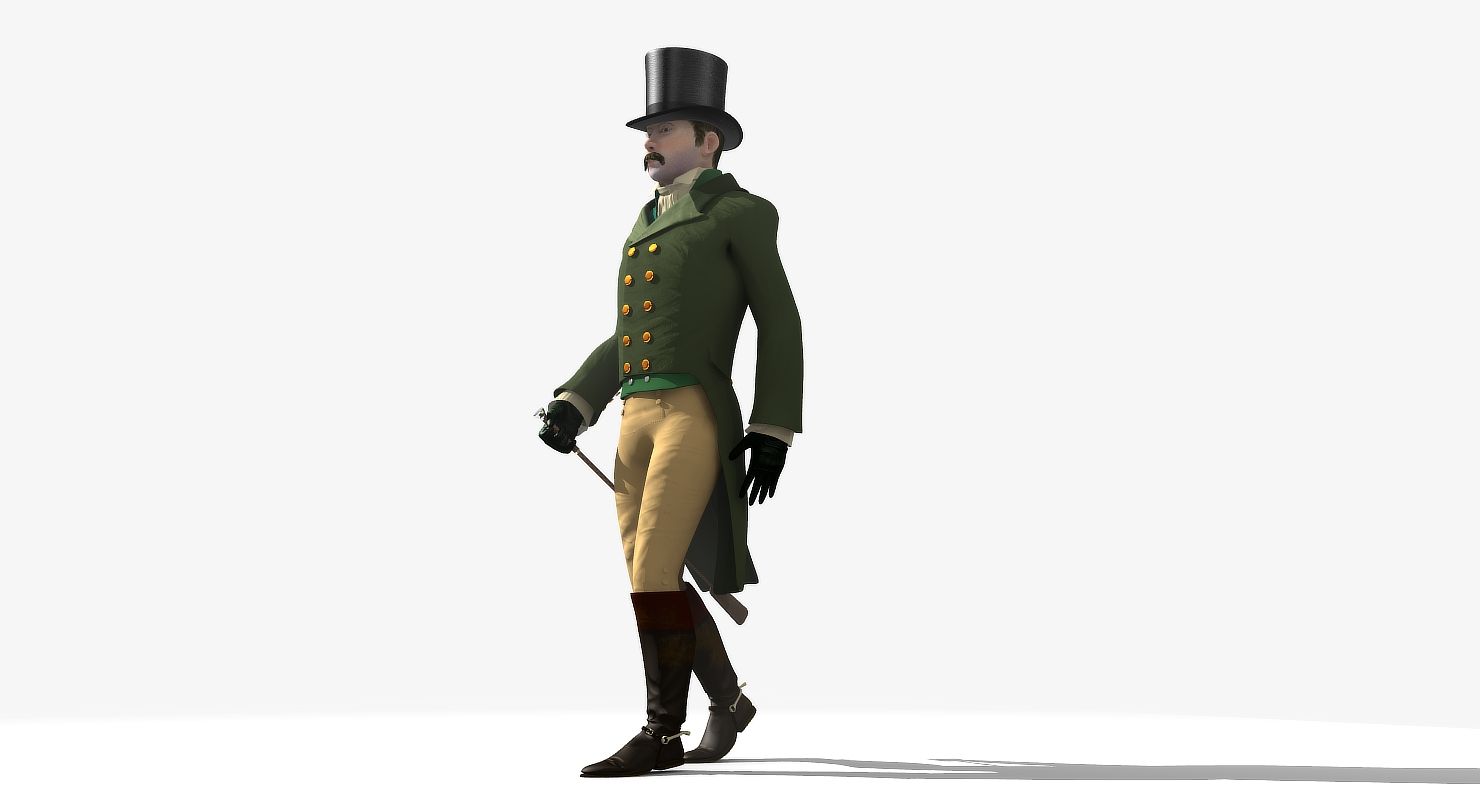
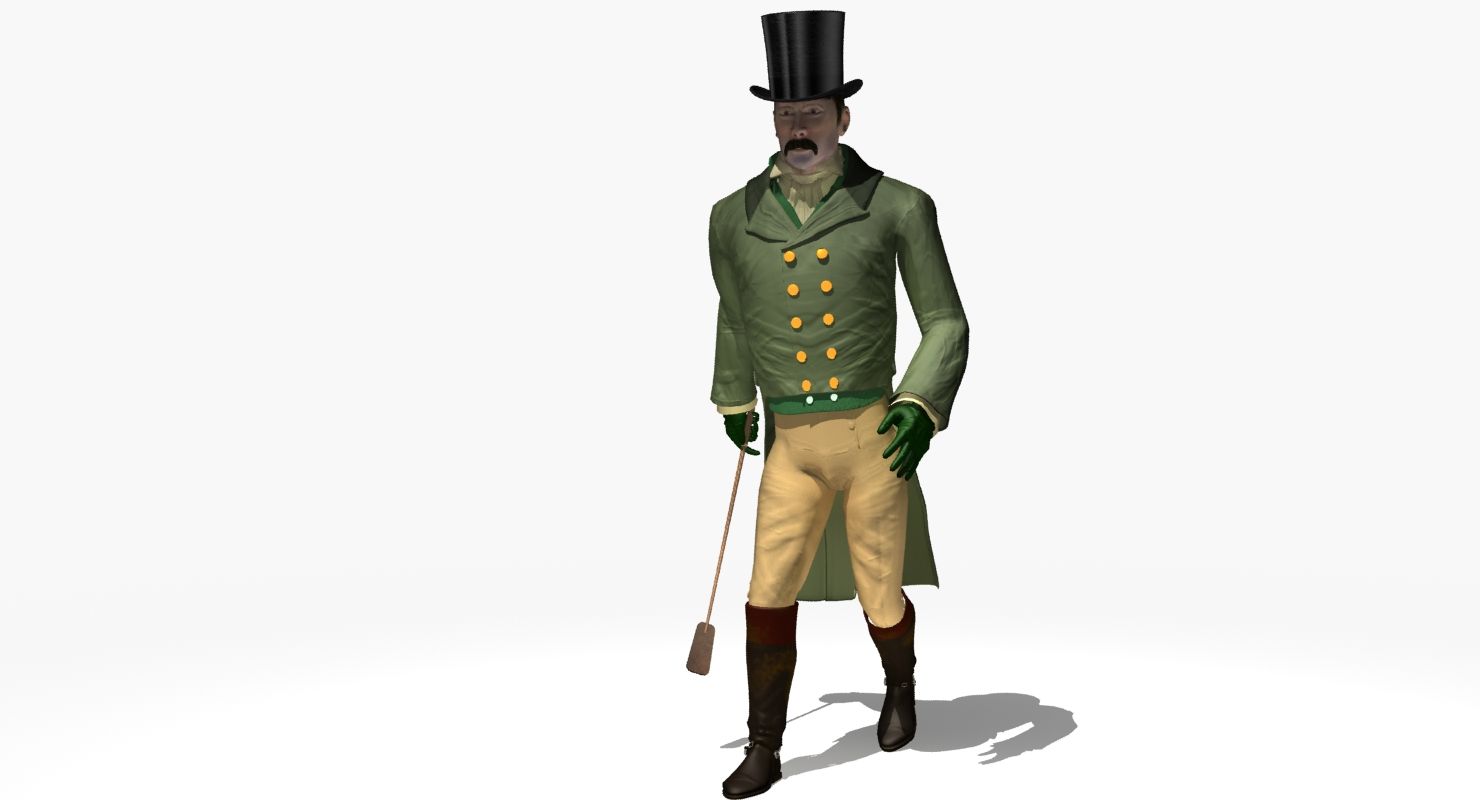
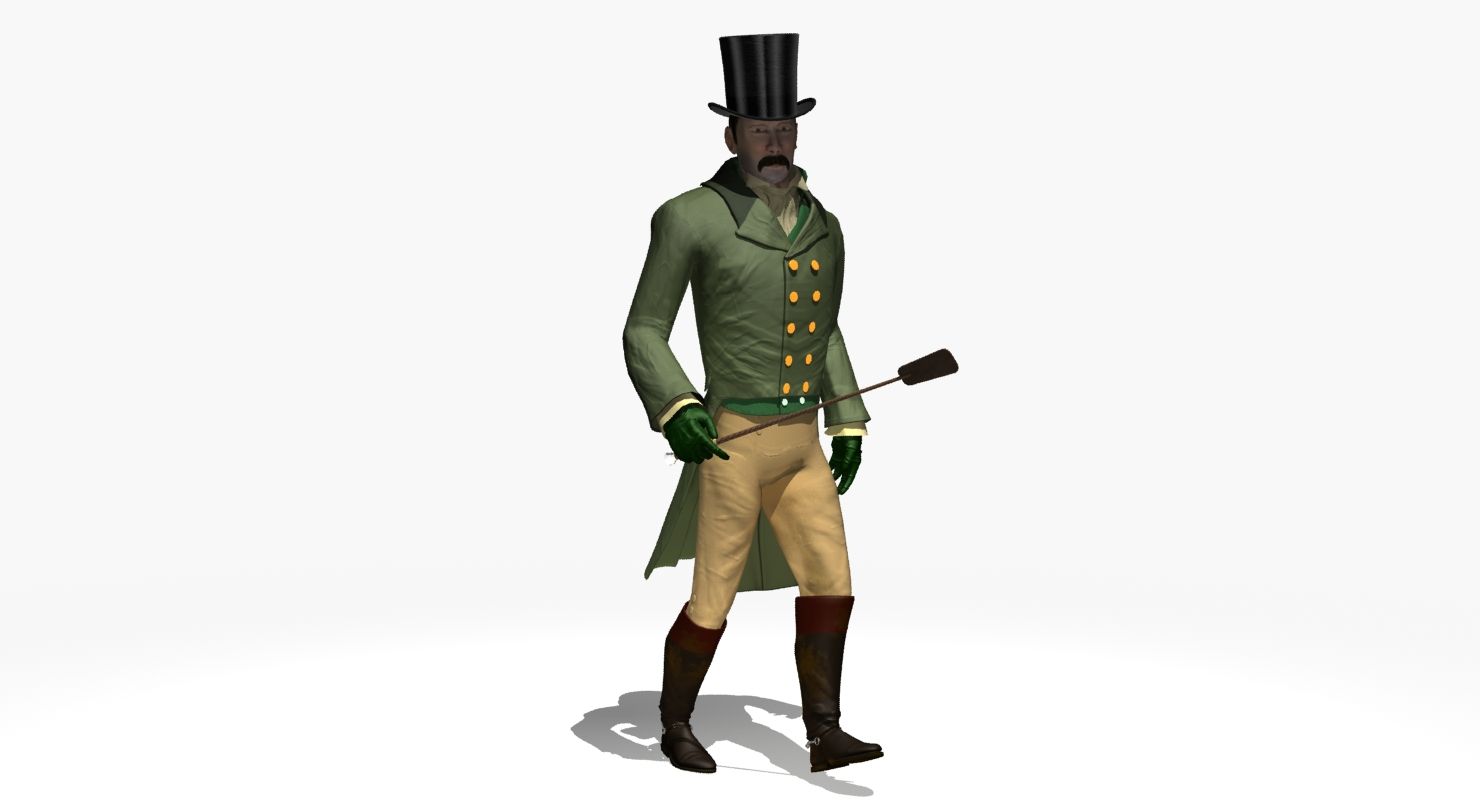
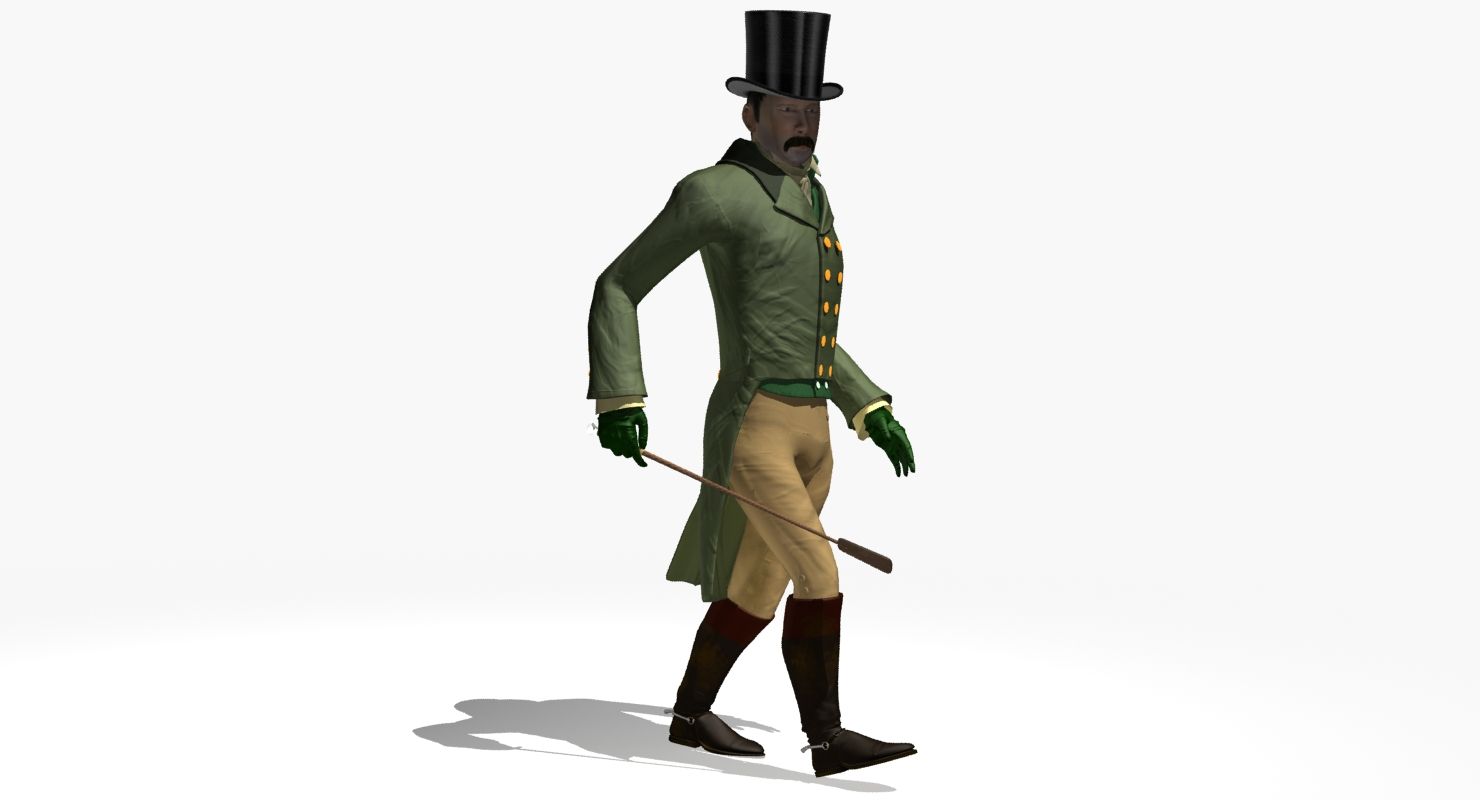
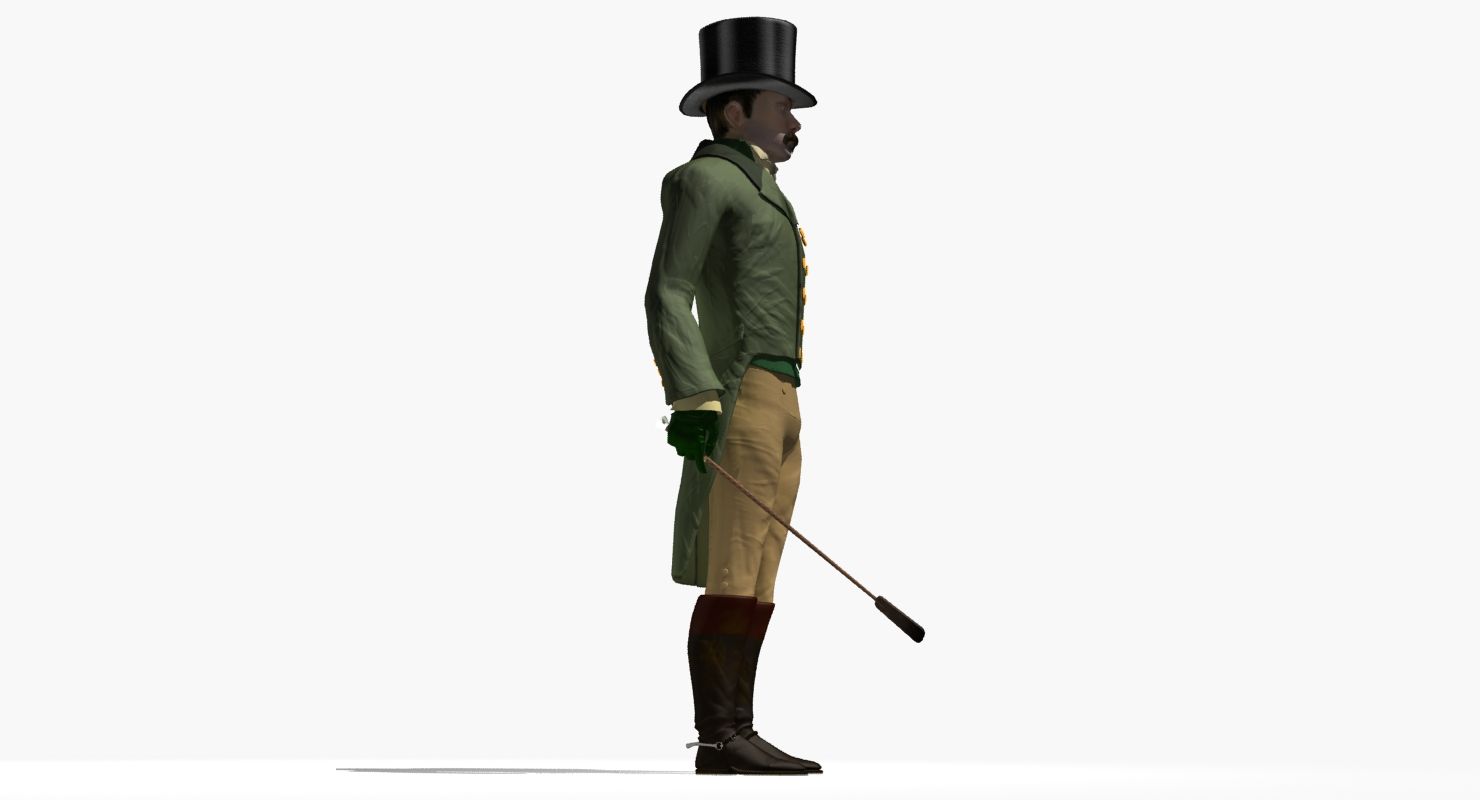
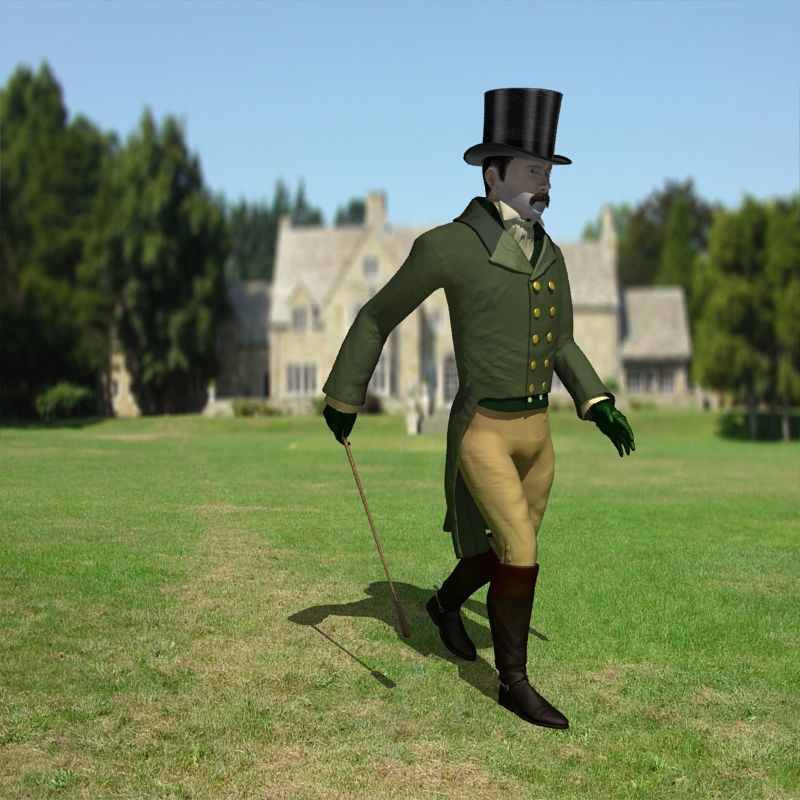
Regency Man 1811-1820
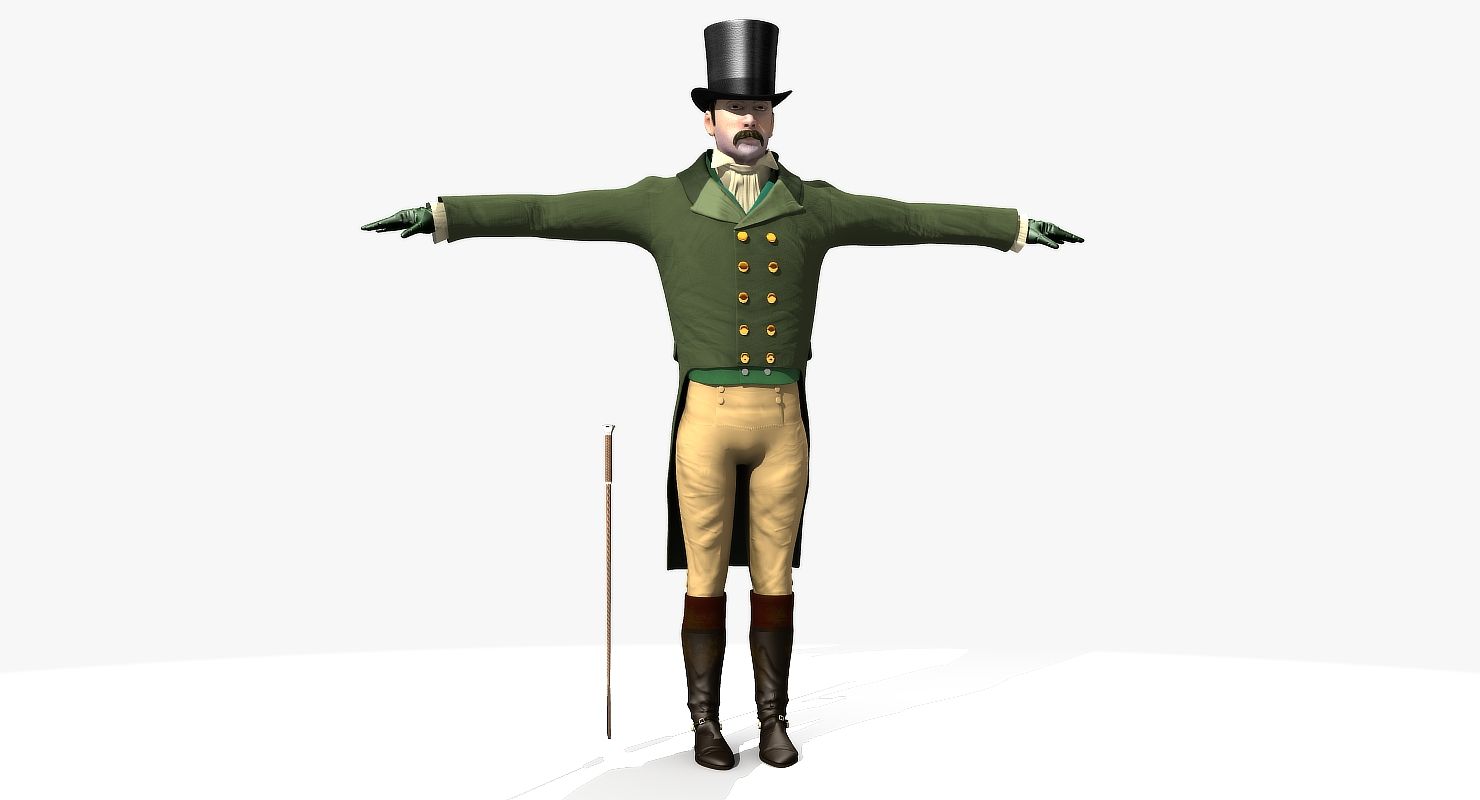
Regency Man Rigged and Animated for Lightwave version 11.6 and up and for 3DS Max version 8.5 and 3DS Max version 2017 and up
OBJ - includes Base model and each of the morph targets
*************** MAX USERS***************
This model uses Tangent Directx Normal maps. For 3DS Max users, the 3DS Max 2009 and 2017 model work correctly as is. If you import this into a later version of 3DS Max (I dont know when they changed things) youll need to: 1) goto CUSTOMIZE => PREFERENCES => GAMA and LUTE => Turn off LUTE 2) goto CUSTOMIZE => PREFERENCES => bottom of screen - Normal Bump Mode => Select Directx, so it reads the maps correctly.
Even then, in the newer versions of Max the Normals maps will be very low (not showing up well) - They are there and will work, you just need to turn up the volume on them. So for Body instead of 1.0 in the normal map node use 1.2 or higher and in the additional Bump node instead of 0.08 use 0.008.
*************** MAX USERS***************
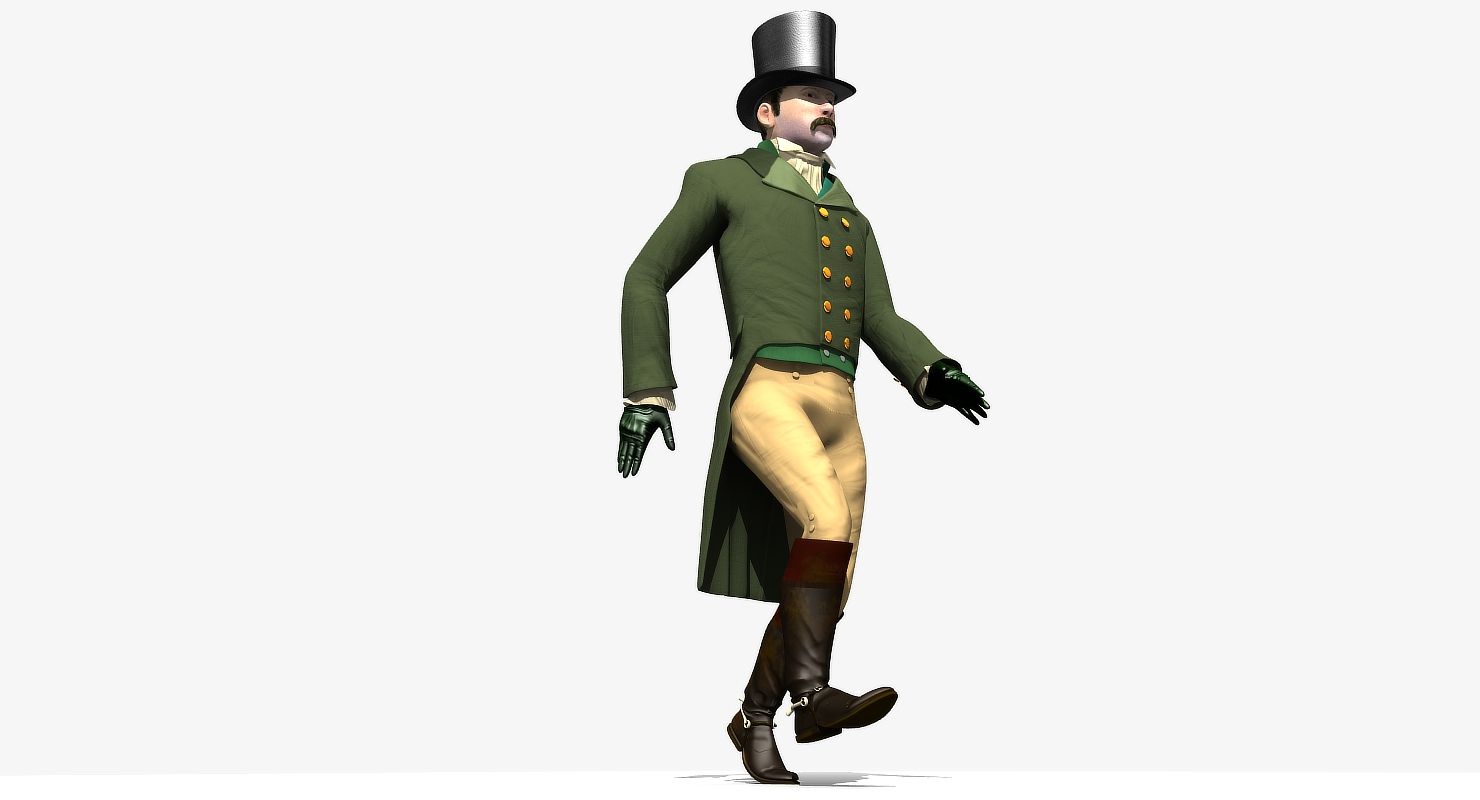
This model comes with several pre-animated scenes to get you started:
RegencyMan_Zero (base T-Pose and Rigged Scene)
RegencyMan-StartWalking
RegencyMan_JWalker
RegencyMan_WalkCycle-02-Repeat
RegencyMan_WalkCycle-single
I dont like to have too many control objects in my rigs, I like them simple and so I try to access the bones directly as often as possible. you can remove or add to the control objects I have placed on the rig.
In Lightwave RegencyMan_2_MainLayer moves the entire rigged object
In Max the LOC-POINT moves the entire rigged object
MAX: The main controlling Object CtrlC_COG attached to "ROOT" bone
LW: The main controlling Bone is the "ROOT" bone
Max: The feet and legs are controlled by "LT-Foot" and "RT-Foot" objects respectively. When you select a foot controller in Max under the Modify menu you will find Custom Attributes which have Heel To and Ball of foot controls.
LW: The feet and legs are controlled by "LT-Foot" and "RT-Foot" bones respectively. LW has Lt_ToeControl and RT_ToeControl for horizontal toe control - LW Also has LT_OnToes and RT_OnToes to rock toes up
Max: The hands are controlled by the CtrlC_LT_Hand and CtrlC_RT_Hand objects
LW: The hands are controlled by the LT_Hand and RT_Hand Bones
Max: the Knees and Elbows are managed by CtrlC_LT_Elbowand CtrlC_RT_Elbow and CtrlC_LT_Knee and CtrlC_RT_Knee objects
LW: the Knees and Elbows are a bit different and are managed by LT_Elbow_Control and RT_Elbow_Control and LT_Knee_Dir and RT_Knee_Dir objects - In addition, there are LT_KneeRotate and LRT_KneeRotate controls - a bit tricky at first, but youll get the hang of it
Max: The Head, Neck, shoulders, fingers and spine(s) all have their own bones as controllers
LW: The Head, Neck, shoulders, fingers and spine(s) all have their own bones as controllers
The eyes have bone control for position or you can use the Eye morphs to control position.
There are 46 morphs in this object - 8 of them are Phoneme controls:
F, AI, CDGJKNSTYZ, E, L, O, U and WQ - the remaining are as follows: CheecksPuffed, EyebrowArch-LT, EyebrowArch-RT, Eyebrow-DN-LT, Eyebrow-DN-RT, Eyebrow-DN-Both, EyelidsOpened, EyelidsOpenedWide, Eyes-DN, Eyes-LT, Eyes-RT, EyesUP, JawBack, JawDown, JawForward, Jaw-LT, JawRotateZ-LT, Jaw-RT, LeftCollarUp, Lip-Lower-In, MidMouth-LT, MidMouth-RT, Mouth-DN, Mouth-Frown, Mouth-Open, Motuh-Pucker, MouthRotateZ-RT, MouthUp, MouthWhistle, NoseScrunch, RightCollarUp, Smile, Snarl-LT, Snarl-RT, Squint, ThinMan03, UpperLip-In, Up
Nov 13, 2021
data adicionada
Nov 13, 2021
última atualização
Rever
Atualmente não há comentários para este produto.
Por que não ser o primeiro a quebrar o gelo?