


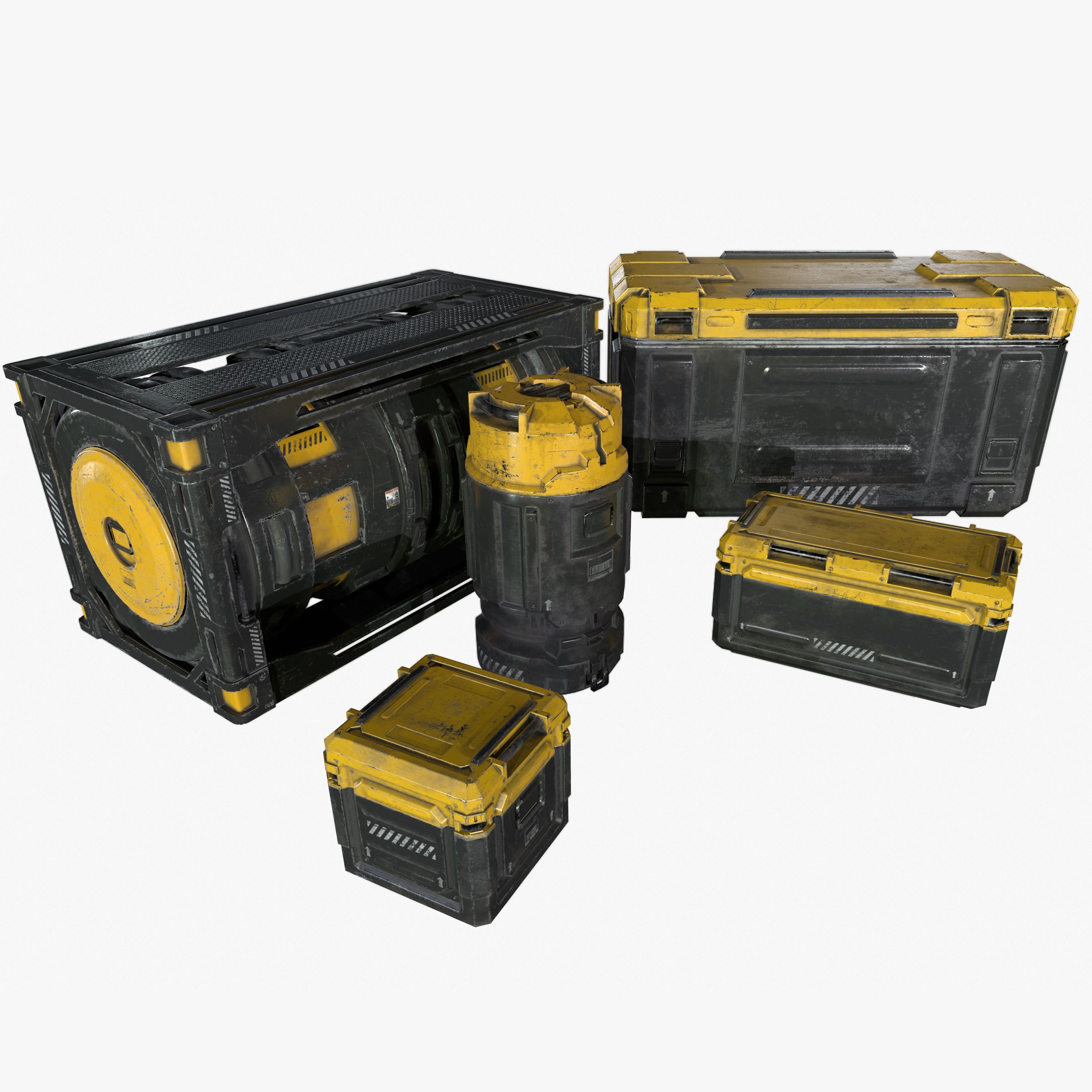
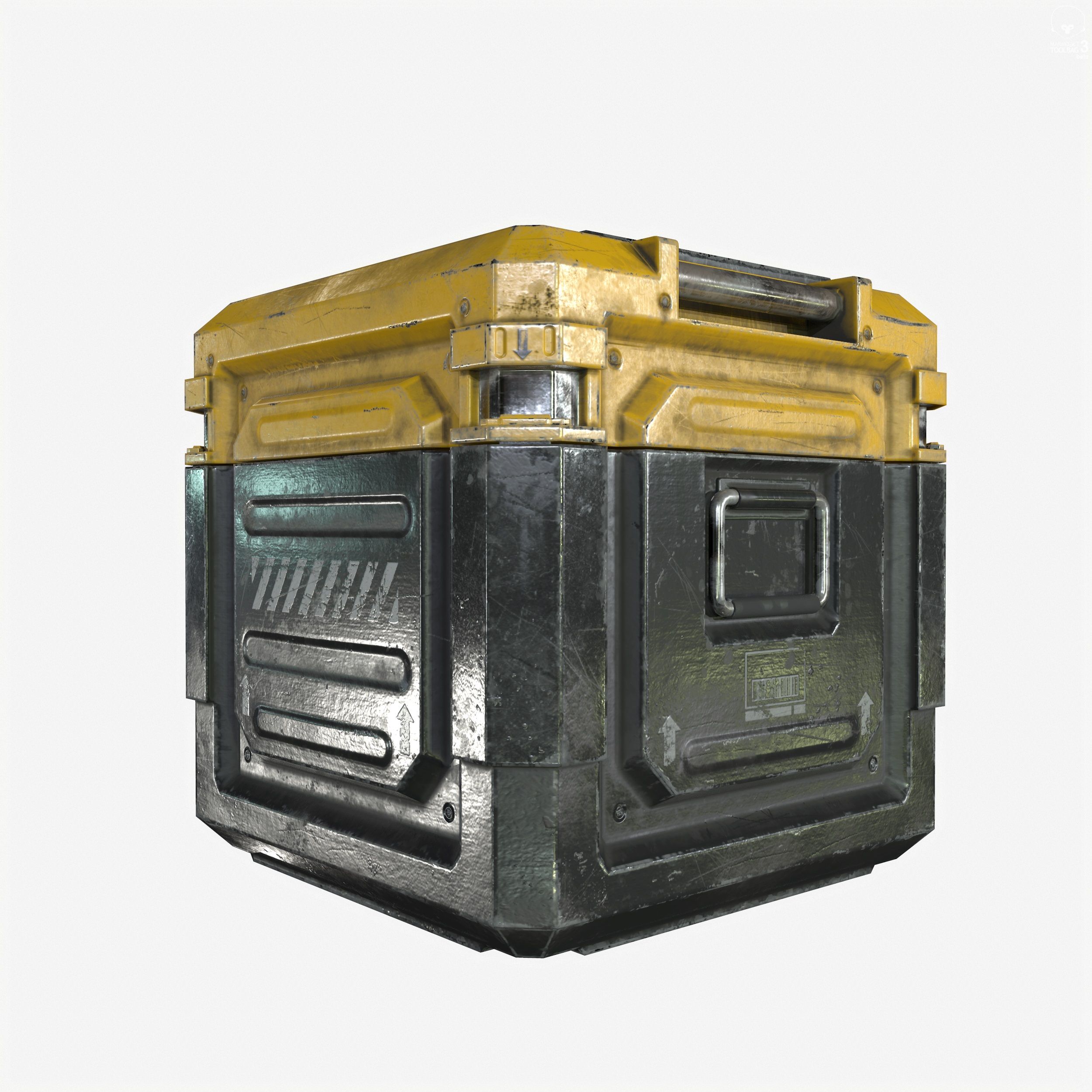
Coleção de caixotes industriais de ficção científica Modelo 3D
0













Licença isenta de direitosTodos os usos estendidos
Retornos simples
Melhor Preço Garantido
Trabalha fora da caixa
0
visitas

Enviado por
MeshMagnet
Especificações
- Geometriapolygonal
- Polígonos22,468
- Vértices22,572
- TexturasYes
- RiggedYes
- AnimadoNo
- Pronto para impressão em 3DNo
- Jogo pronto (baixo poli)No
- Mapeado por UVYes
- UVs não enroladosmixed
Descrição
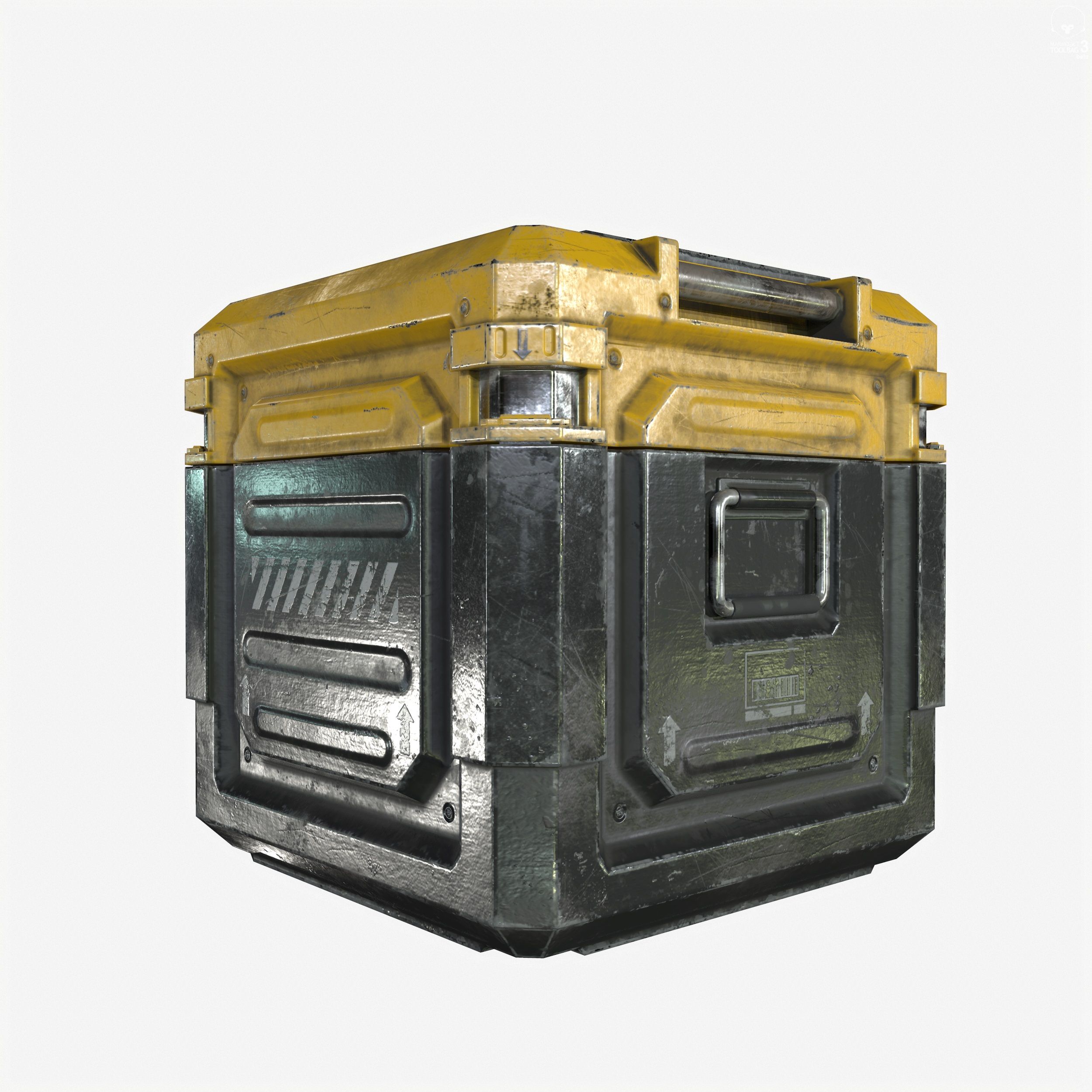
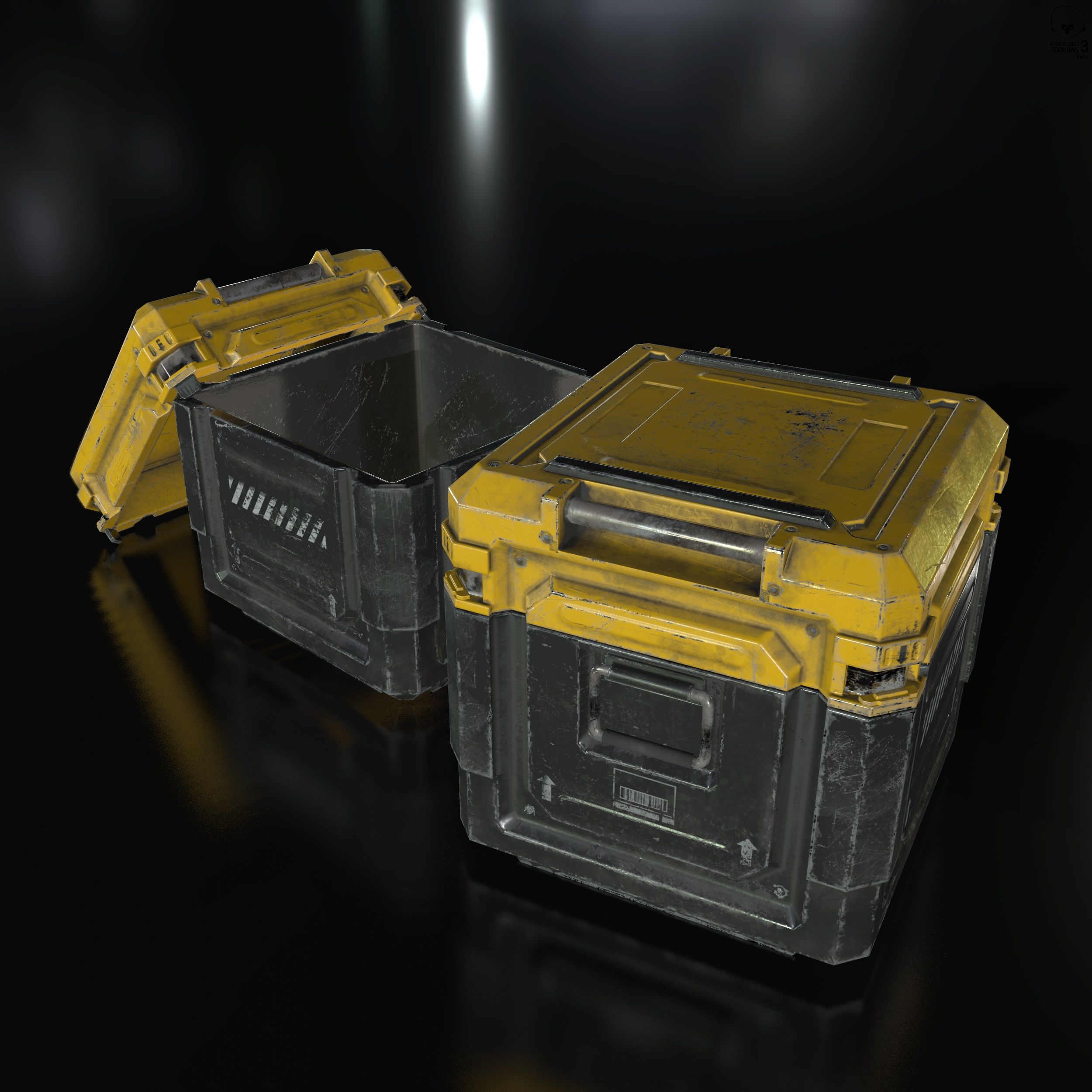
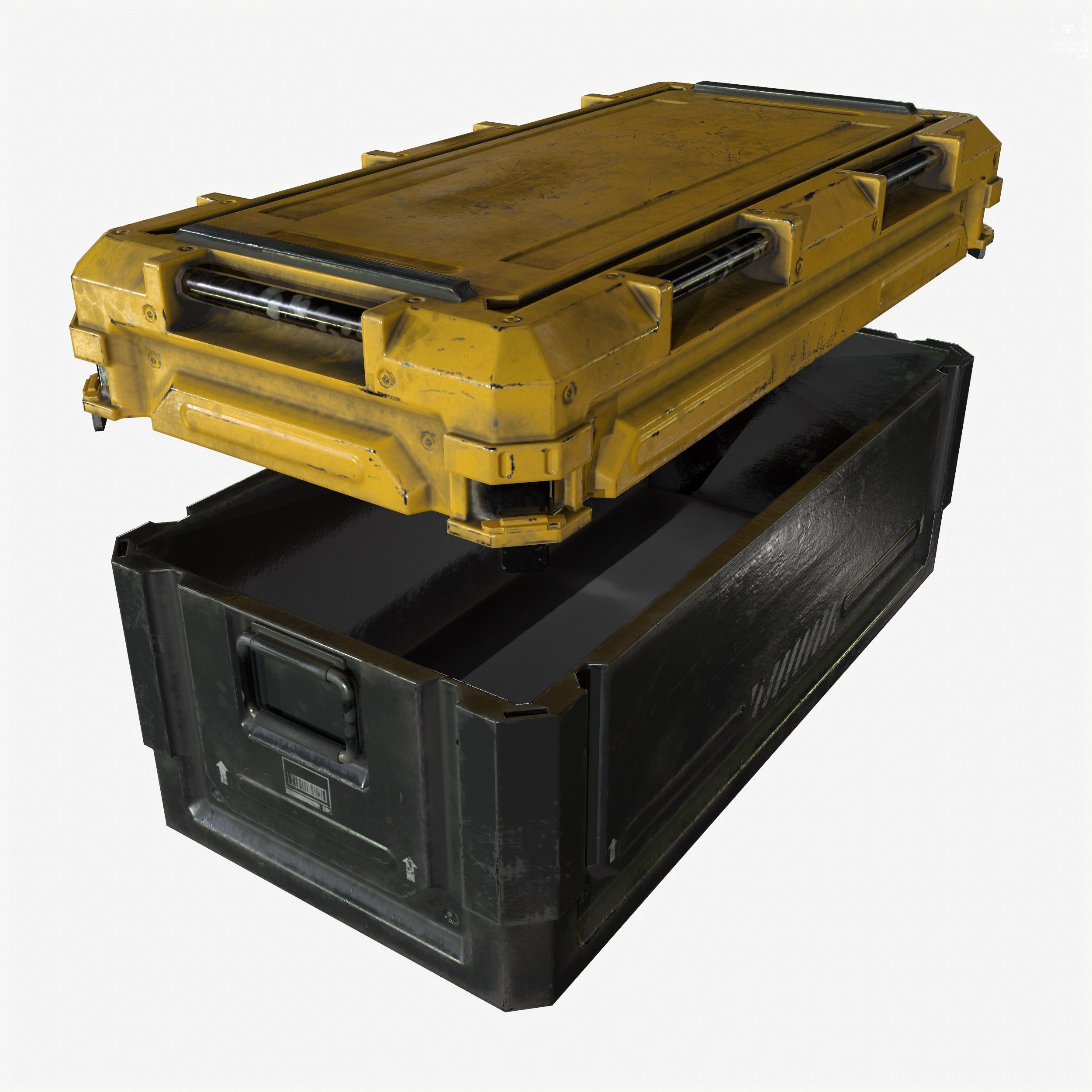
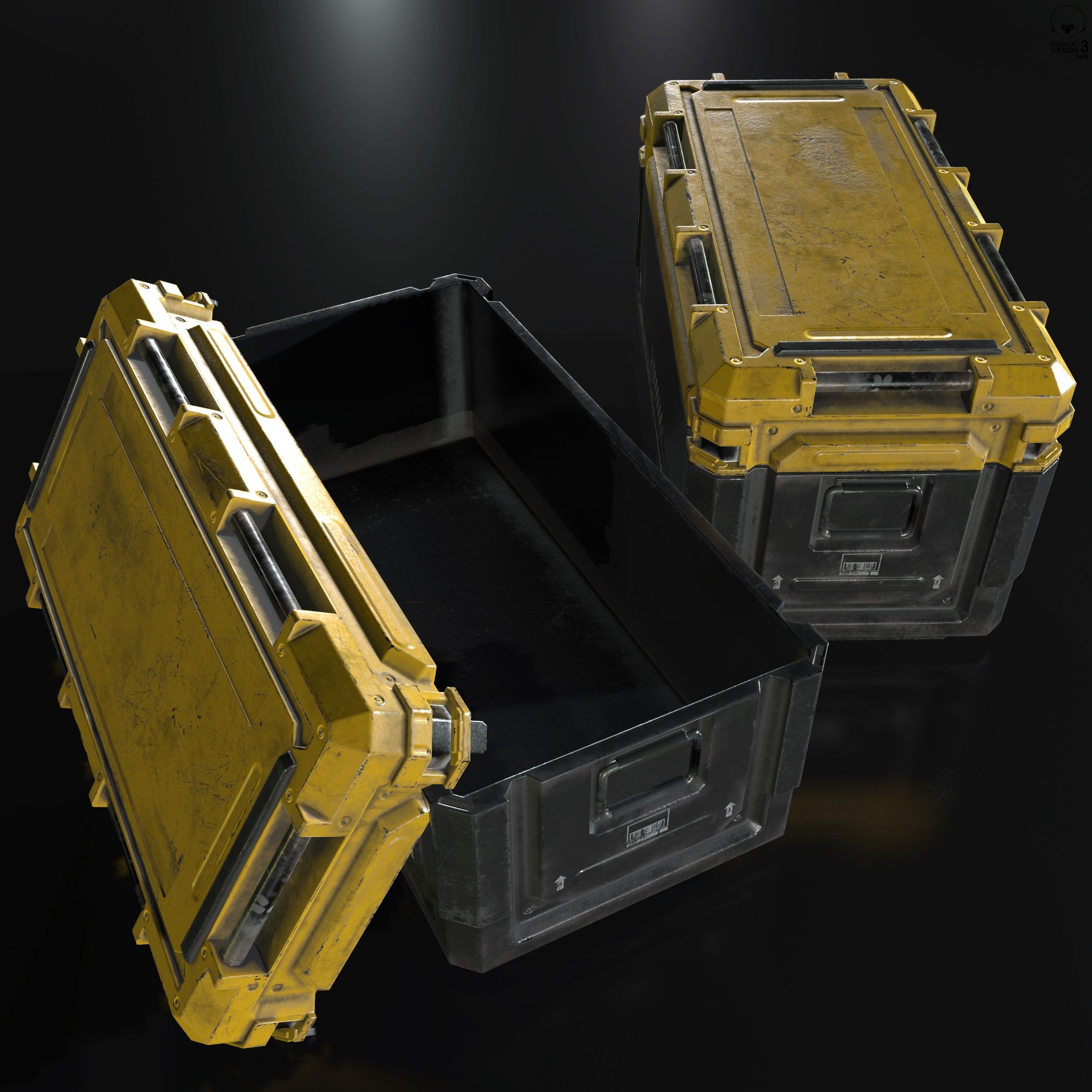
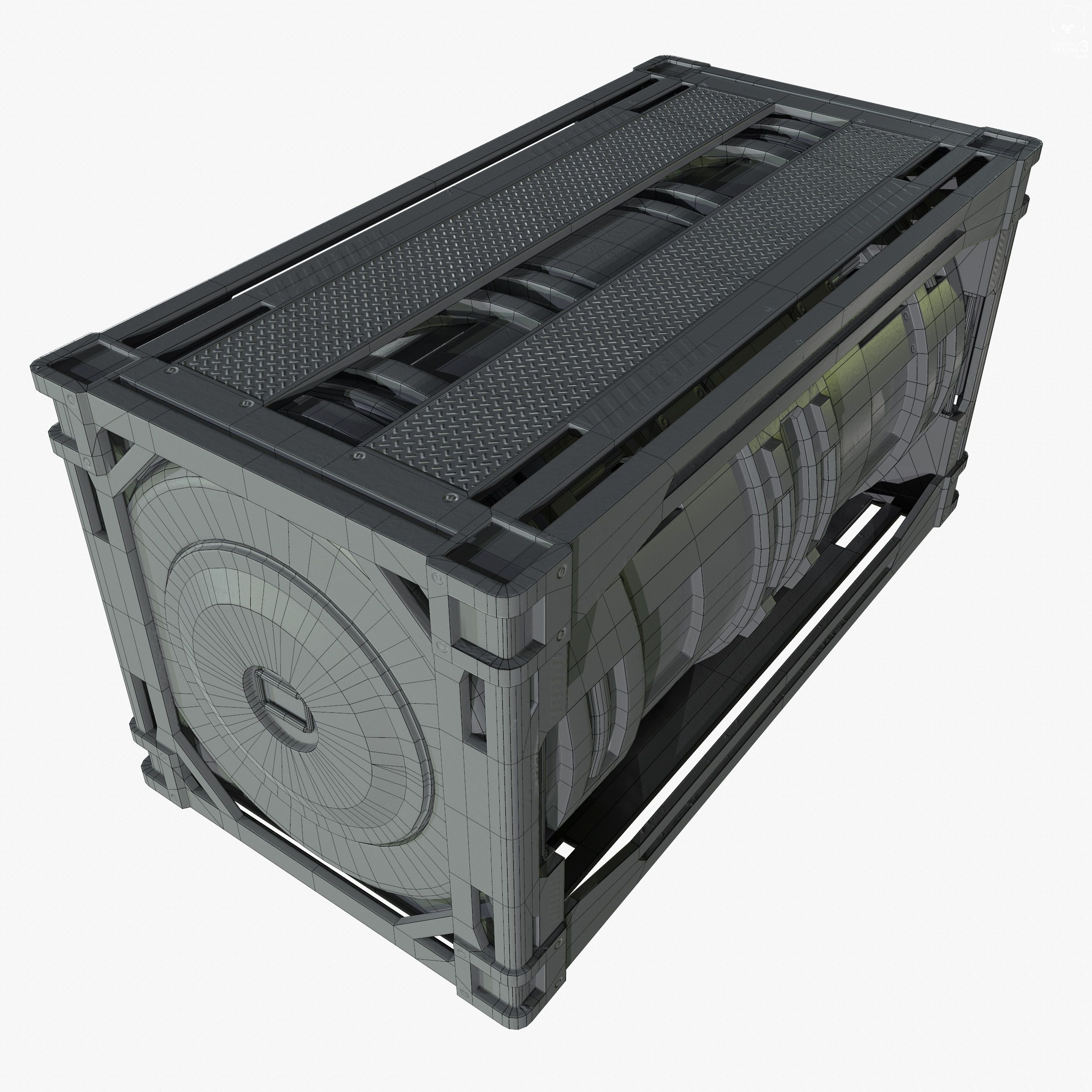
Real-Time Sci-Fi Industrial Crate Collection.
Package includes 5 separate .zip files. Each .zip file contains the 3DSMax, Maya, FBX and OBJ file. The proper textures to each Crate are located in each .zip file.
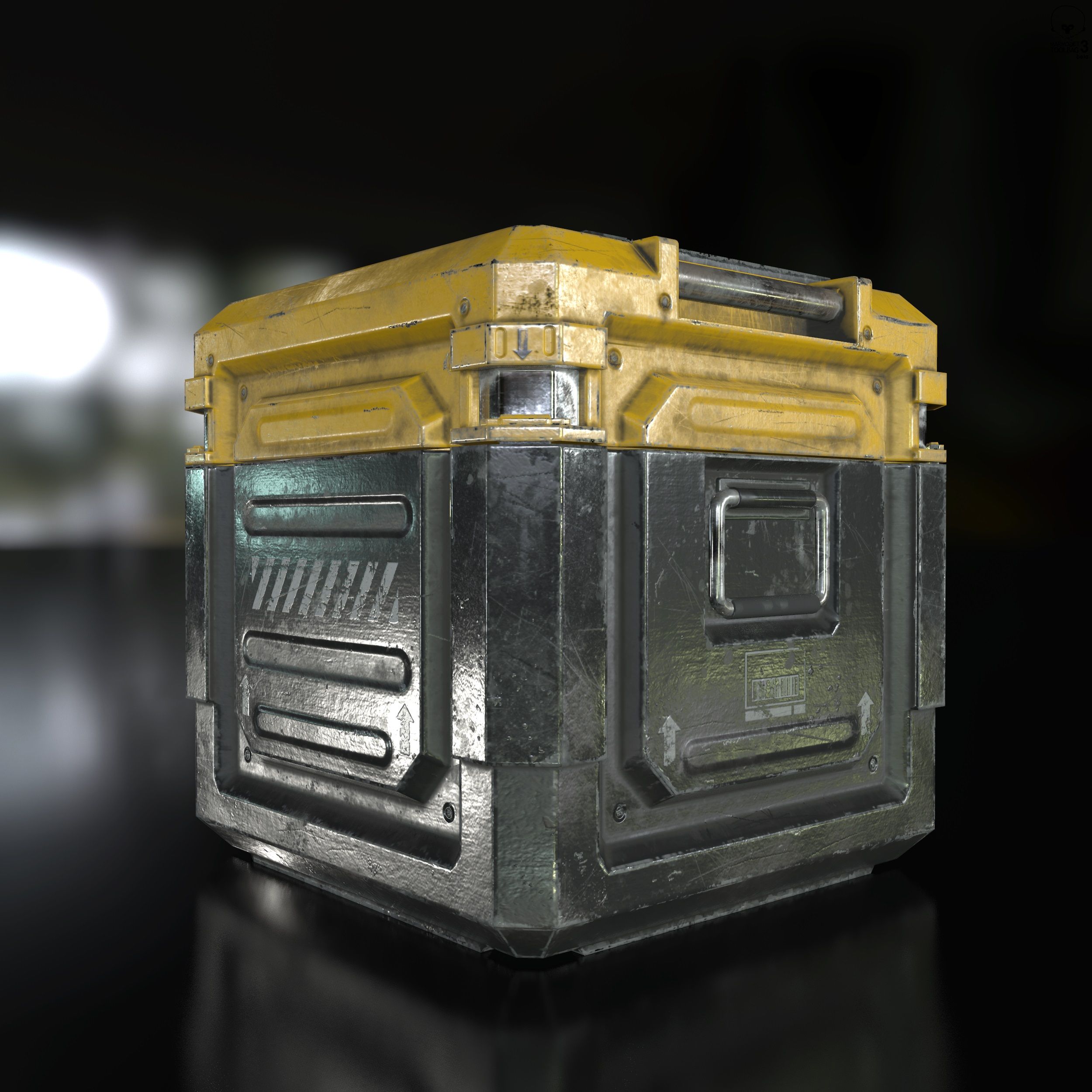
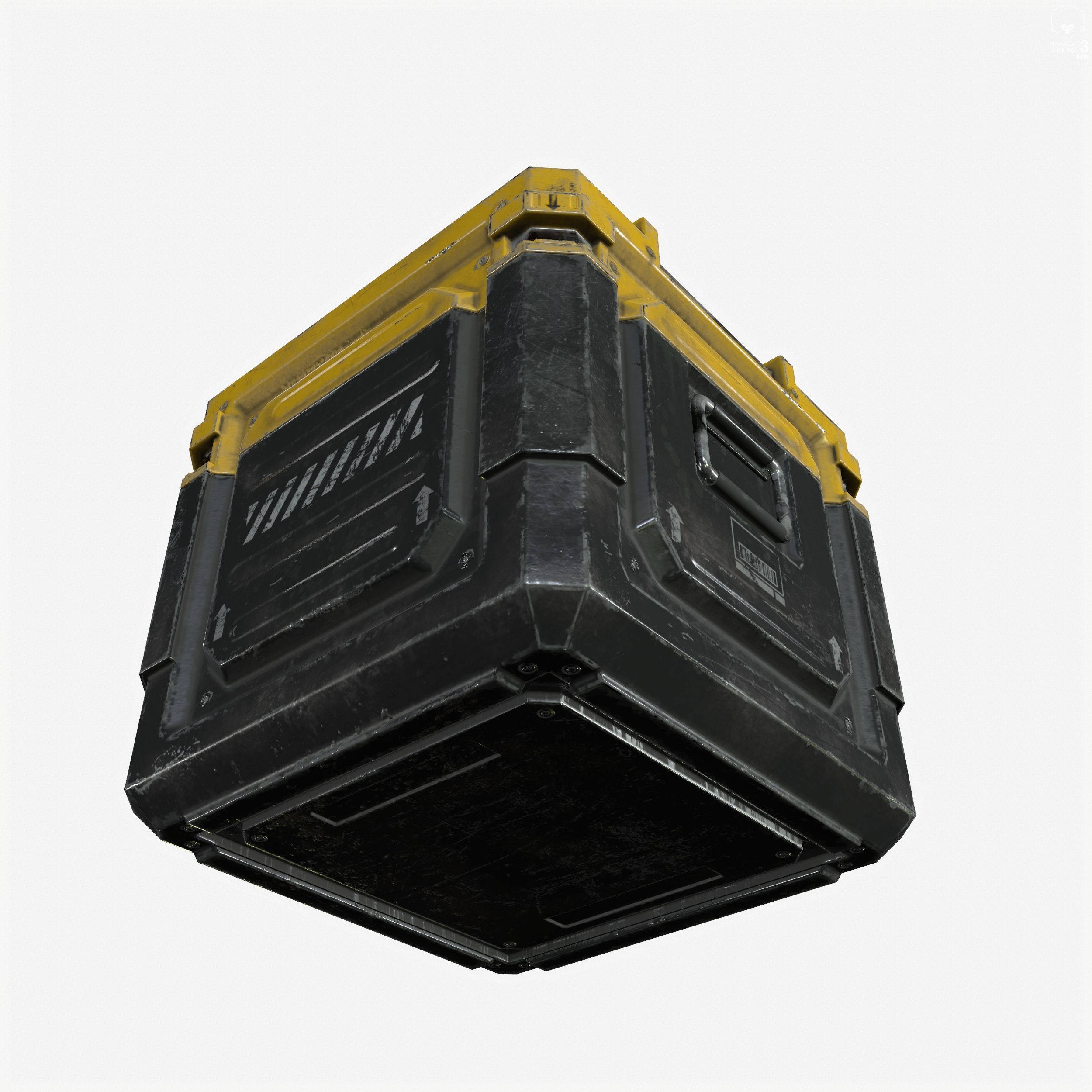
Display images were rendered in Marmoset Toolbag.
Normal maps were baked from a high poly model.
Model has basic Rigging setup, pivots are located in all the right places.
Includes the following 3d file types: (use the .fbx file to import into any popular 3d package)
Blender 2.90.1
.FBX
.OBJ
Marmoset 2 File - (the images you see in the thumbnails are using this file)
Poly / Tri counts for each .zip file:
Crate_Square_Small
2276 Polys
4404 Tris
2248 Verts
Crate_Square_Medium
2888 Polys
5604 Tris
5738 Verts
Crate_Square_Large
4720 Polys
9320 Tris
4850 Verts
Crate_Square_Cylinder_Medium
Polys 3552
Tris 6980
Verts 3536
Crate_Square_Cylinder_Large
Polys 9032
Tris 17892
Verts 9098
Each .zip file includes the following PBR texture types (BOTH Metalness and Specular workflows, perfect for Unity, Cryengine and UE4):
4096x4096: Ambient_Occlusion
4096x4096: Normal Map
4096x4096: Diffuse
4096x4096: Gloss
4096x4096: Specular
4096x4096: Base Color
4096x4096: Roughness
4096x4096: Metalness
4096x4096: UV Map
Each Crate .zip file also includes the source texture files from the hi-poly bake. This will allow you to re-texture the files if desired:
4096x4096: Ambient_Occlusion
4096x4096: Curvature
4096x4096: ID Maps
4096x4096: MeshNormals
4096x4096: Position
4096x4096: Thickness
4096x4096: World_Space_Normal
Note about textures. The Normal maps are -y, this is fine for directx. If they look flipped, just highlight the green channel in photoshop and hit ctrl+i. The normal maps are MikkT, most commonly used in today's commercial game engines.
If the roughness and metalness look too shiny in say, UE4, you'll have to make sure they are set to linear. Just double click the texture and uncheck the sRGB box.
You can also fix that by combining maps in an image editor like Photoshop.
UV's are mostly flat with a few pieces overlapping where necessary.
Units are Metric.
Game Ready!
Package includes 5 separate .zip files. Each .zip file contains the 3DSMax, Maya, FBX and OBJ file. The proper textures to each Crate are located in each .zip file.
Display images were rendered in Marmoset Toolbag.
Normal maps were baked from a high poly model.
Model has basic Rigging setup, pivots are located in all the right places.
Includes the following 3d file types: (use the .fbx file to import into any popular 3d package)
Blender 2.90.1
.FBX
.OBJ
Marmoset 2 File - (the images you see in the thumbnails are using this file)
Poly / Tri counts for each .zip file:
Crate_Square_Small
2276 Polys
4404 Tris
2248 Verts
Crate_Square_Medium
2888 Polys
5604 Tris
5738 Verts
Crate_Square_Large
4720 Polys
9320 Tris
4850 Verts
Crate_Square_Cylinder_Medium
Polys 3552
Tris 6980
Verts 3536
Crate_Square_Cylinder_Large
Polys 9032
Tris 17892
Verts 9098
Each .zip file includes the following PBR texture types (BOTH Metalness and Specular workflows, perfect for Unity, Cryengine and UE4):
4096x4096: Ambient_Occlusion
4096x4096: Normal Map
4096x4096: Diffuse
4096x4096: Gloss
4096x4096: Specular
4096x4096: Base Color
4096x4096: Roughness
4096x4096: Metalness
4096x4096: UV Map
Each Crate .zip file also includes the source texture files from the hi-poly bake. This will allow you to re-texture the files if desired:
4096x4096: Ambient_Occlusion
4096x4096: Curvature
4096x4096: ID Maps
4096x4096: MeshNormals
4096x4096: Position
4096x4096: Thickness
4096x4096: World_Space_Normal
Note about textures. The Normal maps are -y, this is fine for directx. If they look flipped, just highlight the green channel in photoshop and hit ctrl+i. The normal maps are MikkT, most commonly used in today's commercial game engines.
If the roughness and metalness look too shiny in say, UE4, you'll have to make sure they are set to linear. Just double click the texture and uncheck the sRGB box.
You can also fix that by combining maps in an image editor like Photoshop.
UV's are mostly flat with a few pieces overlapping where necessary.
Units are Metric.
Game Ready!
Nov 13, 2021
data adicionada
Nov 13, 2021
última atualização
Rever
Atualmente não há comentários para este produto.
Por que não ser o primeiro a quebrar o gelo?