




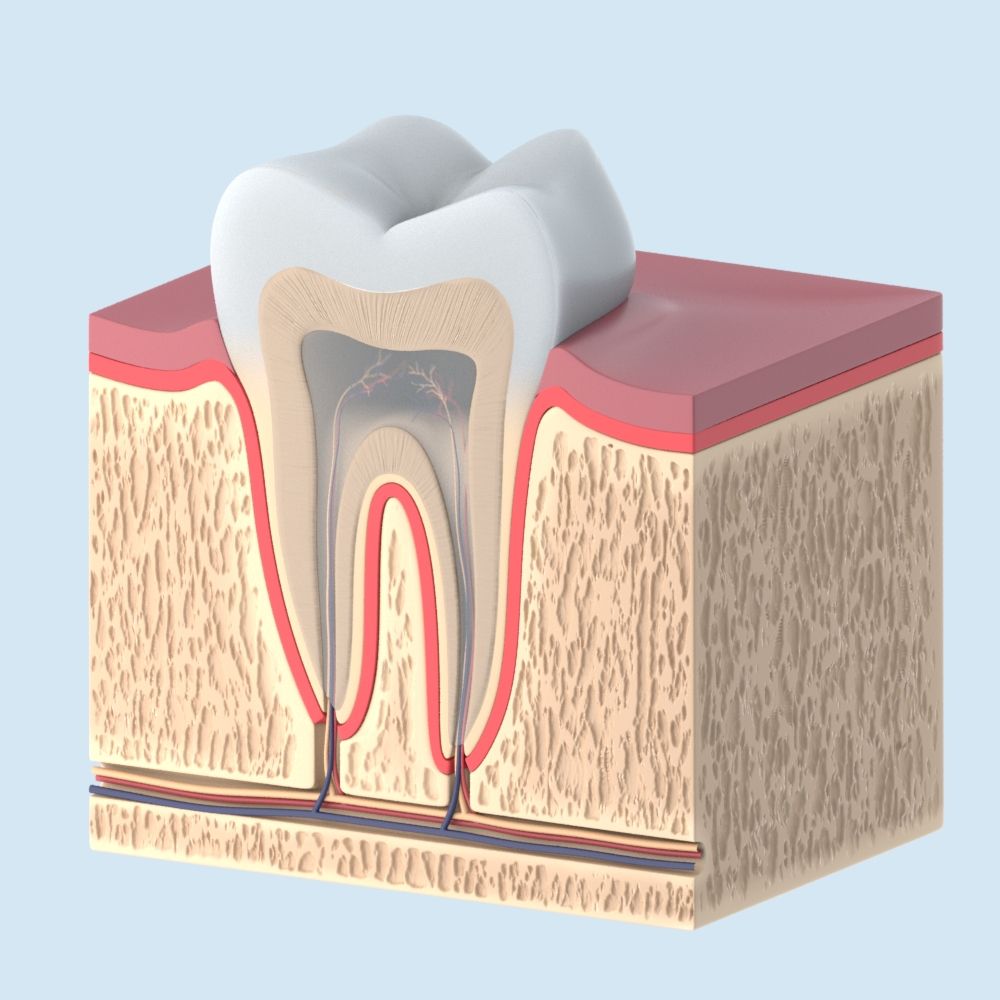


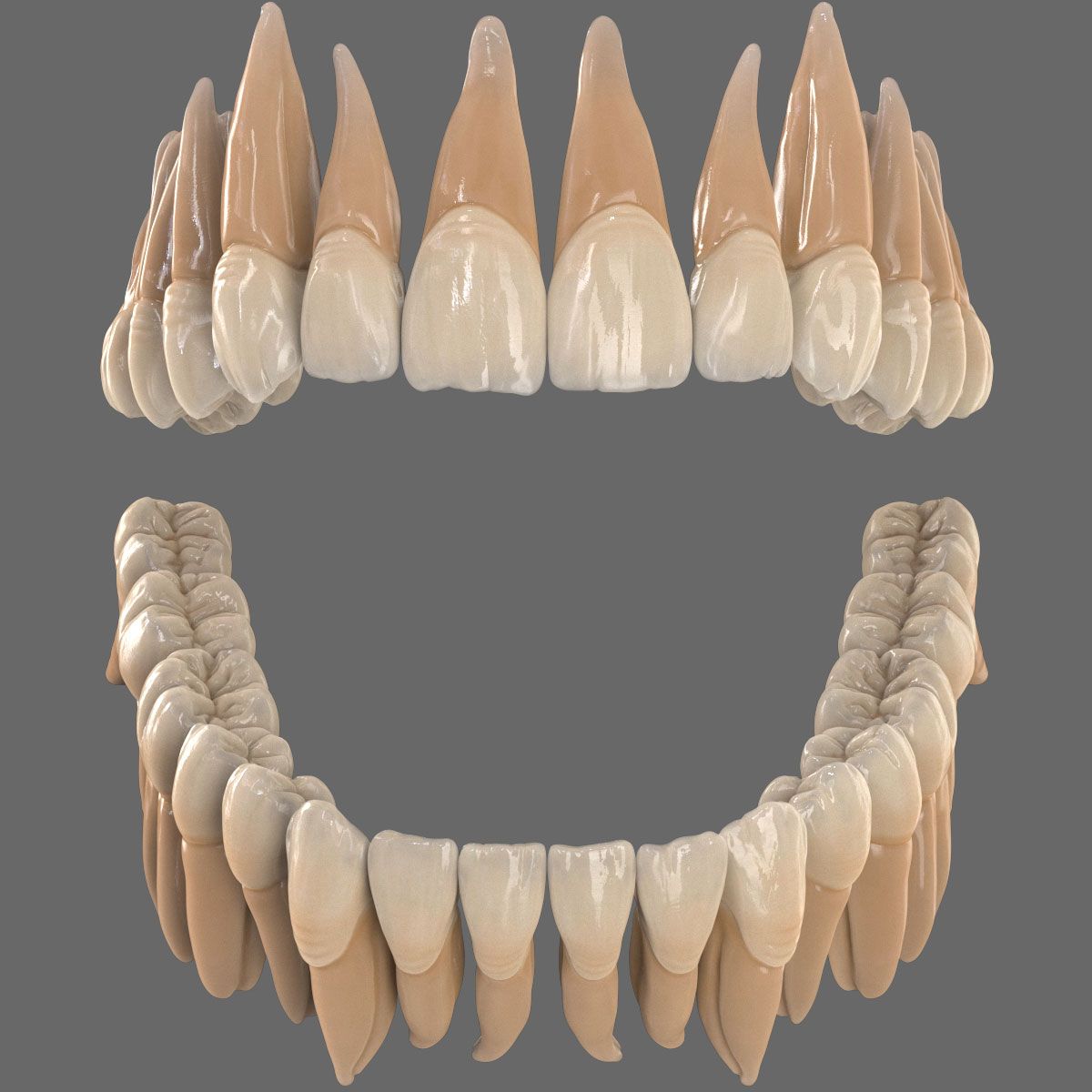


Dente Modelo 3D
0


Licença isenta de direitosTodos os usos estendidos
Retornos simples
Melhor Preço Garantido
Trabalha fora da caixa
665
visitas

Enviado por
barsim
Especificações
- Geometriasubdivision
- Polígonos0
- Vértices0
- TexturasNo
- RiggedNo
- AnimadoNo
- Pronto para impressão em 3DNo
- Jogo pronto (baixo poli)No
- Mapeado por UVNo
- UVs não enroladosunknown
Descrição
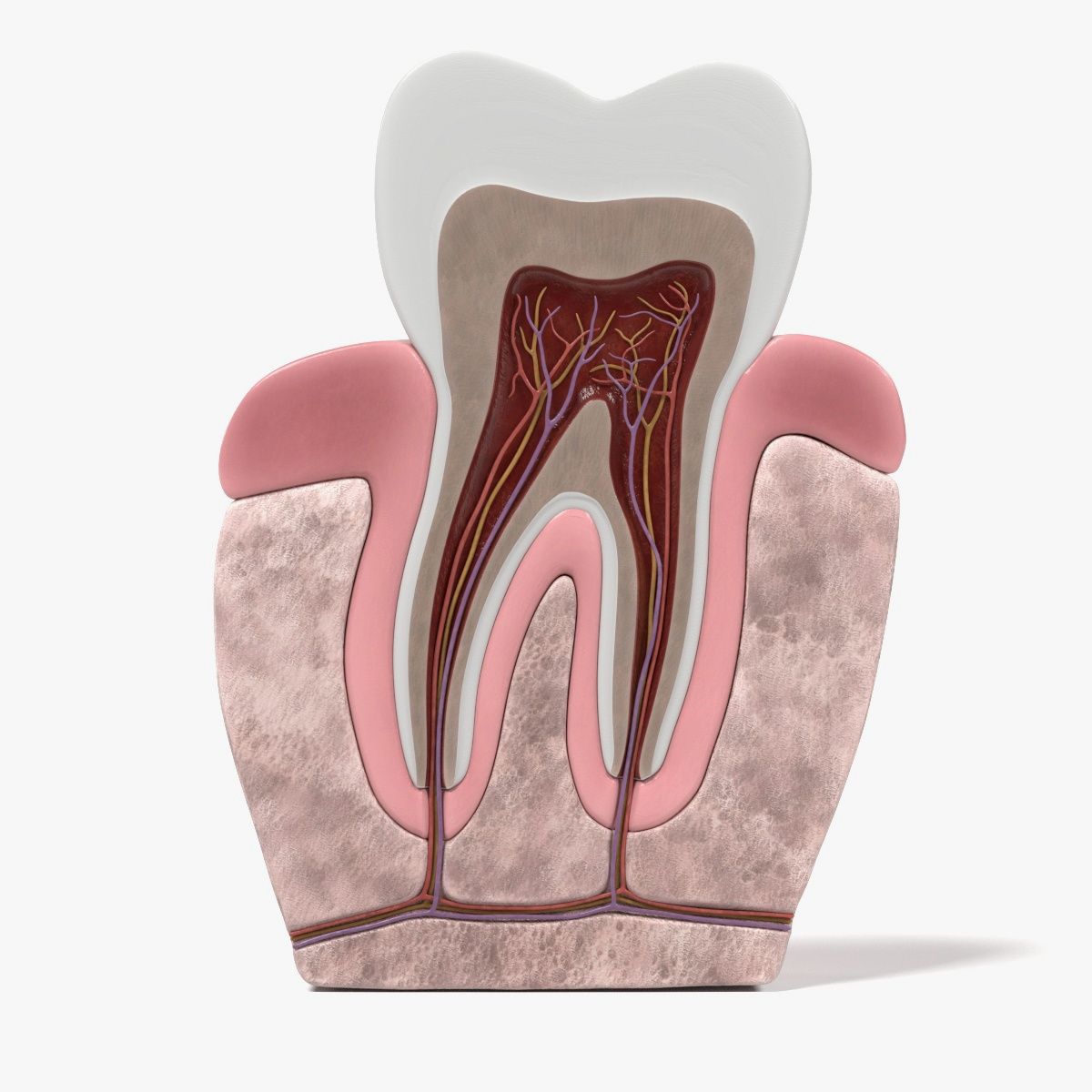
High resolution tooth modeled in max 9.0 and rendered with vray 1.5. Ready to render vray scene setup. Accurate obj version included.
PLEASE NOTE THAT:
.............................................................................................................
The max9 version of this product includes all the required texture maps, models, lighting and scene setup and if you have vray plugins installed in your machine you will definitely obtain the same results as in the advertisement pictures.
.............................................................................................................
However; the 3DS version only contains textures and standart materials, no scene setup or lights, but full quality model as seen in pictures. You can setup a scene yourself, or import the model into your projects right away.
.............................................................................................................
For the OBJ file, you will have to reassign the materials to the model, all textures are available within the file. However, you may not obtain the results shown in the pictures, unless you set the lights, rendering adjustments appropriately.
Feb 28, 2018
data adicionada
Jan 23, 2022
última atualização
Rever
Atualmente não há comentários para este produto.
Por que não ser o primeiro a quebrar o gelo?