
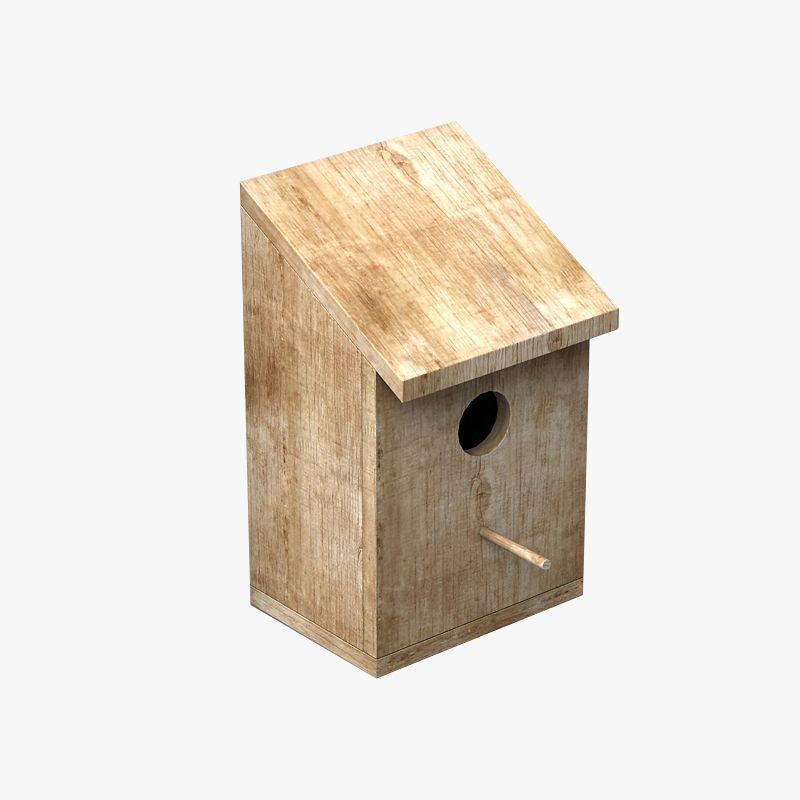


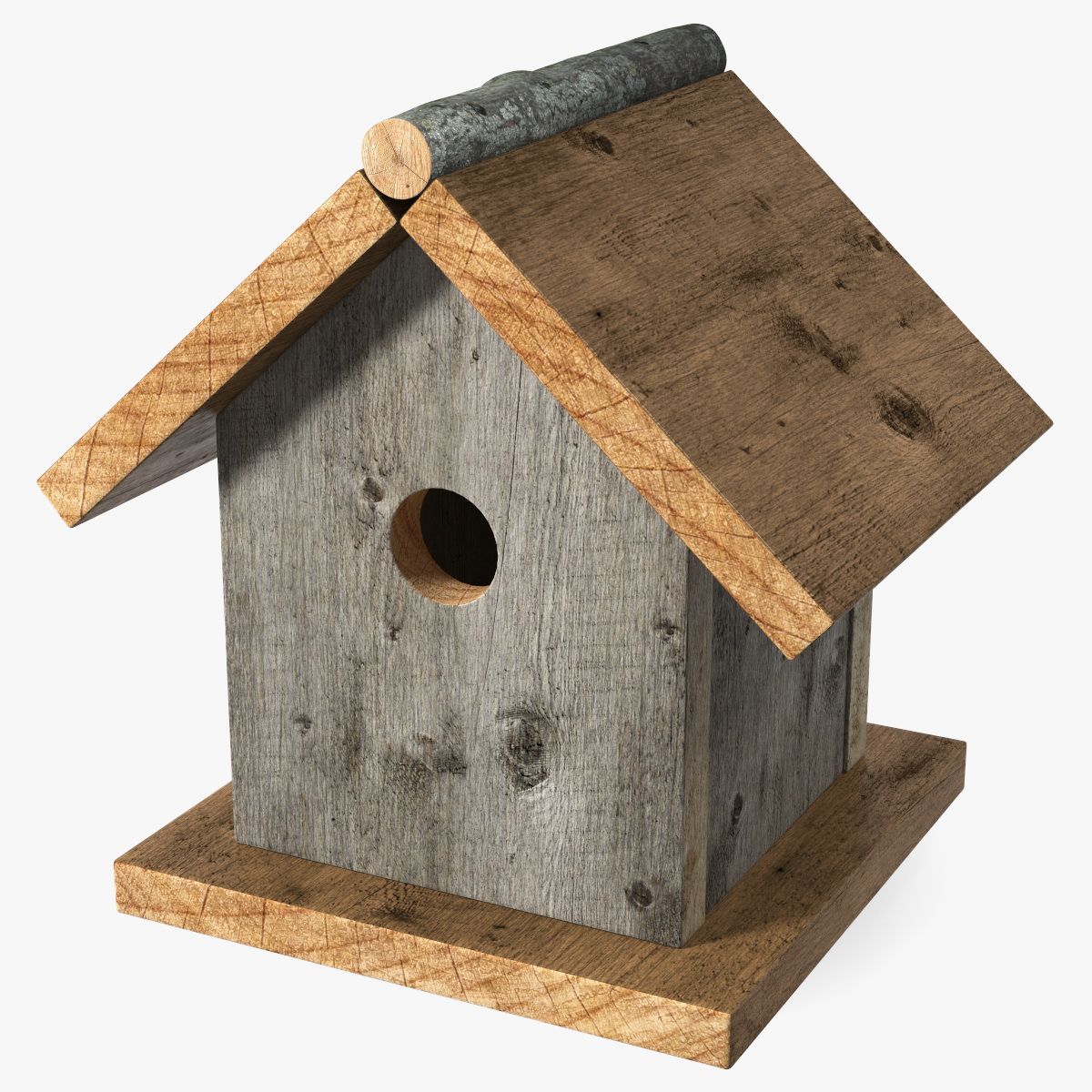


Птичий дом 3D модель
0


Бесплатная лицензияВсе расширенное использование
Простые возвращения
Гарантия лучшей цены
Работает из коробки
0
посещения

Представленный
toddd3d
Характеристики
- Геометрияpolygonal
- Полигоны5,496
- вершины5,578
- текстурыYes
- подстроенныйNo
- мультипликационныйNo
- Готов к печати в 3DNo
- Игра готова (низкополигональная)No
- UV MappedYes
- Развернутые уфmixed
Описание
Bird House model with beautifully rendered textures generated in Substance Painter. Max users will receive vray materials with textures set up and in place ready to render as well as subdivisions in tact.
In addition to maps generated for vray, there are also maps for both Redshift and Arnold. If you are using Redshift or Arnold you will need to refer to the Allegorithmic website to find out how to set up/port the maps into materials for your render engine of choice. Redshift and Arnold materials are not included in the file, but with the maps I have generated and included it should take minimal effort to get them up and running in any software package.
** For the arnold and redshift maps, check the accompanying product file section**
Zip file contains 2018 3dsmax file and all vray textures
FBX users simply import, subdivide and re-apply textures and materials.
Objects that need to be divided have the suffix '_divide'
OBJ users import, subdivide and apply materials and textures in your application of choice.
Objects that need to be divided have the suffix '_divide'
max 2014 users may need to 'unhide all' as the file was backsaved from a newer version of max.
HDR not included.
Quoted polycount is without subdivision, model can be used with or without depending on needs.
Dec 27, 2019
Дата Добавлена
Sep 28, 2021
последнее обновление
Отзывы
На данный момент нет отзывов об этом продукте.
Почему бы не первым сломать лед?