





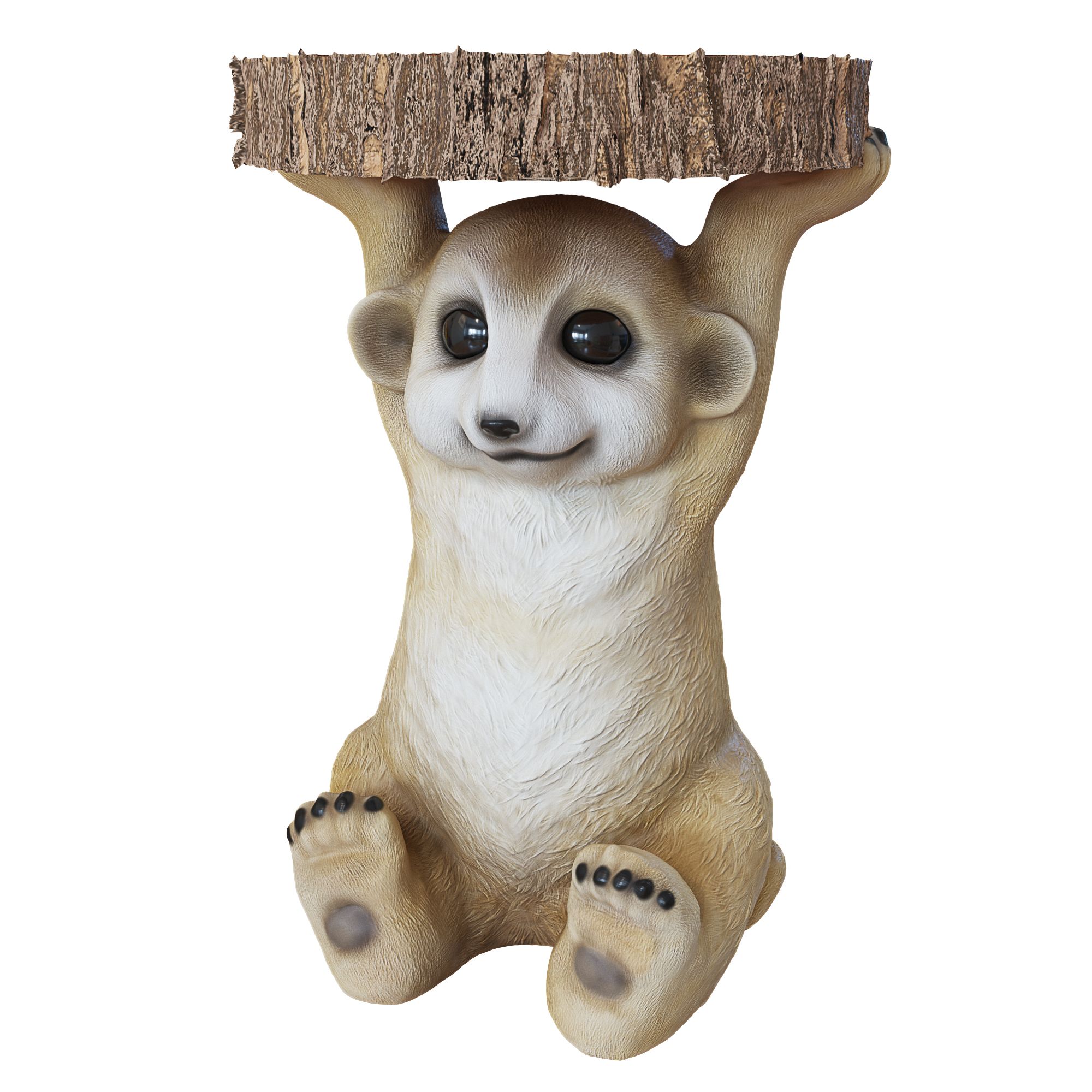
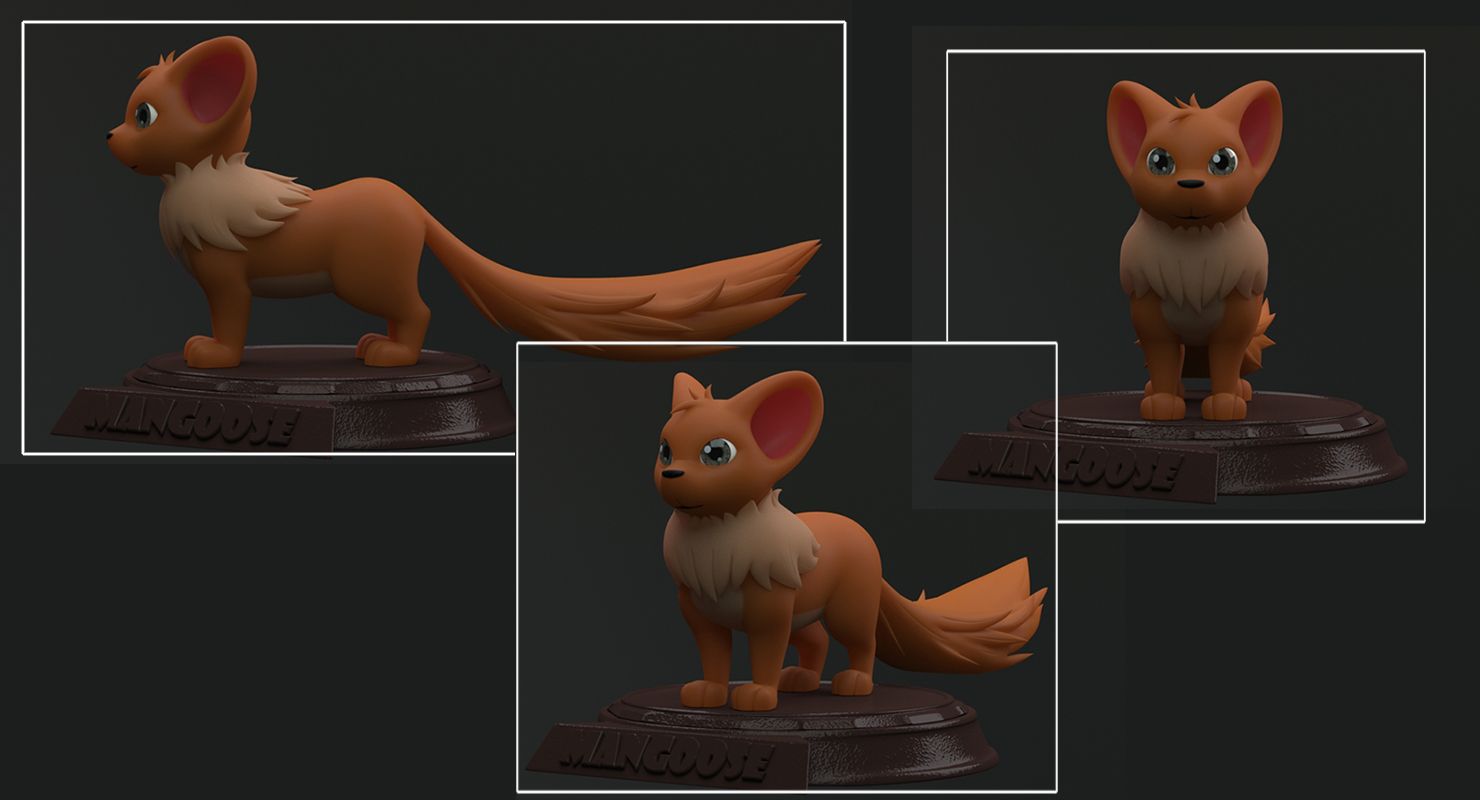
Cartoon Mongoose 3D модель
0

Бесплатная лицензияВсе расширенное использование
Простые возвращения
Гарантия лучшей цены
Работает из коробки
0
посещения

Представленный
snscgworks
Характеристики
- Геометрияpolygonal
- Полигоны18,246
- вершины18,222
- текстурыYes
- подстроенныйNo
- мультипликационныйNo
- Готов к печати в 3DNo
- Игра готова (низкополигональная)No
- UV MappedYes
- Развернутые уфnon-overlapping
Описание
I have included light setup in the scene file.
This has been modeled with good production standards.
This model was constructed with utmost care and attention to detail, with clean edge flow for facial deformation n rigging comfort.
Model contains inner-mouth surface with teeth n tongue geometry as-well.
Used texture color map of jpeg format of 4096 X4096 resolution for body geometry for better presentation.
Used only Maya / Mental-ray shaders applied for the remaining objects(teeth,tongue,eyeball etc...) . All colors can be easily modified.
Only Maya format contains the shaders and light setup used for rendering.other formats provide only model geometry.
No cleaning up necessary. Every model has been checked with the appropriate software.
It can be used in movies, presentation videos n also for TV commercials.
poly count details
==========================================
polygons - 18246
vertices - 18222
formats
==========================================
.ma ( maya ascii ) 2015 with lit setup
.ma ( maya ascii )
.fbx
.obj
Make sure mental-ray plugin loaded from plugin-manager settings in Maya ,then simply open the scene file and proceed for rendering for the quality promised in the presentation page.
Hope U like it.
Nov 14, 2021
Дата Добавлена
Feb 18, 2022
последнее обновление
Отзывы
На данный момент нет отзывов об этом продукте.
Почему бы не первым сломать лед?