-->
архитектуратранспортные средстваперсонажисамолетмебельэлектроникаживотныерастенияоружиеспортивныйпитаниеанатомия
Отмеченный
Закладка удалена

Гитара 3D модель

0
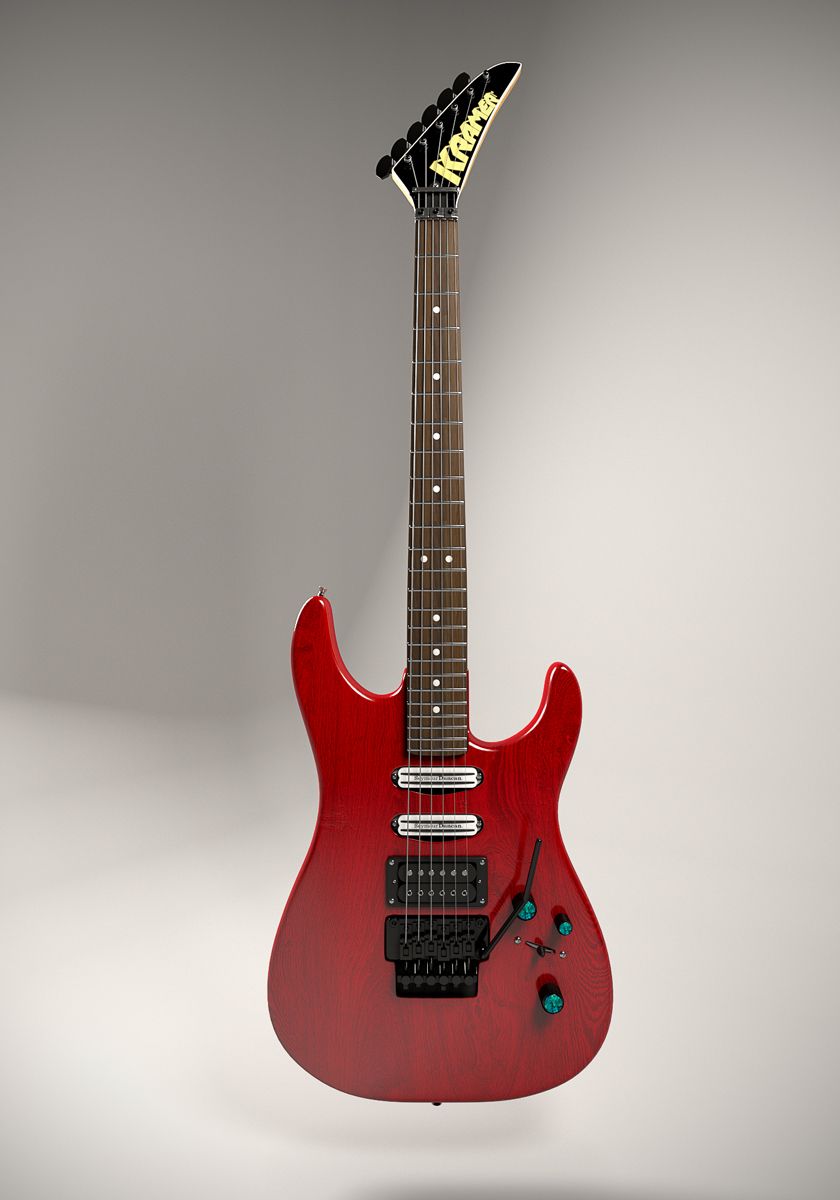
Гитара royalty-free 3d model - Preview no. 1
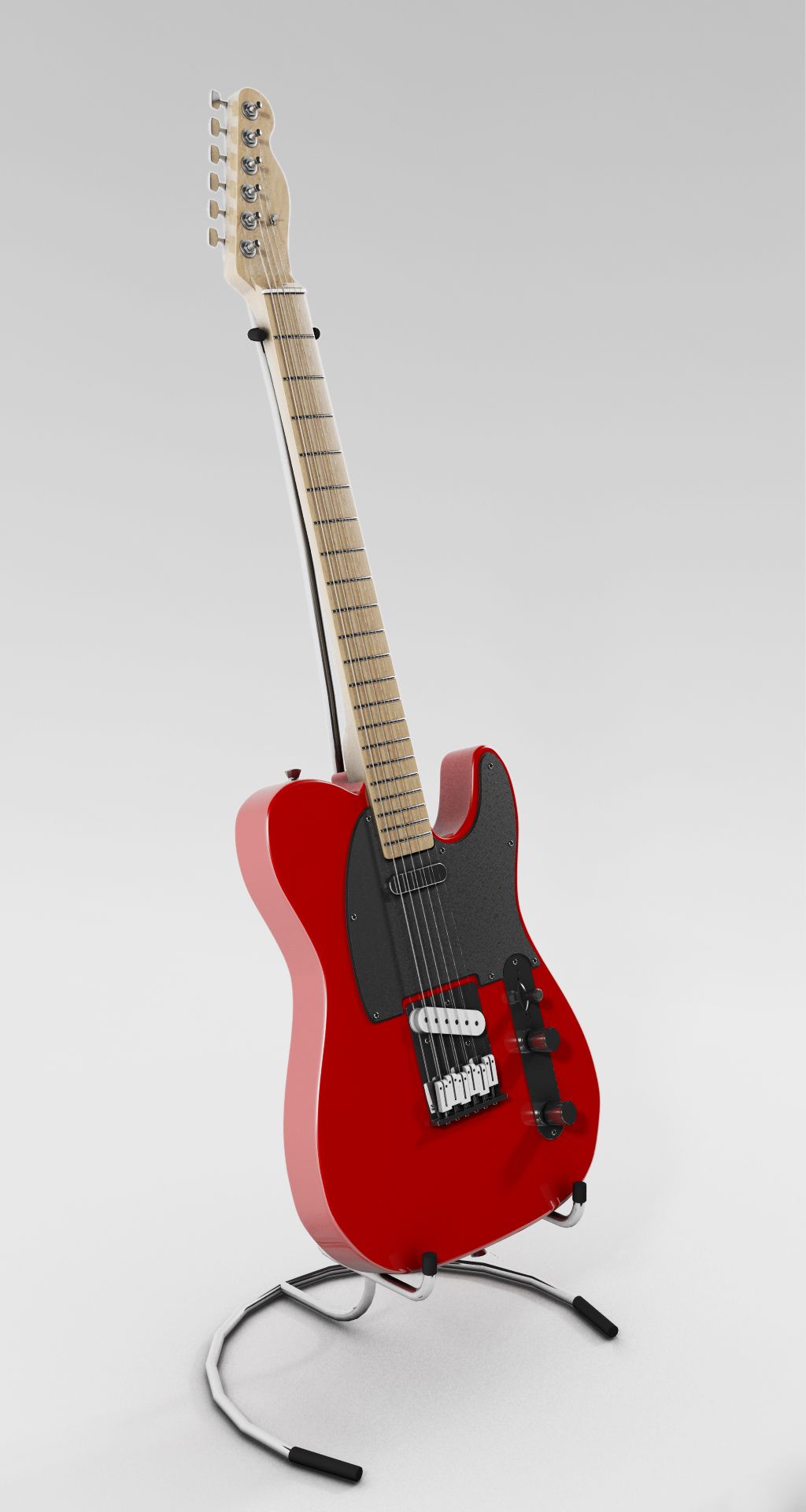
Гитара royalty-free 3d model - Preview no. 2
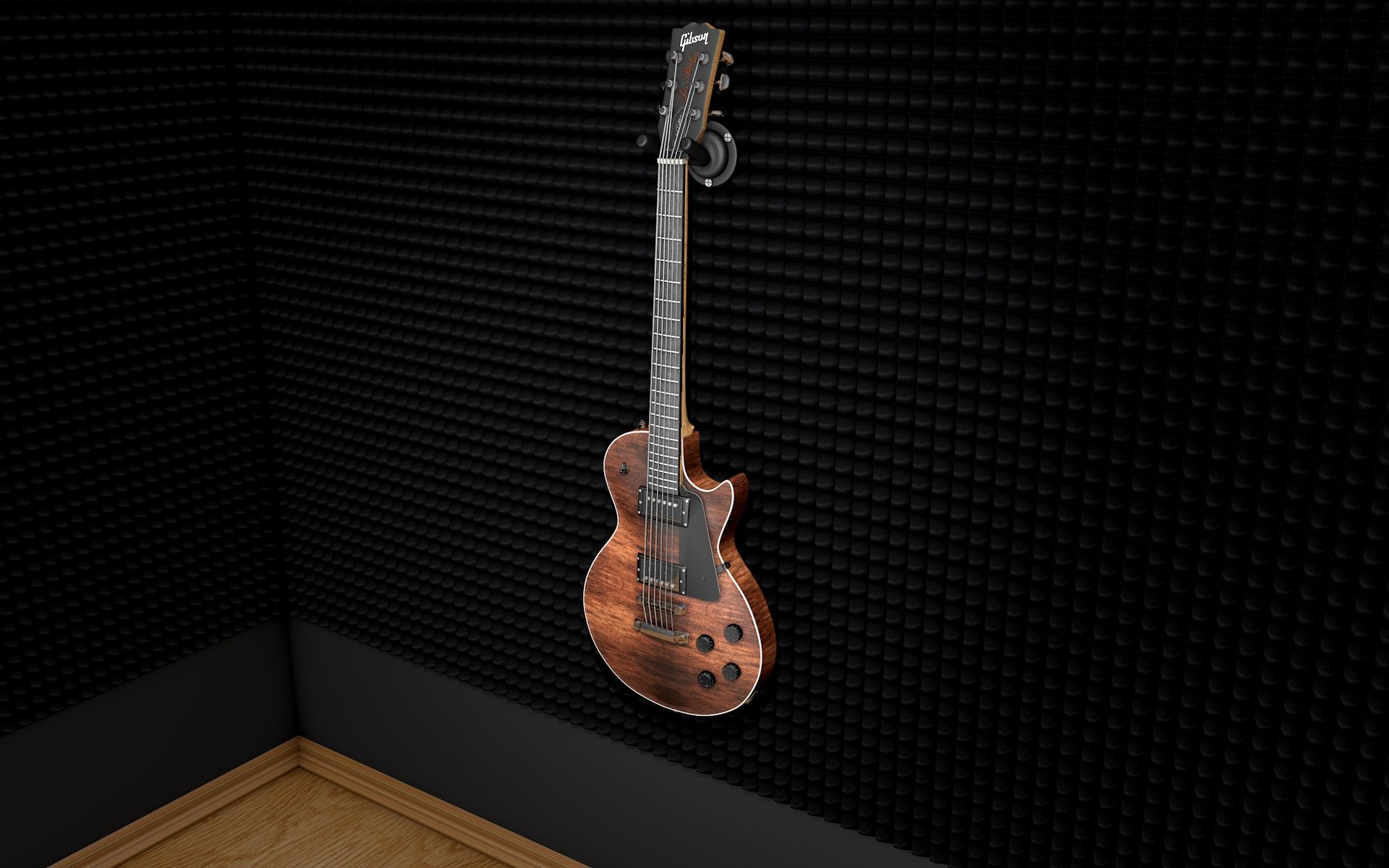
Гитара royalty-free 3d model - Preview no. 3
Гитара royalty-free 3d model - Preview no. 4
Гитара royalty-free 3d model - Preview no. 5
Гитара royalty-free 3d model - Preview no. 6
Гитара royalty-free 3d model - Preview no. 7
Гитара royalty-free 3d model - Preview no. 8
Гитара royalty-free 3d model - Preview no. 9
Гитара royalty-free 3d model - Preview no. 1
Гитара royalty-free 3d model - Preview no. 2
Гитара royalty-free 3d model - Preview no. 3
Гитара royalty-free 3d model - Preview no. 4
Гитара royalty-free 3d model - Preview no. 5
Гитара royalty-free 3d model - Preview no. 6
Гитара royalty-free 3d model - Preview no. 7
Гитара royalty-free 3d model - Preview no. 8
Гитара royalty-free 3d model - Preview no. 9
Бесплатная лицензияТолько для редакции
Простые возвращения
Гарантия лучшей цены
Работает из коробки
0 посещения
romane223

Характеристики

  • Геометрияnurbs
  • Полигоны22,101
  • вершины25,020
  • текстурыYes
  • подстроенныйYes
  • мультипликационныйNo
  • Готов к печати в 3DNo
  • Игра готова (низкополигональная)No
  • UV MappedYes
  • Развернутые уфnone

Форматы и файлы

3DS
(.3ds)
193 MB

Guitar.3ds
(.unknown)
19 MB

Guitar.abc
Cinema 4D
(.c4d)
3 MB

advanced
Guitar.c4d
Collada
(.dae)
528 MB

Guitar.dae
DXF
(.dxf)
700 MB

Guitar.dxf
FBX
(.fbx)
52 MB

Guitar.fbx
STL
(.stl)
354 MB

Guitar.stl
X file
(.x)
543 MB

Guitar.x
VRML
(.wrl)
511 MB

Guitar.wrl
OBJ
(.obj)
452 MB

Guitar.obj
OBJ

516545440.jpg
OBJ

drevo-dub-struktura.jpg
OBJ

struna.jpg
OBJ

struna – kópia.jpg
OBJ

d940201d892dc4f18982bc3e22d17e41.jpg
OBJ

molitan-black.jpg
OBJ

gold_texture446.jpg
OBJ

Bez názvu 1.gi
OBJ
82 MB

Bez názvu 1.gi2
OBJ
125 MB

Bez názvu 1.gir

Описание

The object was modeled with an overall render in the 4D cinema program. Textures are enclosed. The scene can be deleted or edited. Paste all the files into one folder and create a subfolder called "illum" for _Bez nzvu 1.gi, Bez nzvu 1.gi2, and Bez nzvu 1.gir_ files. Create another folder named "tex" and paste all texture into it.
Nov 13, 2021 Дата Добавлена
Mar 01, 2022 последнее обновление

Отзывы

На данный момент нет отзывов об этом продукте.
Почему бы не первым сломать лед?