


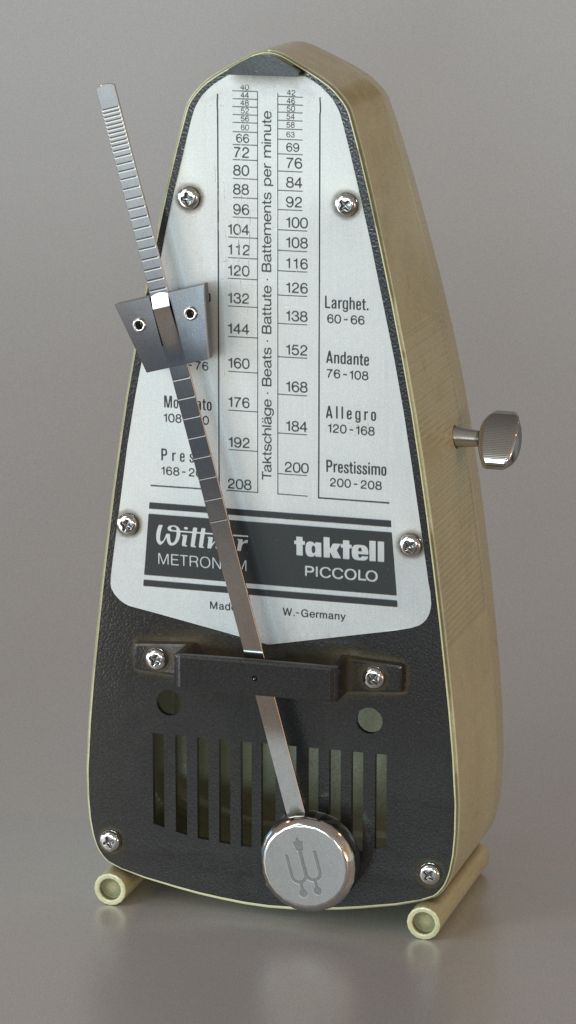
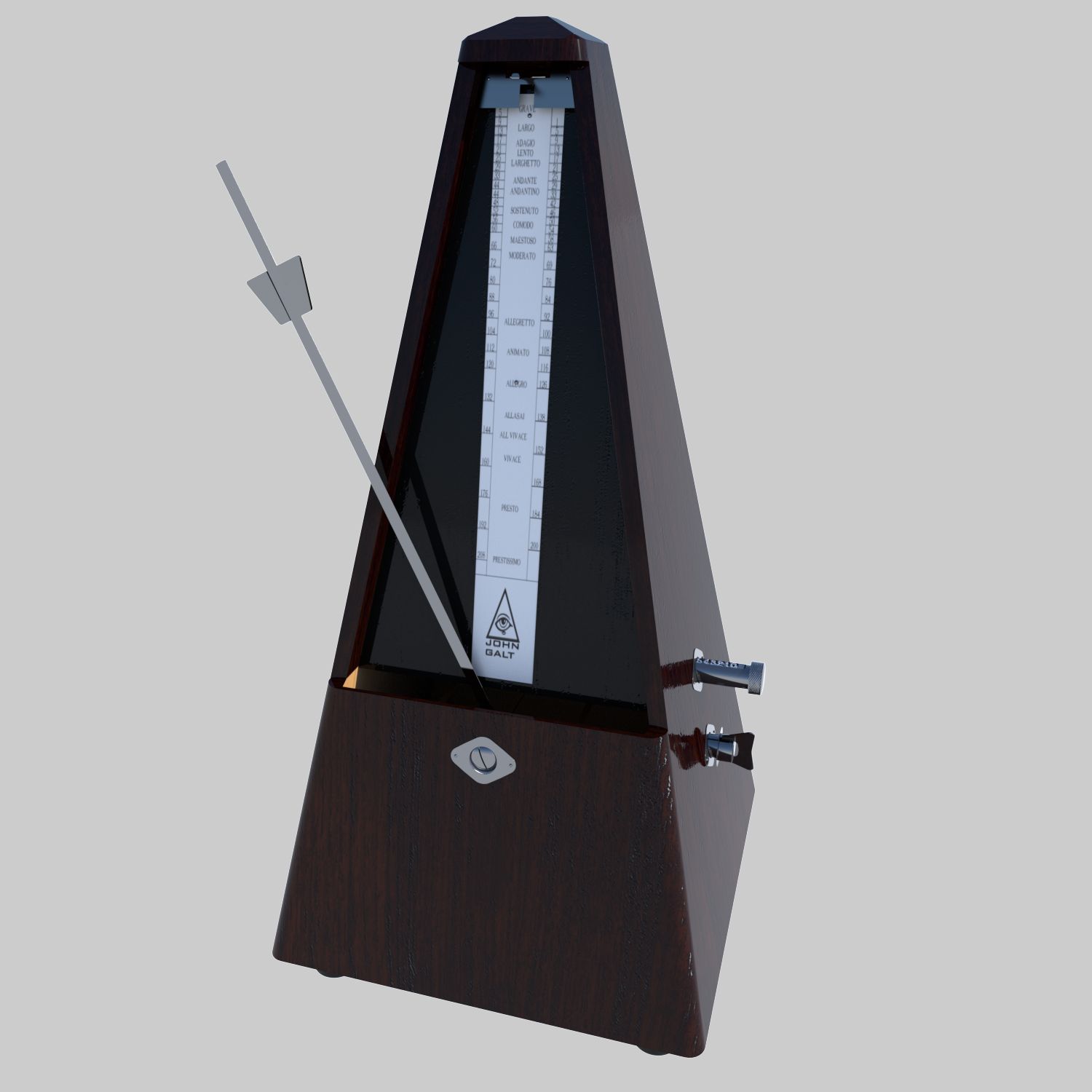


Metronome 3D модель
0


Бесплатная лицензияВсе расширенное использование
Простые возвращения
Гарантия лучшей цены
Работает из коробки
62
посещения

Представленный
iolus
Характеристики
- Геометрияpolygonal
- Полигоны8,436
- вершины8,475
- текстурыYes
- подстроенныйNo
- мультипликационныйNo
- Готов к печати в 3DNo
- Игра готова (низкополигональная)No
- UV MappedYes
- Развернутые уфnone
Описание
Metronome
Modelled and rendered with Lightwave 3D 11.5
Statistics
--------------
Points: 8475
Edges: 16911
Polygons (3): 0
Polygons (4): 8436
Information
----------------
No pictures and what not were used at any stage of modelling (Except chart for metronome)
Textures were created by mixing colors and using simple settings.
If you will use this in formats other than lightwave, please be mindful about the following;
* These files were opened in 3ds max and blender without any problems but the following were observed:
- You may not see the same color/colors as seen in the preview picture
- You may not see the same texture/textures as seen in the preview picture (you can, perhaps, see only as color).
* If you are a Lightwave 3D user, you can open the zip file into a folder. The model and scene files are inside the folder and are ready for rendering.
Sep 25, 2019
Дата Добавлена
Aug 03, 2021
последнее обновление
Отзывы
На данный момент нет отзывов об этом продукте.
Почему бы не первым сломать лед?