

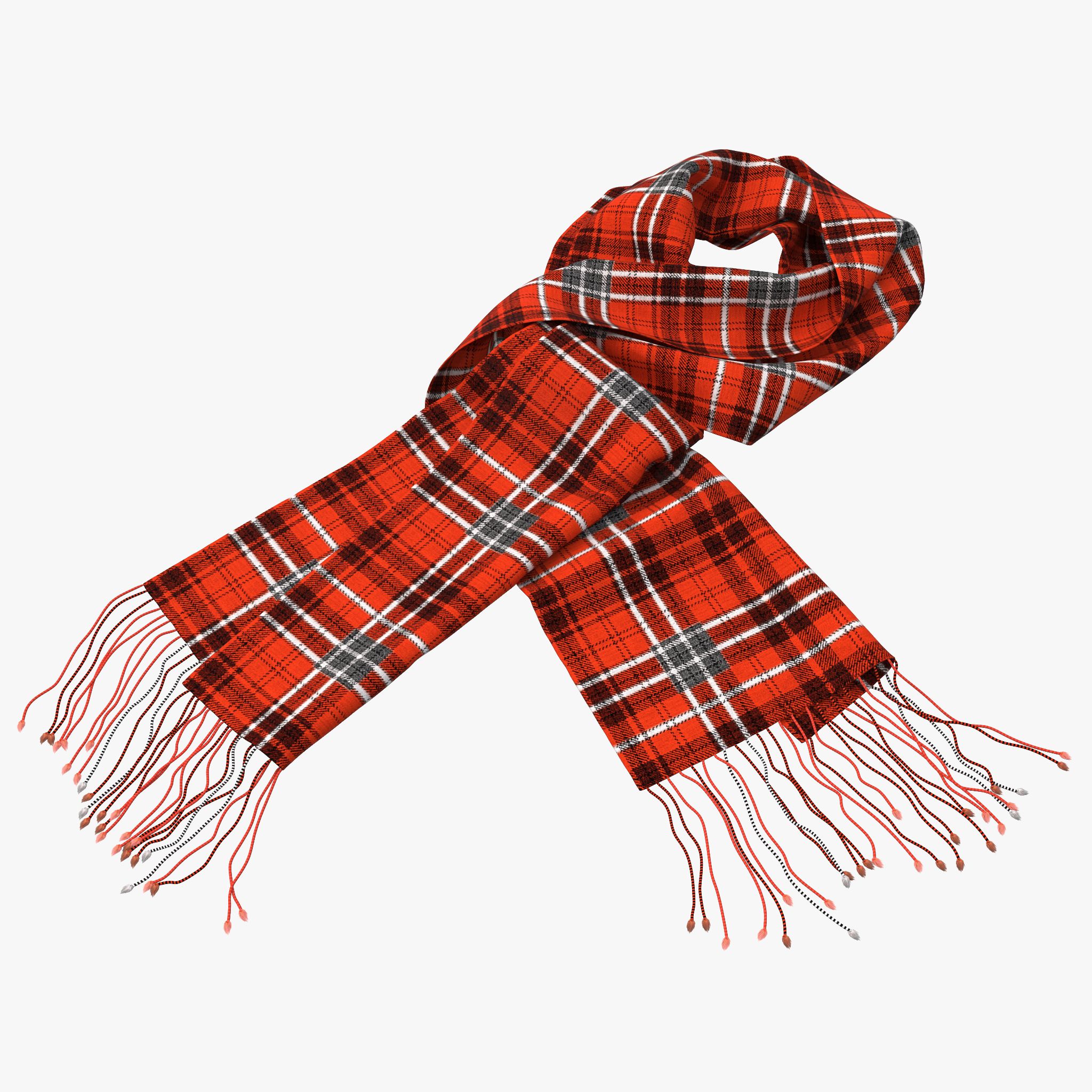


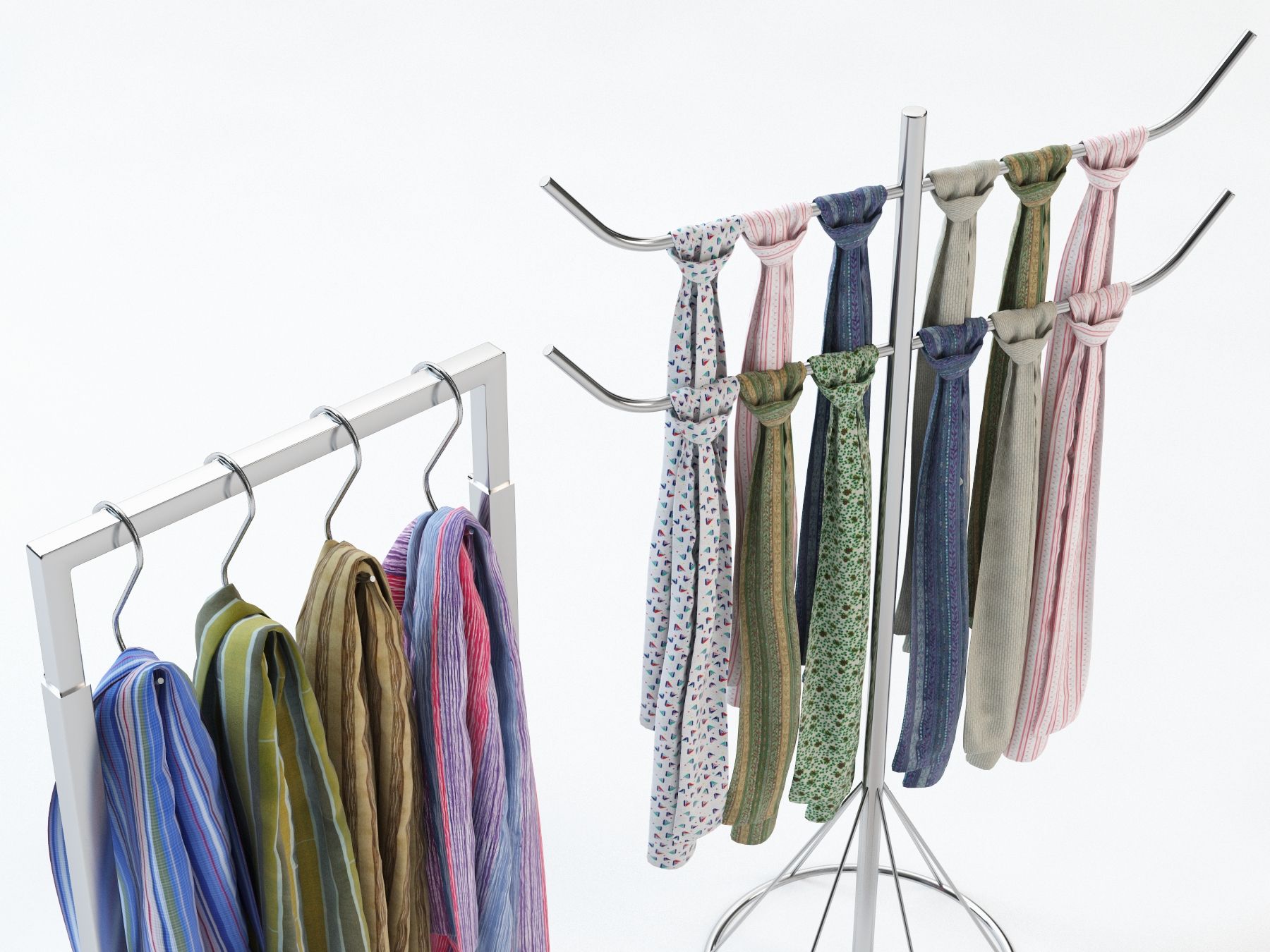
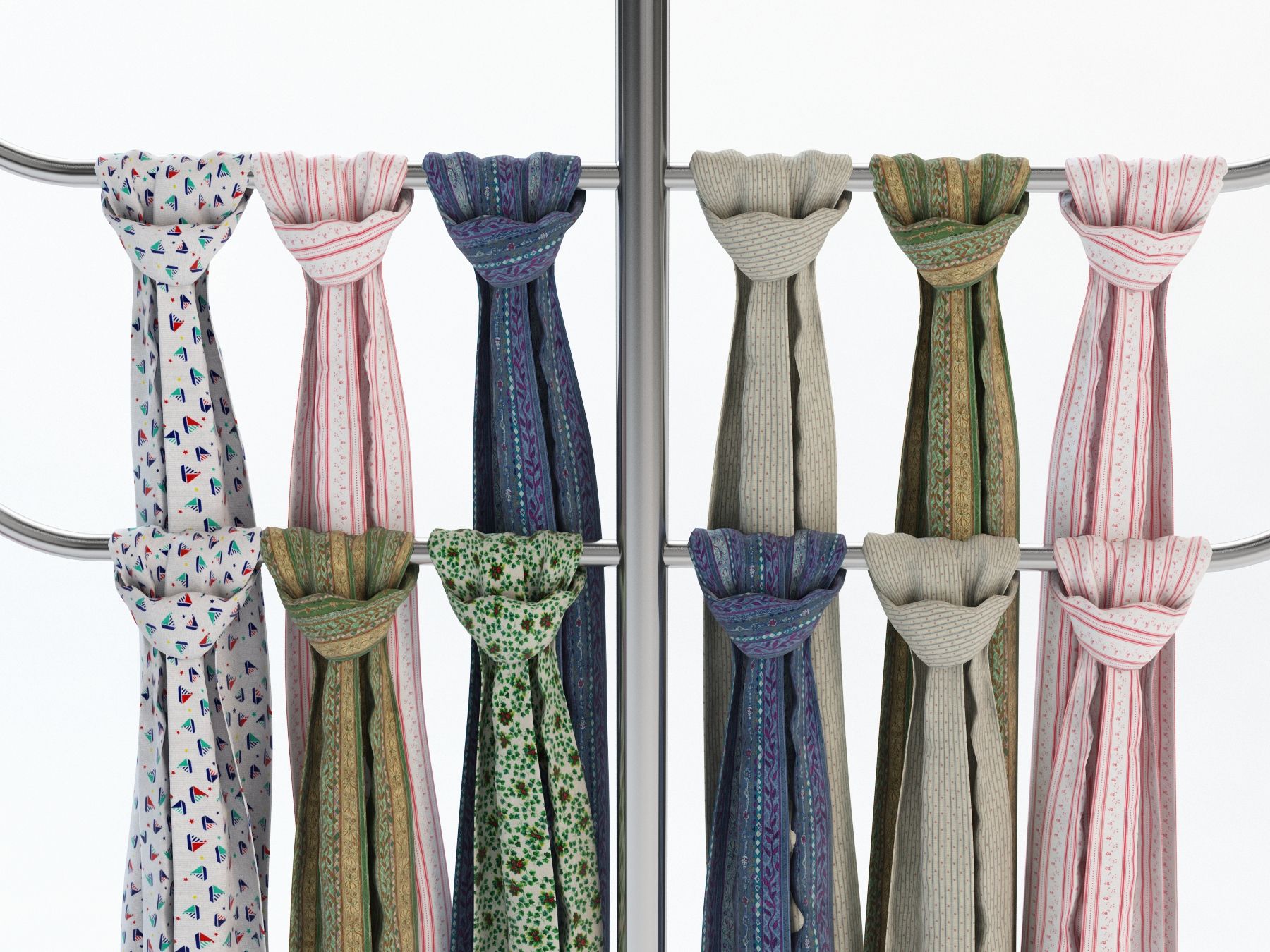
Решение для хранения шарфа 3D модель
0

Бесплатная лицензияВсе расширенное использование
Простые возвращения
Гарантия лучшей цены
Работает из коробки
6
посещения

Представленный
3DReady
Характеристики
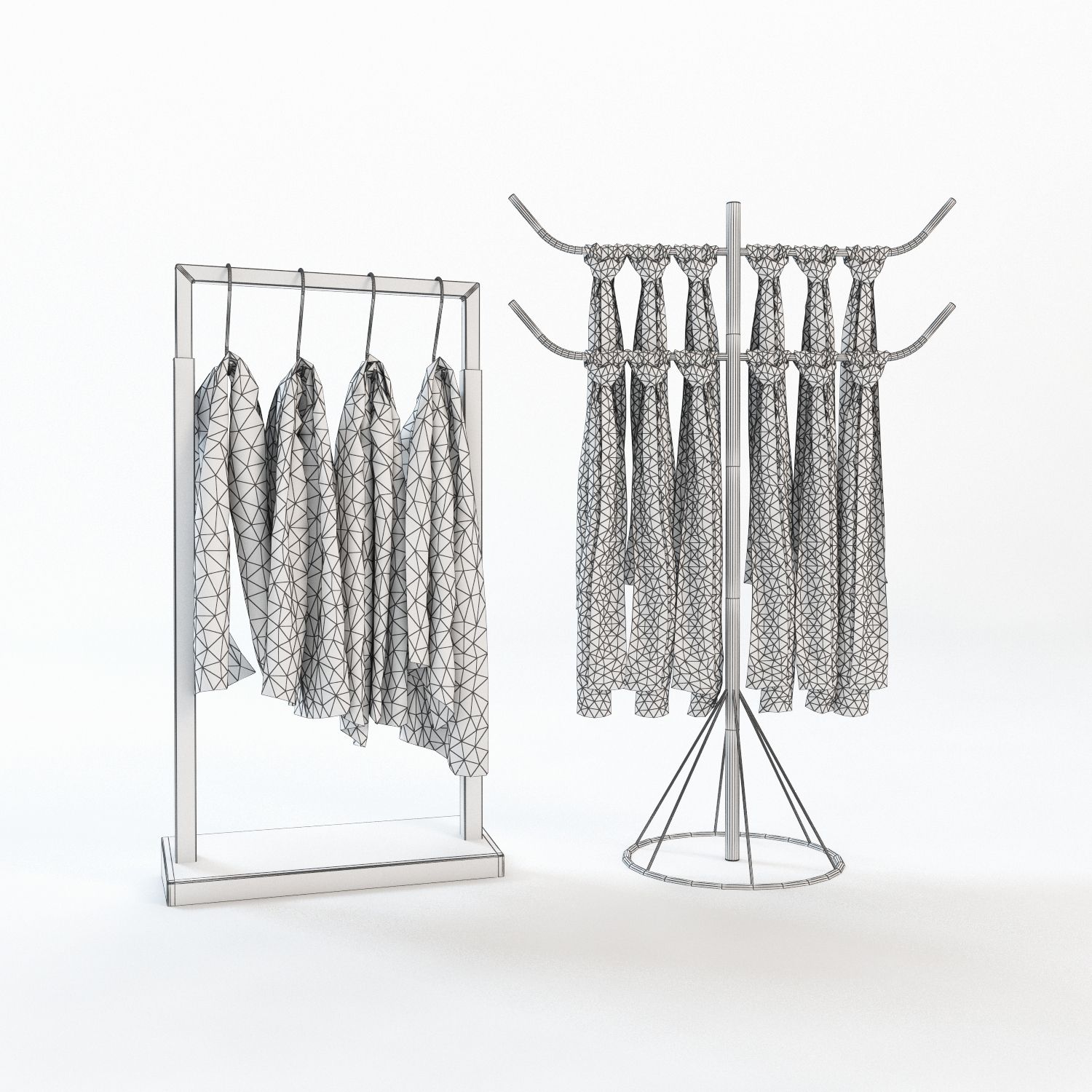
- Геометрияpolygonal_quads/tris
- Полигоны45,025
- вершины25,338
- текстурыYes
- подстроенныйNo
- мультипликационныйNo
- Готов к печати в 3DNo
- Игра готова (низкополигональная)No
- UV MappedYes
- Развернутые уфnon-overlapping
Описание
About the model:
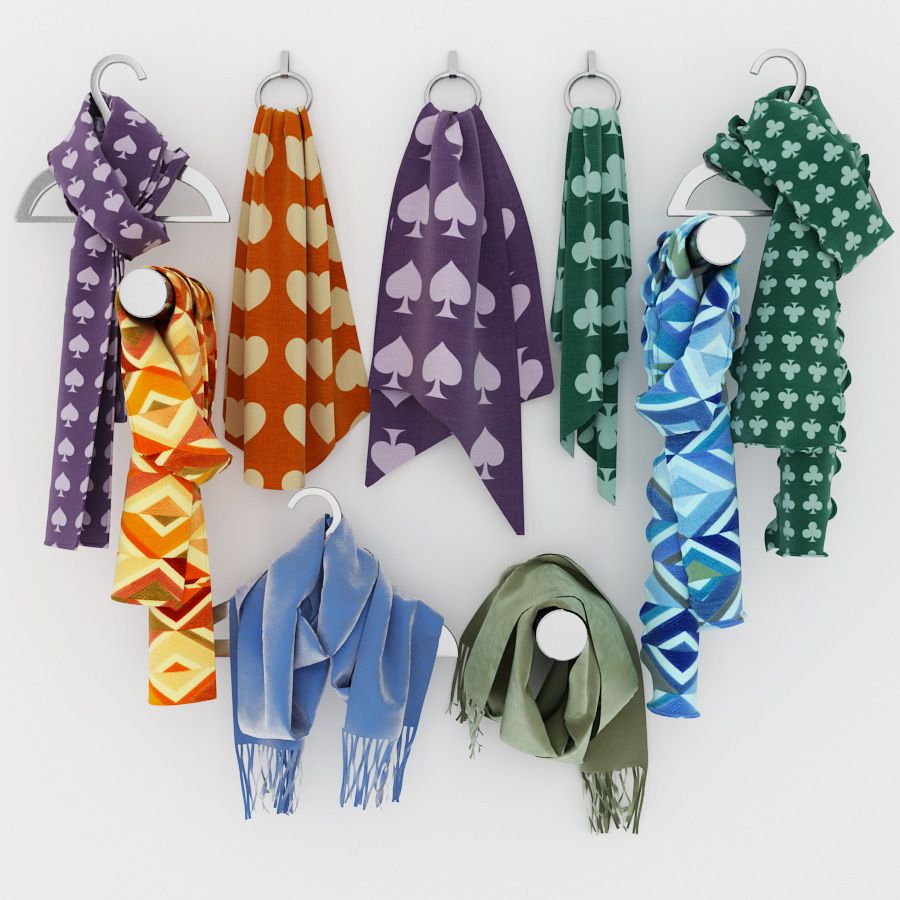
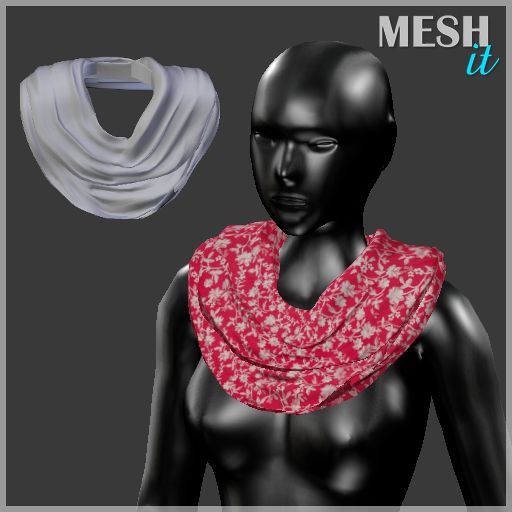
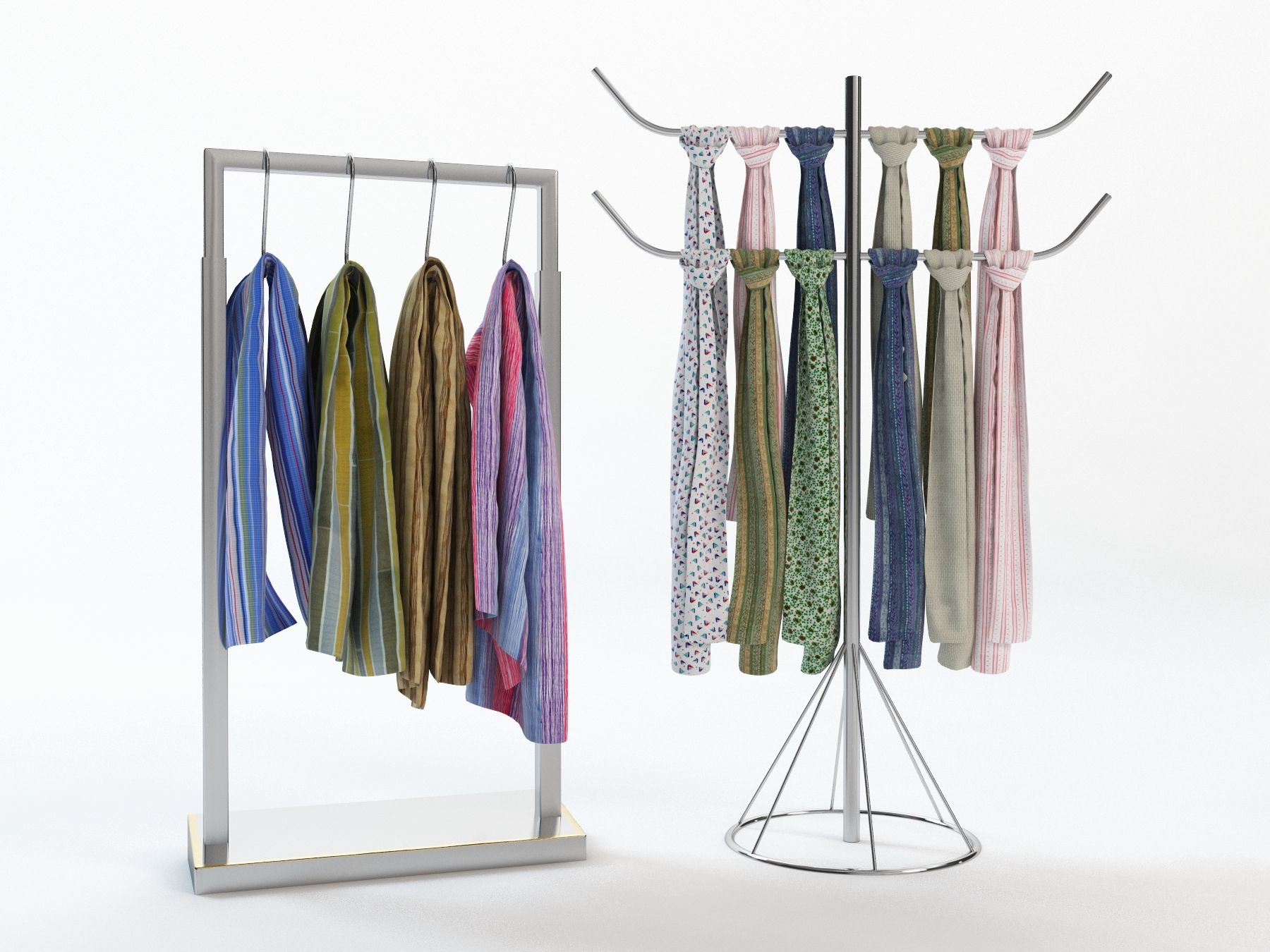
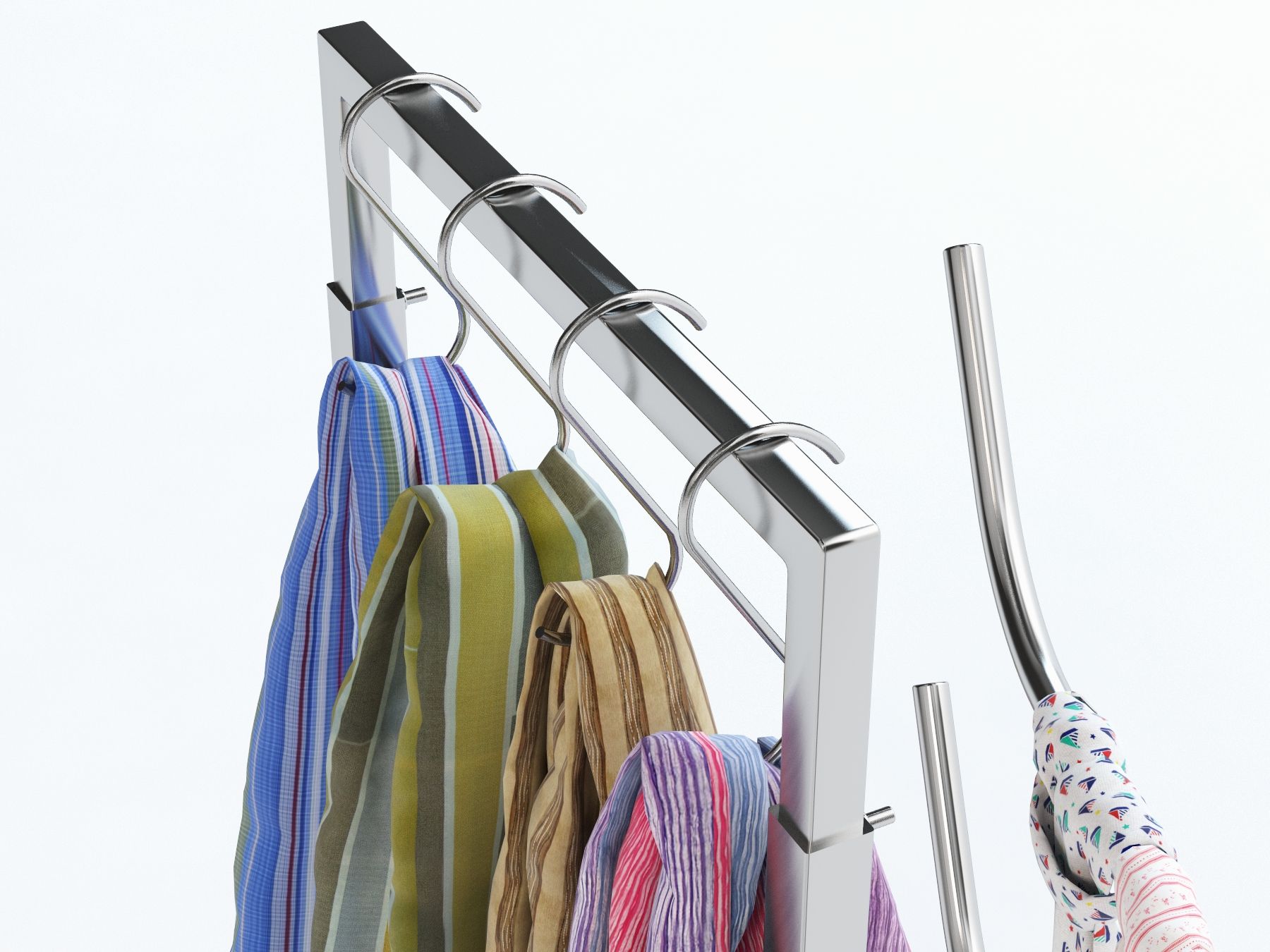
scarf was modeled by simulation. the model can be a best choice if you want to visualize your cloth shop or interior of similar sort.
High resolution texture maps used.
---------------------------
General information:
-High quality polygonal model, correctly scaled for an accurate representation of the original object.
-Modifier stack is available In 3ds Max, the Meshsmooth function can be used to multiply subdivision reasonably.
-Associated textures are in __map.rar file.
-colors can be easily modified.
-textures and materials are included.
-Different parts of the model are named properly. 3ds Max models are grouped for easy selection.
-No part-name confusion when importing several models into a scene.
-No cleaning up necessary—just drop your models into the scene and start rendering.
-No additional plugin is needed to open the model.
-Model does not include any backgrounds or scenes used in preview images.
---------------------------
File Formats:
- 3ds Max 2011 V-Ray scene (native application)
- OBJ (works with most 3D application, if you are not using Native application )
- 3DS (works with most 3D application, if you are not using Native application )
---------------------------
Rate to let others know about the quality!
To check out my other models you just need to click on my user name.
© Astudio.bd
Oct 27, 2019
Дата Добавлена
Nov 11, 2021
последнее обновление
Отзывы
На данный момент нет отзывов об этом продукте.
Почему бы не первым сломать лед?