





Animerad flagga 3D-modell
0



10
besök

Insänd av
Igor Yakovlev
Specifikationer
- Geometripolygonal
- polygoner56,016
- hörn56,455
- strukturerYes
- riggadeNo
- AnimeradYes
- 3D Printable ReadyNo
- Spelklar (låg poly)No
- UV MappadYes
- Unwrapped UVsmixed
Beskrivning
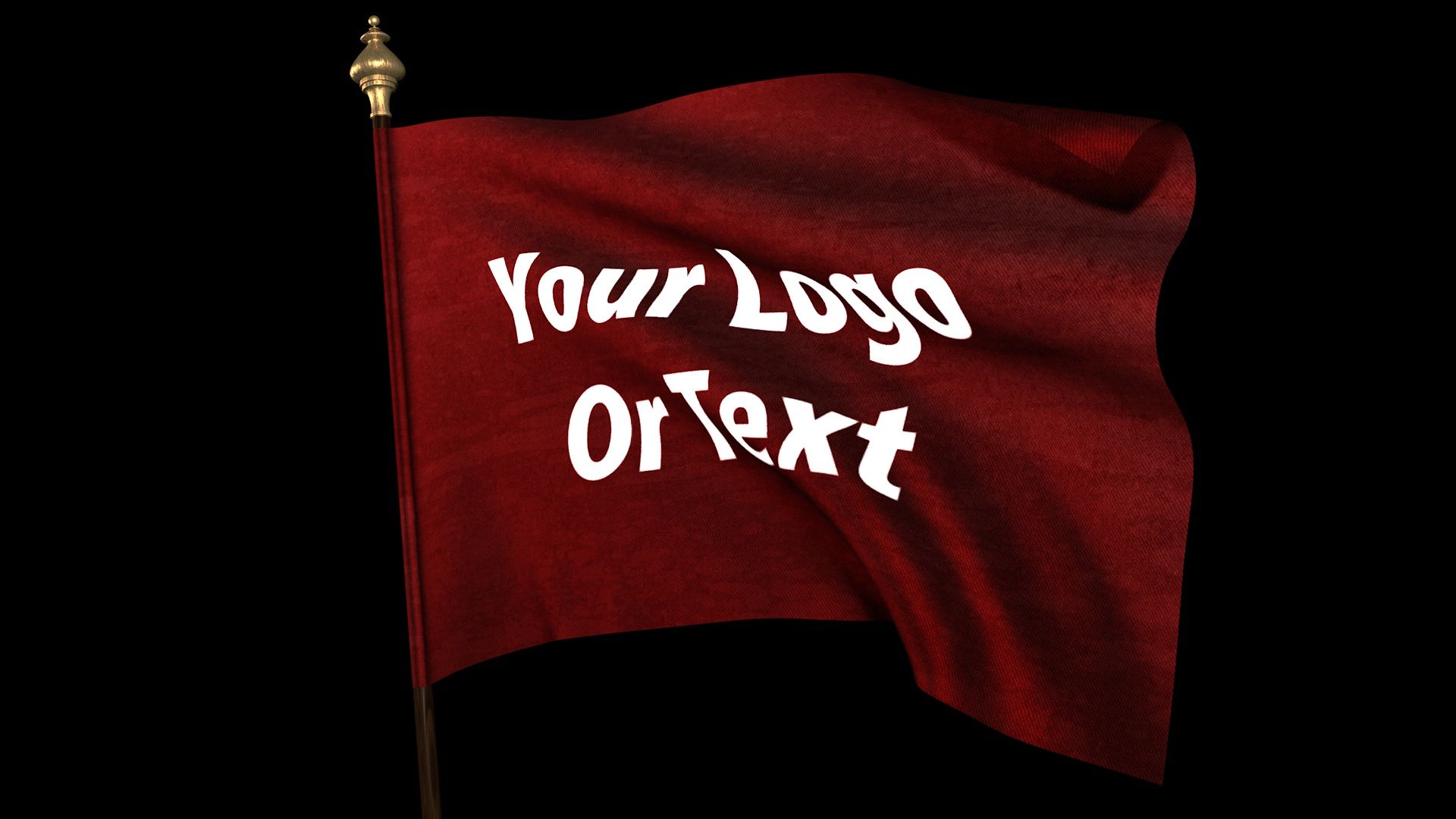
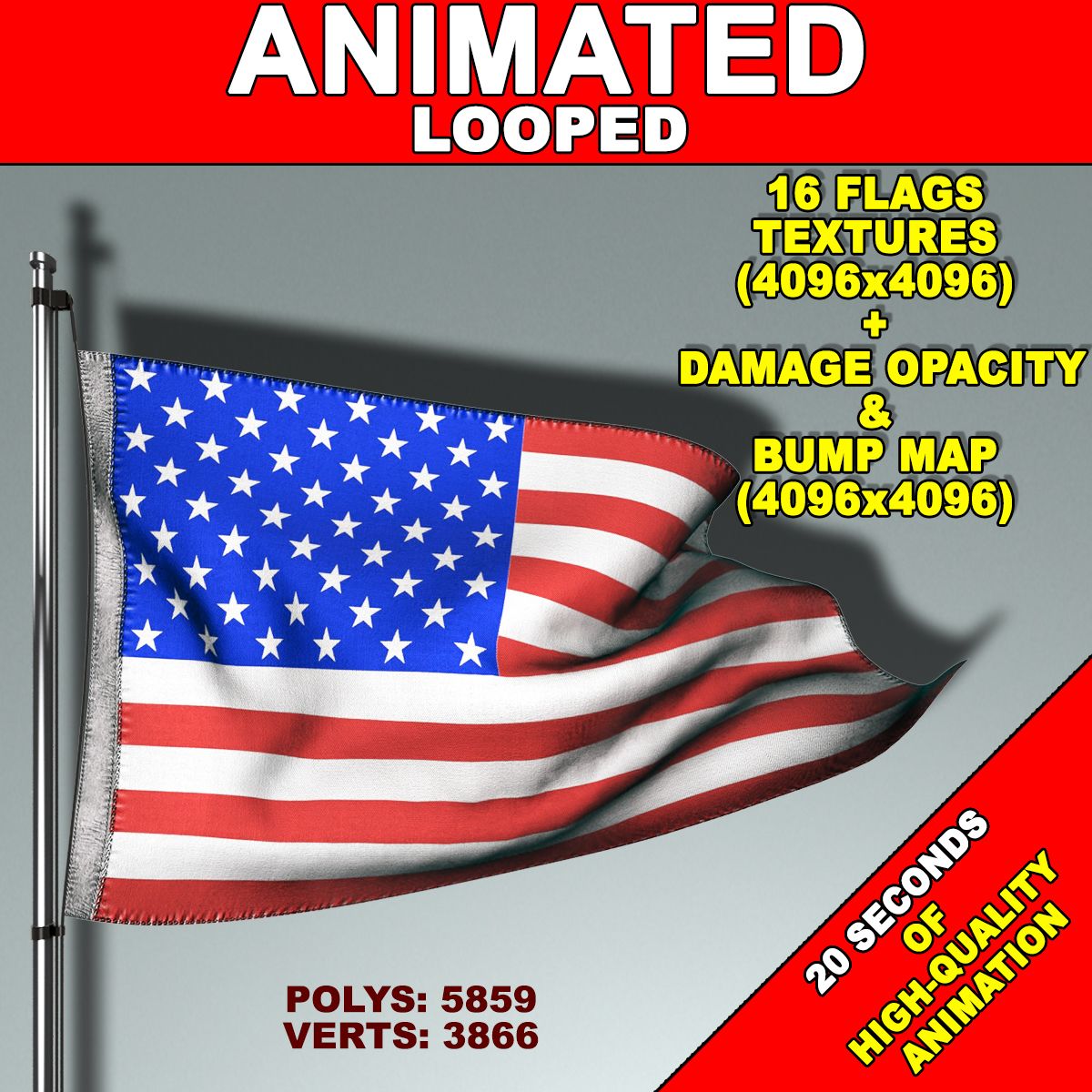
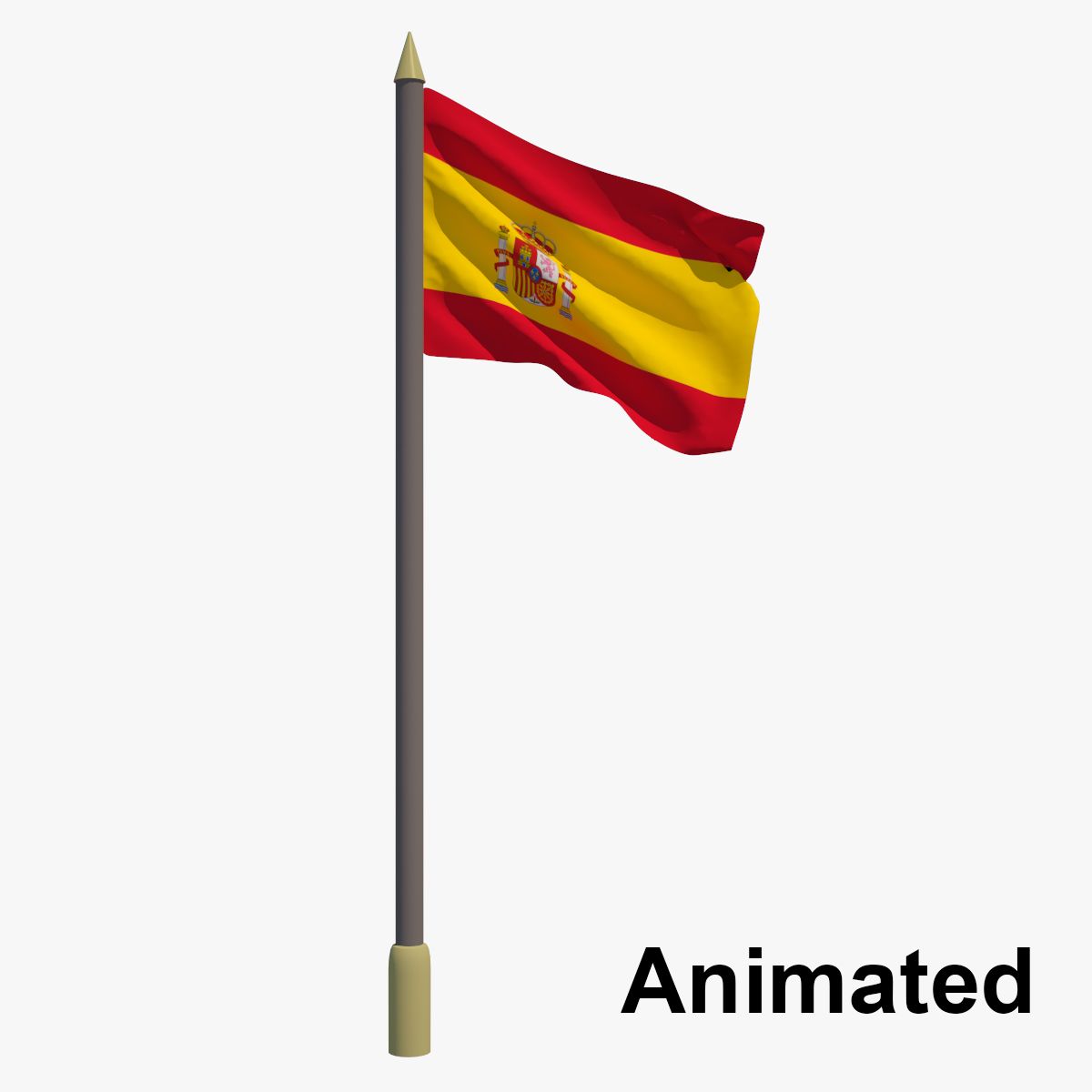
Looped animation of realisticly waving flag. The flag has a thinkness, realistic seams, wrinkles of the seam and a cloth texture.
The model of the flag has multilayer texture. It includes an image of the flag, Normal map and Specular map.
The animation of the flag is baked and cannot be edited.
Please see the loop animation preview.
How to use:
For those who are pretty much familiar with CINEMA 4D:
Project itself is not very complicated and you can easily figure it out by yourself.
For those who are not familiar with CINEMA 4D (for Windows):
1. Open the folder "tex". Replace the file 'Your_Image.jpg' with the flag image of your choice but with the same name.
2. Open file 'Waving_Flag.c4d' in CINEMA 4D.
3. Hit the Shift+R key combination on your keyboard.
Thats it!!! The rendering has started!!!
At the end you will get the rendered movie file
located at 'C:\Flag.mov' with following parameters:
Format: mov
Resolution: 1920x1080
Alpha Channel: yes
Loop: yes
Number of Frames: 430 (from 0 to 429)
Frame Rate: 30
Field Rendering: Progressive
Enjoy.
Nov 01, 2019
datum tillagt
Aug 11, 2021
senaste uppdateringen
recensioner
Det finns för tillfället inga recensioner för denna produkt.
Varför inte vara den första som bryter isen?
