



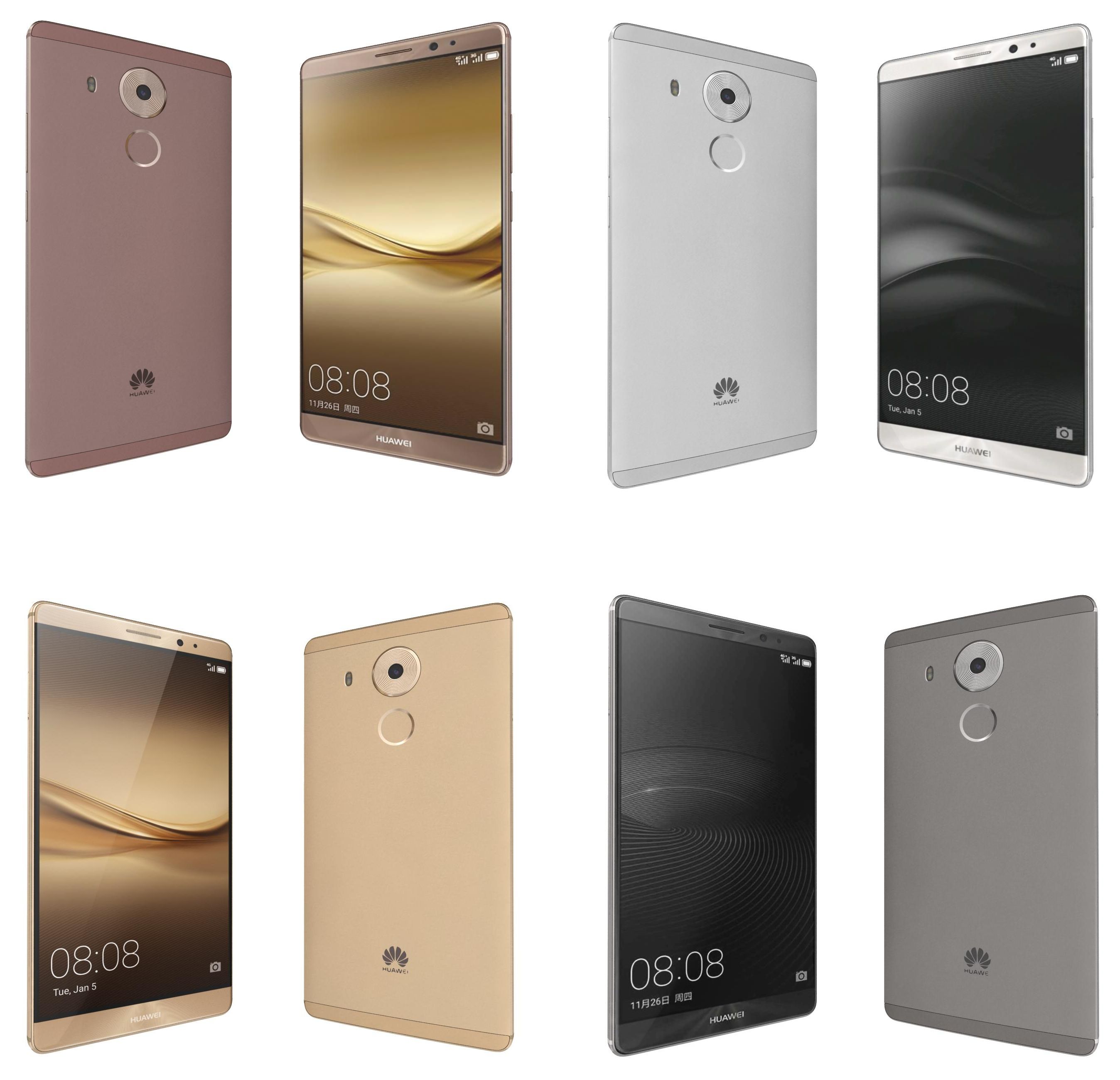

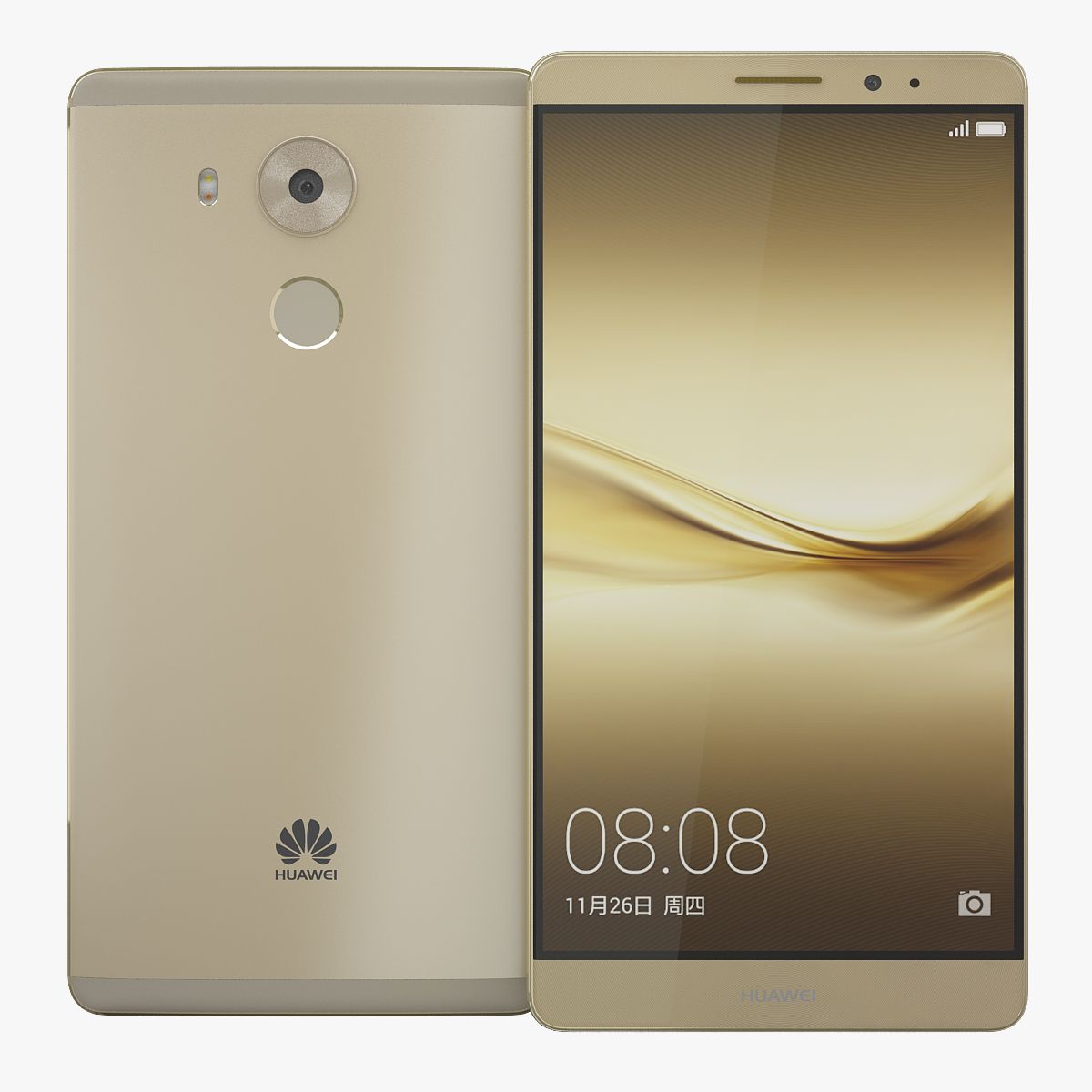

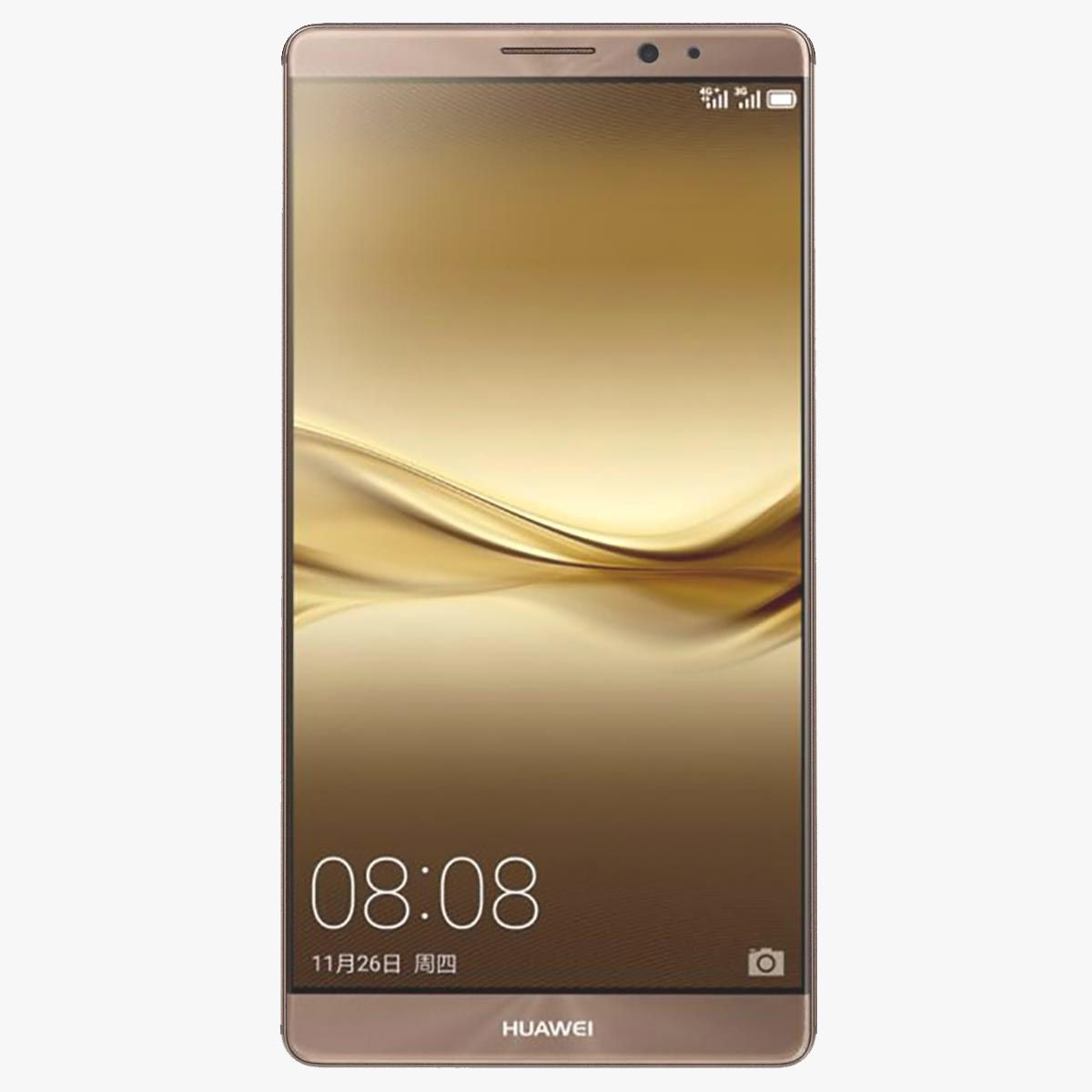

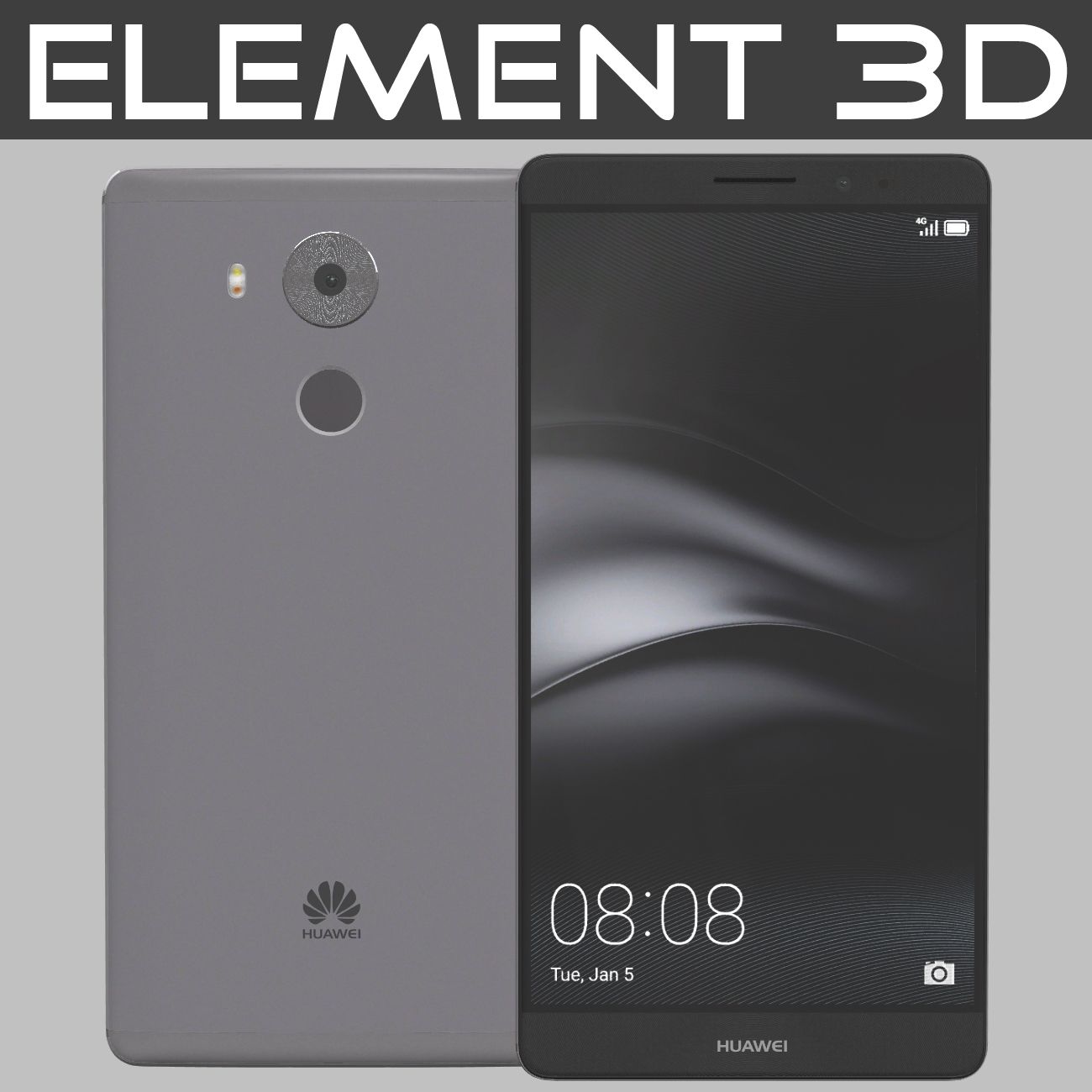
Element 3D Huawei Mate 8 3D-modell
0


0
besök

Insänd av
3D Galaxy
Specifikationer
- Geometripolygonal
- polygoner1
- hörn1
- strukturerYes
- riggadeNo
- AnimeradNo
- 3D Printable ReadyNo
- Spelklar (låg poly)No
- UV MappadYes
- Unwrapped UVsnon-overlapping
Beskrivning
- Realistic, Detailed Element 3D model of Huawei Mate 8.
- The screen was separated.
- The preview images were rendered on Aftereffects Element3D V2.2.
Short guide:-
1- Copy E3D, C4D, OBJ files and tex folder to: C:\Users\computer name\Documents\VideoCopilot\Models
2- Open After Effects.
3- click > Composition> New Composition-> Ok.
4-click-> Layer-> New-> Solid-> Ok.
5-click-> Effect-> Video Copilot-> Element-> Scene Setup.
6- In Model browser tab click models folder and select E3D file,Enjoy.
Available in the following file formats: - Element 3D (.e3d) V2.2.
- Cinema 4D R14 (.c4d).
- OBJ (.obj).
- All the materials are named.
- Thanks for purchasing, Please rate if you like it.
Aug 03, 2020
datum tillagt
Mar 01, 2022
senaste uppdateringen
recensioner
Det finns för tillfället inga recensioner för denna produkt.
Varför inte vara den första som bryter isen?