-->
ArkitekturFordonTeckenFlygplanMöbelElektronikDjurVäxterVapenSporterMatAnatomi
bokmärkt
Bokmärke borttagen

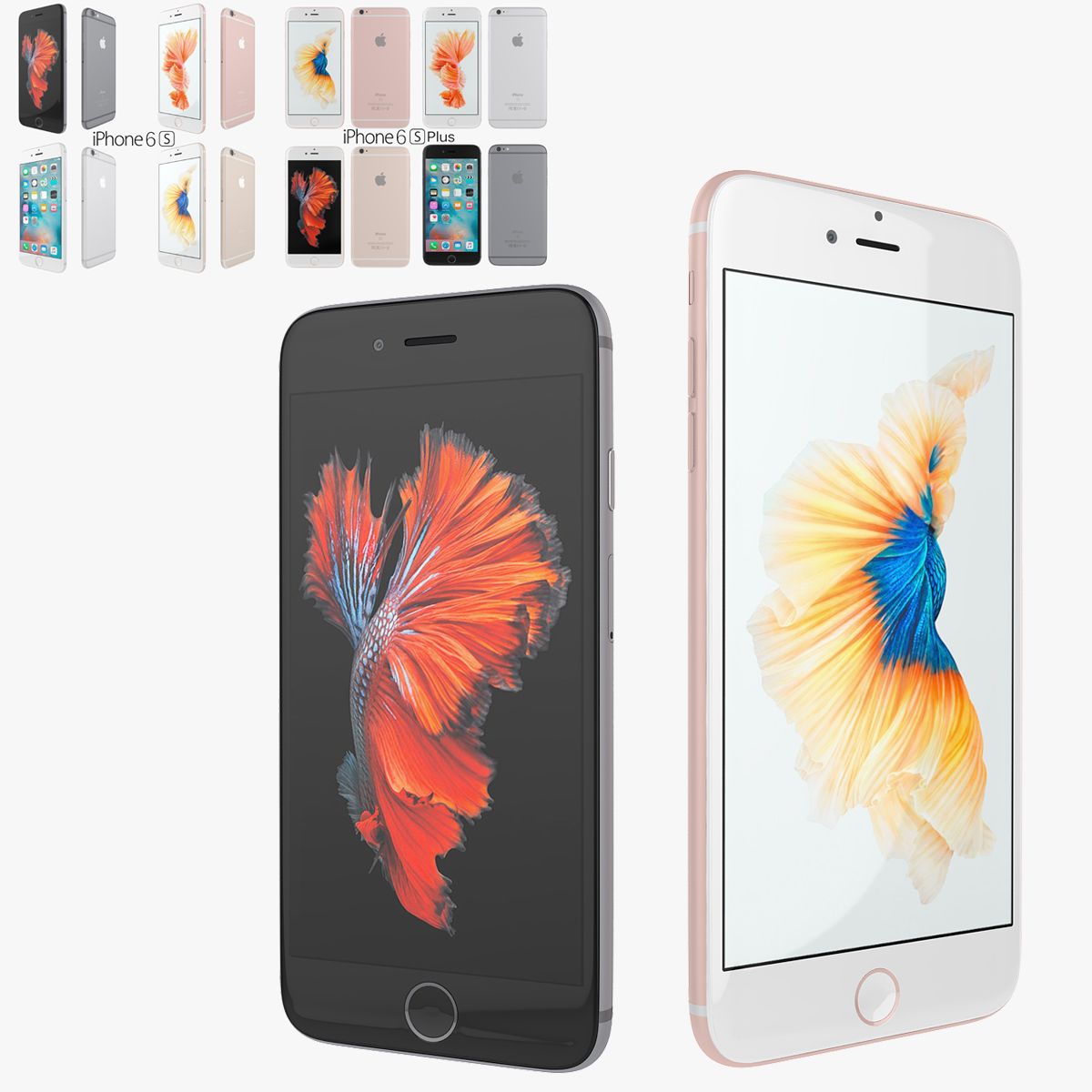
iPhone 6S Plus Element3D V2.2 3D-modell

0
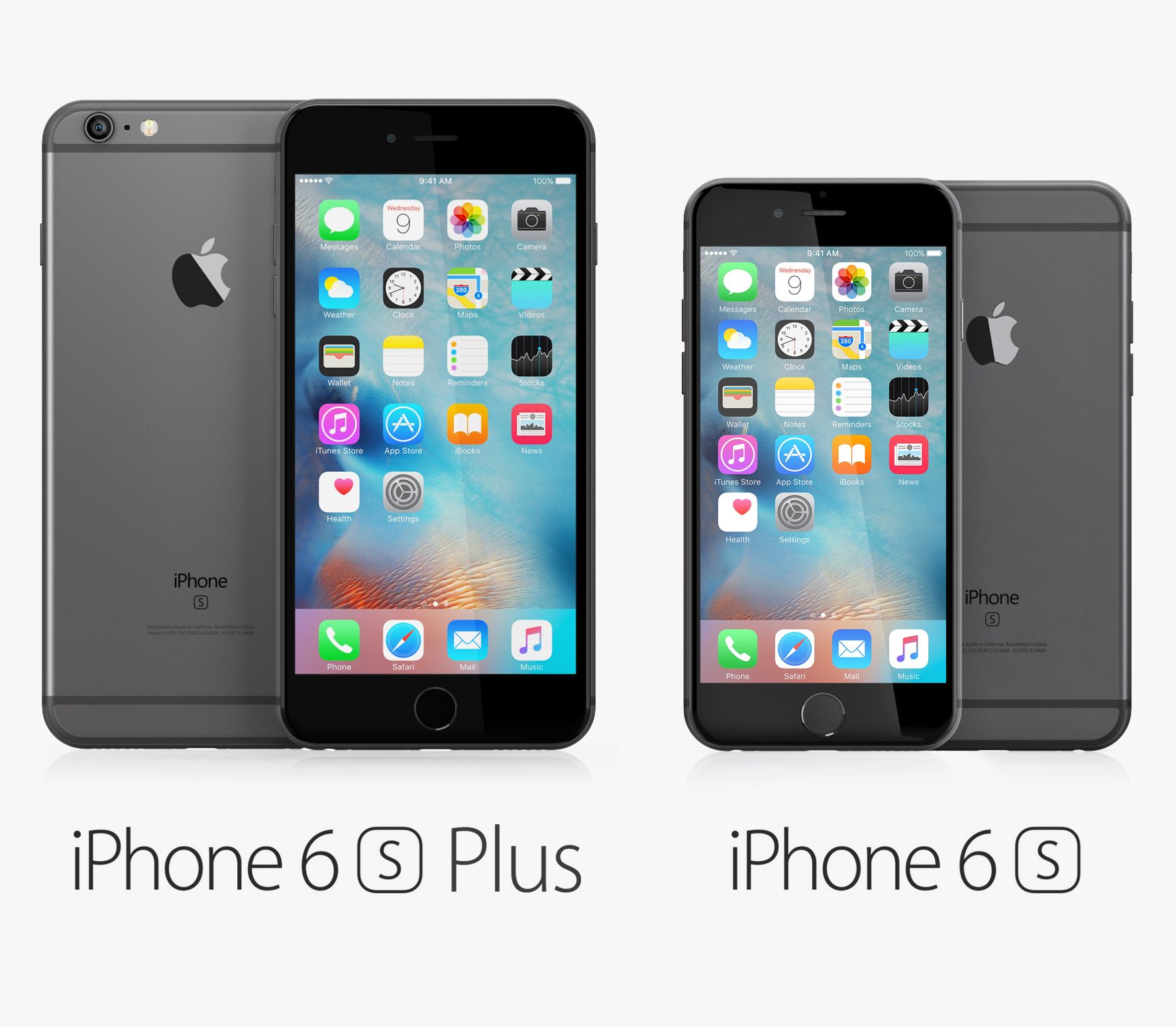
iPhone 6S Plus Element3D V2.2 royalty-free 3d model - Preview no. 1
iPhone 6S Plus Element3D V2.2 royalty-free 3d model - Preview no. 2
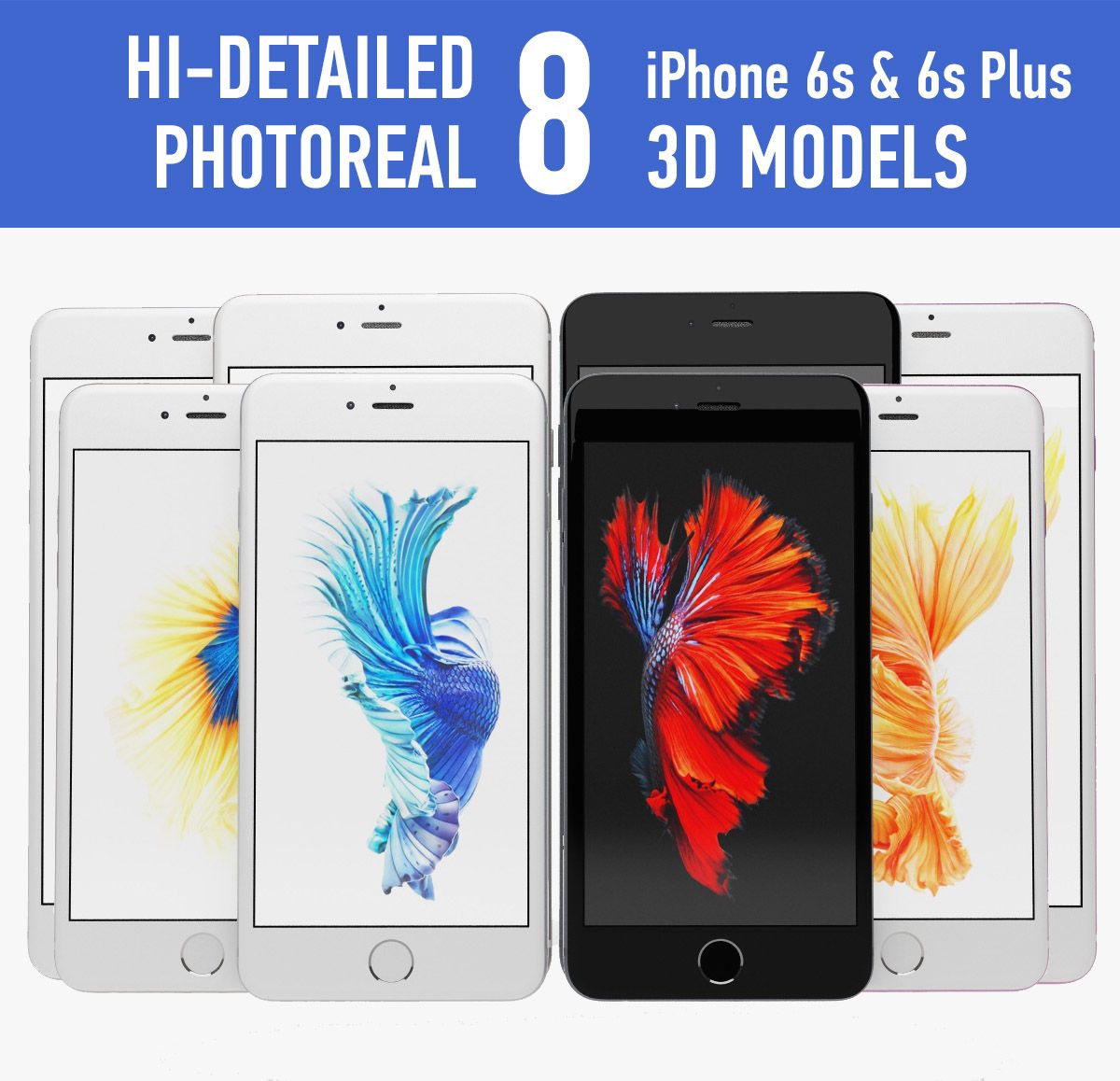
iPhone 6S Plus Element3D V2.2 royalty-free 3d model - Preview no. 3
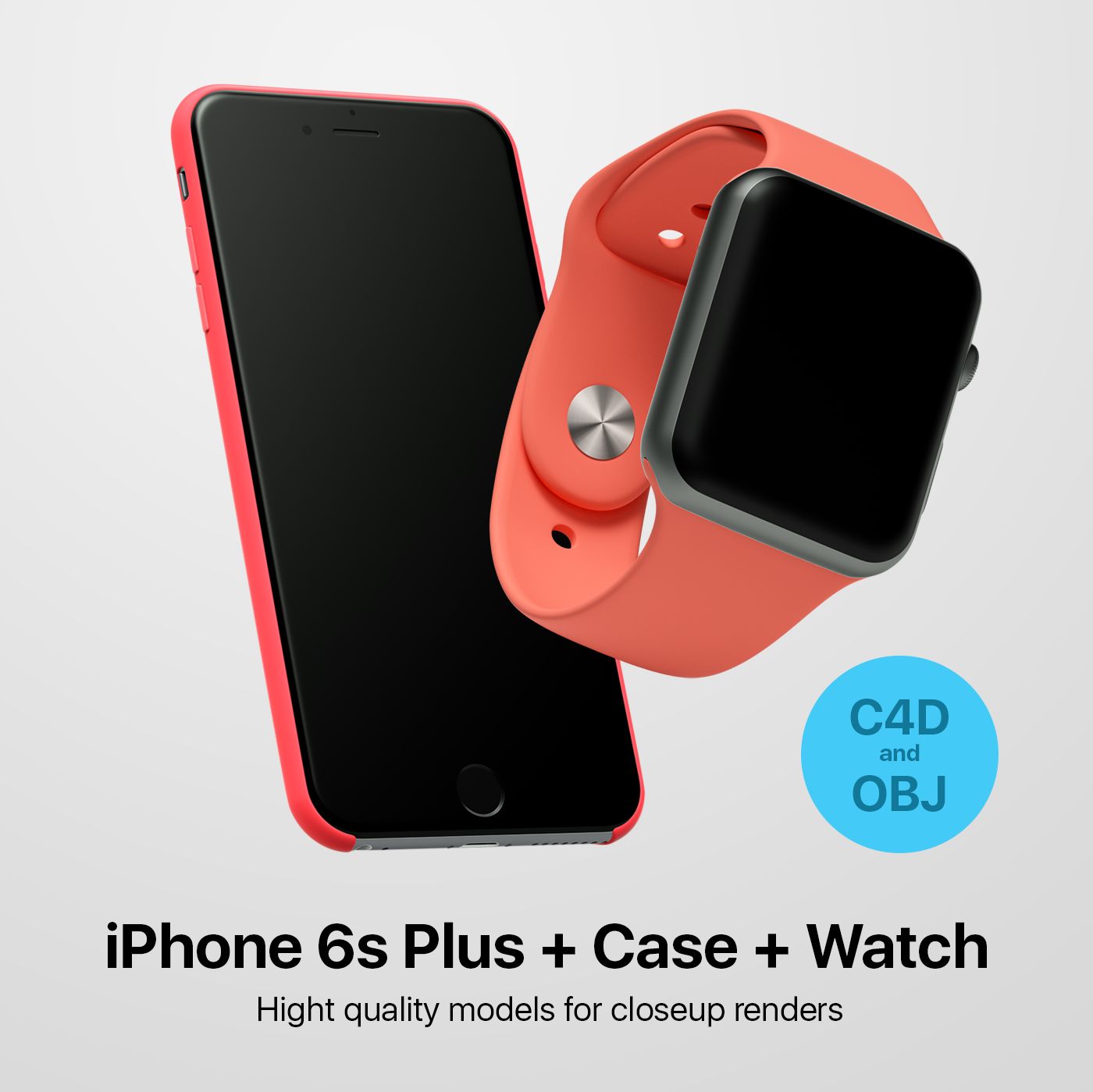
iPhone 6S Plus Element3D V2.2 royalty-free 3d model - Preview no. 4
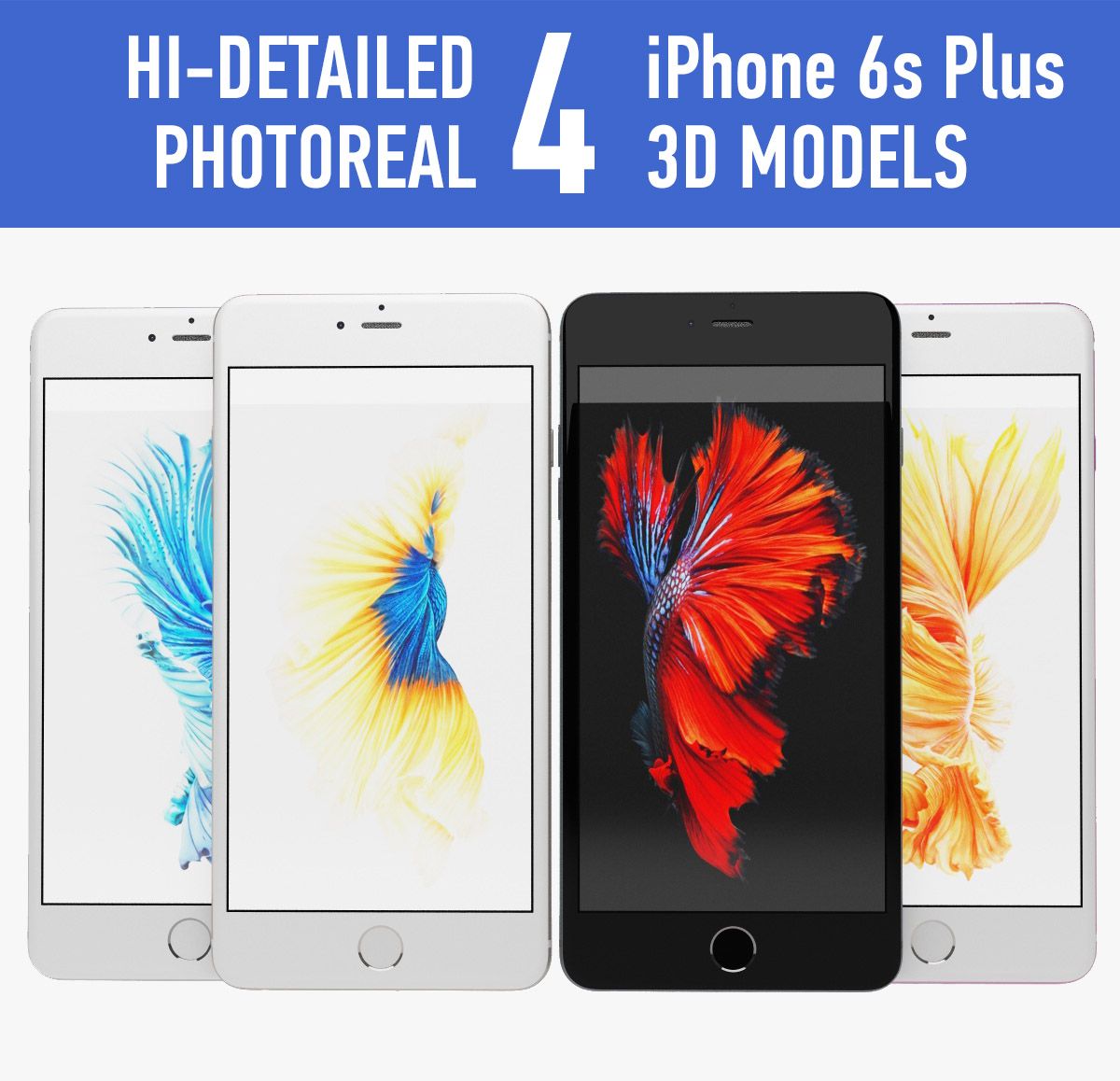
iPhone 6S Plus Element3D V2.2 royalty-free 3d model - Preview no. 5
iPhone 6S Plus Element3D V2.2 royalty-free 3d model - Preview no. 6
iPhone 6S Plus Element3D V2.2 royalty-free 3d model - Preview no. 7
iPhone 6S Plus Element3D V2.2 royalty-free 3d model - Preview no. 8
iPhone 6S Plus Element3D V2.2 royalty-free 3d model - Preview no. 9
iPhone 6S Plus Element3D V2.2 royalty-free 3d model - Preview no. 10
iPhone 6S Plus Element3D V2.2 royalty-free 3d model - Preview no. 1
iPhone 6S Plus Element3D V2.2 royalty-free 3d model - Preview no. 2
iPhone 6S Plus Element3D V2.2 royalty-free 3d model - Preview no. 3
iPhone 6S Plus Element3D V2.2 royalty-free 3d model - Preview no. 4
iPhone 6S Plus Element3D V2.2 royalty-free 3d model - Preview no. 5
iPhone 6S Plus Element3D V2.2 royalty-free 3d model - Preview no. 6
iPhone 6S Plus Element3D V2.2 royalty-free 3d model - Preview no. 7
iPhone 6S Plus Element3D V2.2 royalty-free 3d model - Preview no. 8
iPhone 6S Plus Element3D V2.2 royalty-free 3d model - Preview no. 9
iPhone 6S Plus Element3D V2.2 royalty-free 3d model - Preview no. 10
Royaltyfria LicensEndast redaktionell
Enkel retur
Bästa prisgaranti
Fungerar ur lådan
0 besök
Frezzy

Specifikationer

  • Geometripolygonal_quads/tris
  • polygoner62,831
  • hörn65,555
  • strukturerYes
  • riggadeNo
  • AnimeradNo
  • 3D Printable ReadyNo
  • Spelklar (låg poly)No
  • UV MappadYes
  • Unwrapped UVsmixed

Formater och filer

Cinema 4D
(.c4d)
4 MB

default_scanline R12
Iphone 6S Plus - C4D.rar
OBJ
(.obj)
5 MB

iPhone 6S Plus Gray - OBJ.rar
(.unknown)
12 MB

Apple iPhone 6S Plus - E3D.rar

Beskrivning

This pack: Element 3D V2.2 ( All colors ) models preset easy to use - 1 file OBJ High poly - 1 file OBJ standard - 1 file C4D R12 standard render - E3D file full materials set up like previews How to use it? 1. Open After Effects CC 2014 ( or higher) and create new composition ( You need Element3D V2.2 to use ) 2. Create new Solid layer and add Element effect. ( Effect/Video Copilot/ Element ) 3. Click Scene Setup 4. Click on IMPORT inside Element3D scene setup 5. Choose my .e3d preset for the model and press Open. If you dont see the model do not forget to right click on the model name and press Replace model then select the .obj model file in the respective models folder.
May 26, 2020 datum tillagt
Feb 27, 2022 senaste uppdateringen

recensioner

Det finns för tillfället inga recensioner för denna produkt.
Varför inte vara den första som bryter isen?