



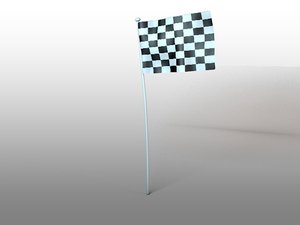

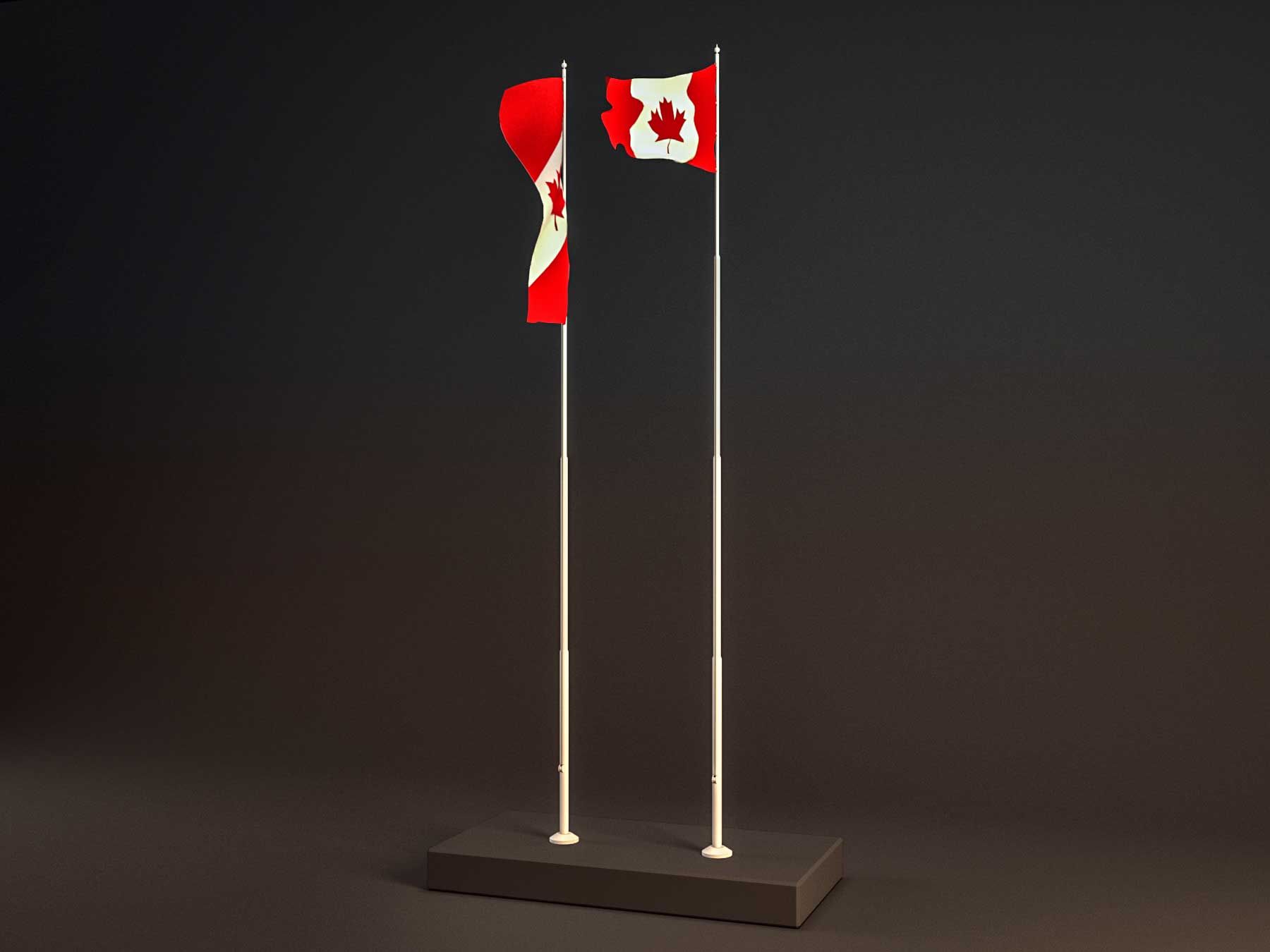





Animated flags\CYCLIC FLAG ANIMATION col.1 3D model
0





Royalty Free LisansTüm genişletilmiş kullanımlar
Basit iadeler
En iyi fiyat garantisi
Kutunun dışında çalışır
0
ziyaret

Tarafından gönderilmiştir
Slo_studio
Özellikler
- Geometripolygonal
- Çokgenler45,000
- Tepe Noktaları45,000
- DokularNo
- hileliNo
- canlandırılmışYes
- 3D Yazdırılabilir HazırNo
- Oyuna Hazır (düşük poli)No
- UV HaritalıNo
- Sarılmamış UV'lerunknown
Açıklama
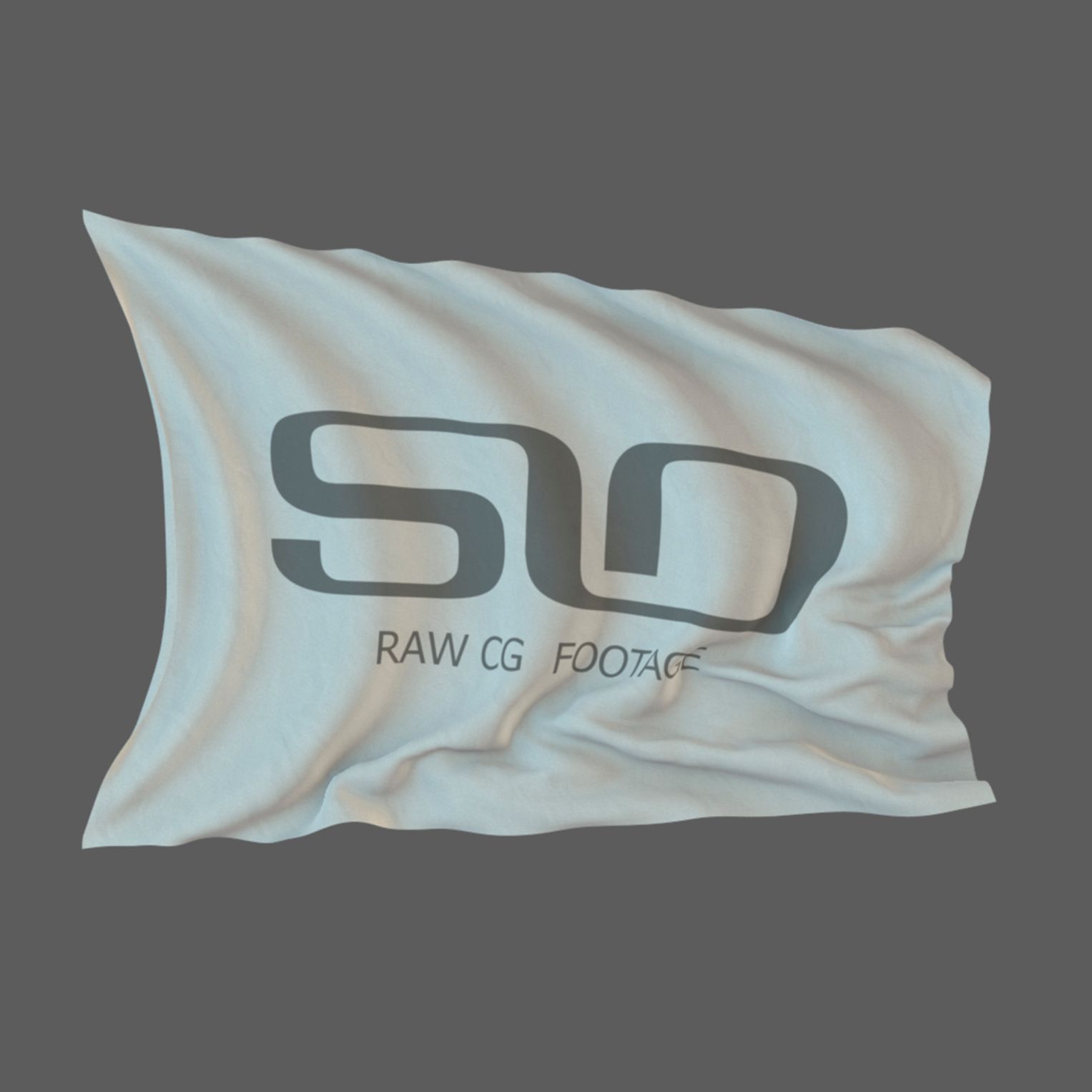
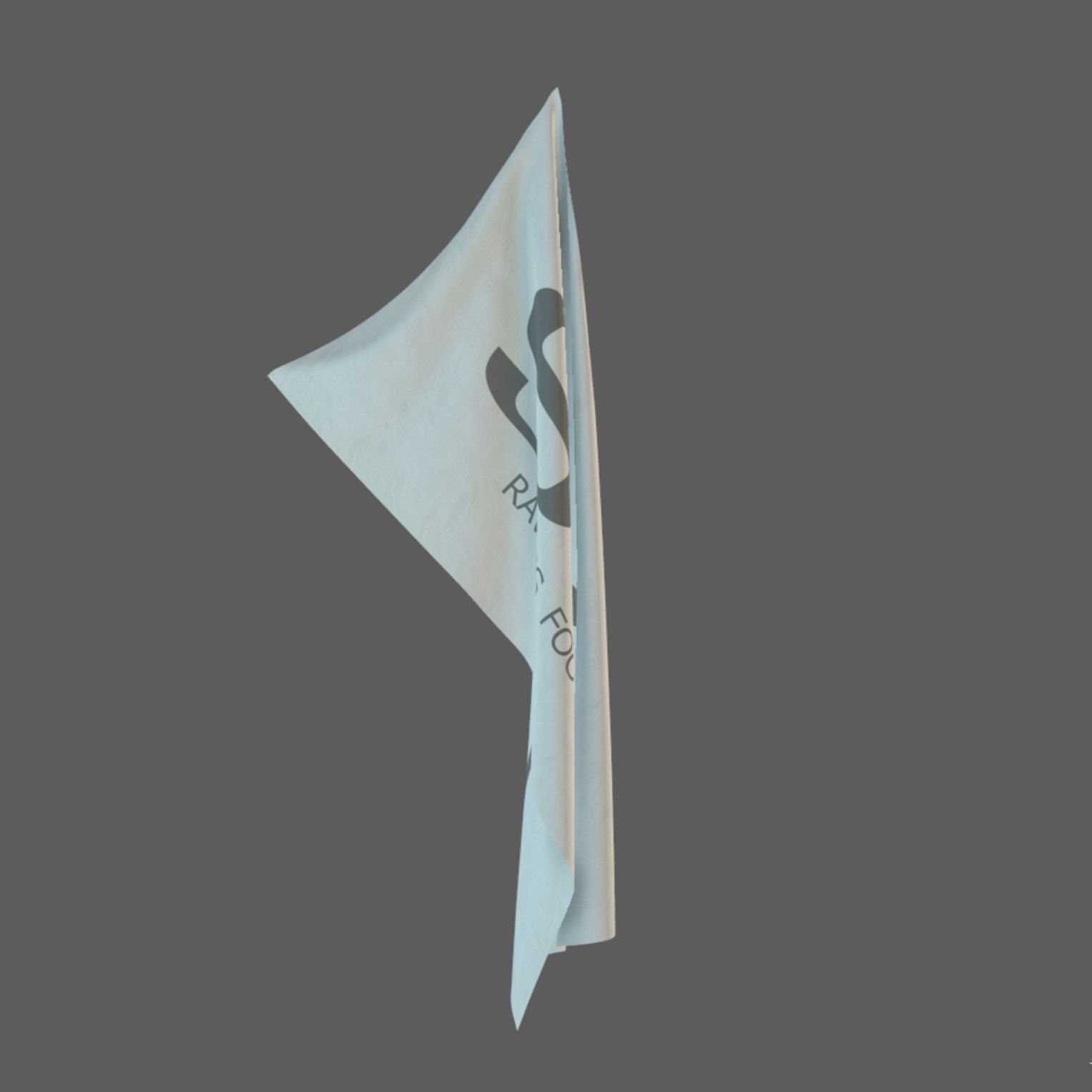
36 Alembic Cache flags file.
It is often necessary to add flags to your scene. But you can not always find the right video, with the texture of the country you want. To solve this problem, a cyclic flag animation was created
----------------------------------------
The main features of this collection are:
1.Ability to use any texture for your flag.
2. Alembic Cache allows you to use flags in a 3d scene, in Nuke or in any other software
3. All flags have a cyclic animation, so you can use absolutely any timing for your scene.
4. Alembic Cache allows you to slow or speed up the animation, without losing quality.
----------------------------------------
When using Maya, select AlembicNode, in the Cycle Type item, select Loop. Now your animation has become endless
When using Nuke to do it a little harder
Alembic Cache was generated at a speed of 25fps, the animation length is 250 frames.
By default in the ReadGeo node, 24fps with a length of animation of 240 frames.
----------------------------------------
You need to select 25 fps, then deselect the read on each frame. Select on the timeline 1 frame and put the key in the item Lock frame c with a value of 1
Then, select a 250 frame on the timeline and put a key with a value of 250. Now you have the controlled animation.
In Curve Editor select two keys, right-click and select Loop in the Predefined item.
Then select the Last frame of loop value to 250.
You have received a cyclic animation.
[watch the video "instruction[Maya & Nuke"]
]
You can move the last frame, then make a new Loop, and get a different animation speed.
Be careful to use this collection, you need knowledge about 3D space and scene lighting tools.
It is worth noting that for photorealistic rendering on a close-up, you will need to use photorealistic renderers.
ScanlineRender in Nuke does not always give a good result.
Nov 13, 2021
Ekleme Tarihi
Mar 04, 2022
son Güncelleme
Yorumlar
Bu ürün için henüz hiç yorum yapılmamış.
Neden buzu kıran ilk kişi değilsin?