



Masa lambası 3D model


Özellikler
- Geometripolygonal
- Çokgenler3,210
- Tepe Noktaları3,222
- DokularYes
- hileliNo
- canlandırılmışNo
- 3D Yazdırılabilir HazırNo
- Oyuna Hazır (düşük poli)No
- UV HaritalıNo
- Sarılmamış UV'lerunknown
Açıklama
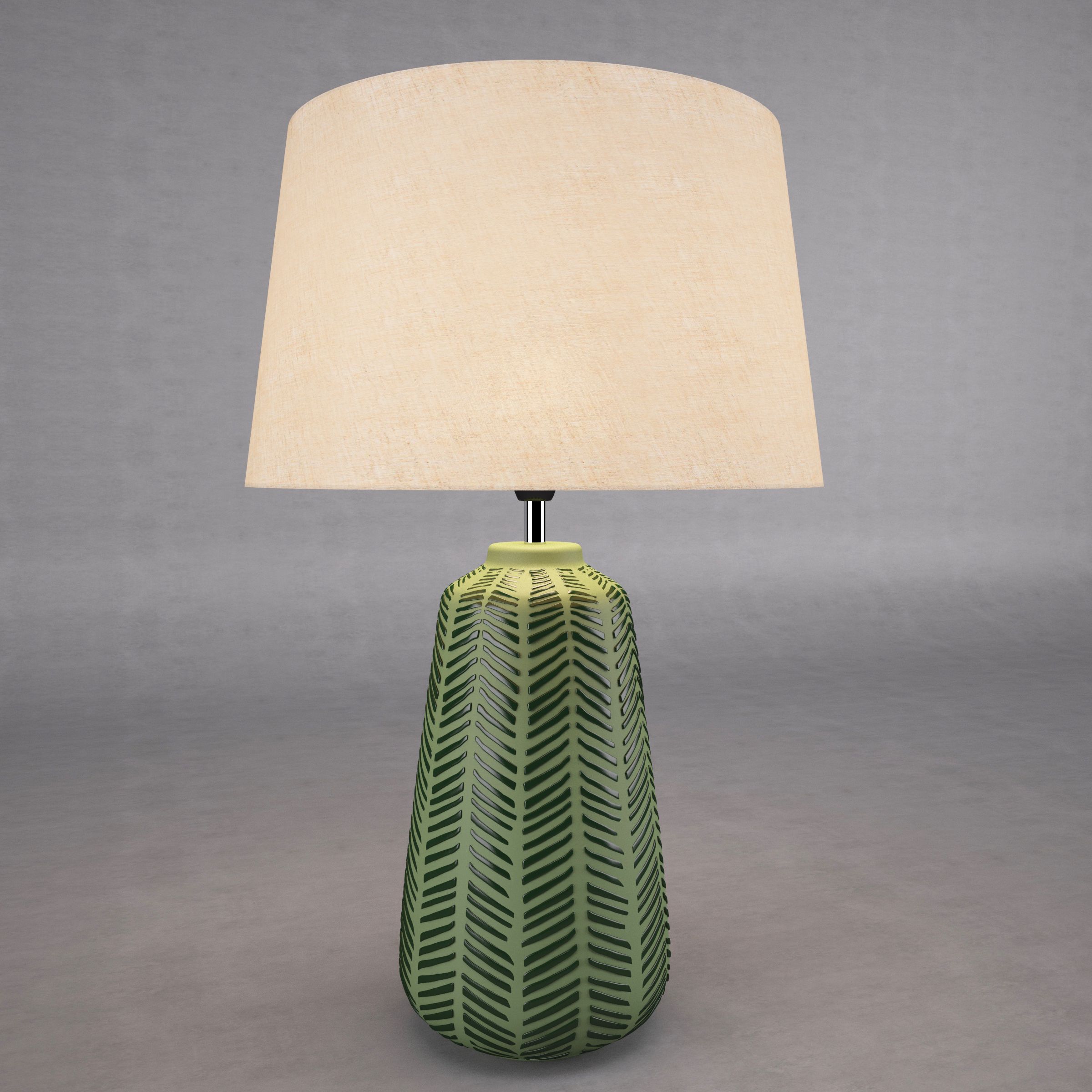
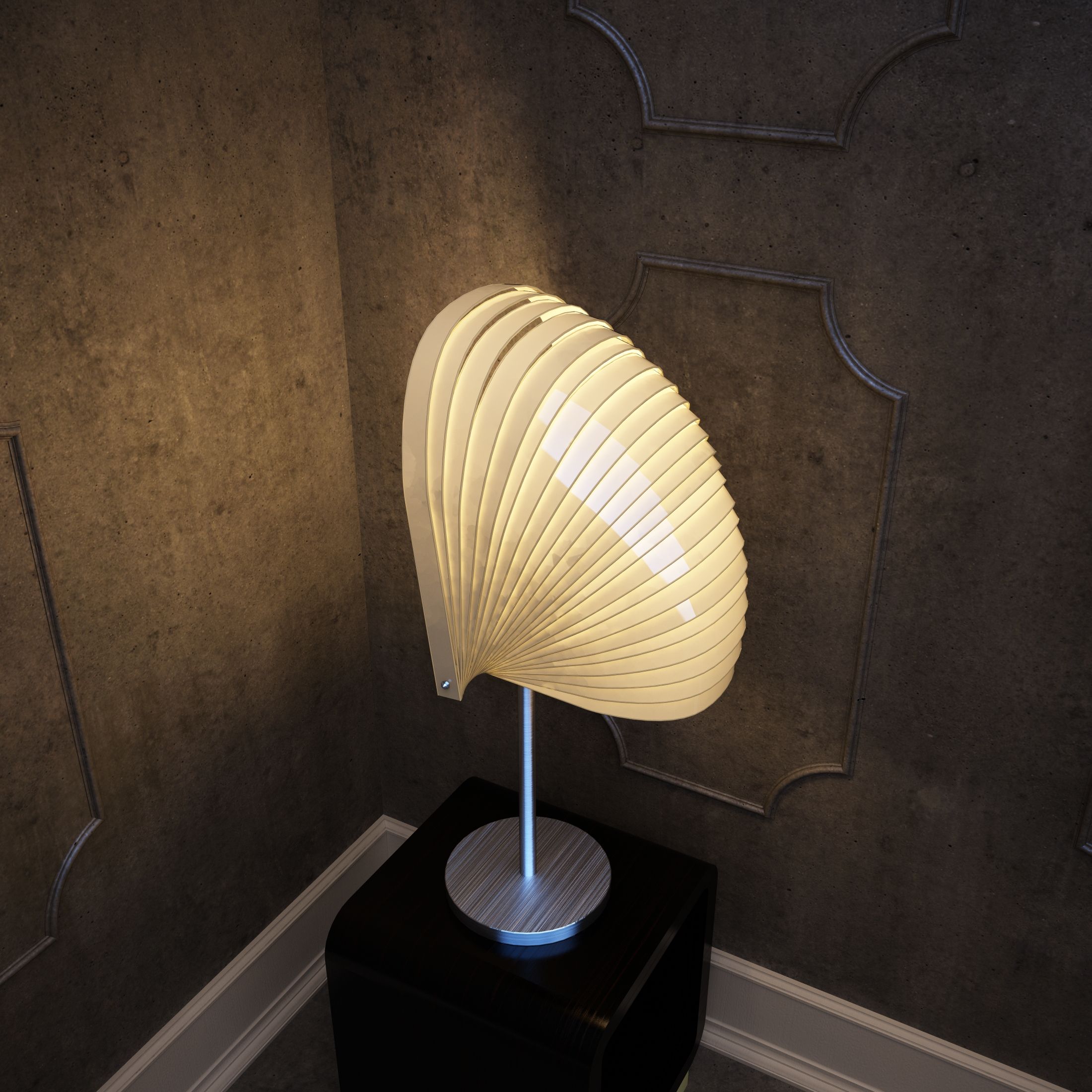
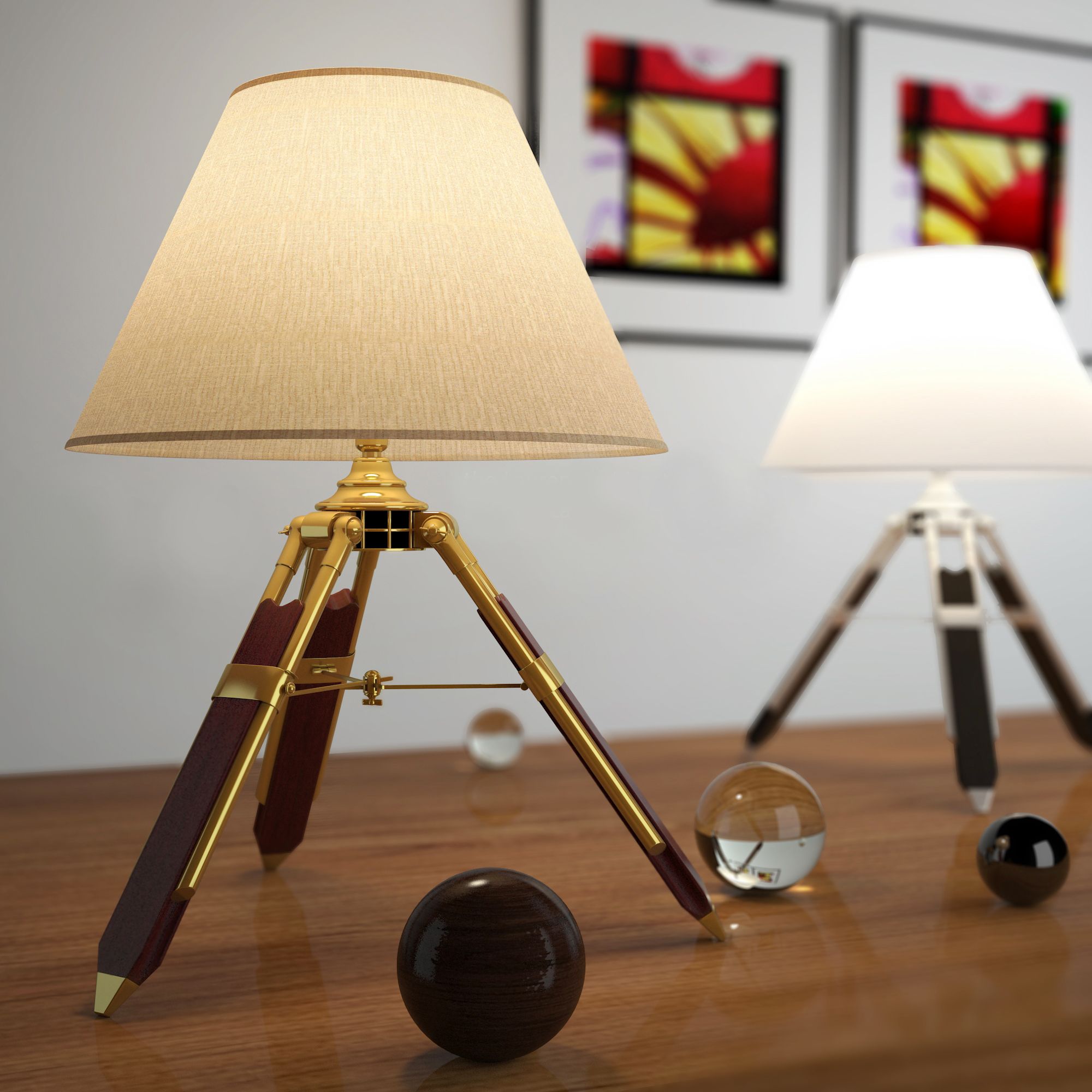
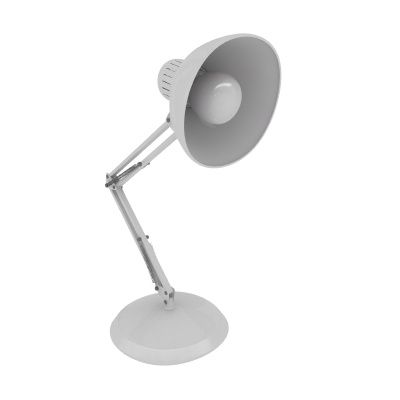
PRODUCT ORIGIN This product was modeled with precision and was created using 'REAL-WORLD' scale. The original file was created and used for TV/FILM/VIDEO. The model is based on the measurements and technical specs of an actual desk lamp. PRODUCT DETAILS The lamp is ready to go as is! The model was created in 3DS Max. The lamp is made up of only 5 parts that are together in a group. This gives you the option of easily changing the material for the trim piece that runs up the center of the lamp. For the original scene, this trim was even removed/hidden to make a different version of the lamp. That option is still there for you. ALTERNATE FORMATS The main file is the 3DS MAX version but other formats have been included. There's an FBX, 3DS, OBJ, et al. Also, there are HIGH POLY and LOW POLY versions of the scene included with this product (they are all collapsed editable poly objects that have no modifiers on them). The filenames reflect the contents with LP standing for Low Poly and HP standing for High Poly. The file titled, "CurvedDeskLamp_TS-VRay dot MAX" is the original file that is not collapsed. This file has mesh smooth modifiers on the geometry so the smoothing and subdivision can be adjusted to your liking or removed altogether. This is a powerful and easy to use set of files that allow you to render great results...simply!!! Basically, you get High Poly and Low Poly versions of the scene and a "RAW" version of the scene to have full control over the amount of subdivision you want/need. You are fully covered! MATERIAL/SURFACE DETAILS The materials/shaders are all set and ready to go for the VRay versions. SPECIAL BONUS This product also comes with a very basic cyc/background model and lighting setup that can be used to render other objects with high quality results. Simply import your objects and render with nice studio lighting. Very useful!!! HDRI NOTE Some of the sample renders made use of HDRI maps for lighting and reflections. Those HDRI images are not included because of copyright. However, you can simply add an HDRI from your own collection to the 'environment' slot in the VRay render options. If you do not have any HDRIs, there are many for sale here on TurboSquid. The material for adding an HDRI is already setup in the material editor. It's in the material editor and is called "ENVIRO" Just click 'BROWSE' and point it to the HDRI of your choosing and you're all set.
Yorumlar
Bu ürün için henüz hiç yorum yapılmamış.
Neden buzu kıran ilk kişi değilsin?