



Kapı 016 3D model
0


Royalty Free LisansTüm genişletilmiş kullanımlar
Basit iadeler
En iyi fiyat garantisi
Kutunun dışında çalışır
28
ziyaret

Tarafından gönderilmiştir
Runnriot
Özellikler
- Geometripolygonal
- Çokgenler5,733
- Tepe Noktaları7,959
- DokularNo
- hileliNo
- canlandırılmışNo
- 3D Yazdırılabilir HazırNo
- Oyuna Hazır (düşük poli)No
- UV HaritalıYes
- Sarılmamış UV'lernone
Açıklama
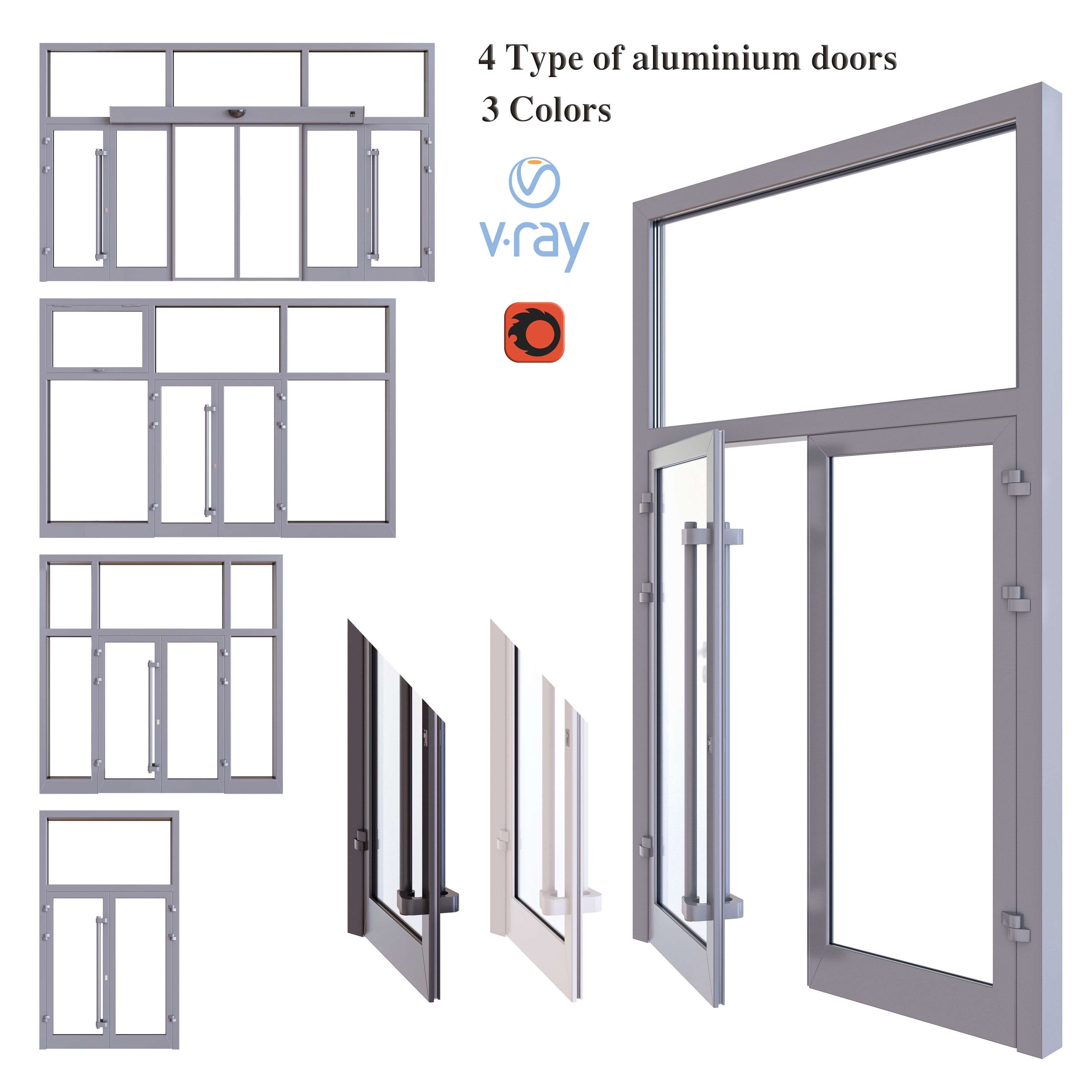
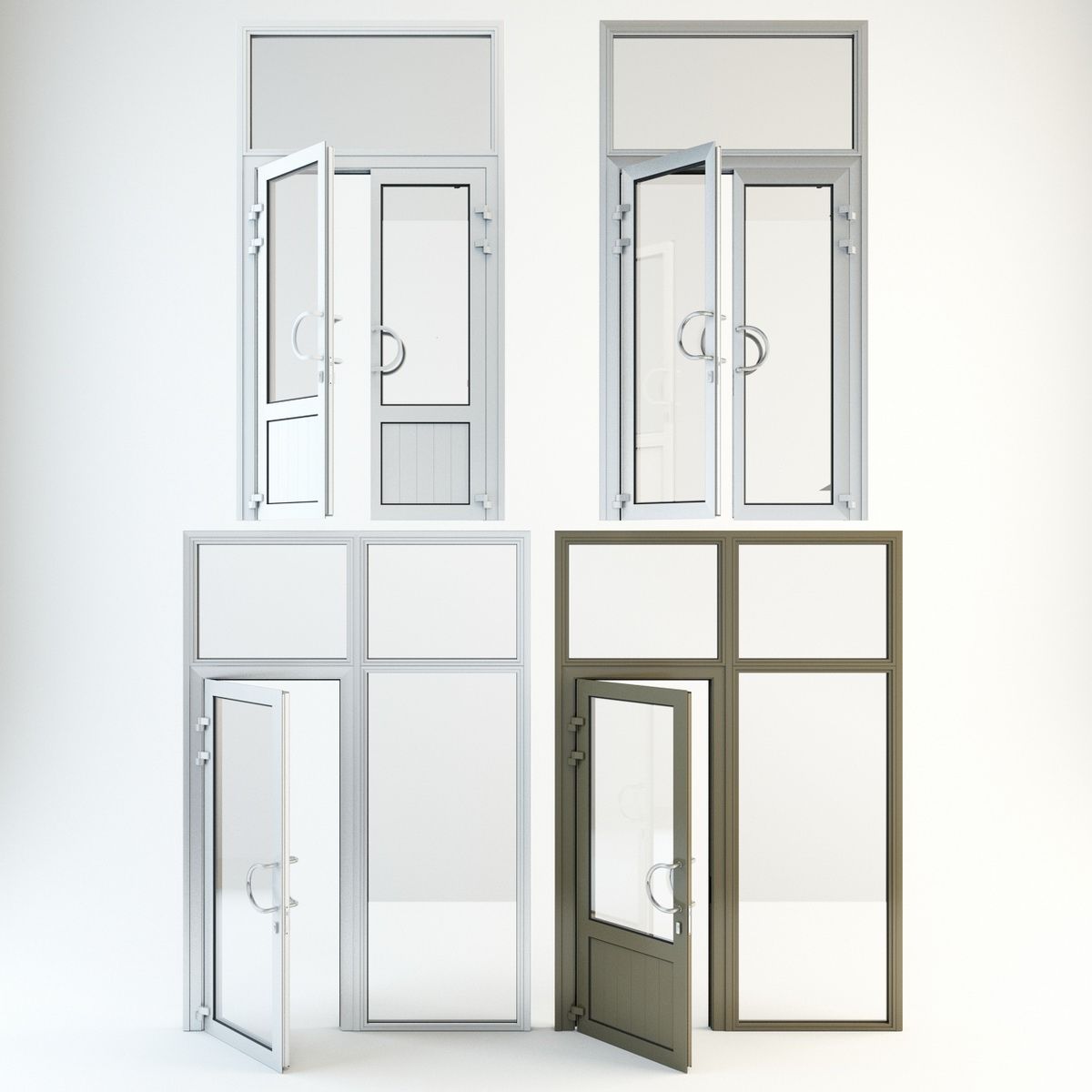
High Detail 3d Model of a modern Aluminum Door with black angled line work.
Door Color can easily be changed to any color, reflection on door may have to be adjusted based on scene
Door is Rigged Pivot to Rotate on Hinges so you can render it open and closed.
-Modeled in 3ds Max 2015, rendered in Vray
-Modeled to Scale and Dimensions- 34' W x 86' H, can easily be adjusted for different dimensions.
-Hinges, Door lever,strike plates, included.
-Ready for Close up
-Object is Grouped into one group-Frame with Hinges & Door with hinges and hardware.
-Set to 0,0,0 Axis and grouped for easy scene movement.
-To render door in open position open group, click on door, rotate to desired position. Door Pivot is set to Hinges. If pivot gets reset go to 'Hierarchy' tab, click on 'Affect Pivot Point' and move the pivot to the center of the hinge, another trick if its temporarily reset is to hit affect pivot point, hit the rotate button and then click out of the pivot.
Happy Modelling,
Enjoy!
Oct 02, 2019
Ekleme Tarihi
Mar 07, 2022
son Güncelleme
Yorumlar
Bu ürün için henüz hiç yorum yapılmamış.
Neden buzu kıran ilk kişi değilsin?