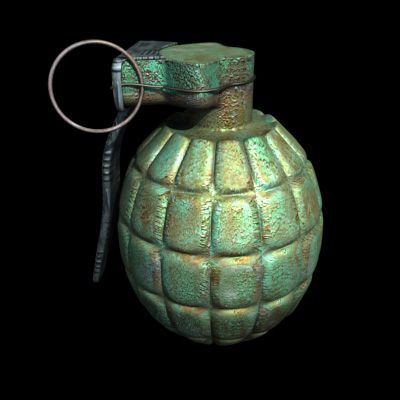


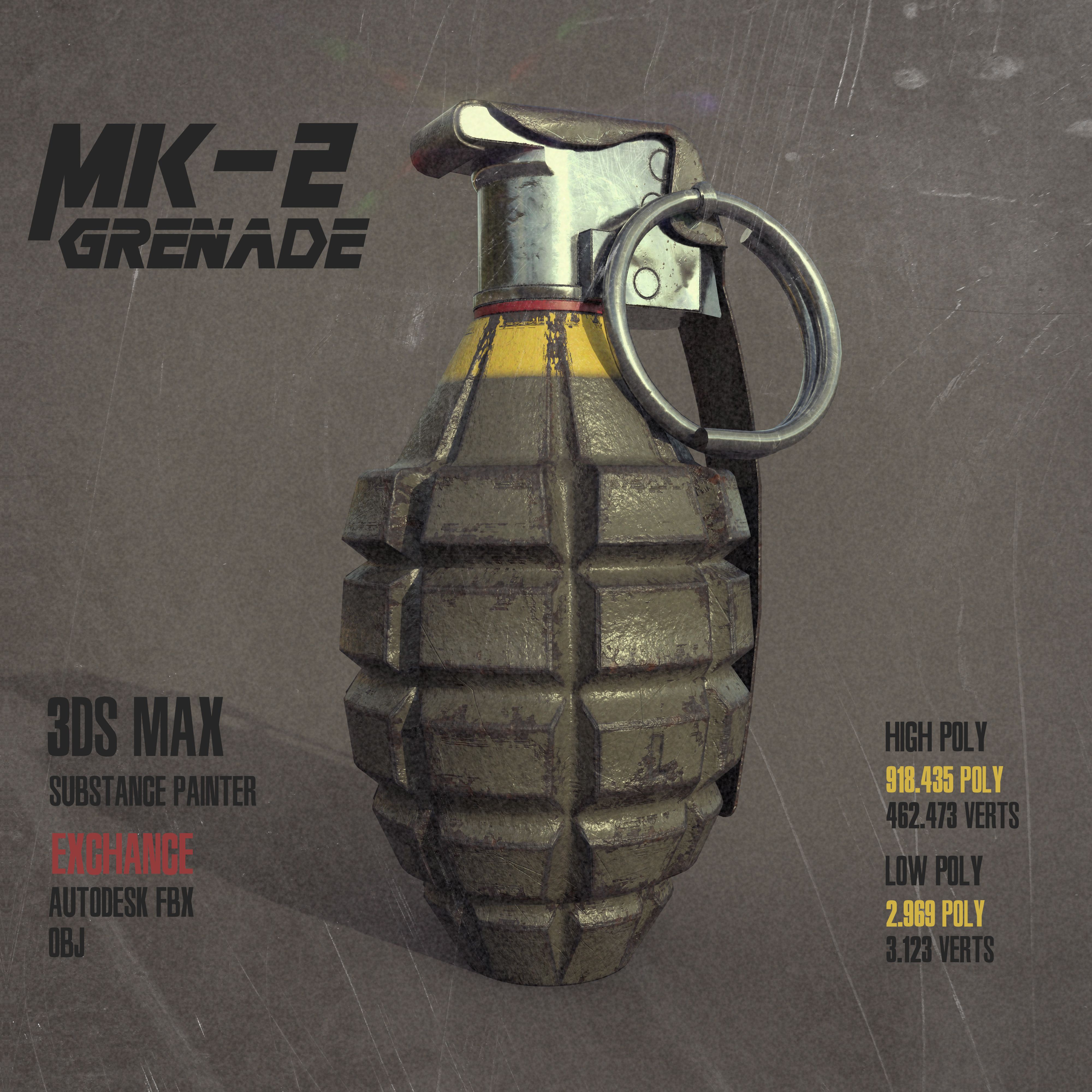

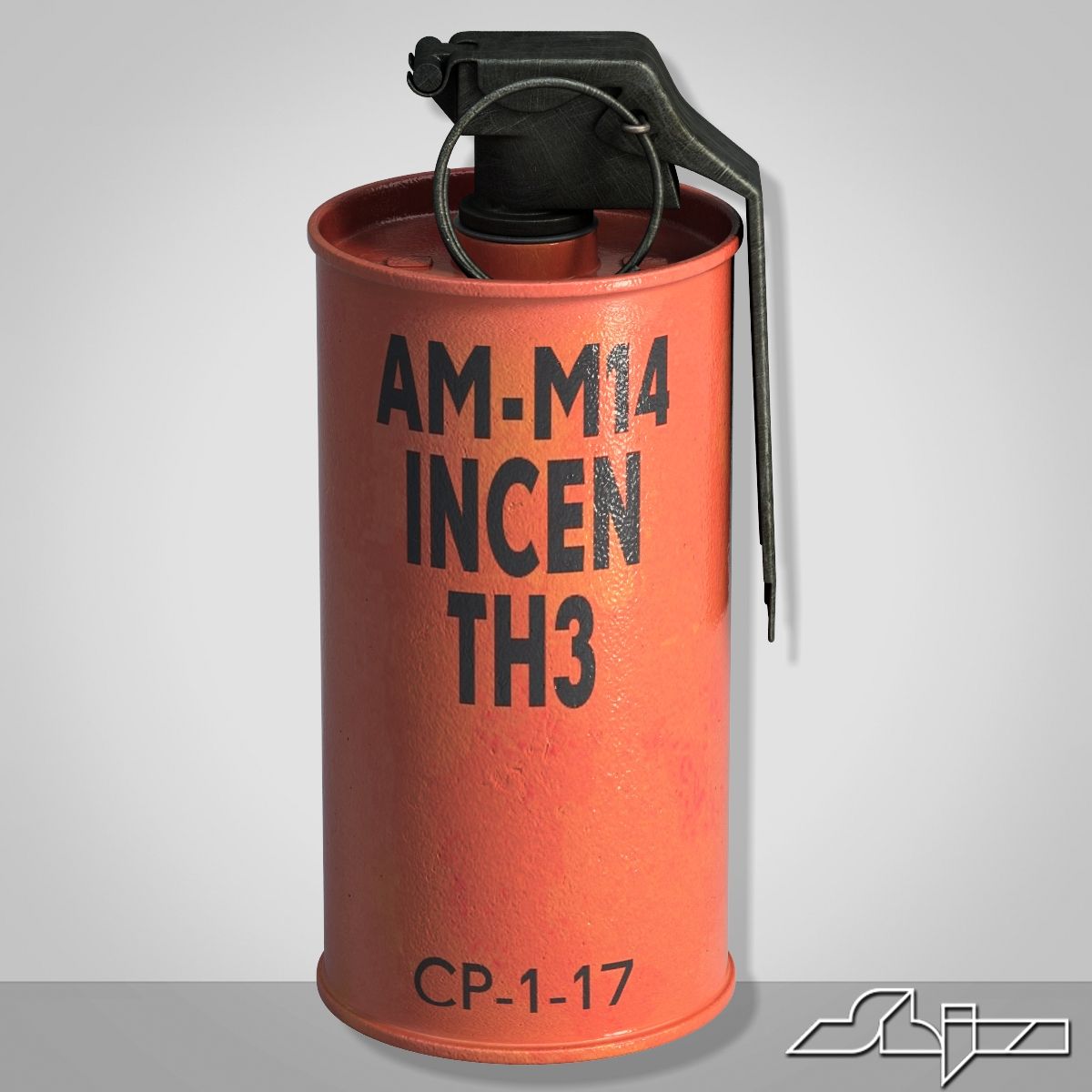

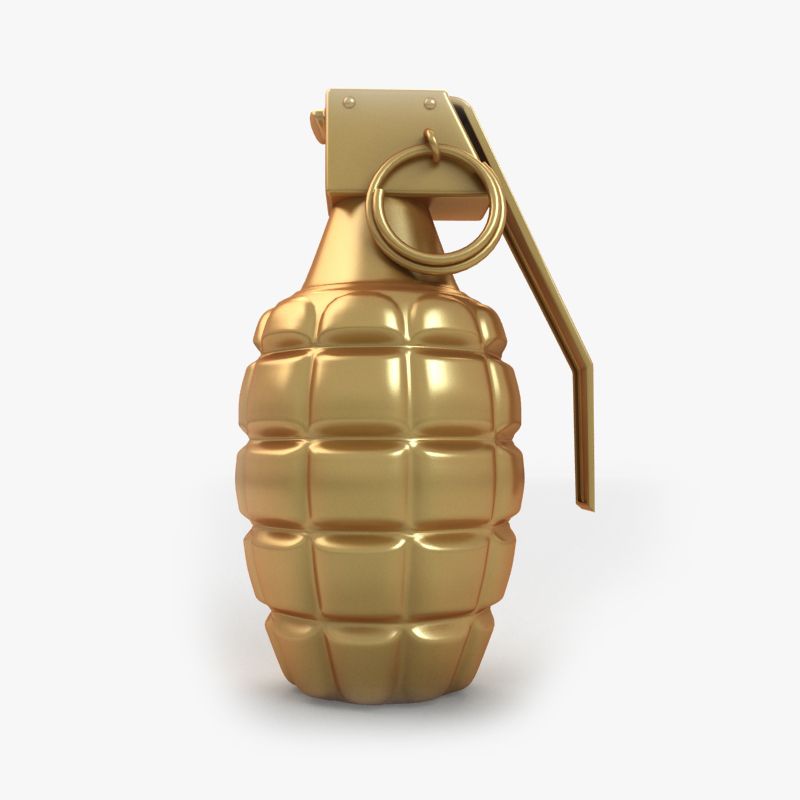
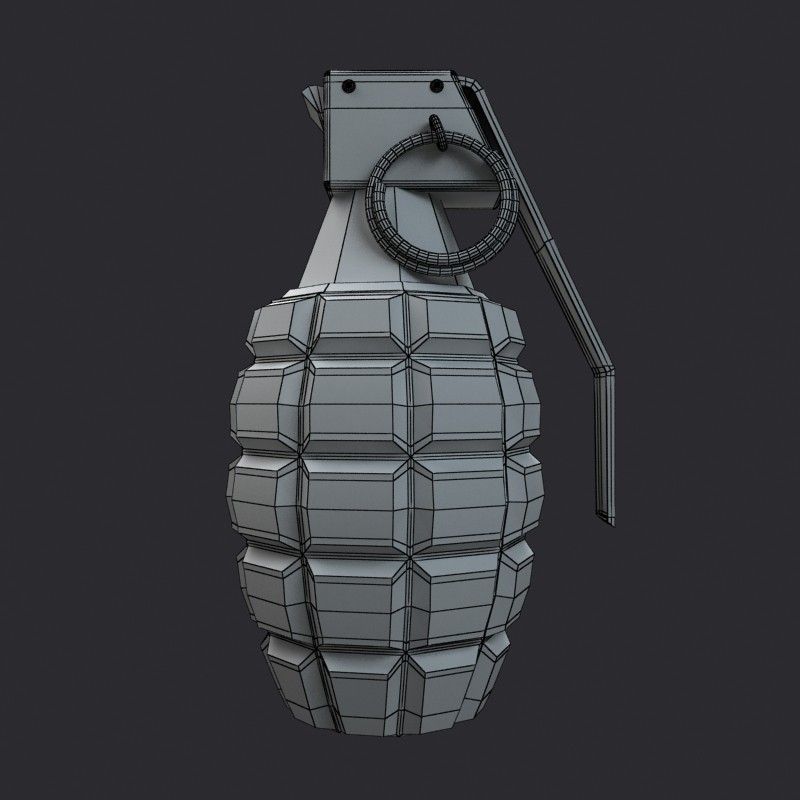
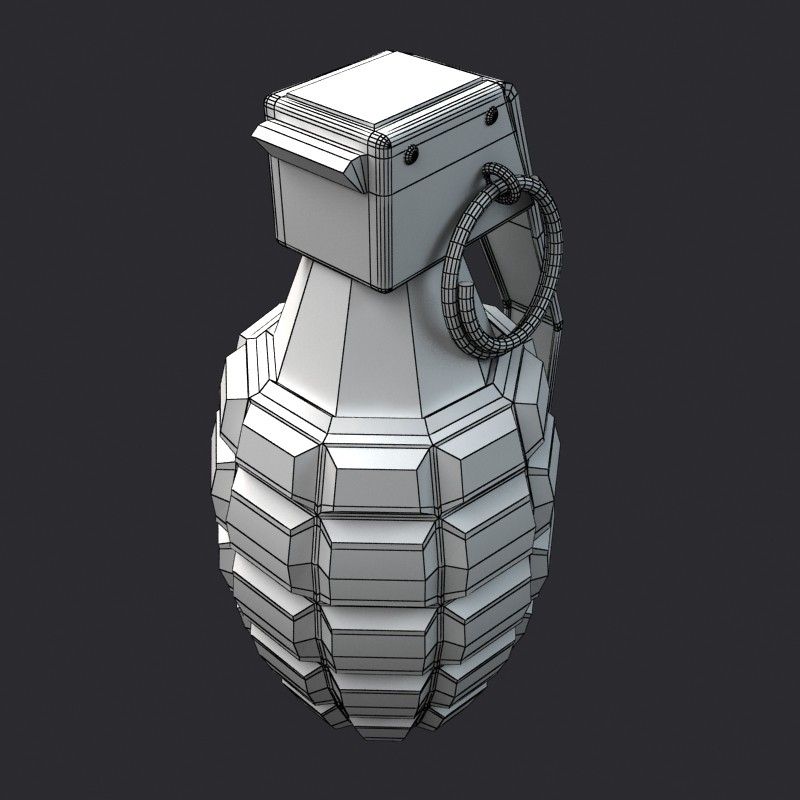
Golden Grenade 3D model
0



0
ziyaret

Tarafından gönderilmiştir
shank3d
Özellikler
- Geometripolygonal_quads/tris
- Çokgenler2,909
- Tepe Noktaları2,849
- DokularNo
- hileliNo
- canlandırılmışNo
- 3D Yazdırılabilir HazırNo
- Oyuna Hazır (düşük poli)No
- UV HaritalıYes
- Sarılmamış UV'lernone
Açıklama
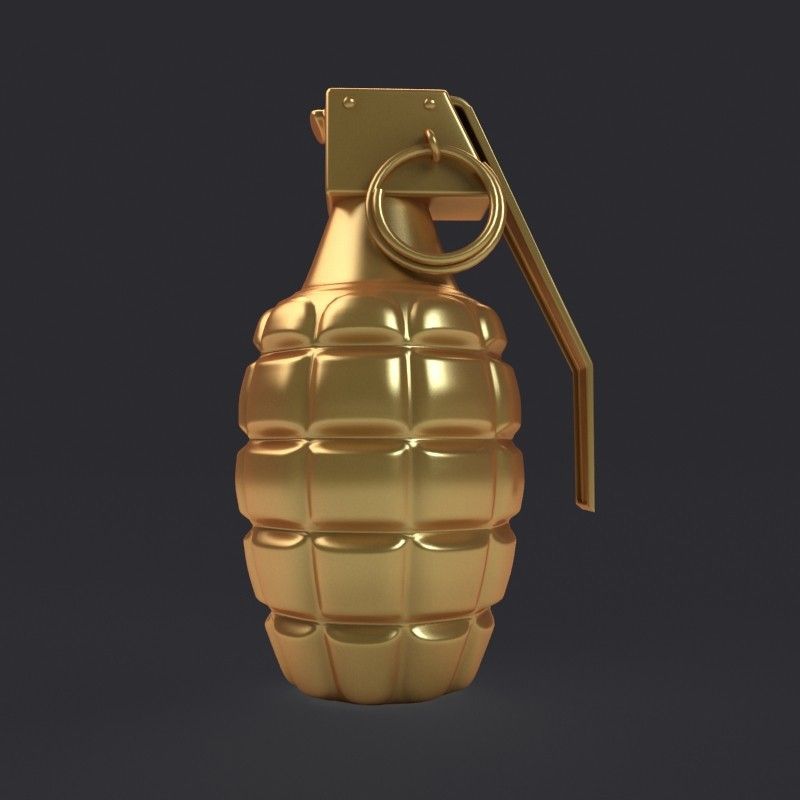
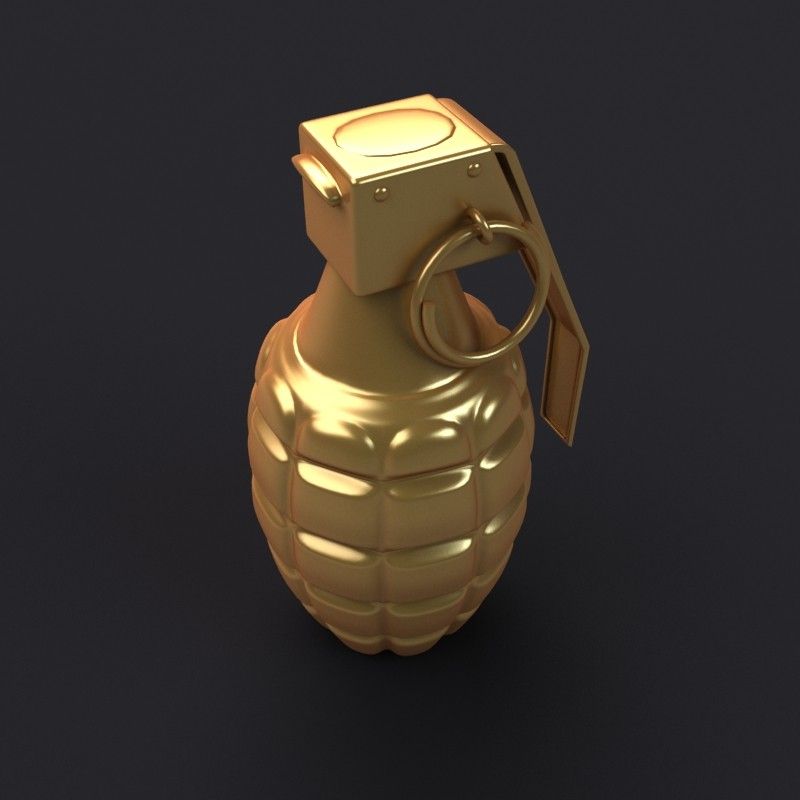
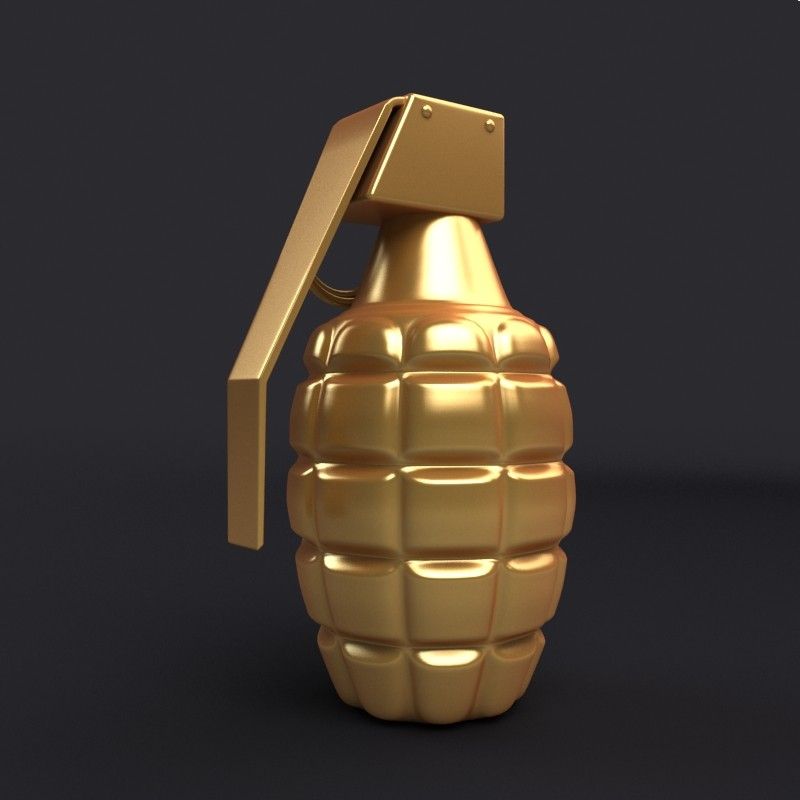
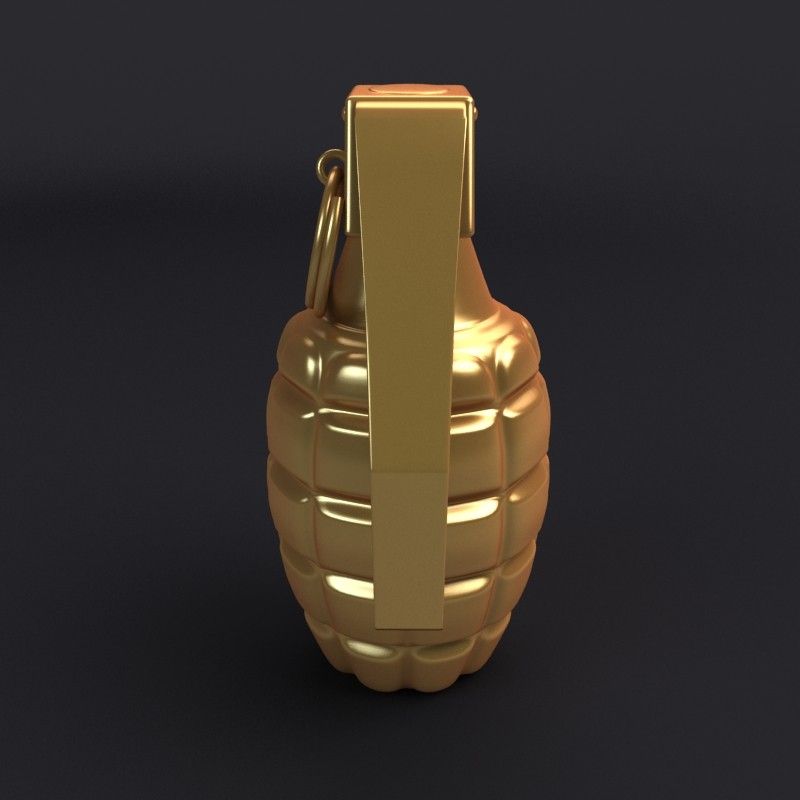
This product contains a Stylized Golden Grenade
(MK2 Model),
Modeled in 3ds Max 2010,
rendered with V-Ray 2.0.
*********************************
Features:
- High quality polygonal model
- Detailed enough for close-up renders. For high-res rendering!
- Model resolutions are optimized for polygon efficiency(in 3ds Max the turbosmooth function can be used to increase mesh resolution if necessary).
- No part-name confusion when importing several models into a scene.
- No cleaning up necessary, just drop your models into the scene and start Animating/rendering.
- No special plugin needed to open scene.
*********************************
Polygon Count -
Turbosmooth 0 - 2, 909
Turbosmooth 1 - 13, 318
File Formats Available:
*********************************
- 3ds Max 2010
- OBJ (Multi Format)
*********************************
Best For:
Animation Projects
Game Concept
Animation Practice
Modeling Practice
Self Learning
Please rate the model when you buy, it helps improve quality.
Thank You,
Shank3d
Aug 13, 2020
Ekleme Tarihi
Jun 01, 2025
son Güncelleme
Yorumlar
Bu ürün için henüz hiç yorum yapılmamış.
Neden buzu kıran ilk kişi değilsin?