
-->
MimariAraçlarKarakterlerUçakMobilyaElektronikHayvanlarBitkilerSilahlarSpor DallarıGıdaAnatomi
Yer işareti
Yer imi kaldırıldı

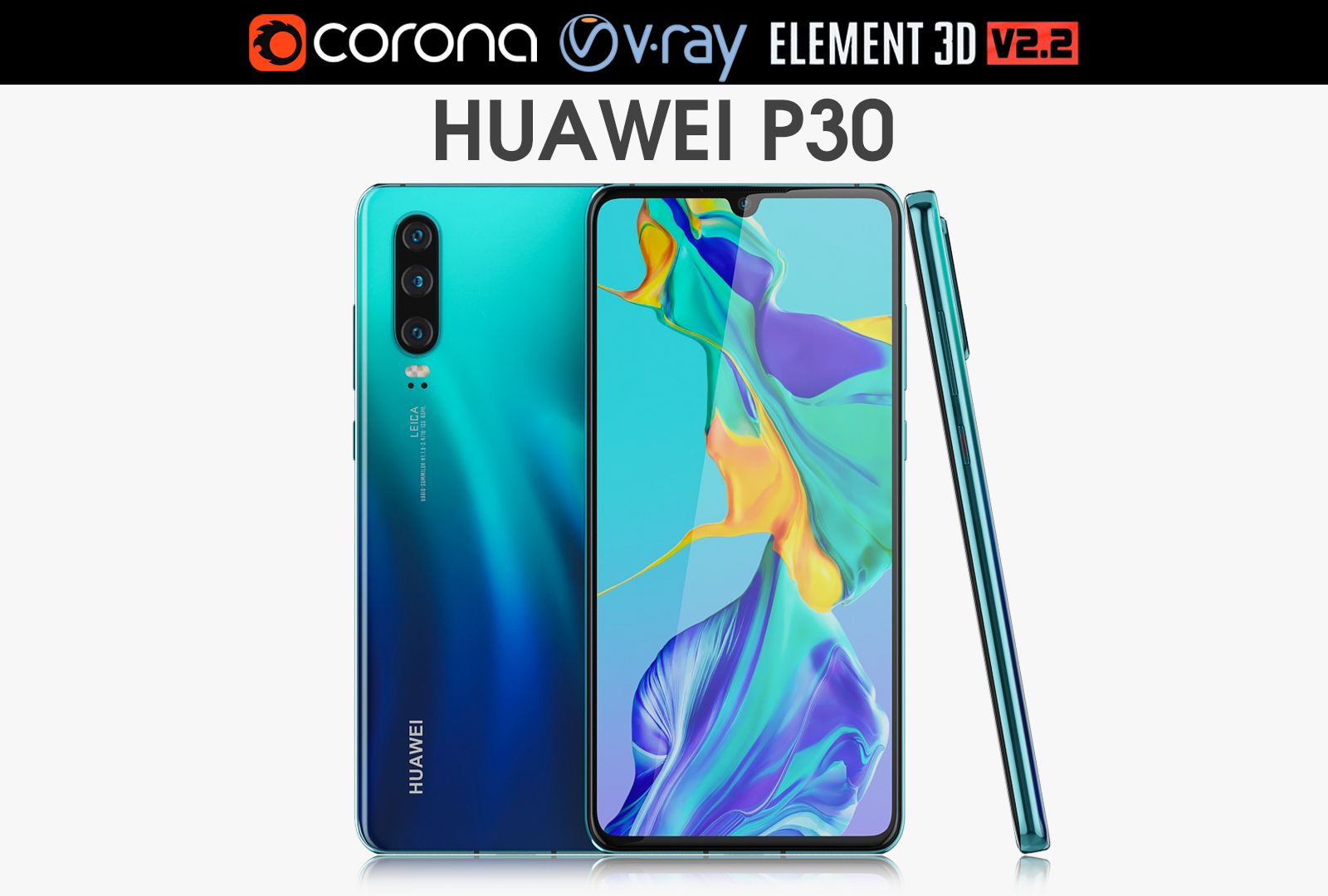
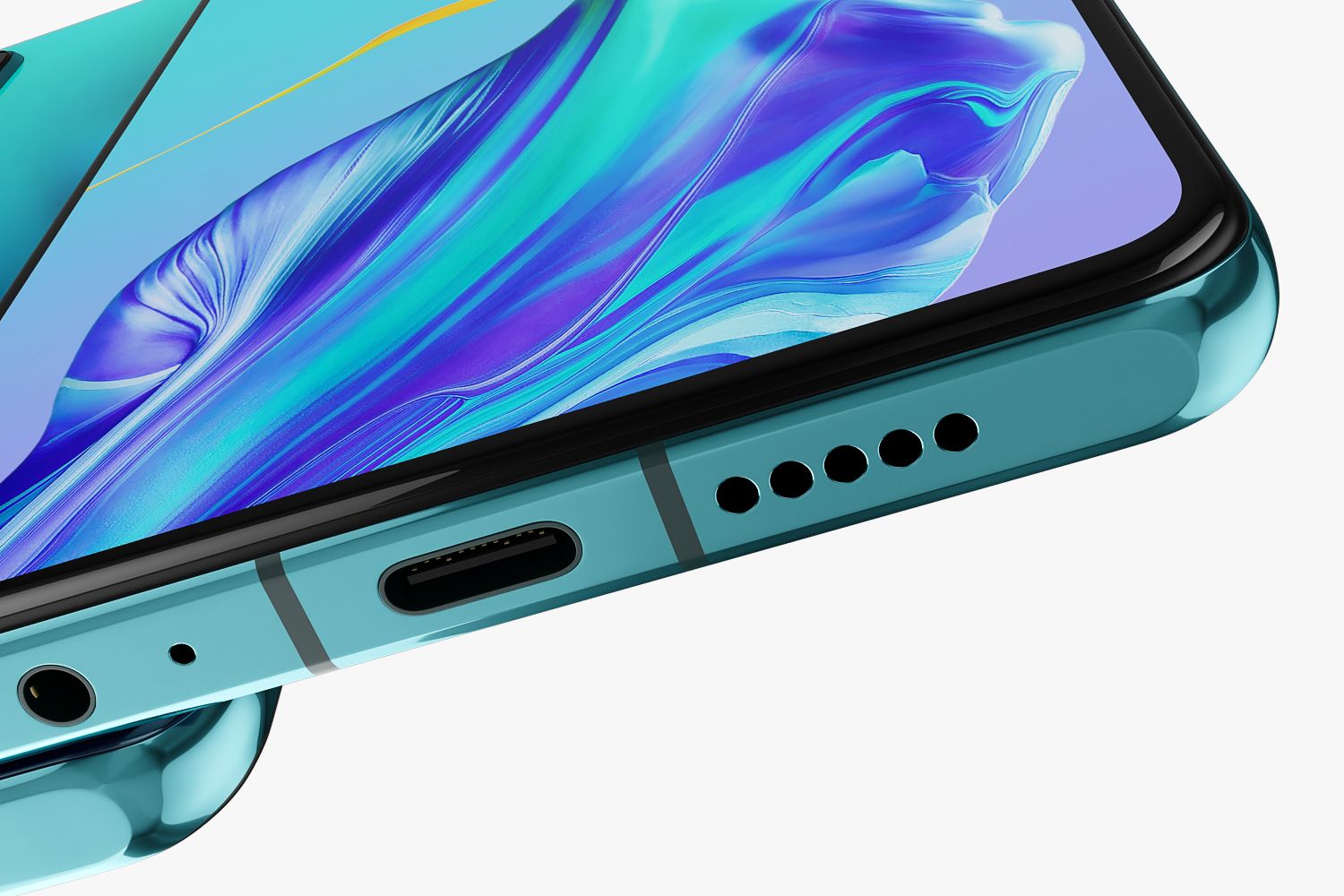
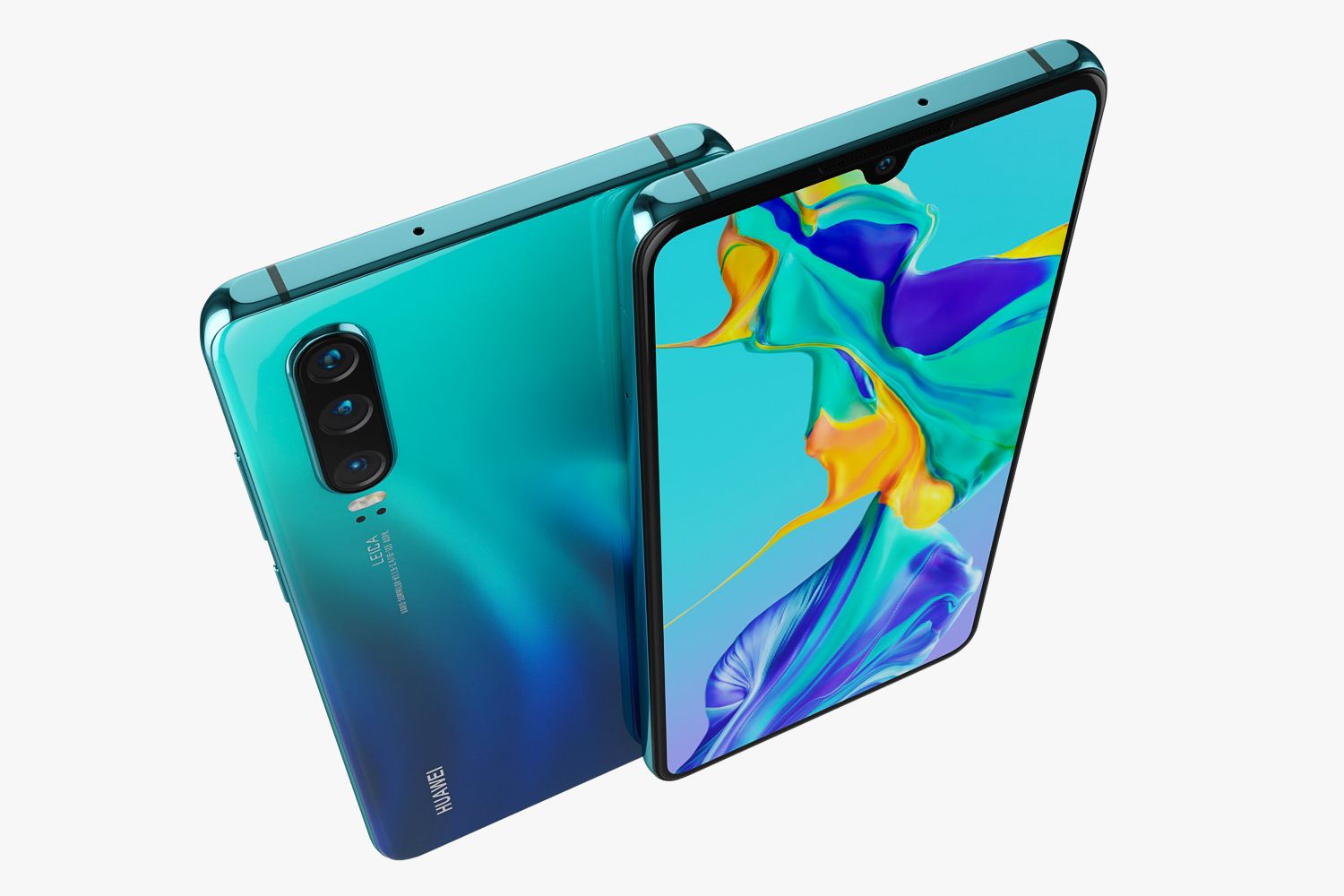
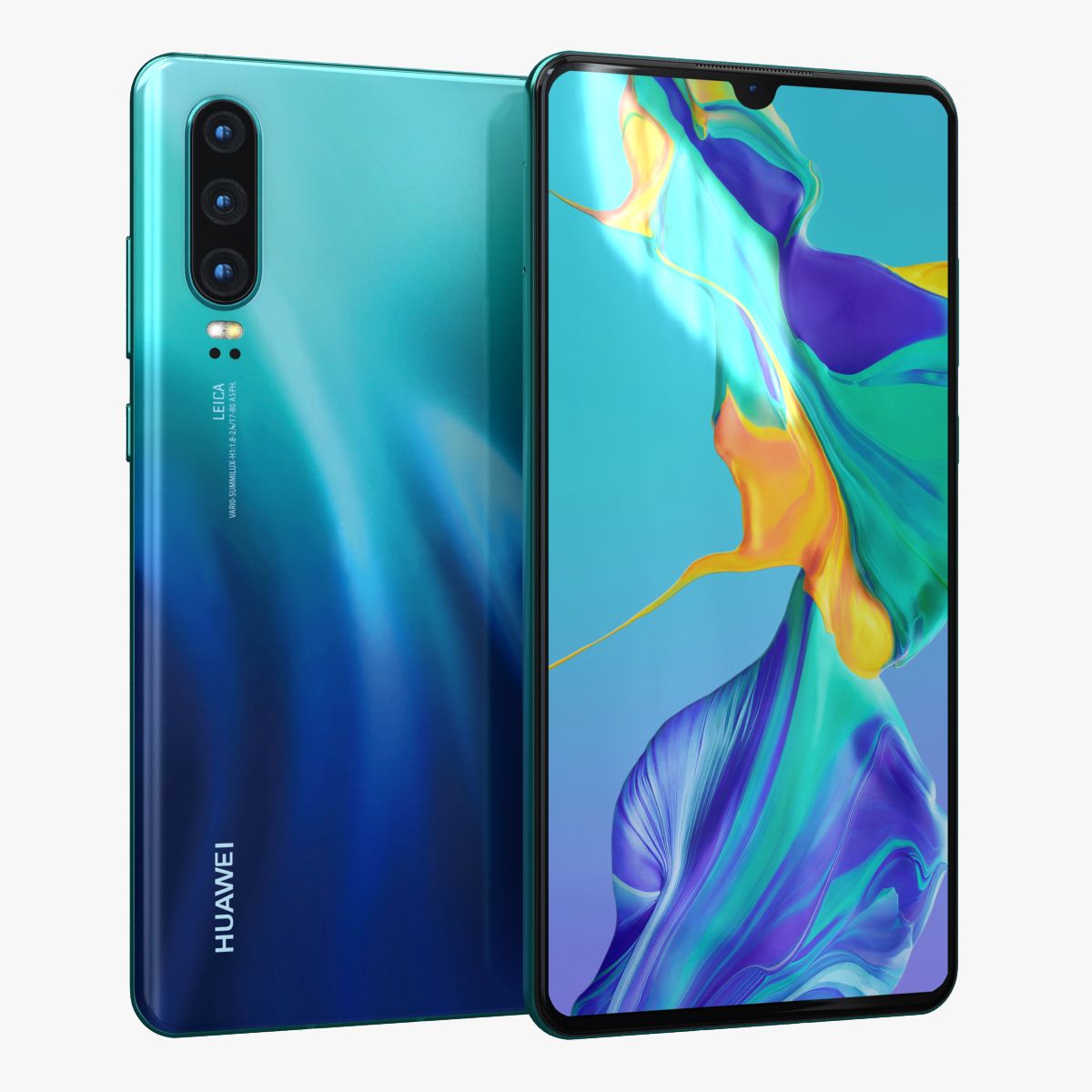
Huawei P30 Aurora 3D model

0
Huawei P30 Aurora royalty-free 3d model - Preview no. 1
Huawei P30 Aurora royalty-free 3d model - Preview no. 2
Huawei P30 Aurora royalty-free 3d model - Preview no. 3
Huawei P30 Aurora royalty-free 3d model - Preview no. 4
Huawei P30 Aurora royalty-free 3d model - Preview no. 5
Huawei P30 Aurora royalty-free 3d model - Preview no. 6
Huawei P30 Aurora royalty-free 3d model - Preview no. 7
Huawei P30 Aurora royalty-free 3d model - Preview no. 8
Huawei P30 Aurora royalty-free 3d model - Preview no. 9
Huawei P30 Aurora royalty-free 3d model - Preview no. 10
Huawei P30 Aurora royalty-free 3d model - Preview no. 11
Huawei P30 Aurora royalty-free 3d model - Preview no. 12
Huawei P30 Aurora royalty-free 3d model - Preview no. 13
Huawei P30 Aurora royalty-free 3d model - Preview no. 14
Huawei P30 Aurora royalty-free 3d model - Preview no. 15
Huawei P30 Aurora royalty-free 3d model - Preview no. 16
Huawei P30 Aurora royalty-free 3d model - Preview no. 17
Huawei P30 Aurora royalty-free 3d model - Preview no. 18
Huawei P30 Aurora royalty-free 3d model - Preview no. 19
Huawei P30 Aurora royalty-free 3d model - Preview no. 20
Huawei P30 Aurora royalty-free 3d model - Preview no. 21
Huawei P30 Aurora royalty-free 3d model - Preview no. 22
Huawei P30 Aurora royalty-free 3d model - Preview no. 1
Huawei P30 Aurora royalty-free 3d model - Preview no. 2
Huawei P30 Aurora royalty-free 3d model - Preview no. 3
Huawei P30 Aurora royalty-free 3d model - Preview no. 4
Huawei P30 Aurora royalty-free 3d model - Preview no. 5
Huawei P30 Aurora royalty-free 3d model - Preview no. 6
Huawei P30 Aurora royalty-free 3d model - Preview no. 7
Huawei P30 Aurora royalty-free 3d model - Preview no. 8
Huawei P30 Aurora royalty-free 3d model - Preview no. 9
Huawei P30 Aurora royalty-free 3d model - Preview no. 10
Huawei P30 Aurora royalty-free 3d model - Preview no. 11
Huawei P30 Aurora royalty-free 3d model - Preview no. 12
Huawei P30 Aurora royalty-free 3d model - Preview no. 13
Huawei P30 Aurora royalty-free 3d model - Preview no. 14
Huawei P30 Aurora royalty-free 3d model - Preview no. 15
Huawei P30 Aurora royalty-free 3d model - Preview no. 16
Huawei P30 Aurora royalty-free 3d model - Preview no. 17
Huawei P30 Aurora royalty-free 3d model - Preview no. 18
Huawei P30 Aurora royalty-free 3d model - Preview no. 19
Huawei P30 Aurora royalty-free 3d model - Preview no. 20
Huawei P30 Aurora royalty-free 3d model - Preview no. 21
Huawei P30 Aurora royalty-free 3d model - Preview no. 22
29
00
Royalty Free LisansSadece editoryal
Basit iadeler
En iyi fiyat garantisi
Kutunun dışında çalışır
0 ziyaret
madMIX_X

Özellikler

  • Geometripolygonal
  • Çokgenler12,066
  • Tepe Noktaları14,271
  • DokularYes
  • hileliNo
  • canlandırılmışNo
  • 3D Yazdırılabilir HazırNo
  • Oyuna Hazır (düşük poli)No
  • UV HaritalıYes
  • Sarılmamış UV'lernon-overlapping

Biçimler ve Dosyalar

3ds Max
(.max)
4 MB

corona 1.5
3ds max corona.rar
3ds Max
(.max)
4 MB

vray 3.2
3ds max vray.rar
3DS
(.3ds)
1 MB

3ds.rar
Cinema 4D
(.c4d)
7 MB

default_scanline
Cinema4d.rar
(.unknown)
9 MB

E3D.RAR
OBJ
(.obj)
3 MB

OBJ.rar

Açıklama

Realistic (copy) 3d model of Huawei P30 Aurora. This set: 3D element v2.2 The model given is easy to use - 1 file obj standard - 1 file 3ds Max 2013 vray material - 1 file 3ds Max 2013 corona material - 1 file of 3Ds - 1 file e3d full set of materials. - 1 file cinema 4d standard. How to use it? 1. Discovery after the impact of CC 2014 (or above) and create a new composition (you need Element3D v2.2 to use) 2. Create a new solid layer and add the effect of the elements. (Effect / Video Copilot / Element) 3. Select Install Location 4. Click on the import inside the Element3D Installation location 5. Select my .e3d according to the model and click on the open button. If you do not see the model, do not forget to right click on the model name and press the replace model select. Topology of geometry: - forms and proportions of The 3D model - the geometry of the model was created very neatly - there are no many-sided polygons - detailed enough for close-up renders - the model optimized for turbosmooth modifier - Not collapsed the turbosmooth modified - apply the Smooth modifier with a parameter to get the desired level of detail Materials and Textures: - 3ds max files included Vray-Shaders - 3ds max files included Corona-Shaders - file e3d full set of materials - all texture paths are cleared Organization of scene: - to all objects and materials - real world size (system units - mm) - coordinates of location of the model in space (x0, y0, z0) - does not contain extraneous or hidden objects (lights, cameras, shapes etc.) Excellent renders to you!
Jun 18, 2020 Ekleme Tarihi
Jan 13, 2022 son Güncelleme

Yorumlar

Bu ürün için henüz hiç yorum yapılmamış.
Neden buzu kıran ilk kişi değilsin?