

-->
MimariAraçlarKarakterlerUçakMobilyaElektronikHayvanlarBitkilerSilahlarSpor DallarıGıdaAnatomi
Yer işareti
Yer imi kaldırıldı

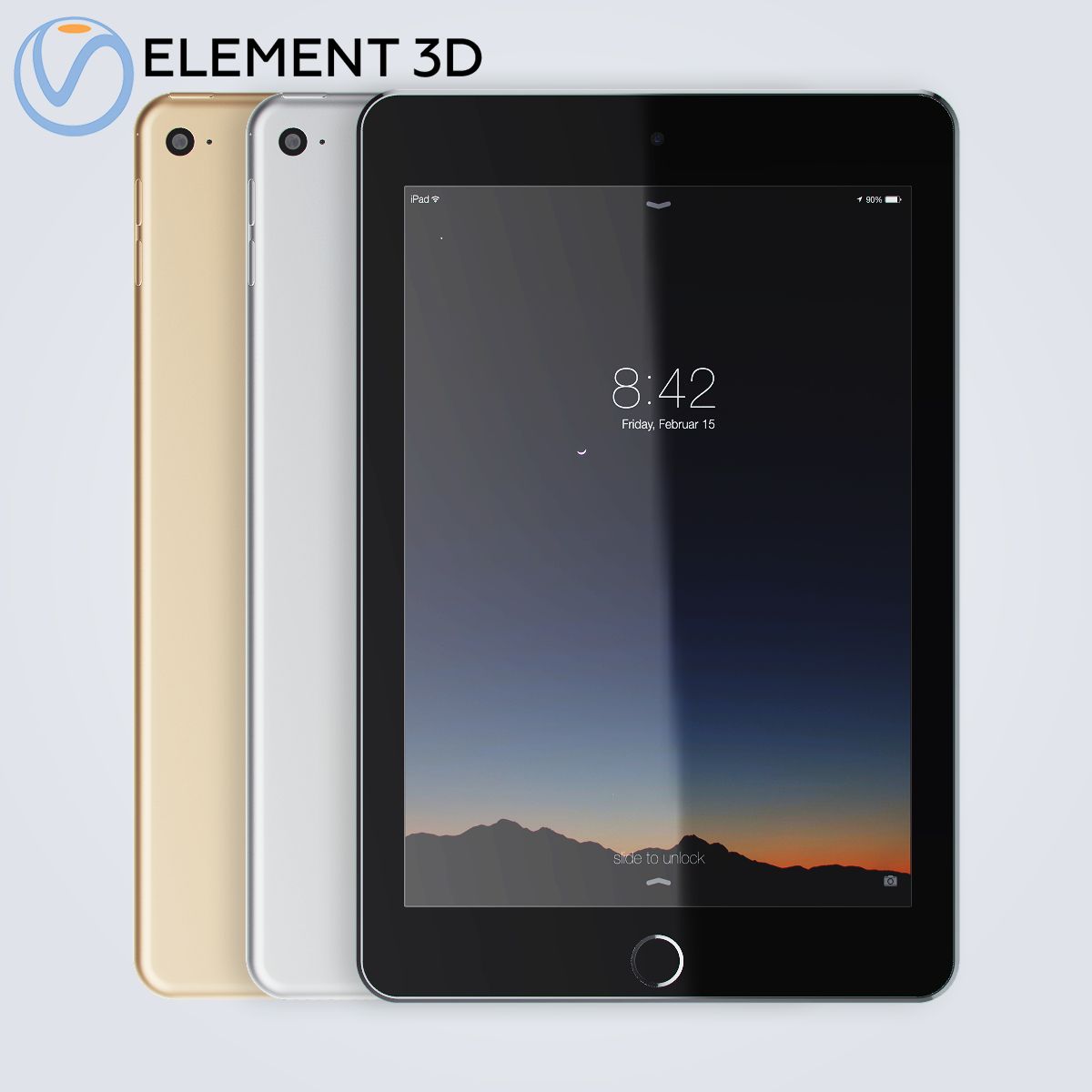
iPad Mini 4 Element3D V2.2 3D model

0
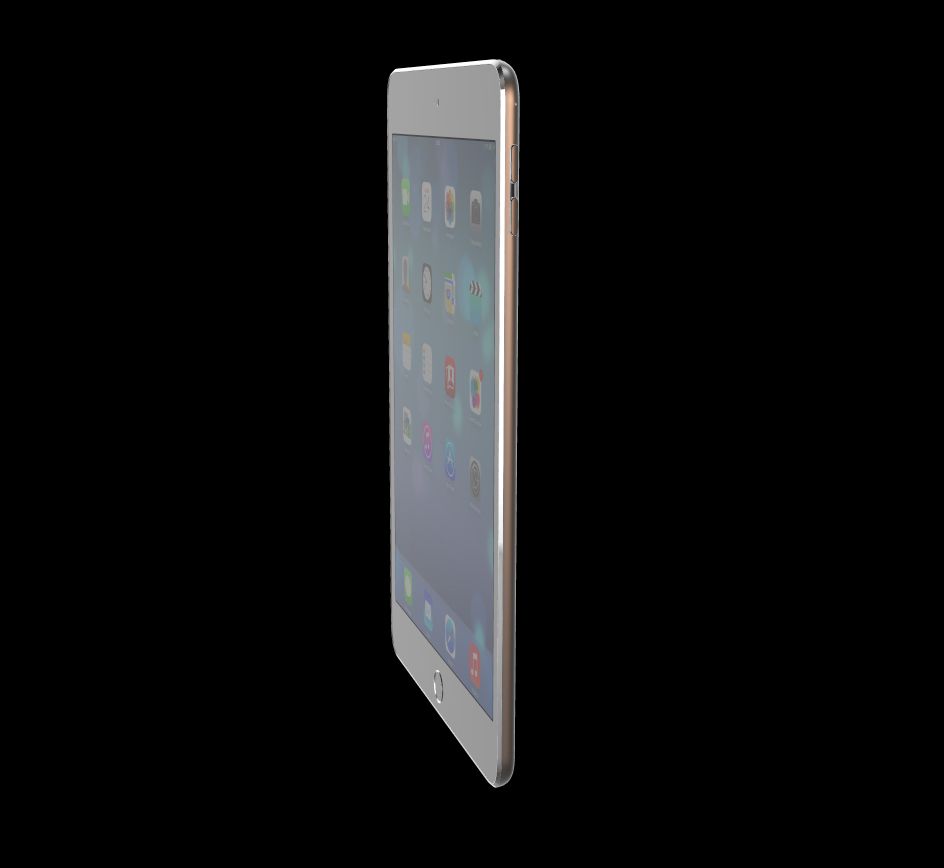
iPad Mini 4 Element3D V2.2 royalty-free 3d model - Preview no. 1
iPad Mini 4 Element3D V2.2 royalty-free 3d model - Preview no. 2
iPad Mini 4 Element3D V2.2 royalty-free 3d model - Preview no. 3
iPad Mini 4 Element3D V2.2 royalty-free 3d model - Preview no. 4
iPad Mini 4 Element3D V2.2 royalty-free 3d model - Preview no. 5
iPad Mini 4 Element3D V2.2 royalty-free 3d model - Preview no. 6
iPad Mini 4 Element3D V2.2 royalty-free 3d model - Preview no. 7
iPad Mini 4 Element3D V2.2 royalty-free 3d model - Preview no. 8
iPad Mini 4 Element3D V2.2 royalty-free 3d model - Preview no. 9
iPad Mini 4 Element3D V2.2 royalty-free 3d model - Preview no. 10
iPad Mini 4 Element3D V2.2 royalty-free 3d model - Preview no. 1
iPad Mini 4 Element3D V2.2 royalty-free 3d model - Preview no. 2
iPad Mini 4 Element3D V2.2 royalty-free 3d model - Preview no. 3
iPad Mini 4 Element3D V2.2 royalty-free 3d model - Preview no. 4
iPad Mini 4 Element3D V2.2 royalty-free 3d model - Preview no. 5
iPad Mini 4 Element3D V2.2 royalty-free 3d model - Preview no. 6
iPad Mini 4 Element3D V2.2 royalty-free 3d model - Preview no. 7
iPad Mini 4 Element3D V2.2 royalty-free 3d model - Preview no. 8
iPad Mini 4 Element3D V2.2 royalty-free 3d model - Preview no. 9
iPad Mini 4 Element3D V2.2 royalty-free 3d model - Preview no. 10
29
00
Royalty Free LisansSadece editoryal
Basit iadeler
En iyi fiyat garantisi
Kutunun dışında çalışır
0 ziyaret
Frezzy

Özellikler

  • Geometripolygonal_quads/tris
  • Çokgenler17,188
  • Tepe Noktaları17,802
  • DokularYes
  • hileliNo
  • canlandırılmışNo
  • 3D Yazdırılabilir HazırNo
  • Oyuna Hazır (düşük poli)No
  • UV HaritalıYes
  • Sarılmamış UV'lermixed

Biçimler ve Dosyalar

Cinema 4D
(.c4d)
13 MB

default_scanline R12
iPad Mini 4 - C4D.rar
OBJ
(.obj)
9 MB

iPad Mini 4 - OBJ.rar
(.unknown)
10 MB

Apple iPad Mini 4 - E3D.rar

Açıklama

This pack: Element 3D V2.2 ( All colors ) models preset easy to use - 1 file OBJ High poly - 1 file OBJ standard - 1 file C4D R12 standard render - E3D file full materials set up like previews How to use it? 1. Open After Effects CC 2014 ( or higher) and create new composition ( You need Element3D V2.2 to use ) 2. Create new Solid layer and add Element effect. ( Effect/Video Copilot/ Element ) 3. Click Scene Setup 4. Click on IMPORT inside Element3D scene setup 5. Choose my .e3d preset for the model and press Open. If you dont see the model do not forget to right click on the model name and press Replace model then select the .obj model file in the respective models folder.
May 26, 2020 Ekleme Tarihi
Feb 27, 2022 son Güncelleme

Yorumlar

Bu ürün için henüz hiç yorum yapılmamış.
Neden buzu kıran ilk kişi değilsin?