-->
MimariAraçlarKarakterlerUçakMobilyaElektronikHayvanlarBitkilerSilahlarSpor DallarıGıdaAnatomi
Yer işareti
Yer imi kaldırıldı

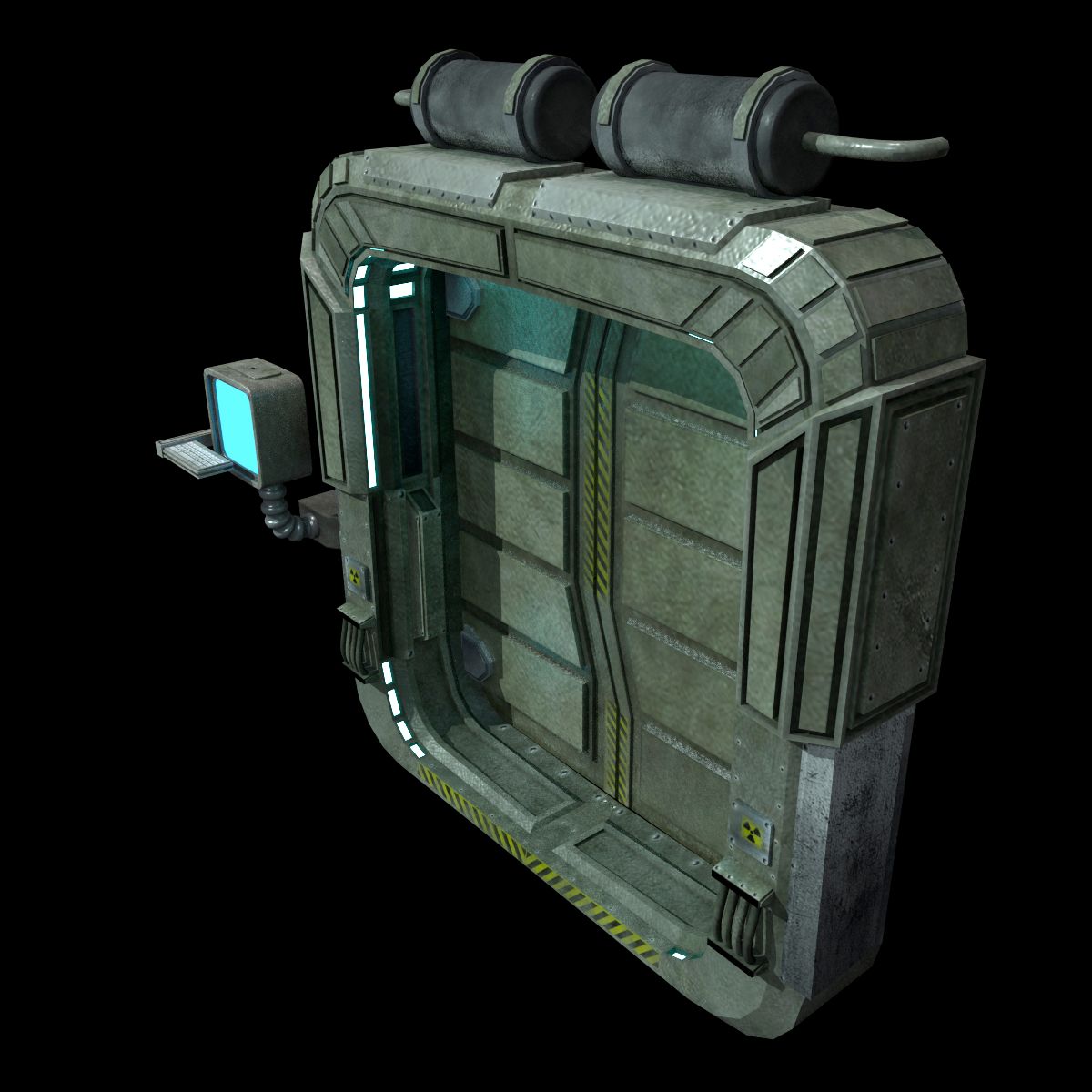
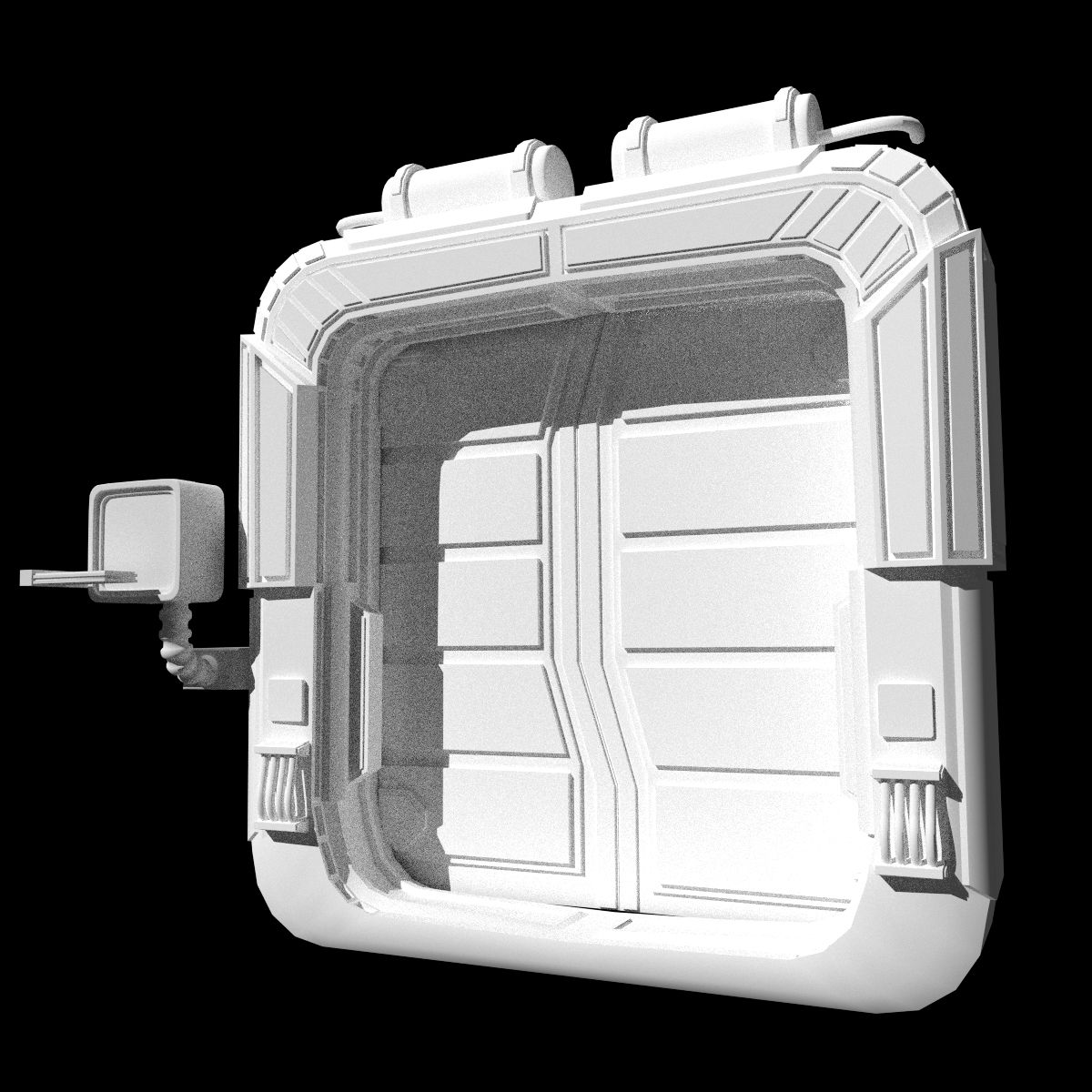
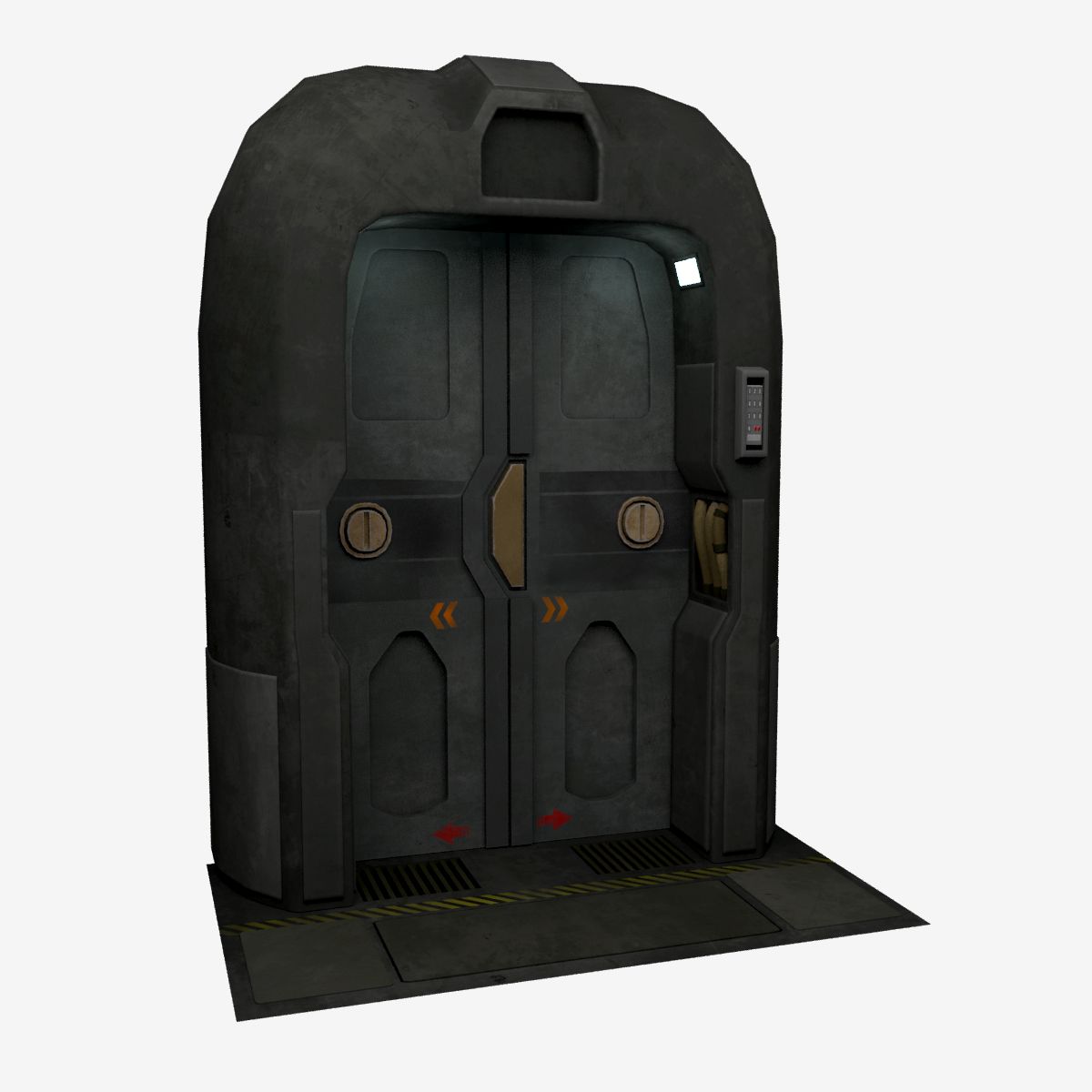
bilim kurgu kapı 3 3D model

0
bilim kurgu kapı 3 royalty-free 3d model - Preview no. 1
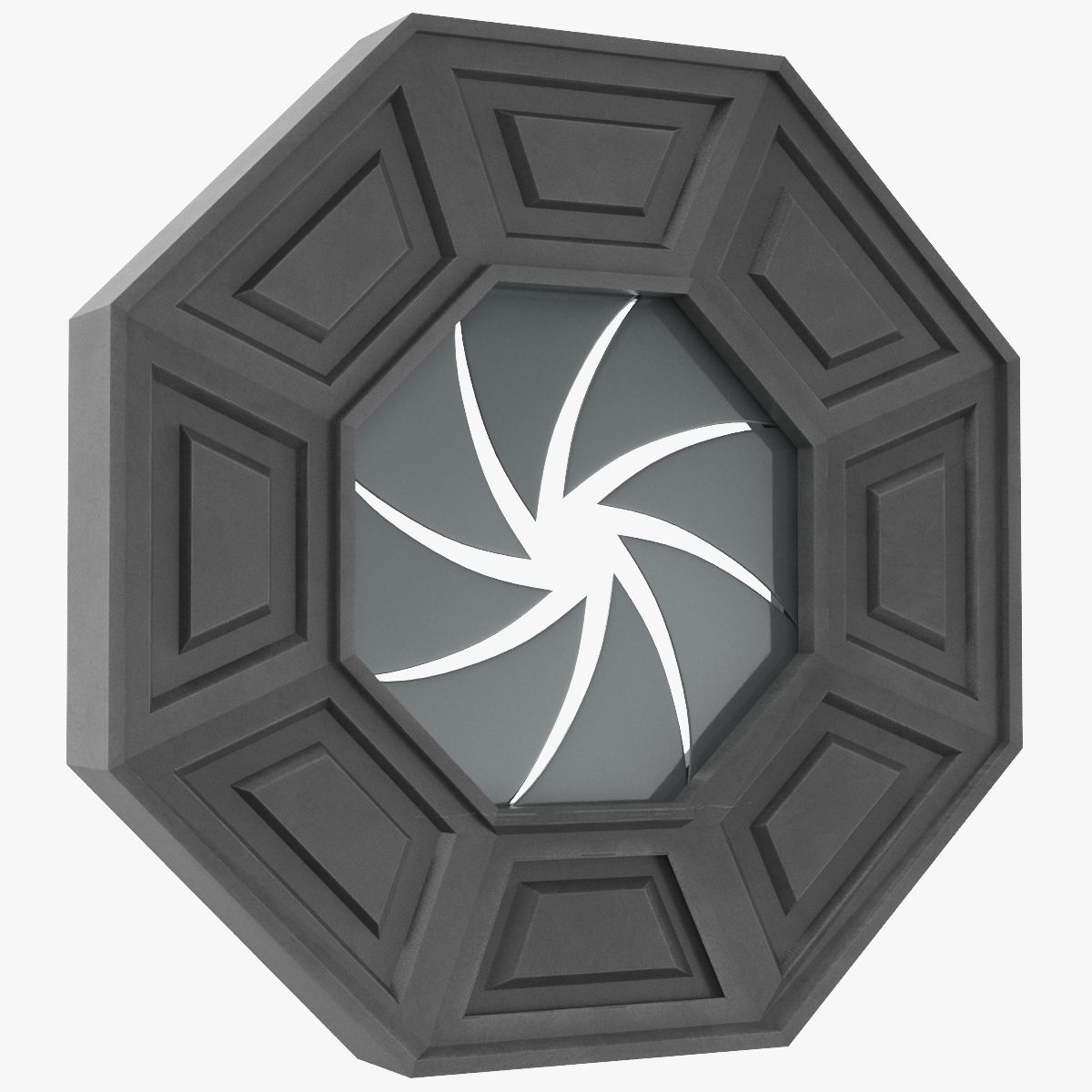
bilim kurgu kapı 3 royalty-free 3d model - Preview no. 2
bilim kurgu kapı 3 royalty-free 3d model - Preview no. 3
bilim kurgu kapı 3 royalty-free 3d model - Preview no. 4
bilim kurgu kapı 3 royalty-free 3d model - Preview no. 5
bilim kurgu kapı 3 royalty-free 3d model - Preview no. 6
bilim kurgu kapı 3 royalty-free 3d model - Preview no. 7
bilim kurgu kapı 3 royalty-free 3d model - Preview no. 8
bilim kurgu kapı 3 royalty-free 3d model - Preview no. 9
bilim kurgu kapı 3 royalty-free 3d model - Preview no. 10
bilim kurgu kapı 3 royalty-free 3d model - Preview no. 1
bilim kurgu kapı 3 royalty-free 3d model - Preview no. 2
bilim kurgu kapı 3 royalty-free 3d model - Preview no. 3
bilim kurgu kapı 3 royalty-free 3d model - Preview no. 4
bilim kurgu kapı 3 royalty-free 3d model - Preview no. 5
bilim kurgu kapı 3 royalty-free 3d model - Preview no. 6
bilim kurgu kapı 3 royalty-free 3d model - Preview no. 7
bilim kurgu kapı 3 royalty-free 3d model - Preview no. 8
bilim kurgu kapı 3 royalty-free 3d model - Preview no. 9
bilim kurgu kapı 3 royalty-free 3d model - Preview no. 10
Royalty Free LisansTüm genişletilmiş kullanımlar
Basit iadeler
En iyi fiyat garantisi
Kutunun dışında çalışır
36 ziyaret
ChuckCG

Özellikler

  • Geometripolygonal
  • Çokgenler6,072
  • Tepe Noktaları9,491
  • DokularYes
  • hileliNo
  • canlandırılmışNo
  • 3D Yazdırılabilir HazırNo
  • Oyuna Hazır (düşük poli)No
  • UV HaritalıYes
  • Sarılmamış UV'lermixed

Biçimler ve Dosyalar

Blender
(.blend)
33 MB

sci fi door 3 ts blender.zip
OBJ
(.obj)
16 MB

sci fi door 3 obj.zip
3ds Max
(.max)
16 MB

default_scanline
sci fi door 3 3dsmax.zip

Açıklama

sci fi door 9 textures 2048x2048 and 1024x1024 included diffuse ,normal and specular maps. the model is separated in 4 pieces the doors are saparated and can be opened the uv coordinates are saved in the obj file ,if you need to apply textures just open material editor of your software and apply them. preview images were rendered with blender cycles renderer and some with default scanline 3ds max.
Oct 17, 2019 Ekleme Tarihi
Jul 28, 2023 son Güncelleme

Yorumlar

Bu ürün için henüz hiç yorum yapılmamış.
Neden buzu kıran ilk kişi değilsin?