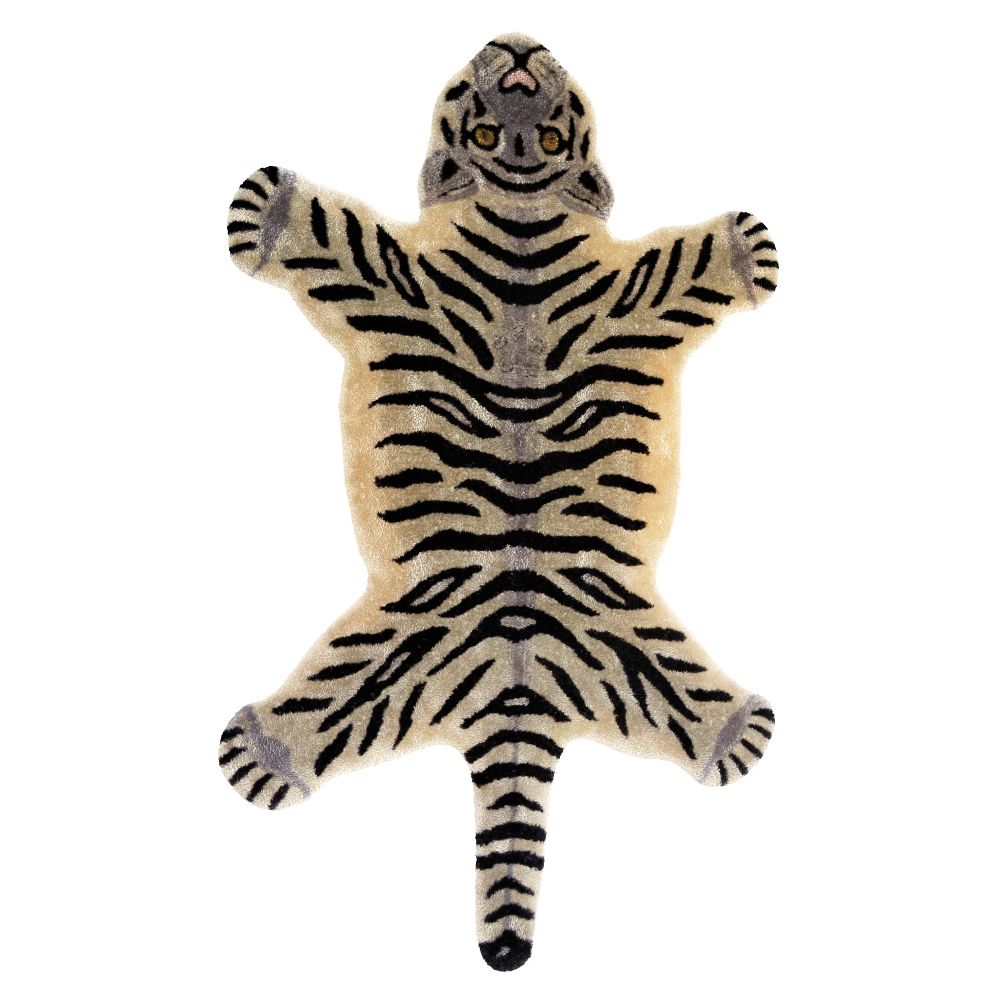

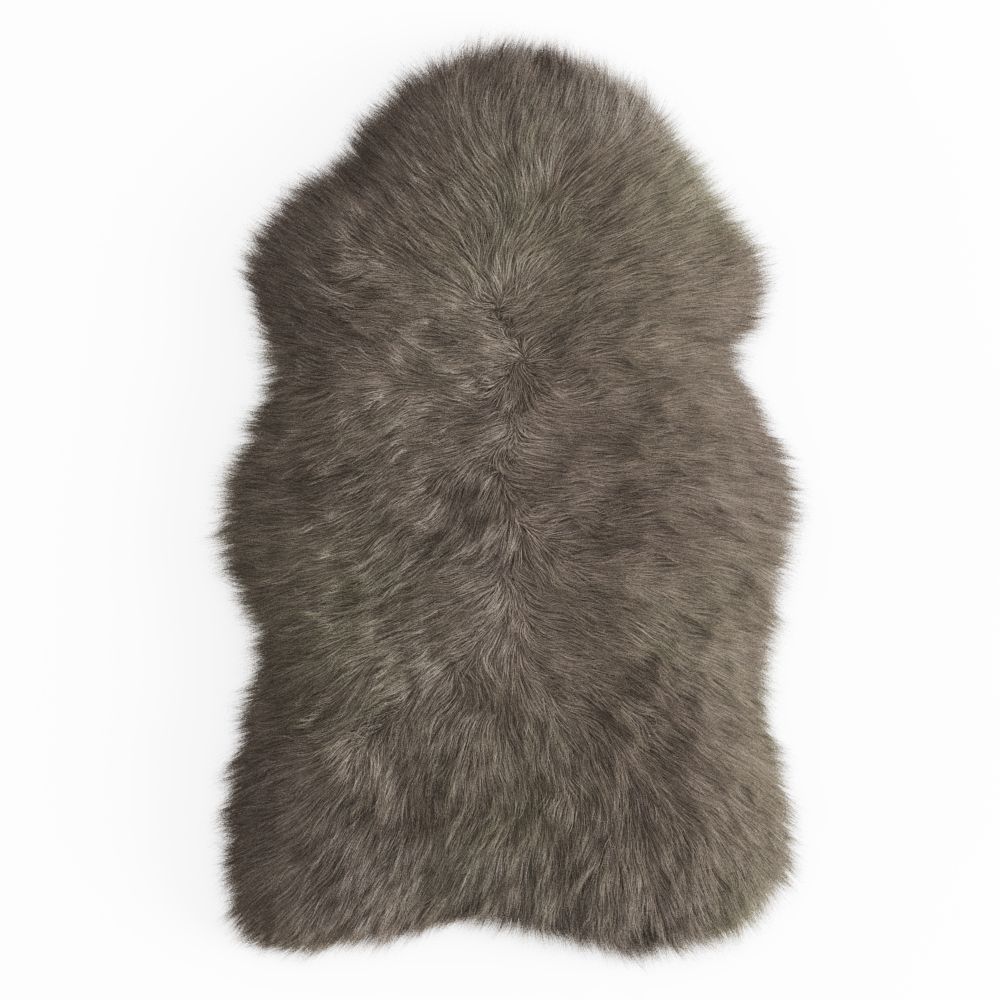

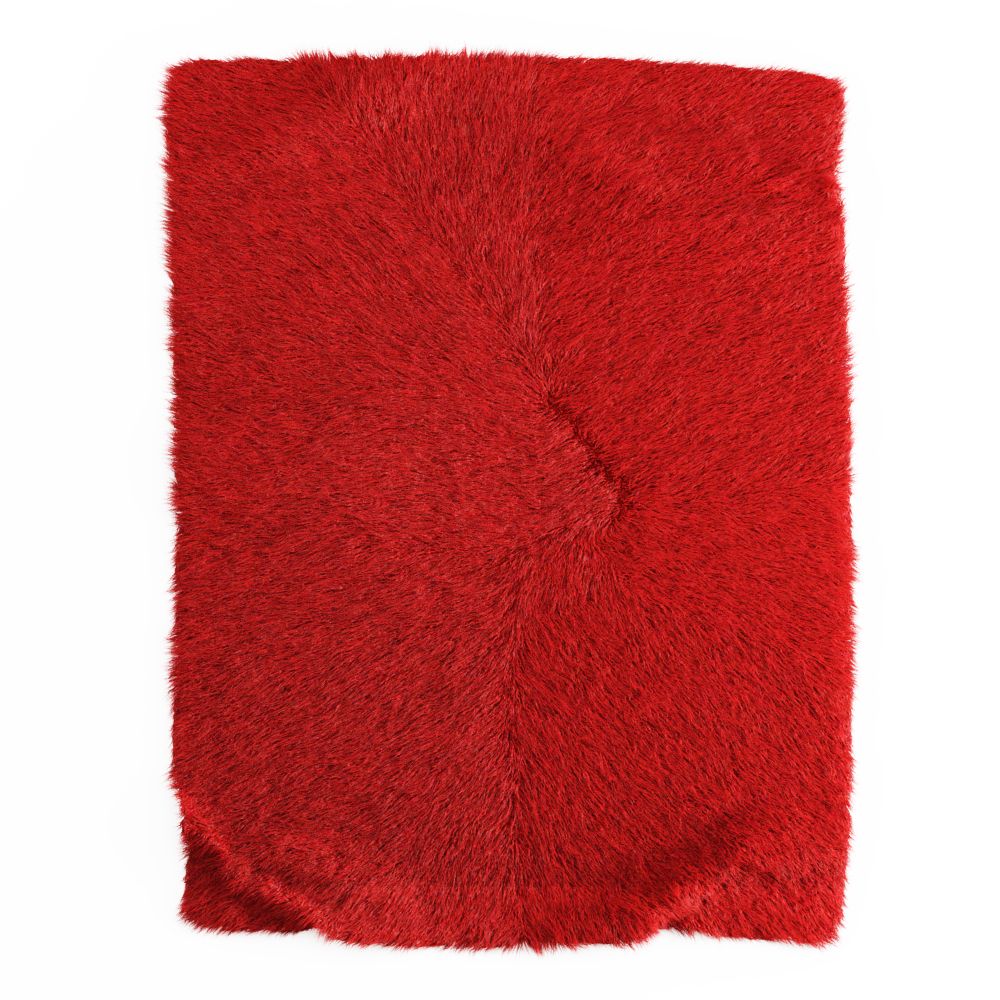


Yumuşak Yün Halı 3D model
0


Royalty Free LisansTüm genişletilmiş kullanımlar
Basit iadeler
En iyi fiyat garantisi
Kutunun dışında çalışır
0
ziyaret

Tarafından gönderilmiştir
Evgenii Lashchenov
Özellikler
- Geometripolygonal
- Çokgenler5,089
- Tepe Noktaları4,640
- DokularYes
- hileliNo
- canlandırılmışNo
- 3D Yazdırılabilir HazırNo
- Oyuna Hazır (düşük poli)No
- UV HaritalıYes
- Sarılmamış UV'lernon-overlapping
Açıklama
The carpet rendered in 3ds Max 2013. V-Ray 2.40.03, but saved in Max 2010. The scene contains two objects, a carpet and splines (hair_spline). If the hair does not open to scale, then in the settings for hair and fur, you need to open the scroll of tools and activate the inscription Recomb From Splines and specify spline_hair, and the hair will take the desired shape. Then splines can be deleted. Adjust the amount of hair and segments for yourself, 500,000 and root thickness 2 are set on this carpet, for weak computers the amount of hair can be significantly reduced, and the root thickness can be made, for example, 3-5. File formats obj, fbx without wool. Before rendering, go to the Rendering - Effects tab, click on Hair and Fur and select mr prim mode below. If you will render in the crown, you need to remove the daw in Mr parameters with Apply mr Shader
and drop the texture by expanding the Material Parameters scroll into the tip color and root color cells. Shaggy sheepskin rug. Size: 302x214 cm. System units mm.
Apr 06, 2020
Ekleme Tarihi
Jan 02, 2026
son Güncelleme
Yorumlar
Bu ürün için henüz hiç yorum yapılmamış.
Neden buzu kıran ilk kişi değilsin?