






解剖-人类股骨2 3D模型
0




0
访问量

提交者
Francesco Milanese
规格
- 几何polygonal_quads only
- 多边形3,602
- 顶点1,803
- 纹理Yes
- 索具化No
- 动画No
- 适合3D打印No
- 适合游戏(低多边形)No
- UV映射Yes
- 未封装UVnon-overlapping
描述
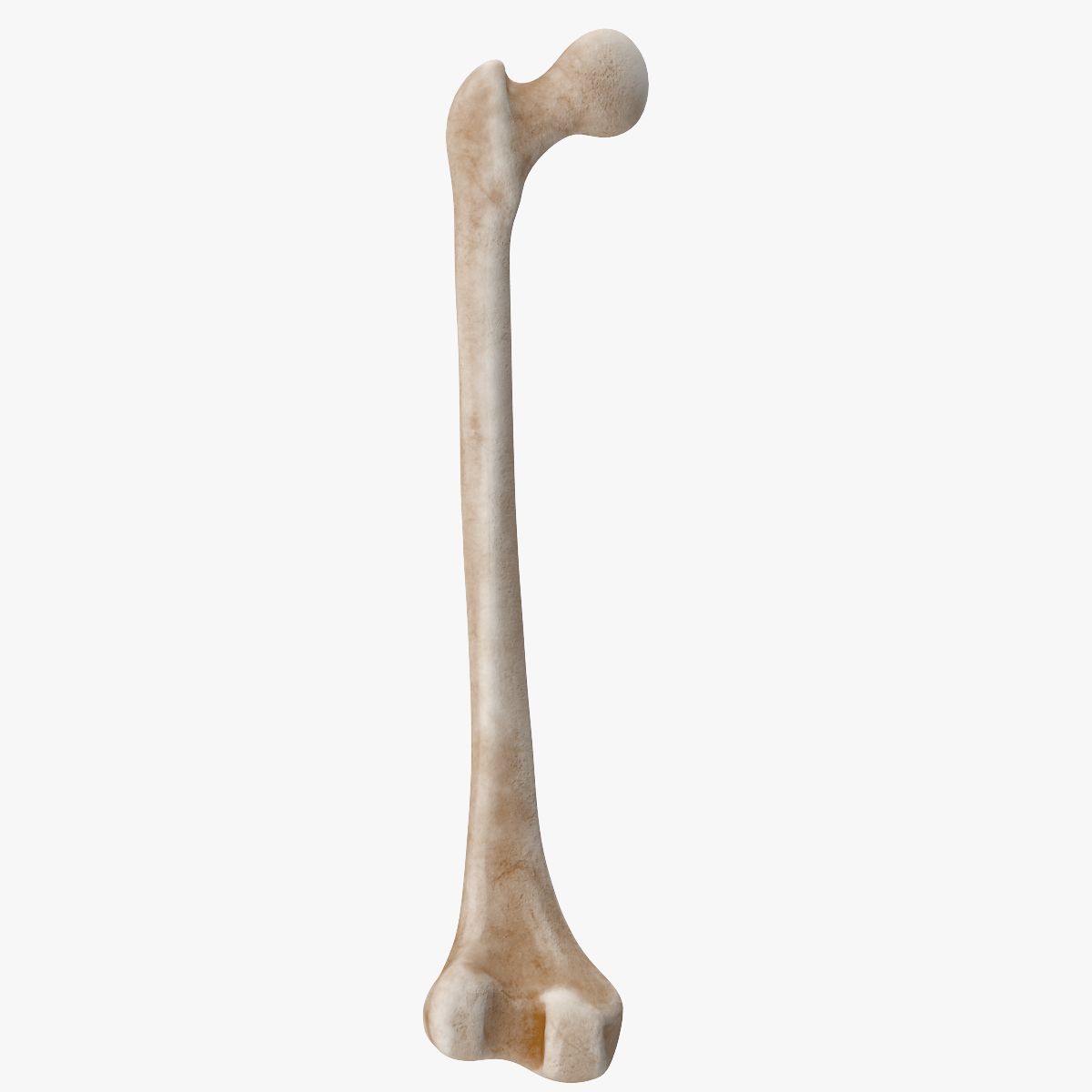
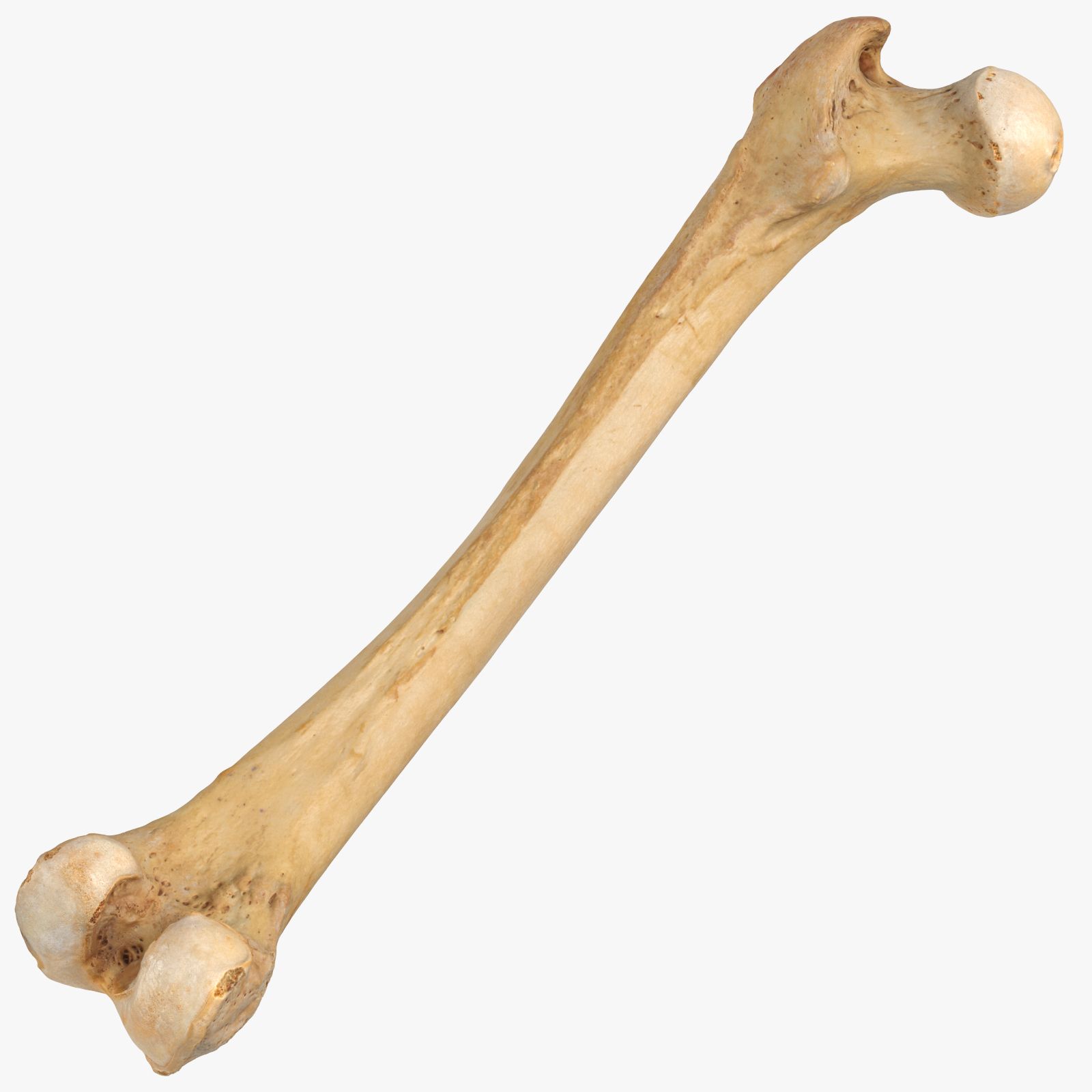
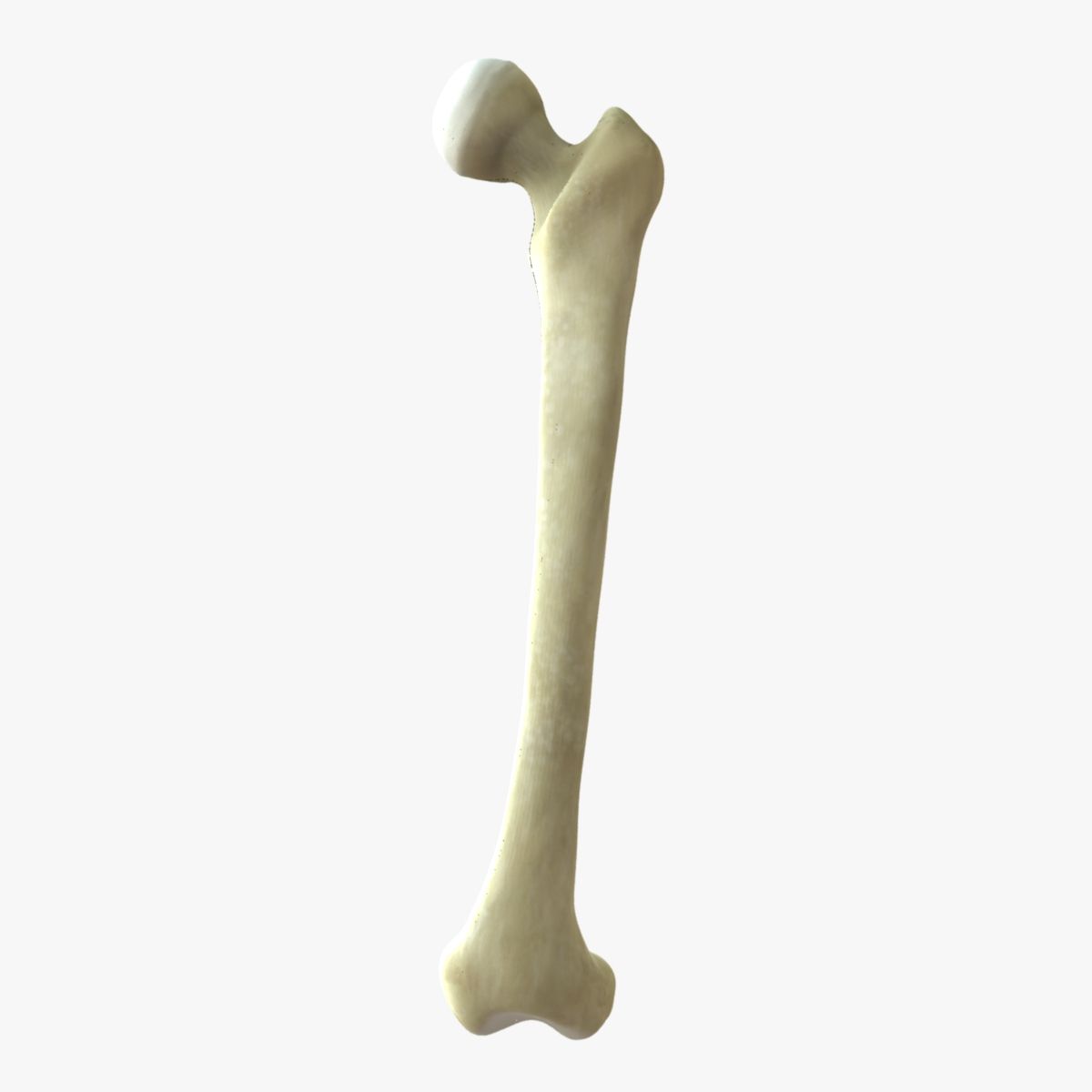
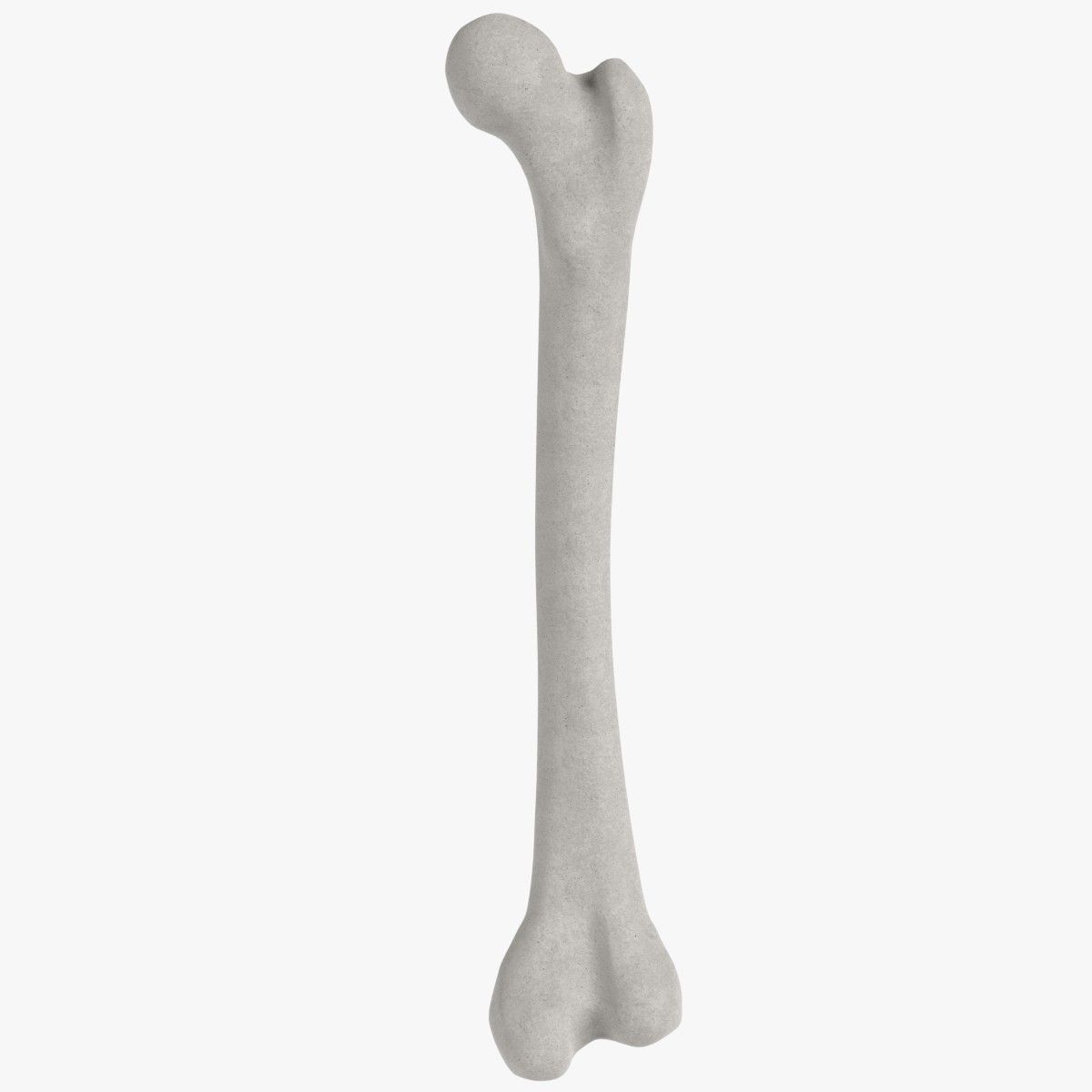
A human Femur bone 3D Model, nr. 2 in my collection. Production-ready 3D Model, with PBR materials, textures, and non overlapping UV Layout map provided in the package.
This is a quads only, no poles 3D Model. This one is meant to be used in archviz or product shot renderings (you can use it even to produce stock images and illustrations to be sold on stock image websites).
Easily customizable: UV unwrapped geometries, so you can create new Textures (or modify the existing ones) using the UV Layout maps provided in the package (as png with alpha).
Each Object, Material or Texture provided in the package has a unique, meaningful name. PBR Textures files are included in a subfolder in the BLEND and MAX (VRAY) archives, along with scene files.
Made in Blender 3D (Cycles materials) and in 3D Studio MAX 2013 (V-Ray 3.60), then exported to other formats.
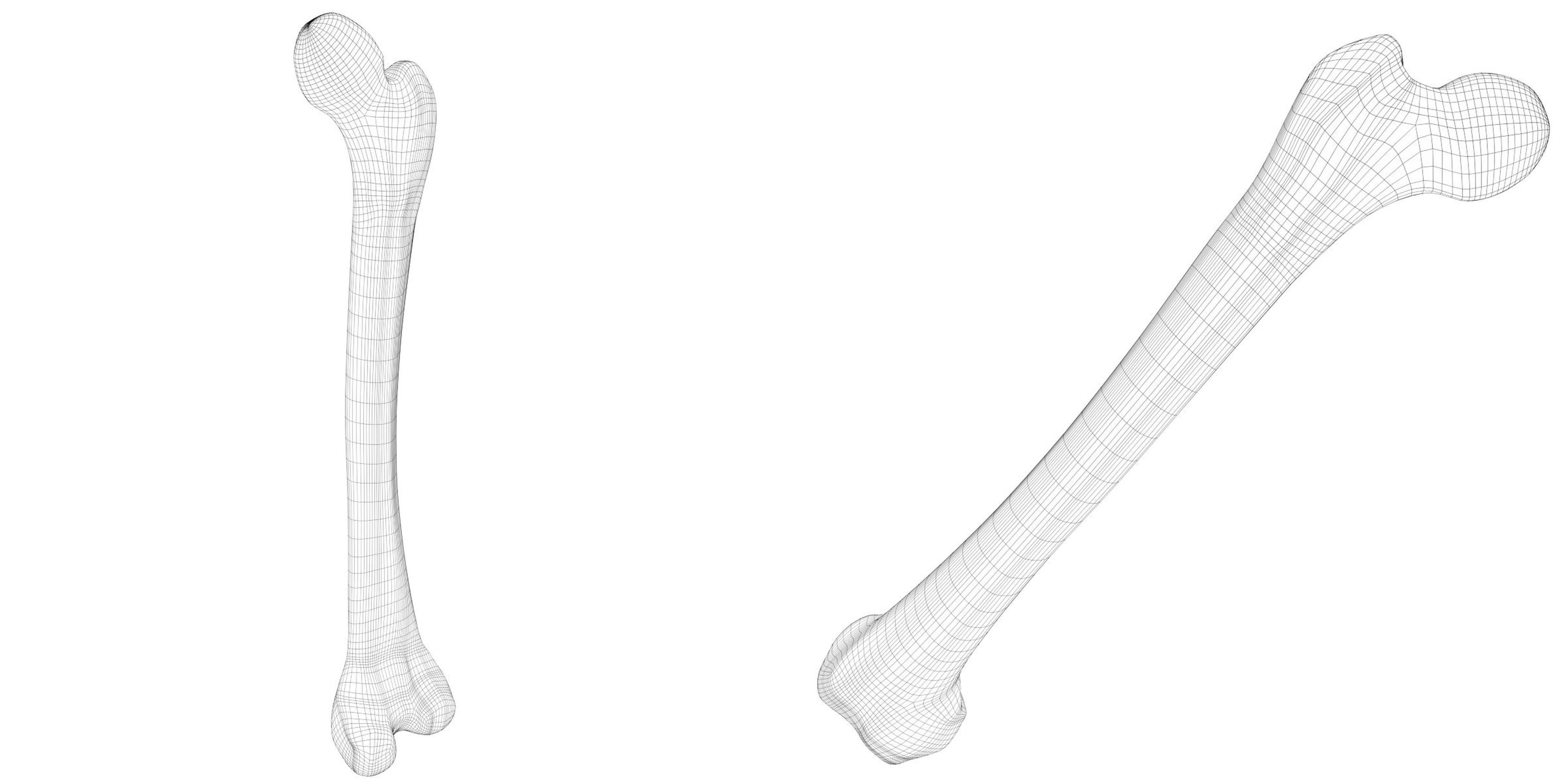
PROMO IMAGES: the first image has been rendered in Cycles for Blender 3D 2.7x, the second image has been rendered in V-Ray 3.60 for 3DS MAX 2013 (native file format); in particular, you can find 13+ promo images in this description:
* nr. 1 rendered in Cycles
* nr. 2 rendered in V-Ray 3.60;
* nr. 3-4-5-6-7 rendered in Cycles;
* nr. 8-9 are wireframe images;
* nr. 10-11 are screenshots from the Blender 3D scene, showing the UV Layout;
* nr. 12 is a screenshot with rendering in 3D Studio MAX 2013 + V-Ray 3.60;
* other images: UV layouts (at least one).
Formats included: 3DS, FBX, OBJ; scenes: 3D Studio MAX 2013 (V-Ray 3.60 materials), BLEND (2.77 Cycles materials).
1 Object (mesh), 1 PBR Material (in Blender Cycles and in 3D Studio MAX V-Ray scenes), UV unwrapped (non overlapping UV Layout map provided in the package); UV-mapped Textures.
PBR colours and image Textures provided for each Material in the package; channels used: Base Color (Diffuse / Albedo), Metallic, Roughness, Normals, Ambient Occlusion.
UV Layout maps and Image Textures resolutions: 2048x2048; PBR Textures made with Substance Painter 2.
Polygonal, QUADS ONLY, NO POLES; 1803 vertices, 1801 quad faces (3602 tris).
Real world dimensions; scene scale units: meters in Blender 3D; cm in MAX.
Uniform scale object (scale applied in Blender 3D, 100% scale in 3DS MAX).
Textures are stripped in the 3DS MAX scene.
PBR Multi-Engine Textures Pack included: in a zipped folder, you'll find the PBR Textures set for a bunch of rendering engines or game engines!
* Adobe Dimension (diffuse, reflect, reflection glossiness, normal, metallic, opacity)
* Amazon Lumberjard (diffuse + opacity, specular, ddna (normal + glossiness))
* Cycles for Blender 3D (base color, occlusion + roughness + metallic + alpha, normal)
* PBR Metal Rough workflow (base color + opacity, roughness, metallic, normal, height)
* PBR Spec Gloss workflow (diffuse + opacity, specular, glossiness, normal, height)
* Unity 5 Standard Metallic (albedo + transparency, metallic + smoothness, normal)
* Unity 5 Specular workflow textures (albedo + transparency, specular + smoothness, normal)
* Unreal Engine 4 (base color + alpha, occlusion + roughness + metallic, normal)
* Vray for 3DS MAX (diffuse, reflect, reflection glossiness, normal)
So, you'll be able to edit the Textures, or just Drag-and-drop the fbx/obj file, along with the Textures set you want, in your 3D Modeling software or game engine, and link them together to get a production ready asset!
IMPORTANT --- Main renderings made in V-Ray 3.60 and in Blender 3D + Cycles using an HDR Environment Texture Image which
Mar 21, 2020
添加日期
Sep 07, 2023
最后更新
评测
此产品当前没有评测。
为什么不做第一个评测者呢?
