


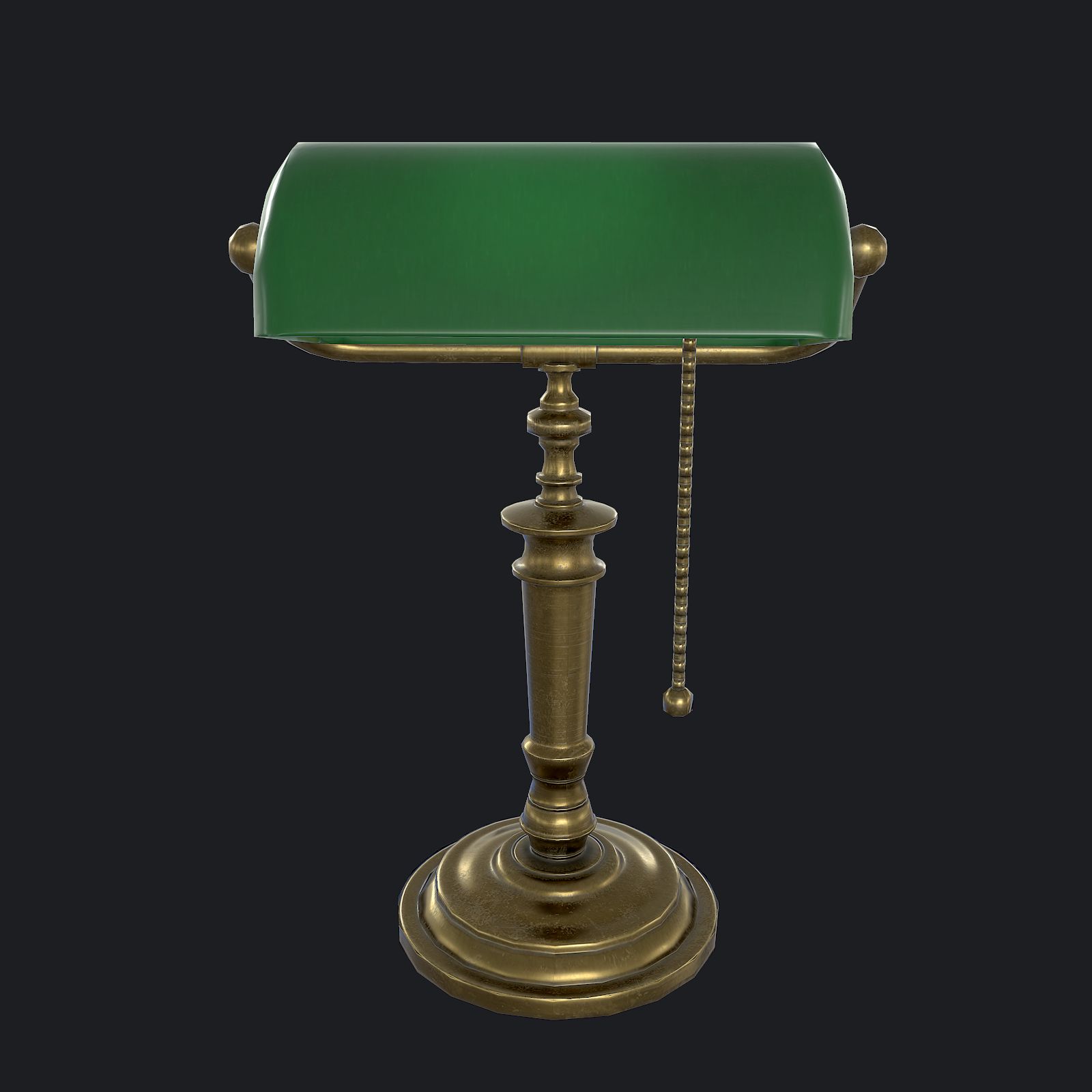
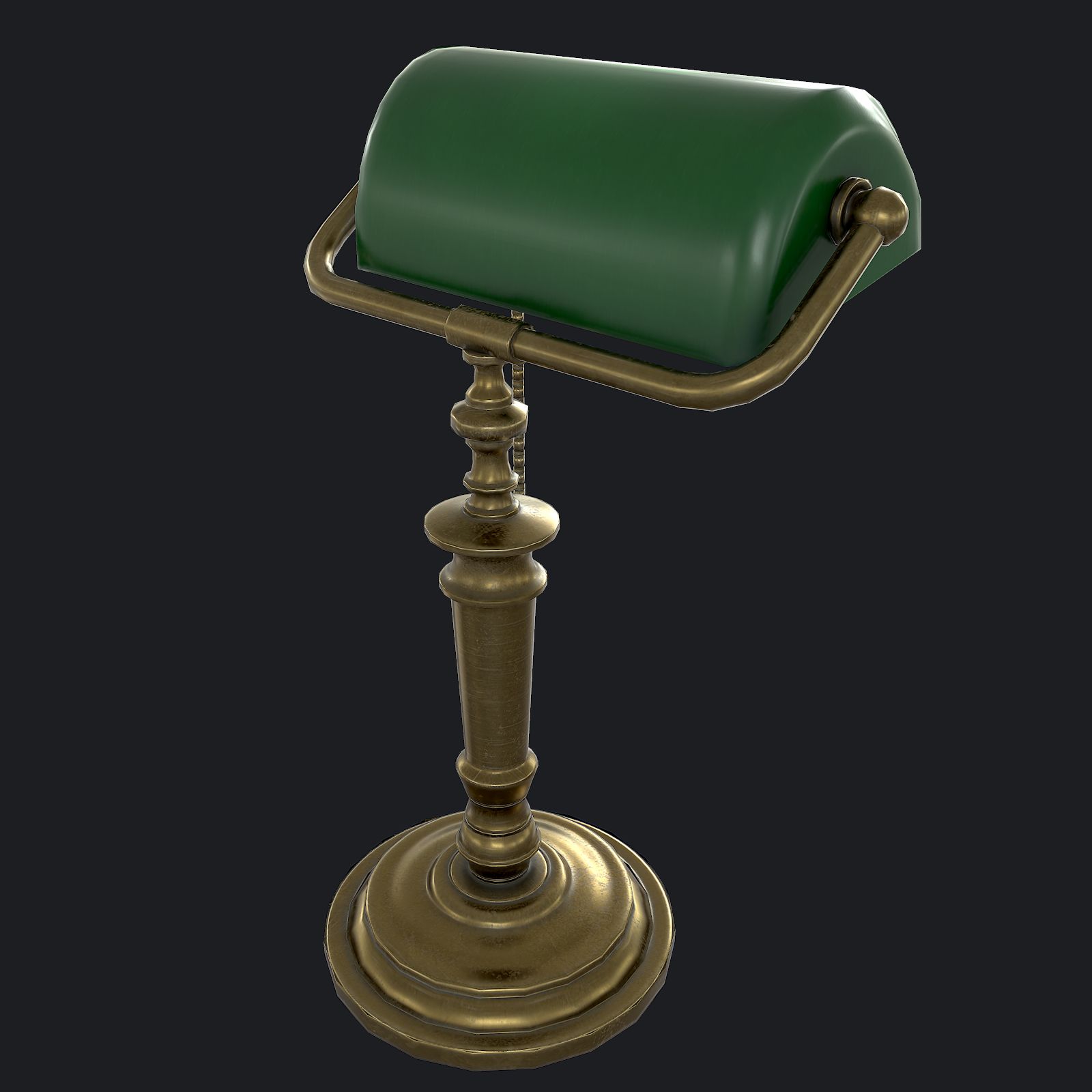
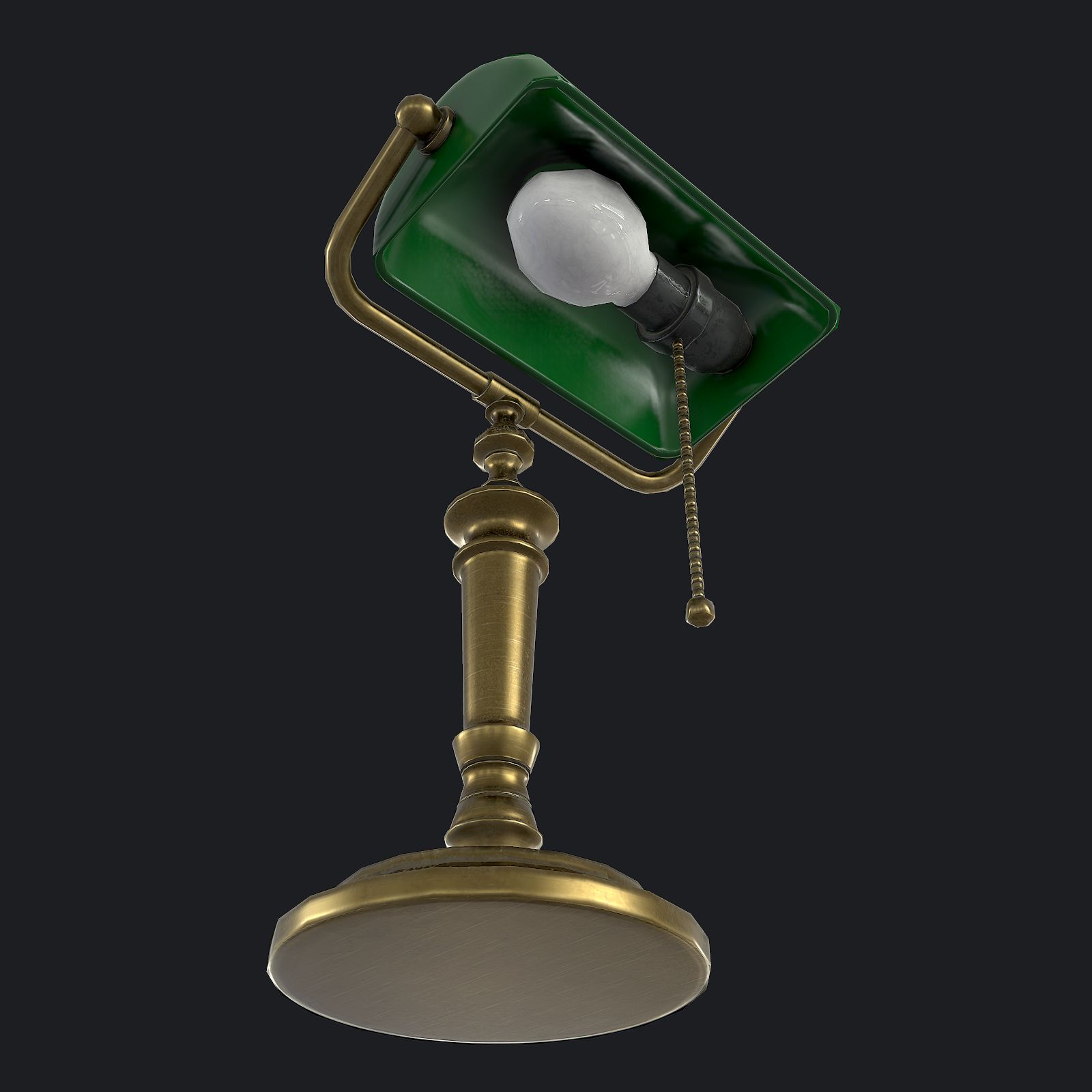
银行家的灯 3D模型
0






27
访问量

提交者
Luchador
规格
- 几何polygonal_quads/tris
- 多边形1,208
- 顶点1,254
- 纹理Yes
- 索具化No
- 动画No
- 适合3D打印No
- 适合游戏(低多边形)No
- UV映射Yes
- 未封装UVnon-overlapping
描述
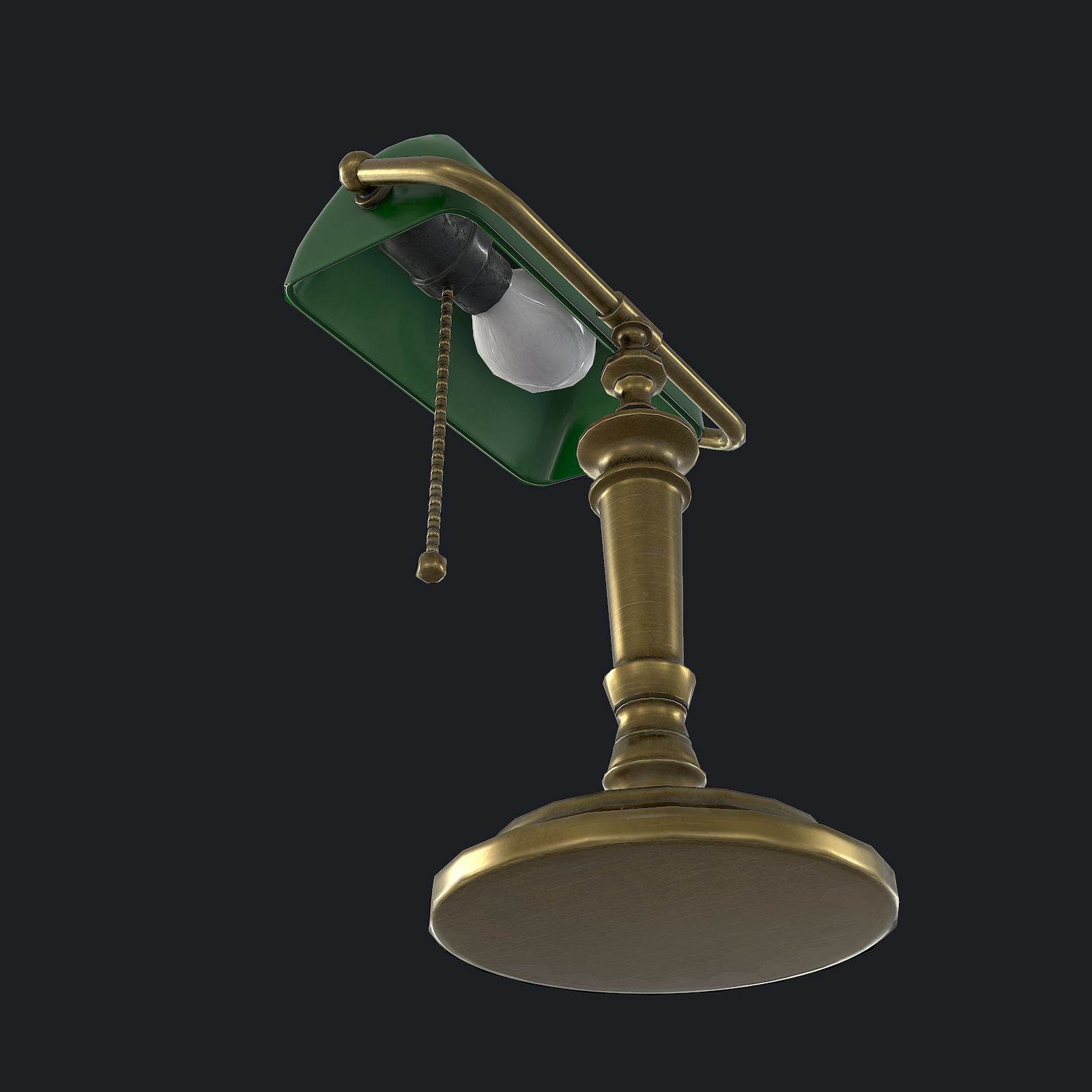
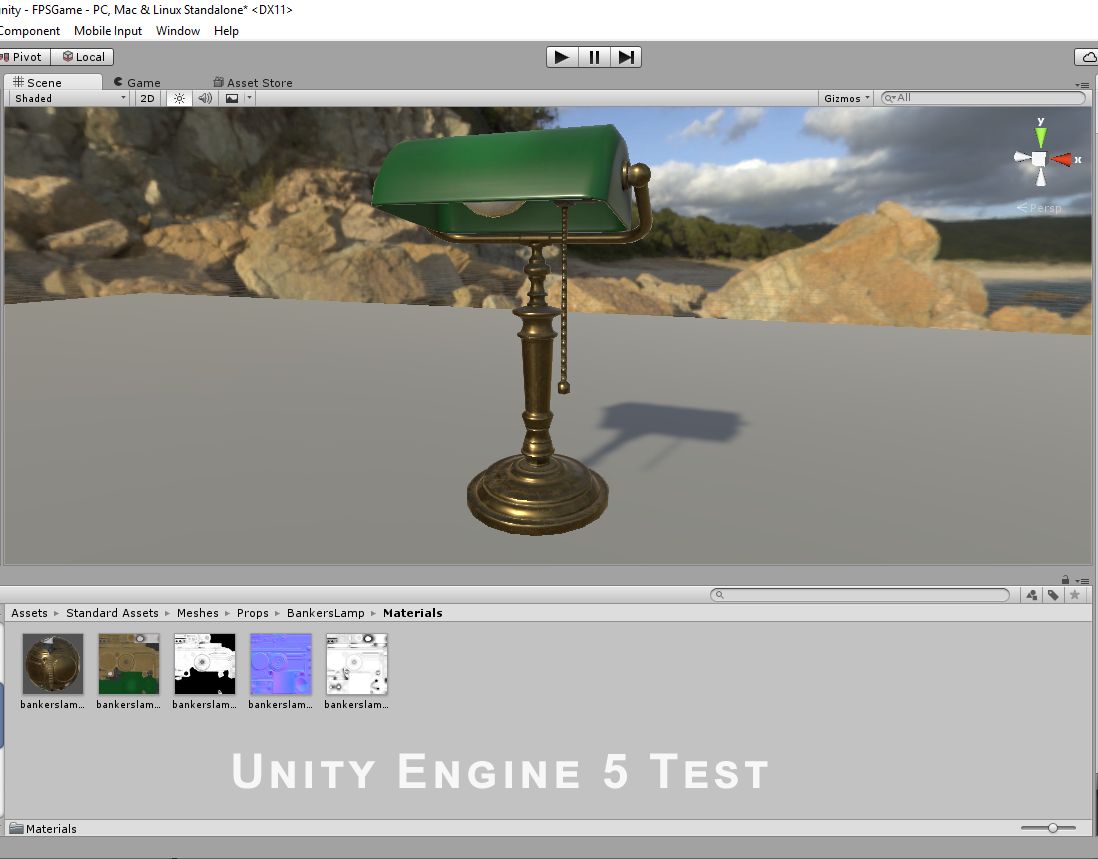
Banker's Lamp is a high quality, low poly asset originally modeled in 3DS Max 2016. The normal map was baked from a high poly model, making this product look very detailed without using many polygons. This product is intended for game/real time/background use. This model is not intended for subdivision.
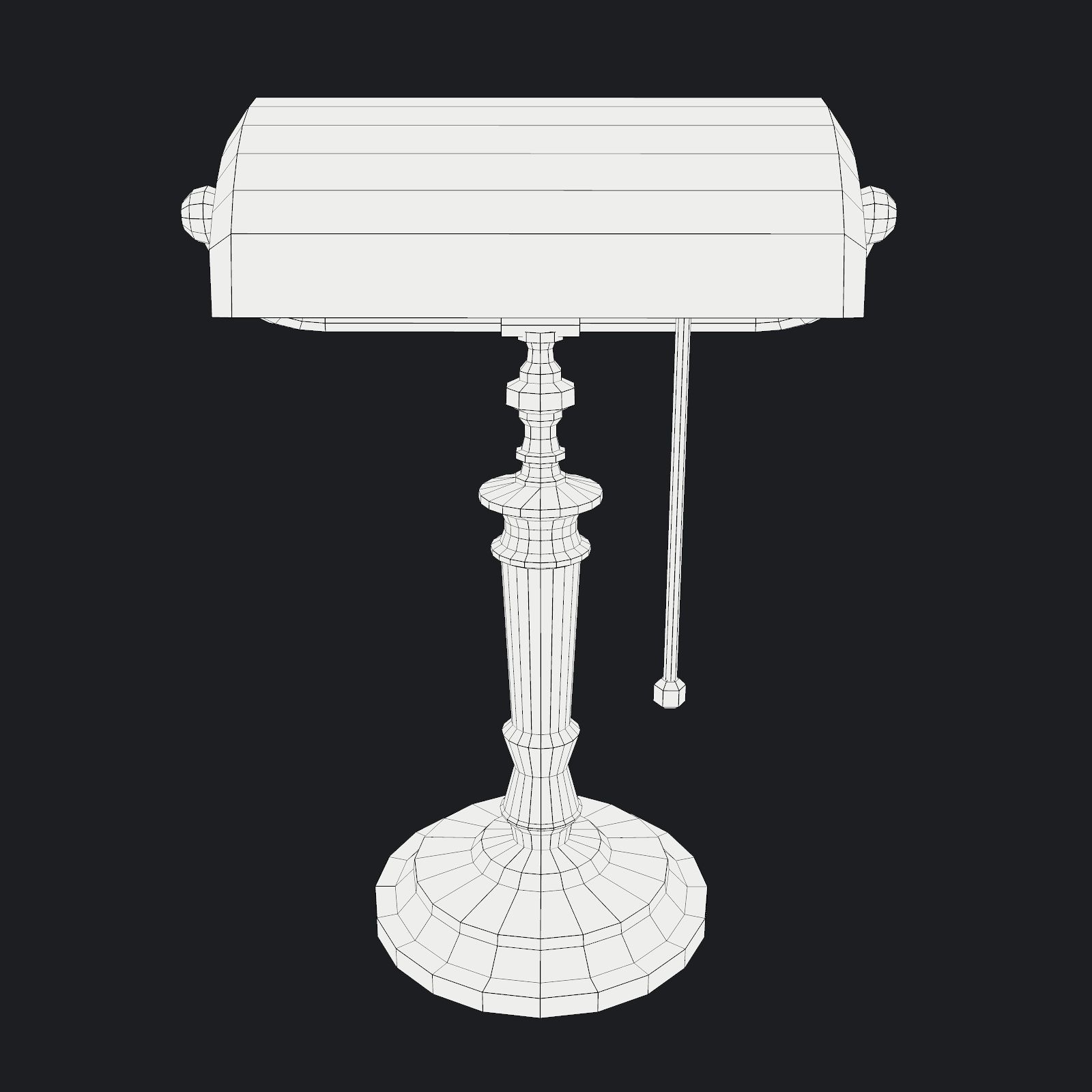
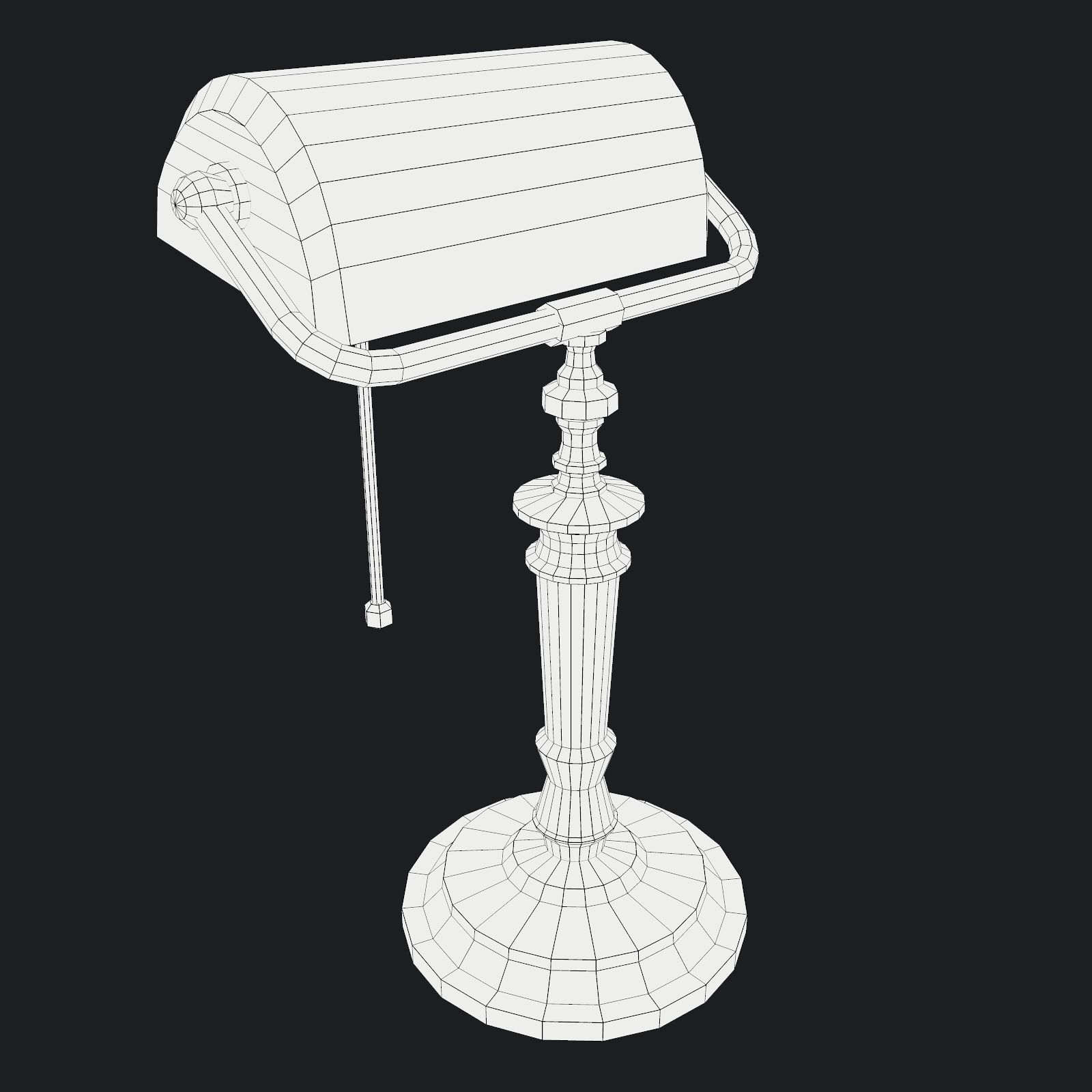
The main renders and wireframes were done in Marmoset Toolbag 2. Default renders in 3ds Max will NOT look like the preview images. The Marmoset scenes for the renders and wireframes ARE included with the model.
||SPECS||
Low Poly Model (1 Object)
-bankerslamp
|| Geometry ||
2362 Total Tris
1208 Total Polys
1254 Total Verts
Polygons are all quads or tris, no n-gons
Model unwrapped manually to make most efficient use of the UV space.
All materials and objects named appropriately
Scaled to approximate real world size (inches)
Dimensions: 12'' x 11'' x 19''
Tested in Marmoset Toolbag 2 (see renders)
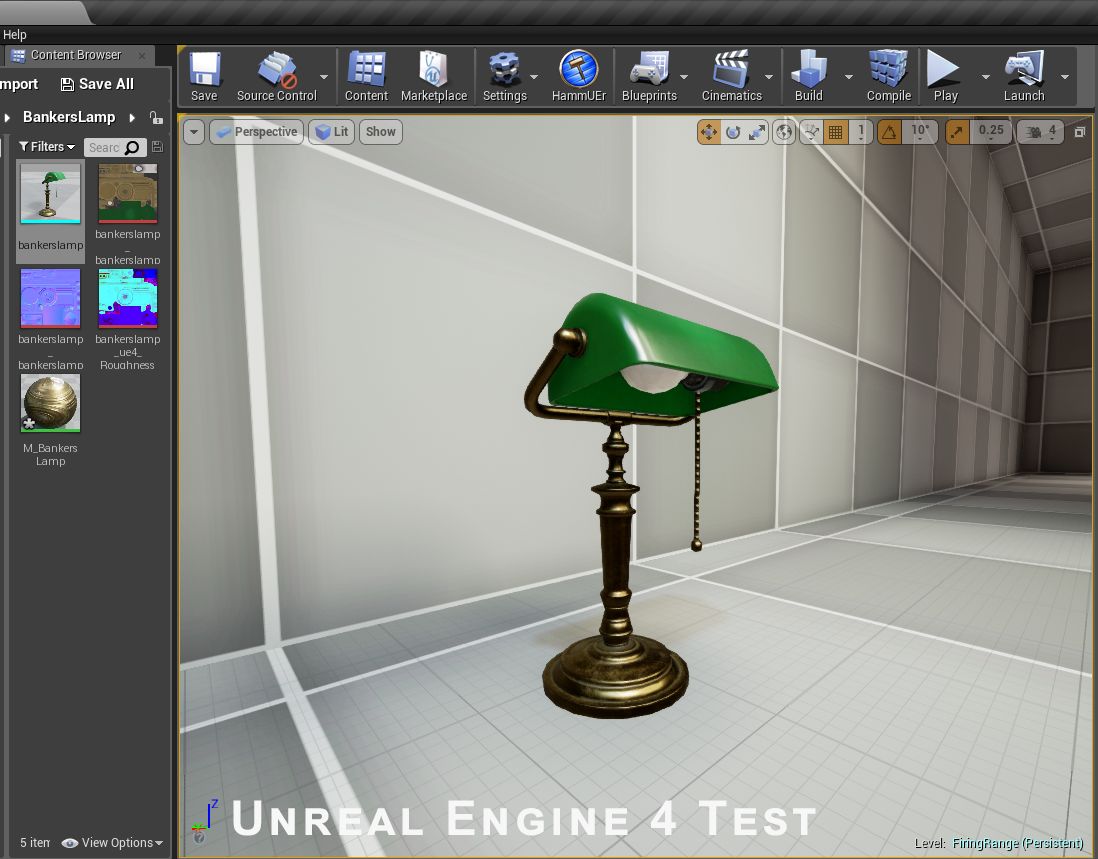
Tested in Unreal Engine 4
Tested in Source Engine
No special plug-ins needed to use this product
.obj and .fbx versions exported from 3ds Max 2016
|| Textures ||
-1024x1024 diffuse, roughness, metalness, normal and AO (ambient occlusion) maps
-Textures designed for physically based rendering (PBR)
-Textures in .tga format
-Model texture paths are stripped
-Extra set of 1024x1024 diffuse, specular, gloss, normal and AO maps for those who prefer the Spec/Gloss PBR setup
This texture was made with Substance Painter. The Substance Painter file is available as a separate download upon purchase.
I have exported textures for Unreal Engine 4 and Unity 5 from Substance Painter 2 to make the import process for those engines easier. See the extra downloads for those textures and instructions on how to use them.
|| Bonus ||
The high poly model used to bake the texture maps is also included as a separate download upon purchase of this product.
* Unfortunately there's no universal standard for normal map orientation between game engines. If the normals don't look correct try inverting the green channel of the normal map in an image editor. Unreal Engine 4 and Source Engine will need the green channel inverted.
Oct 03, 2019
添加日期
Aug 20, 2021
最后更新
评测
此产品当前没有评测。
为什么不做第一个评测者呢?