-->
建筑车辆人物飞行器家具电子产品动物植物武器体育食品解剖学
已加入书签
书签已删除

E3D-通用智能手机逼真的3D模型 3D模型

0
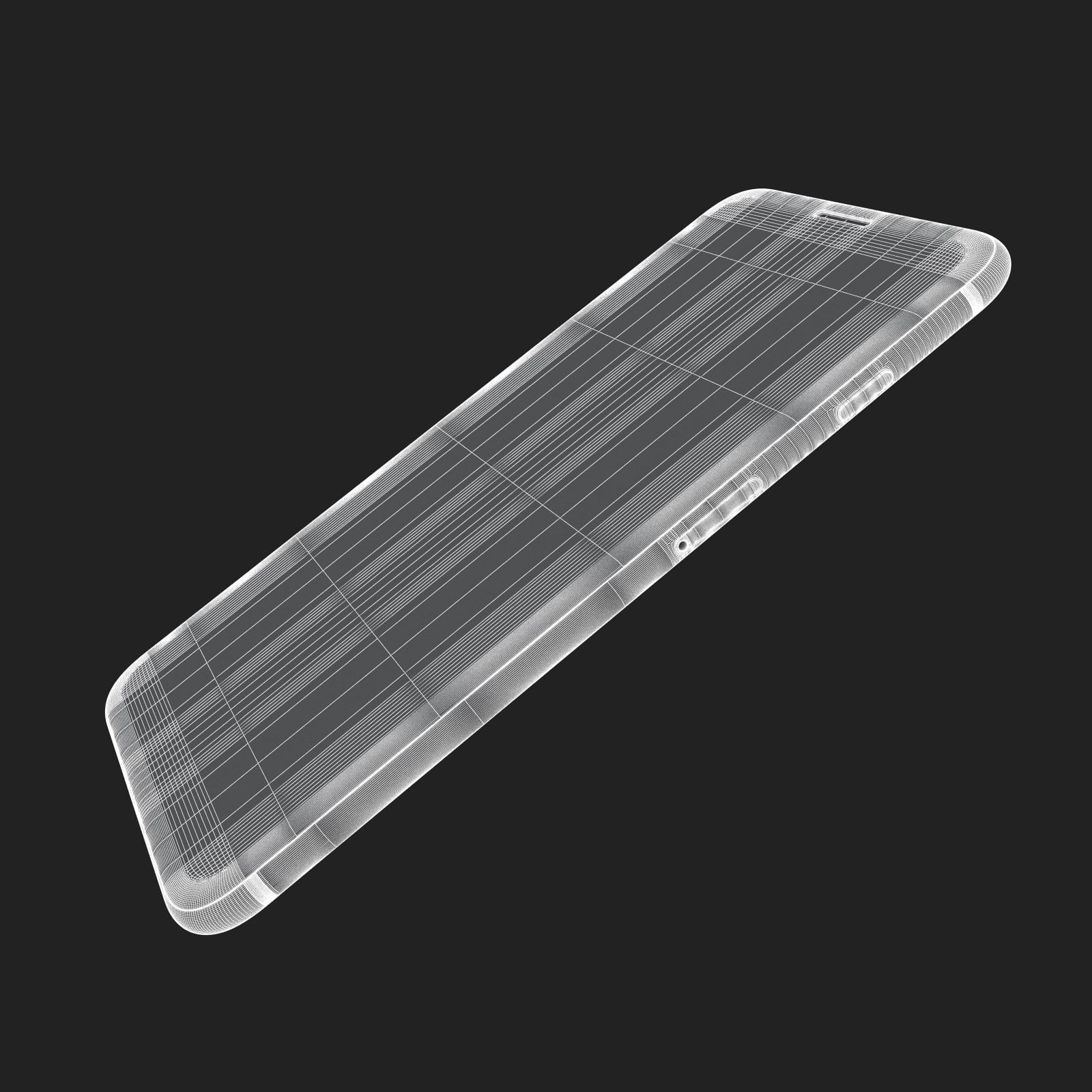
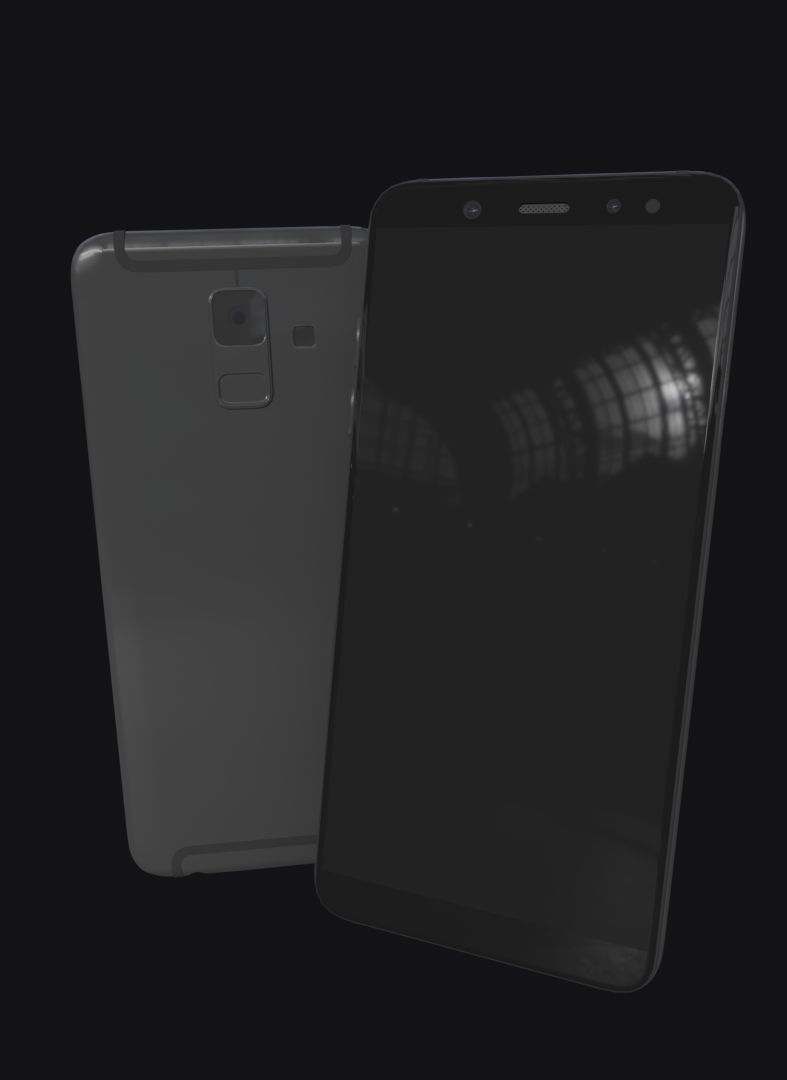
E3D-通用智能手机逼真的3D模型 royalty-free 3d model - Preview no. 1
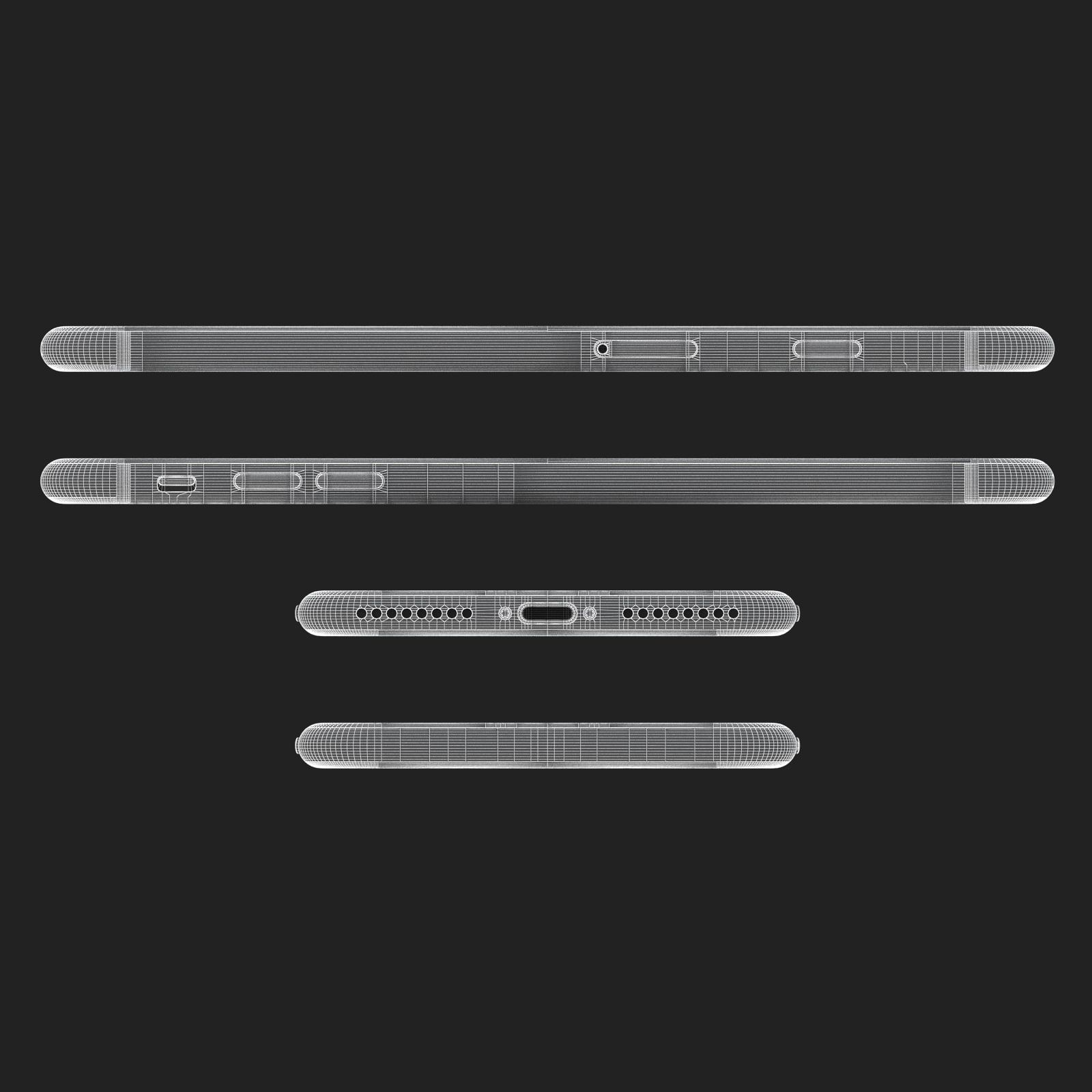
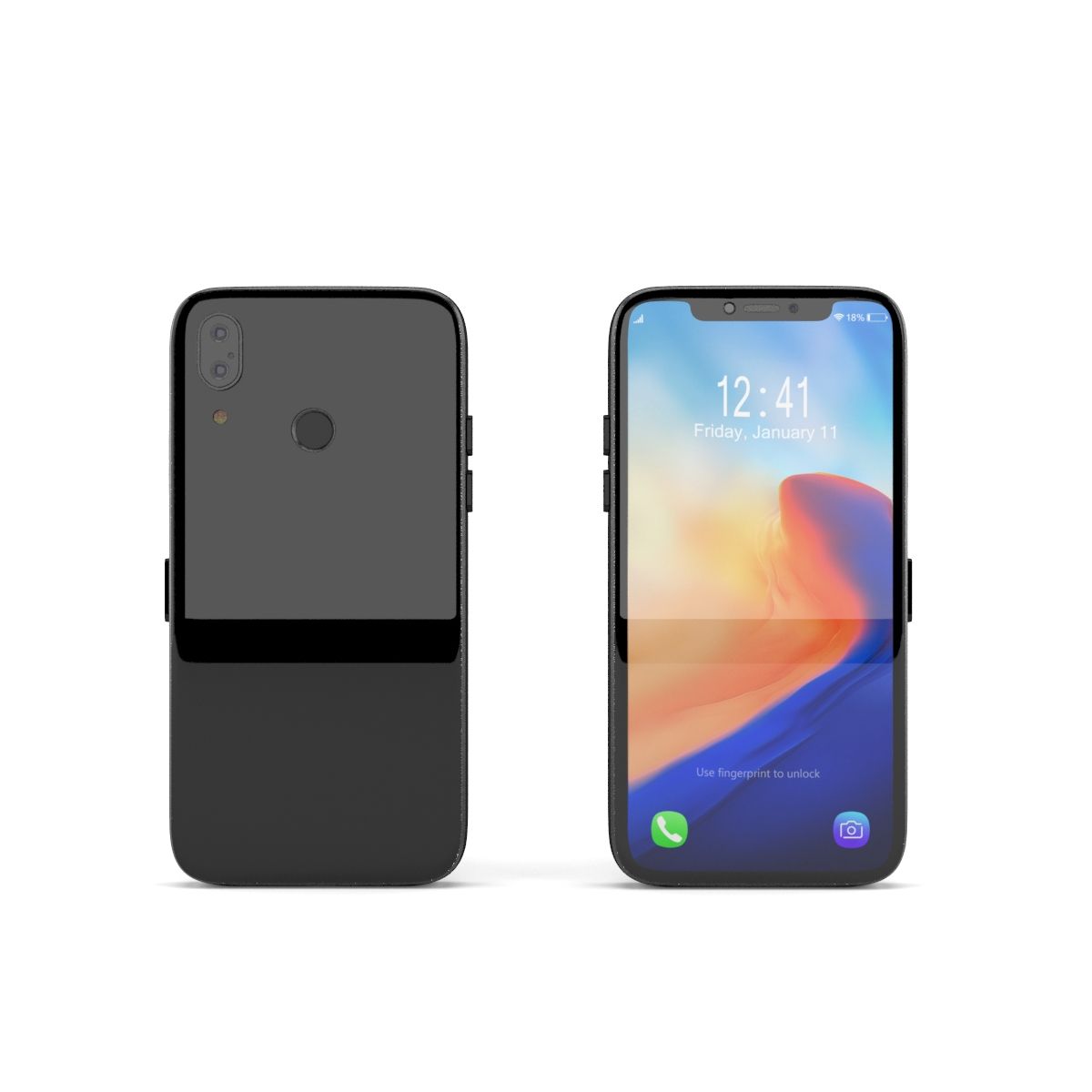
E3D-通用智能手机逼真的3D模型 royalty-free 3d model - Preview no. 2
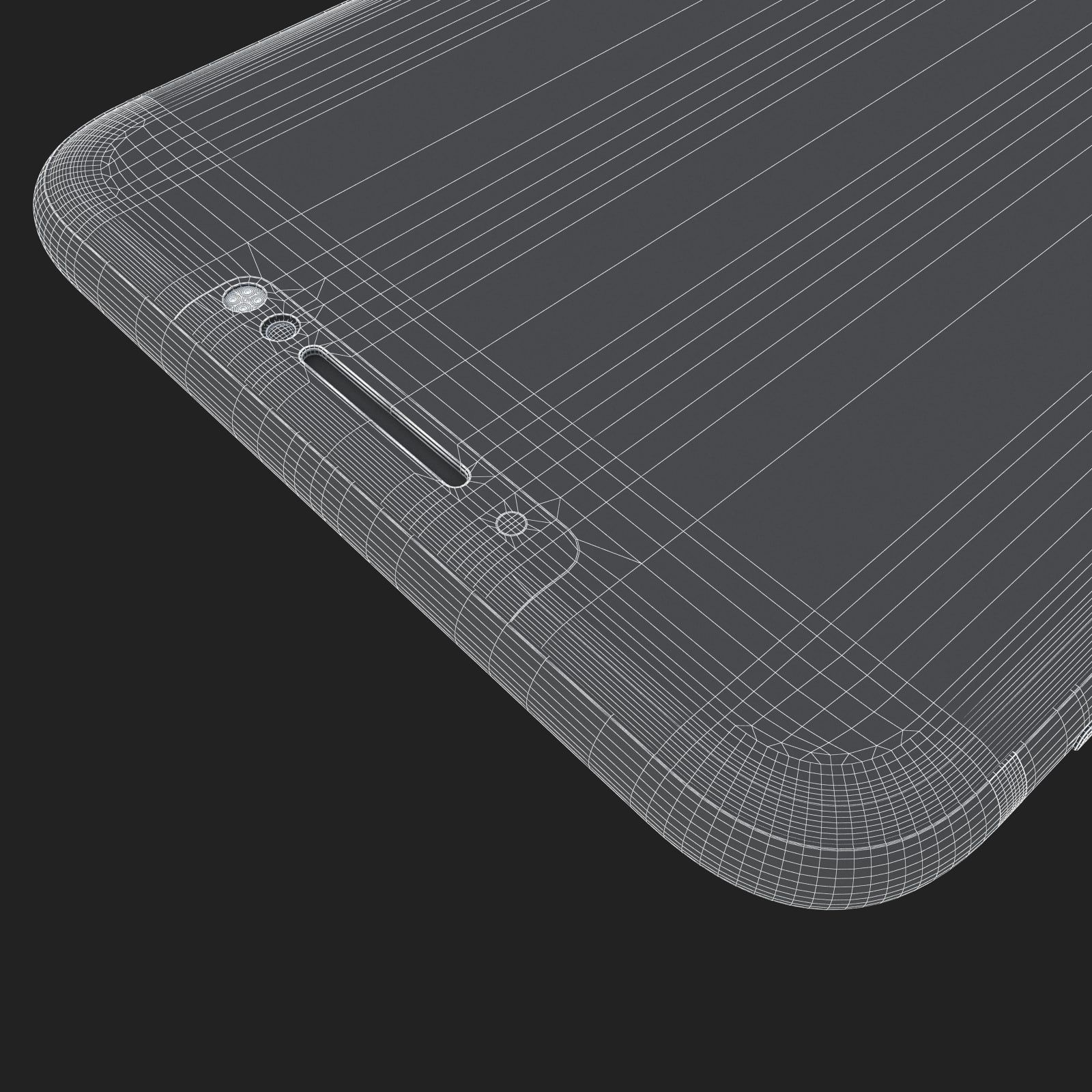
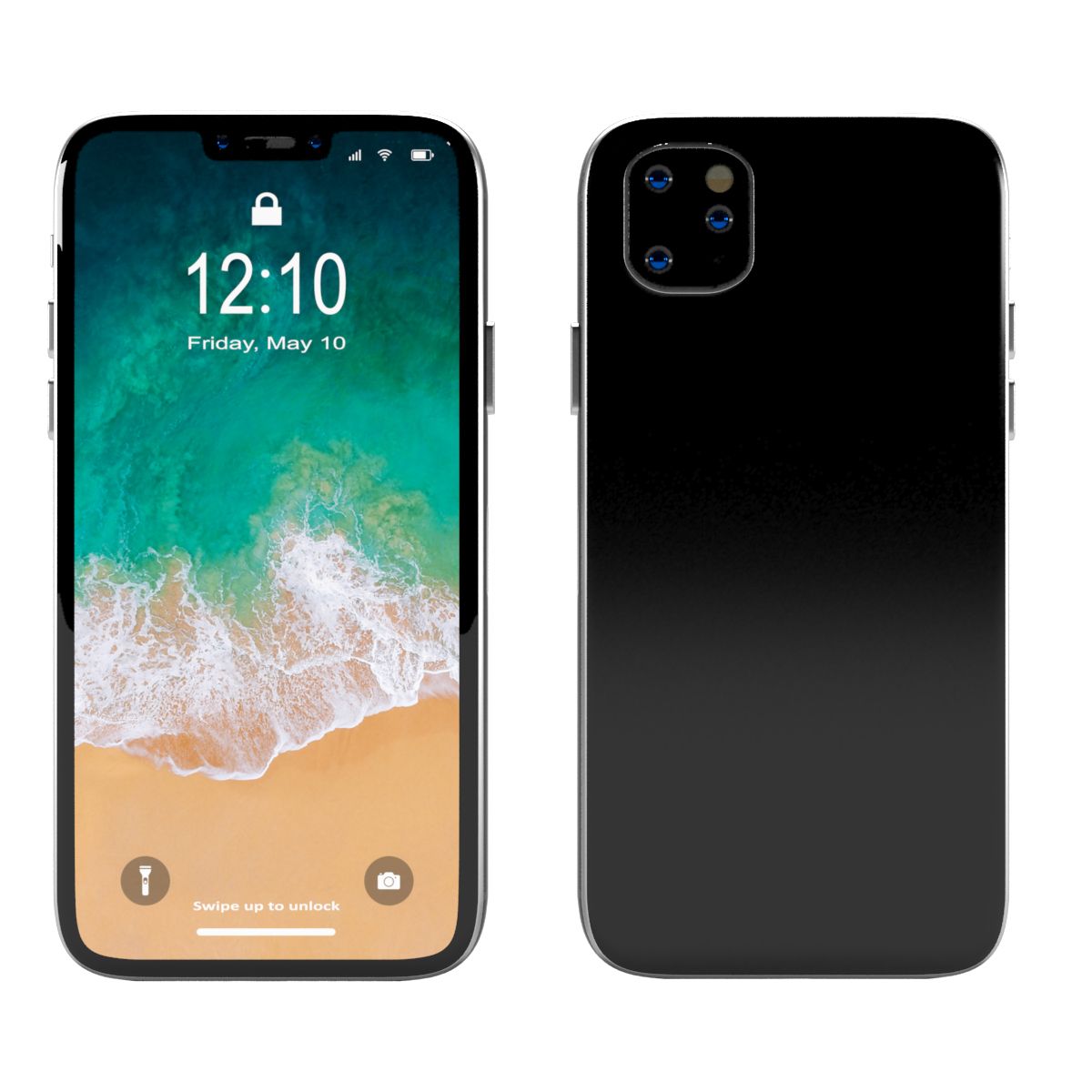
E3D-通用智能手机逼真的3D模型 royalty-free 3d model - Preview no. 3
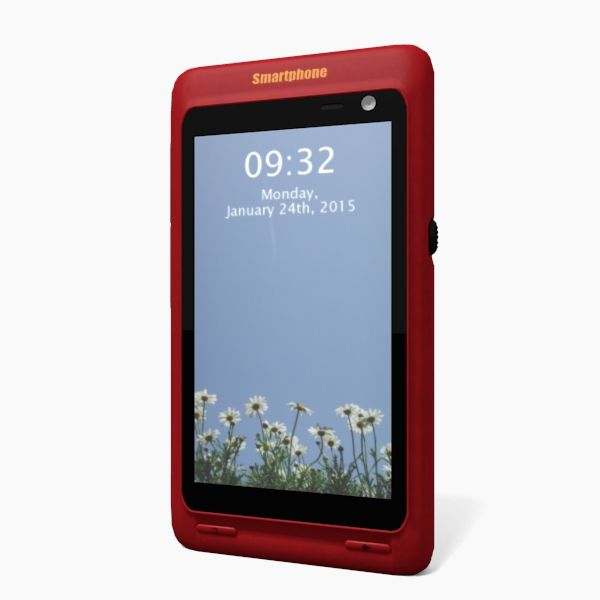
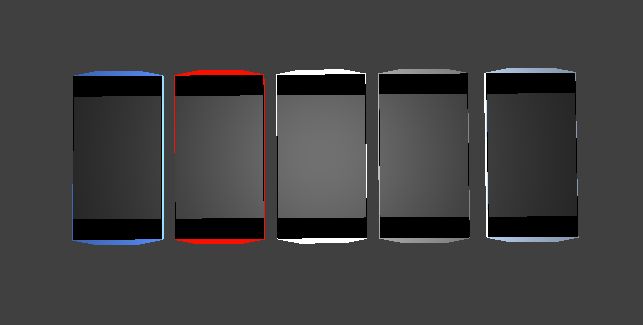
E3D-通用智能手机逼真的3D模型 royalty-free 3d model - Preview no. 4
E3D-通用智能手机逼真的3D模型 royalty-free 3d model - Preview no. 5
E3D-通用智能手机逼真的3D模型 royalty-free 3d model - Preview no. 6
E3D-通用智能手机逼真的3D模型 royalty-free 3d model - Preview no. 7
E3D-通用智能手机逼真的3D模型 royalty-free 3d model - Preview no. 8
E3D-通用智能手机逼真的3D模型 royalty-free 3d model - Preview no. 9
E3D-通用智能手机逼真的3D模型 royalty-free 3d model - Preview no. 10
E3D-通用智能手机逼真的3D模型 royalty-free 3d model - Preview no. 11
E3D-通用智能手机逼真的3D模型 royalty-free 3d model - Preview no. 1
E3D-通用智能手机逼真的3D模型 royalty-free 3d model - Preview no. 2
E3D-通用智能手机逼真的3D模型 royalty-free 3d model - Preview no. 3
E3D-通用智能手机逼真的3D模型 royalty-free 3d model - Preview no. 4
E3D-通用智能手机逼真的3D模型 royalty-free 3d model - Preview no. 5
E3D-通用智能手机逼真的3D模型 royalty-free 3d model - Preview no. 6
E3D-通用智能手机逼真的3D模型 royalty-free 3d model - Preview no. 7
E3D-通用智能手机逼真的3D模型 royalty-free 3d model - Preview no. 8
E3D-通用智能手机逼真的3D模型 royalty-free 3d model - Preview no. 9
E3D-通用智能手机逼真的3D模型 royalty-free 3d model - Preview no. 10
E3D-通用智能手机逼真的3D模型 royalty-free 3d model - Preview no. 11
免版税许可仅限编辑
退还简单
最优惠价格保证
开箱即用
0 访问量
beeocean

规格

  • 几何polygonal_quads/tris
  • 多边形1
  • 顶点1
  • 纹理Yes
  • 索具化No
  • 动画No
  • 适合3D打印No
  • 适合游戏(低多边形)No
  • UV映射Yes
  • 未封装UVmixed

格式和文件

Cinema 4D
(.c4d)
3 MB

default_scanline R12
Generic Smartphone - C4D.rar
(.unknown)
15 MB

Generic Smartphone - E3D.rar
OBJ
(.obj)
3 MB

Generic Smartphone - OBJ.rar
3ds Max
(.max)
4 MB

default_scanline 2012
Generic Smartphone - Standard.rar

描述

This pack:

Element 3D V2.2 ( All colors )

models preset easy to use

- 1 file OBJ High poly

- 1 file OBJ standard

- 1 file C4D R12 standard render

- 1 file 3ds max 2012 standard material

- E3D file full materials set up like previews

How to use it?

1. Open After Effects CC 2014 ( or higher) and create new composition ( You need Element3D V2.2 to use )

2. Create new Solid layer and add Element effect. ( Effect/Video Copilot/ Element )

3. Click Scene Setup

4. Click on IMPORT inside Element3D scene setup

5. Choose my .e3d preset for the model and press Open.

If you dont see the model do not forget to right click on the model name and press Replace model then select the .obj model file in the respective models folder.

Jul 30, 2020 添加日期
Aug 03, 2022 最后更新

评测

此产品当前没有评测。
为什么不做第一个评测者呢?