


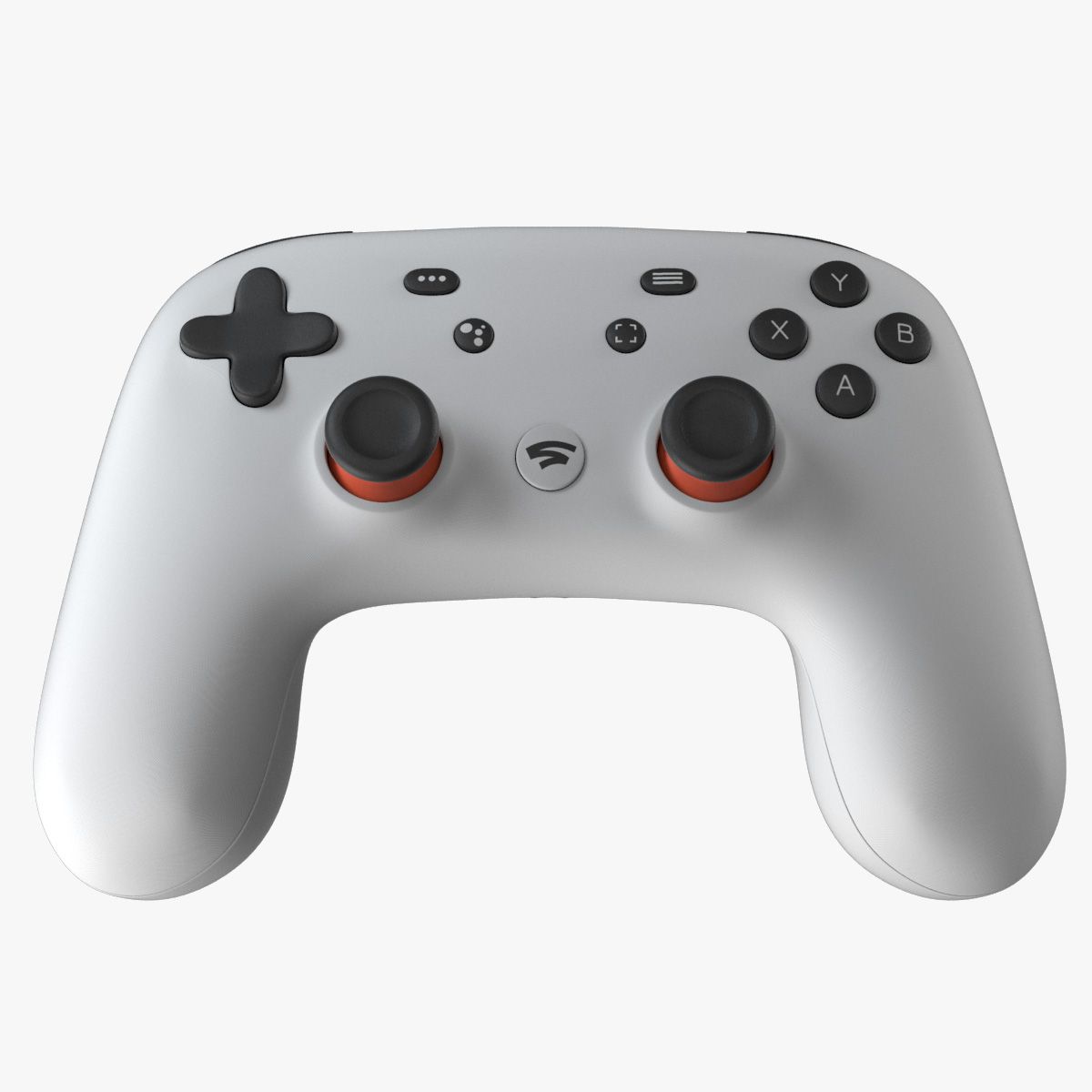
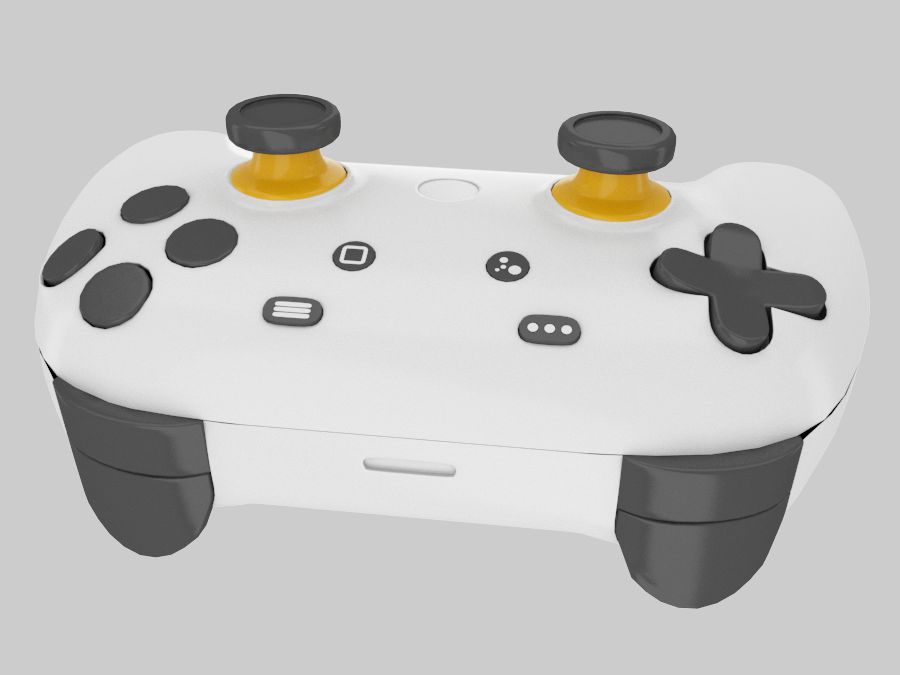


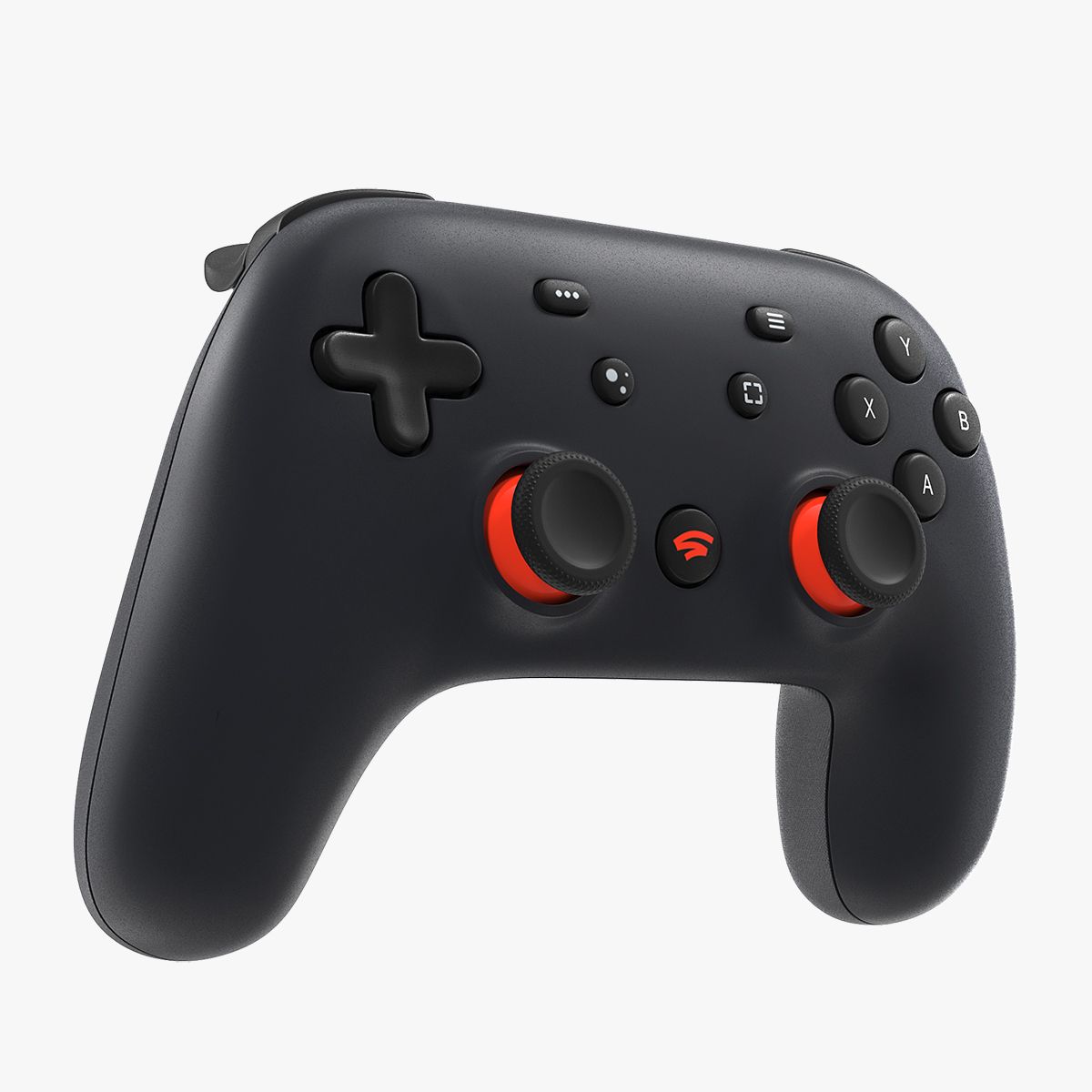


E3D-Google DayDream控制器 3D模型
0


0
访问量

提交者
beeocean
规格
- 几何polygonal_quads/tris
- 多边形1
- 顶点1
- 纹理Yes
- 索具化No
- 动画No
- 适合3D打印No
- 适合游戏(低多边形)No
- UV映射Yes
- 未封装UVmixed
描述
This pack:
Element 3D V2.2 ( All colors )
models preset easy to use
- 1 file OBJ High poly
- 1 file OBJ standard
- 1 file C4D R12 standard render
- 1 file 3ds max 2012 standard material
- E3D file full materials set up like previews
How to use it?
1. Open After Effects CC 2014 ( or higher) and create new composition ( You need Element3D V2.2 to use )
2. Create new Solid layer and add Element effect. ( Effect/Video Copilot/ Element )
3. Click Scene Setup
4. Click on IMPORT inside Element3D scene setup
5. Choose my .e3d preset for the model and press Open.
If you dont see the model do not forget to right click on the model name and press Replace model then select the .obj model file in the respective models folder.
Jul 30, 2020
添加日期
Mar 10, 2022
最后更新
评测
此产品当前没有评测。
为什么不做第一个评测者呢?