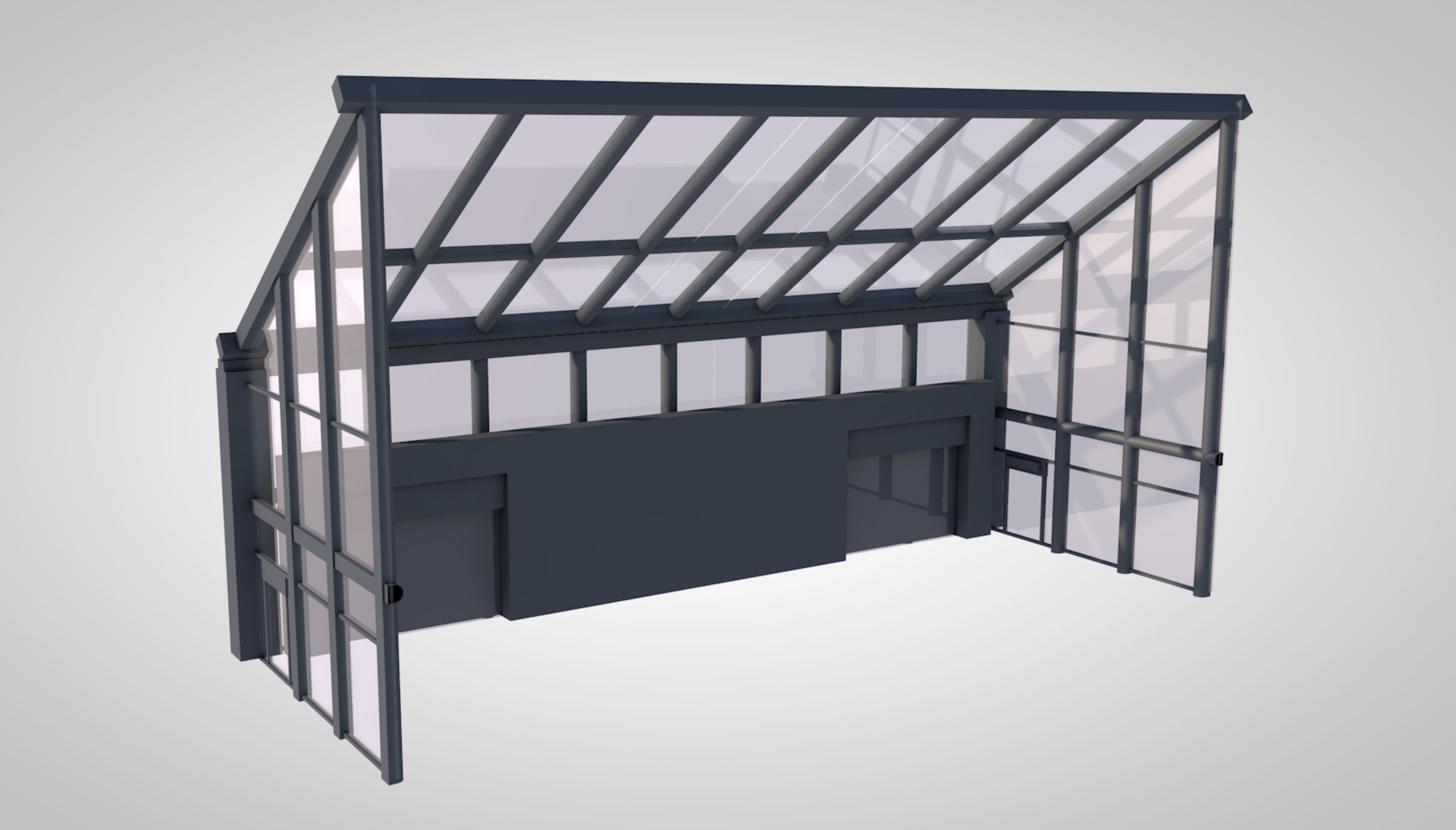
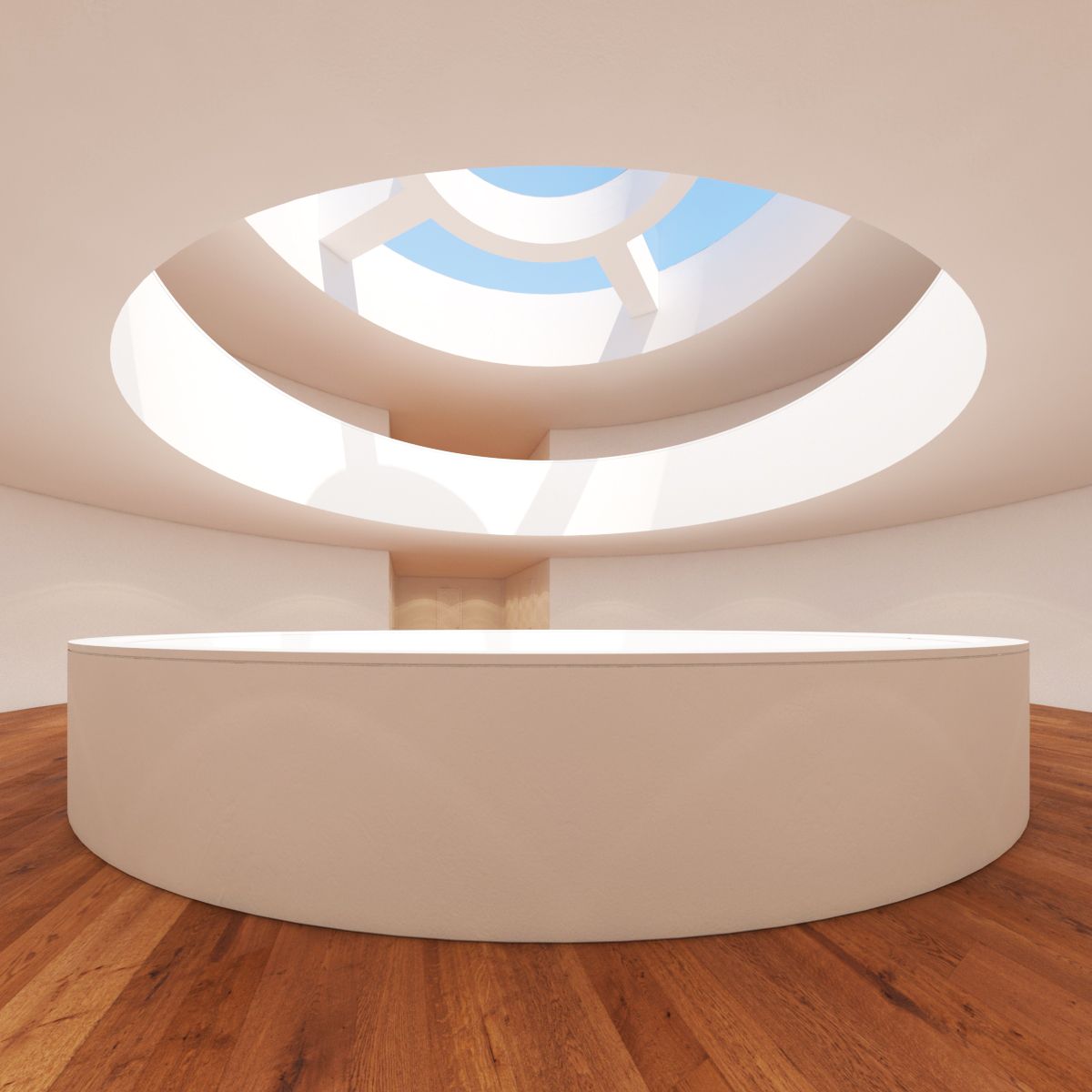
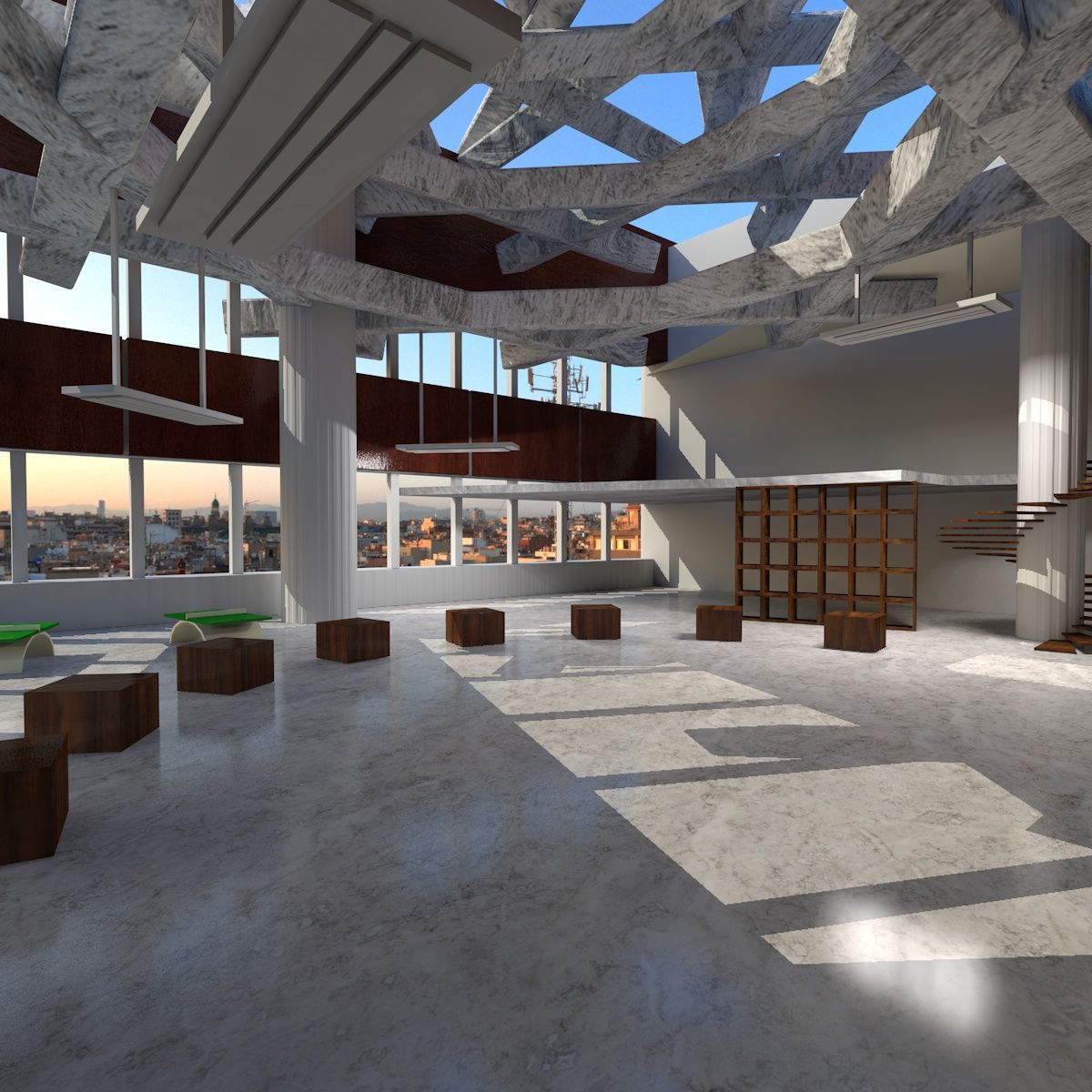





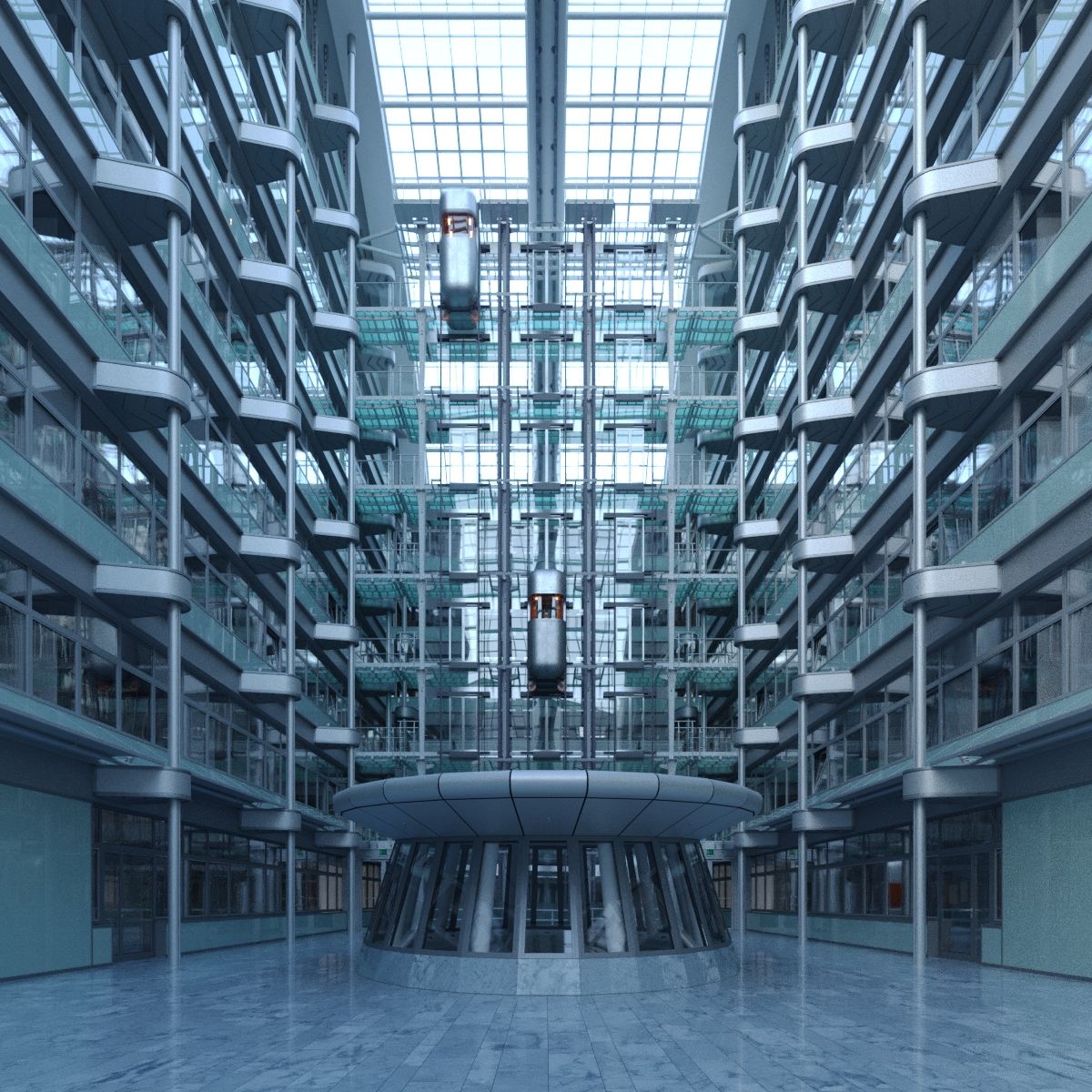
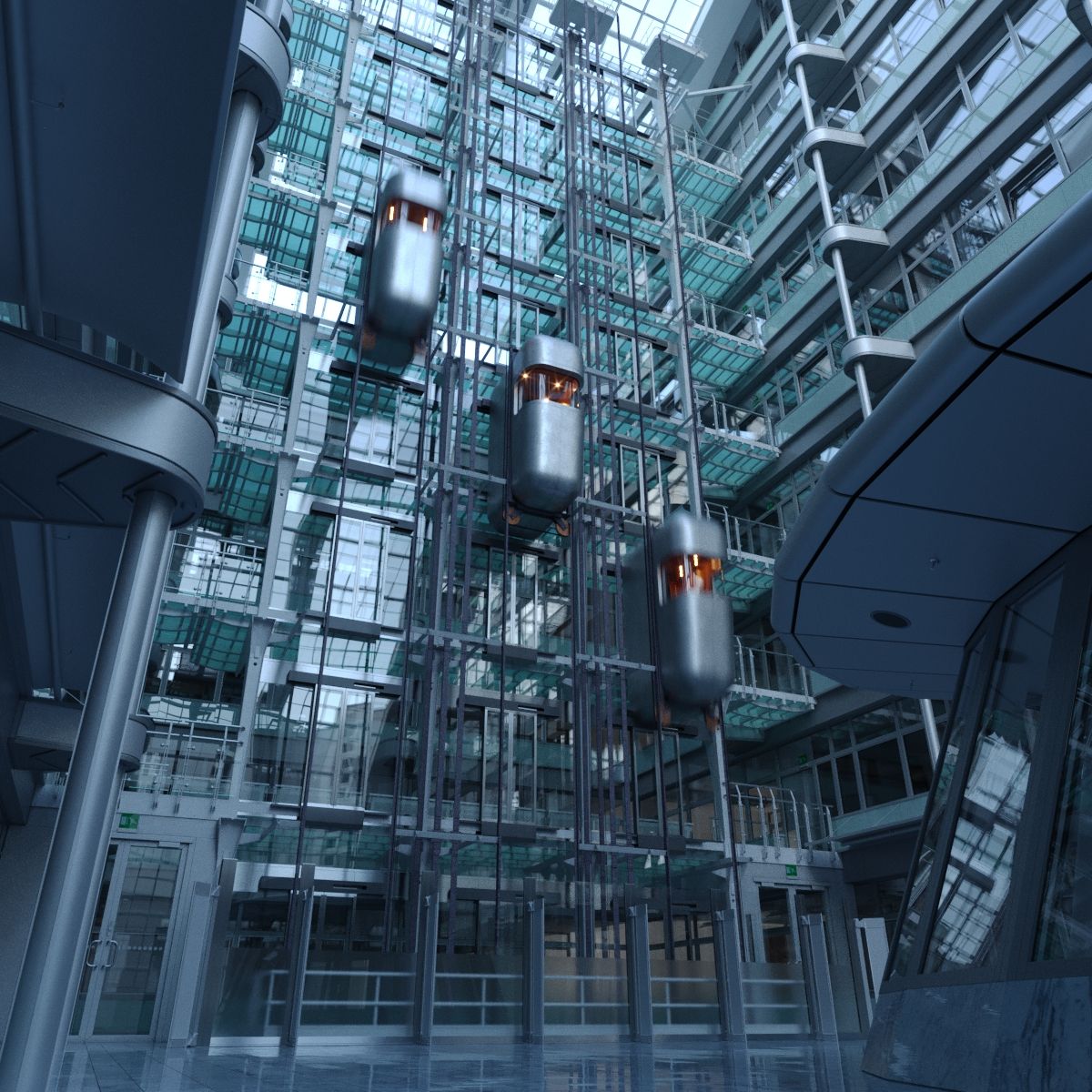
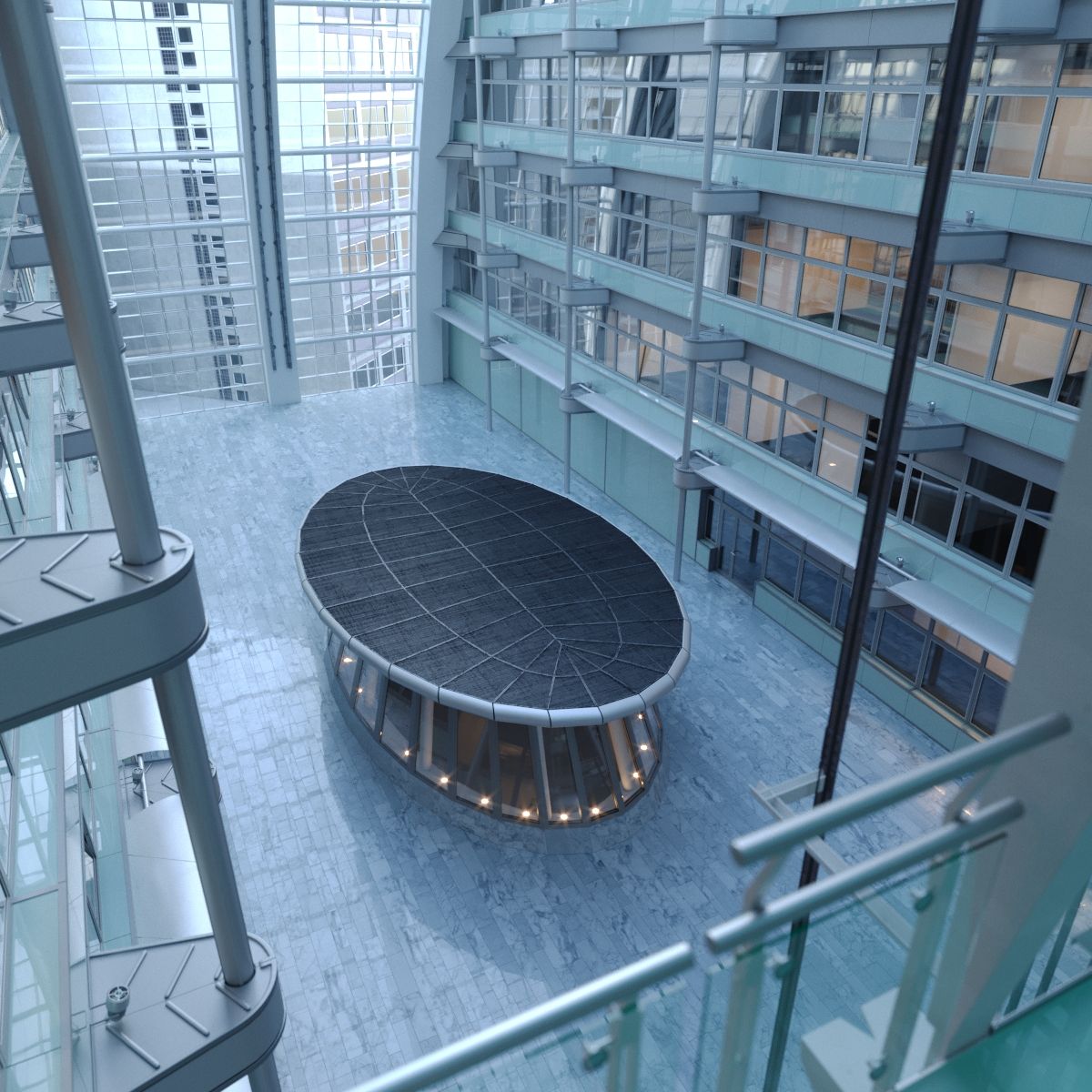
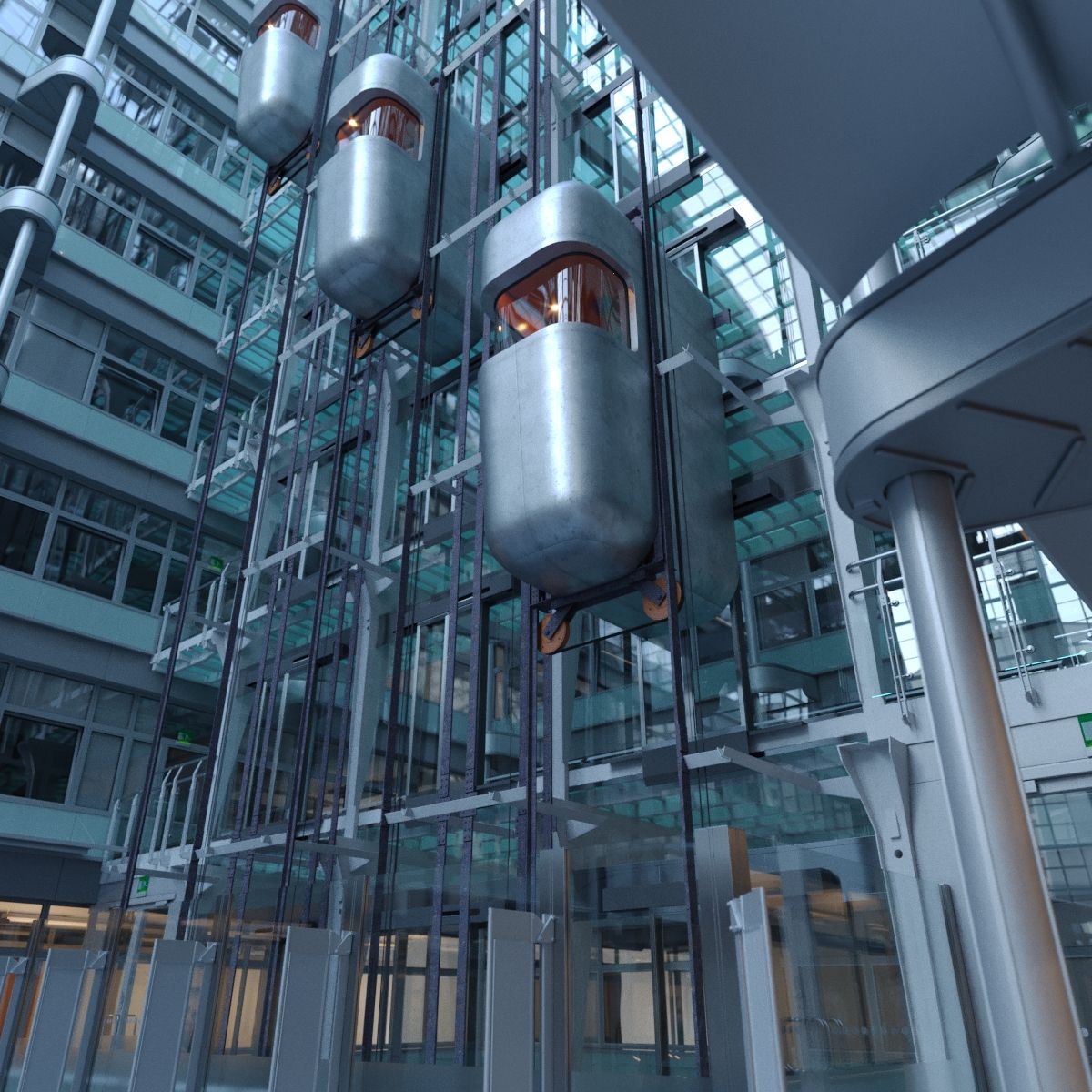
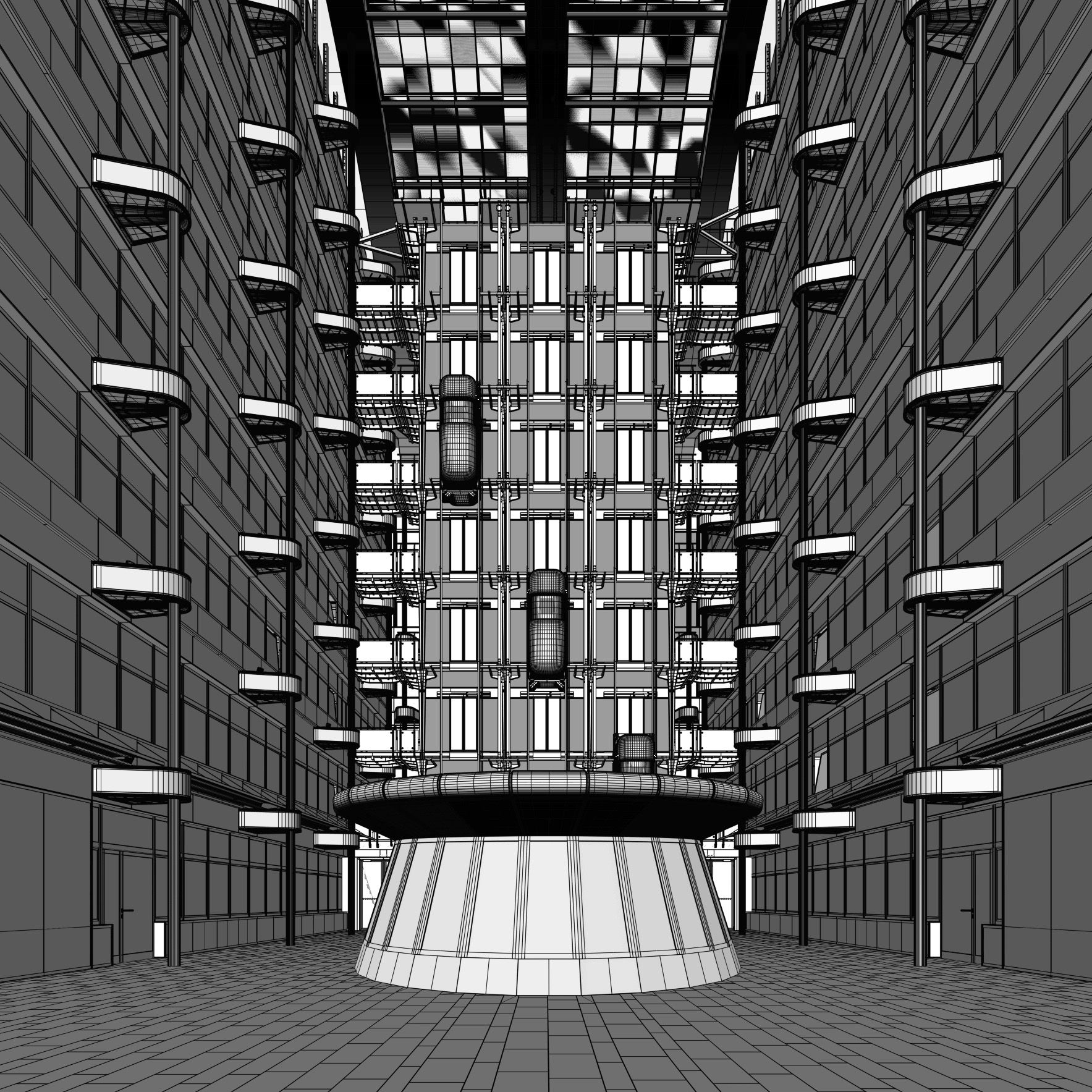
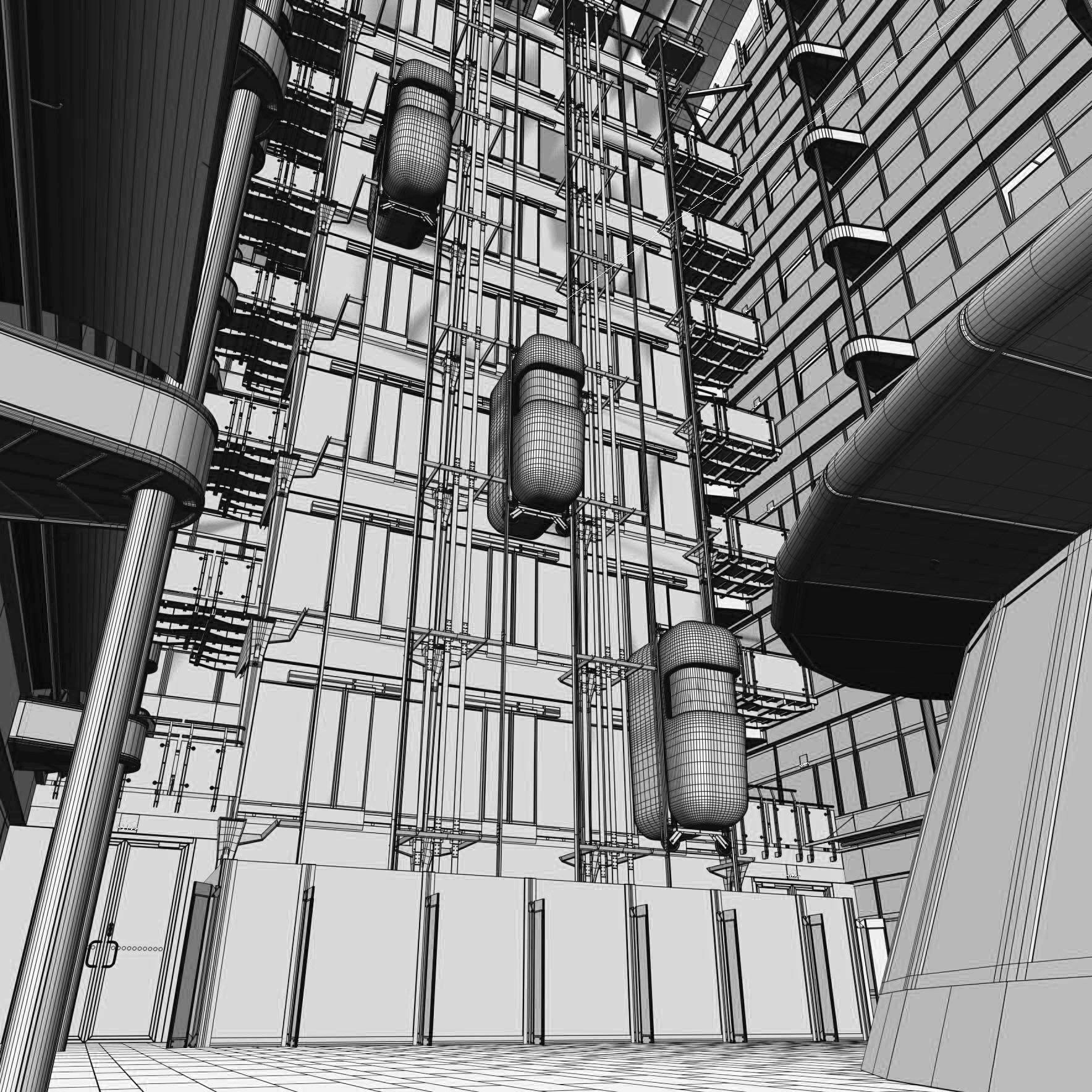
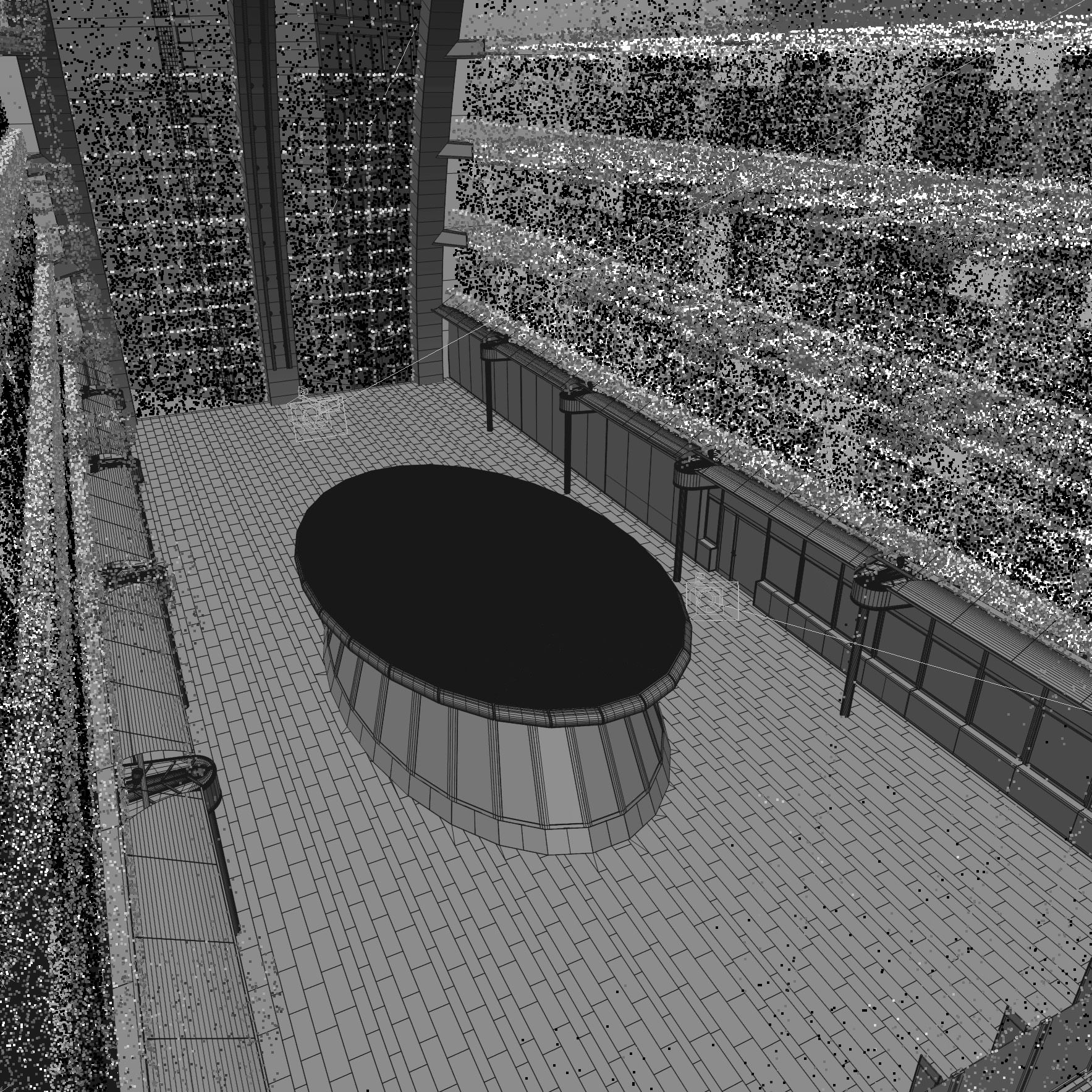
未来派的现代中庭 3D模型
0








0
访问量

提交者
BBB3viz
规格
- 几何polygonal_ngons used
- 多边形7,103,608
- 顶点6,259,827
- 纹理Yes
- 索具化No
- 动画No
- 适合3D打印No
- 适合游戏(低多边形)No
- UV映射Yes
- 未封装UVmixed
描述
Photorealistic model of a corporate atrium
READ THE FOLLOWING CAREFULLY BEFORE PURCHASING:
- 3ds Max 2016 and higher only. Because the scene uses 3ds Maxs physical camera, introduced in 2016, it will open with an error message if converted to older versions of 3ds Max.
- Corona 1.5 and higher only: The scene uses Coronas LightMix feature, which is not present in earlier versions of Corona
- The archive Atrium_Max2016_Corona.zip includes the building as a 3d mesh. It can be opened and rendered without the RailClone plugin.
- The archive Atrium_Max2016_Corona.zip includes the building as a series of RailClone objects. It requires the plugin RailClonePro by Itoosoft in order to open correctly and is intending as a studying tool for new RailClone users.
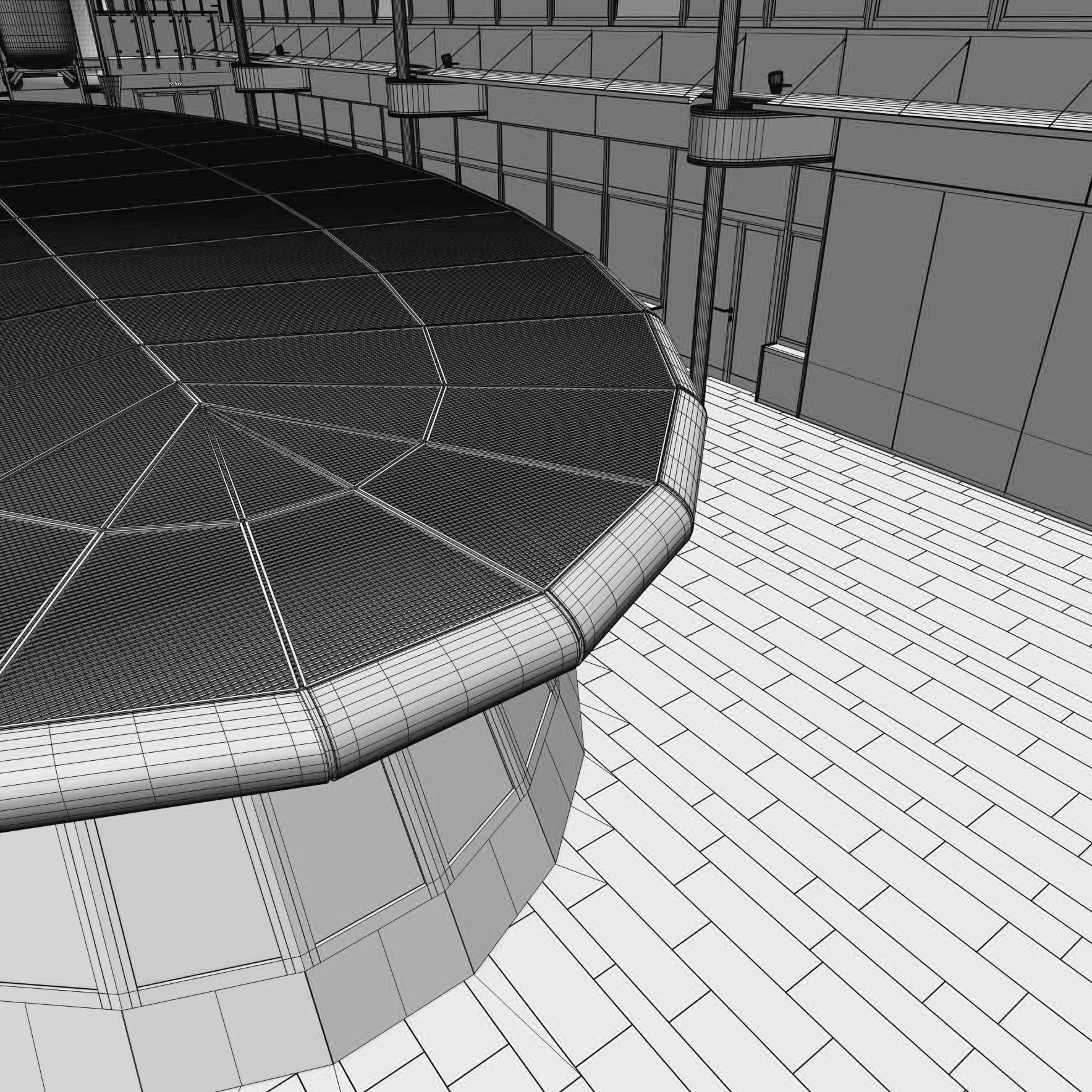
Both files have separate layers where the distinct elements can be found. Two of these layers are called Floor_1 and Floor_2. Floor_1 is active by default and will produce the render seen in the previews. Floor_2 doesn't have the elliptical indentation in the middle and can be used if you want to render the scene without the elliptical booth structure in the middle of the atrium (should you, for example, want to use the model to render a car scene).
The RailClone scene has the different segments used in the RailClone objects stored in a separate, hidden layer. You can edit these elements if you want to make changes to the scene. Each element is one object with a MultiSub material.
Model is to real-world scale in cm
All objects logically grouped and logically named. All materials logically named.
Advanced, realistic materials.
The environment light in the scene is a Corona sky (no HDRI)
As per Turbosquids requirement, all bitmap paths are local. Make sure you point 3ds Max to the right folder if you merge this scene into a new one.
Scene is not overly heavy at 5m polys but will require a system at least 32GB of RAM to render fast.
The left and right elevators are keyframed going up and down the building over 100 frames. If you want to see the motion blur effect, move your time slider before rendering. The middle elevator is static.
The scene takes advantage of Coronas LightMix feature and has separate light groups set up for the sun, environment, lift lights, right-side office lights, left-side office lights, ground floor hallways, back-side office lights, and emergency exits.
By default, LightMix will save elements as .exr files to the user\admin folder on your C: drive. If this is not desired, make sure to change paths in your CShading_LightMix render element.
Sep 17, 2020
添加日期
Dec 08, 2021
最后更新
评测
此产品当前没有评测。
为什么不做第一个评测者呢?