
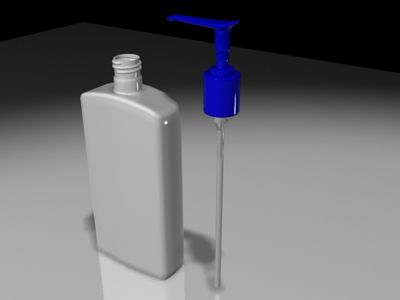


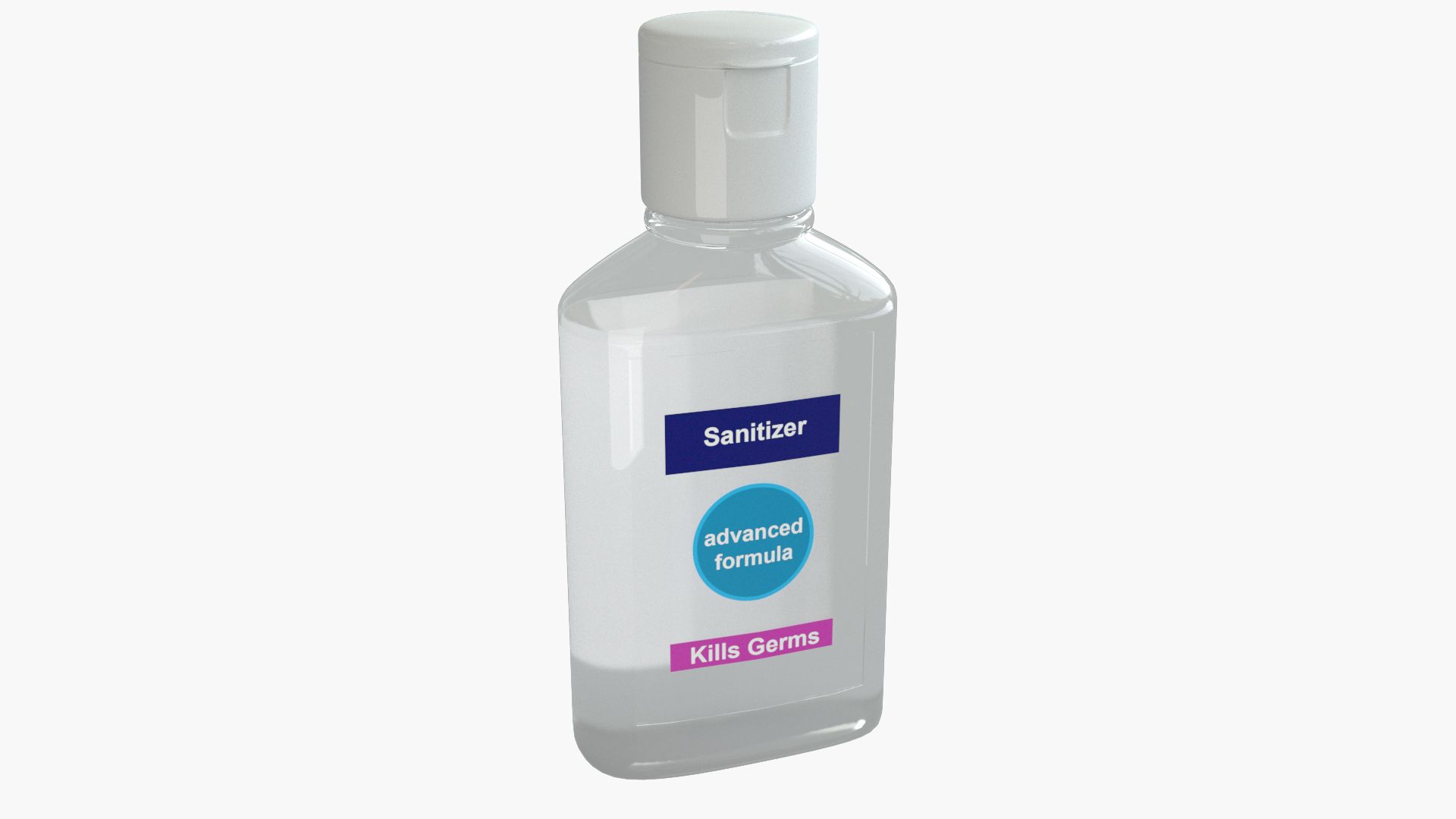


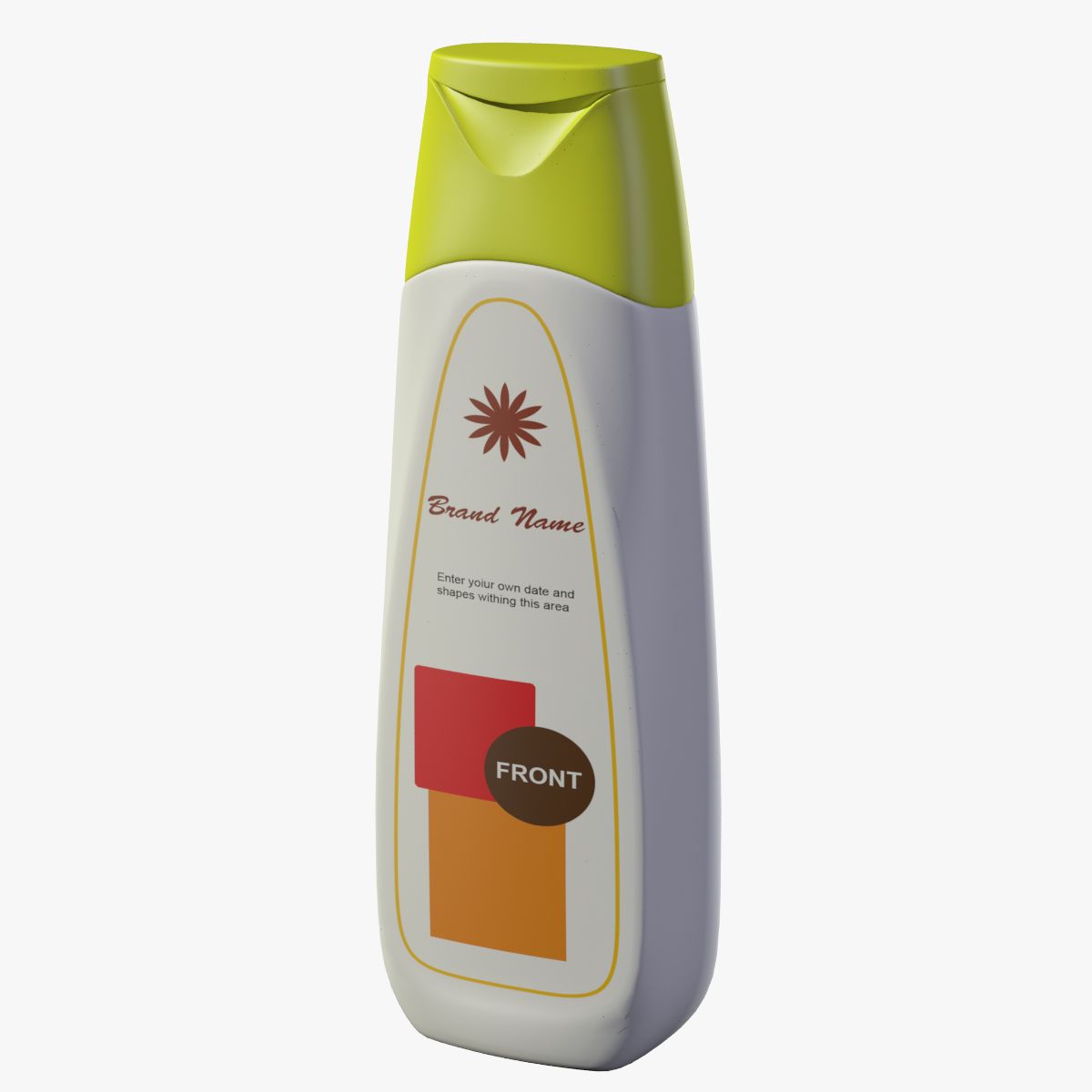
通用乳液分配器塑料瓶 3D模型
0


9
访问量

提交者
am shahien
规格
- 几何polygonal_quads only
- 多边形390
- 顶点406
- 纹理Yes
- 索具化No
- 动画No
- 适合3D打印No
- 适合游戏(低多边形)No
- UV映射Yes
- 未封装UVnon-overlapping
描述
== Specifications ==
- This model visualizing a generic plastic dispenser buttle with cap plus an editable label on the front and back sides
- The model has subdivision mod. (TurboSmooth) with iterations=2;
- Scene contains: 3 objects, 4 Camera, 3 Lights
- Verts and poly count without subdivision.
- Set : [Total] Verts(406) - Polygons(390)
- Bottle_Body: Verts(110) - Polygons(104)
- Bottle_Cap: Verts(182) - Polygons(174)
- Bottle_Cap_Cover: Verts(114) - Polygons(112)
- All objects are in one piece
- Standard materials.
- Every object in the scene has a seperated material slot.
- Textures used:
- UV_Thumb.jpg: Dimensions (2048 x 2048)
- PSD file for front and back labels included with UV guide.
== General Characteristics ==
- The preview rendered with Mental Ray Renderer (no 3rd party renderer or plug-ins)
- Clean edge loops, quads only
- Real world scale :
- Full size: 6 x 6 x 17.5 (with cap closed) centimeters
- No overlaps (faces, verts, or UVs), no open edges.
- Positioned and scaled to origin (0,0,0)
- Model is multi-objects and grouped with name [Bottle].
- All cameras used for previews included in the scene.
== Setup and Prepare ==
- Out of box render ready.
- Use the PSD (photoshop) file to place your own label design.
- There is two sets (Front) and (Back) and some dummy elements that you can replace easly with your own design.
- Must name the final images (after edit the PSD file) : [UV_Thumb.jpg]
- Finally keep in mind that Unwrap UV map exists in the PSD file (as a guide) and you should hide or delete it before saving final maps
== Types Included ==
- All NONE MAX formats are WITHOUT subdivision.
- In NONE MAX Some materials (like Raytrace) was changed or removed due to incompatibility.
- .max (version 2011)
- .obj
- .fbx
- .dwf
- .3ds
== Animations ==
- No animation
== Additional Render Elements ==
- 4 Target Cameras Included
- Lights Included (1 x Spot, 2 x Omni).
== History ==
- Model create using 3ds Max 2014 (publish version is 3ds Max 2011)
Oct 27, 2019
添加日期
Nov 13, 2021
最后更新
评测
此产品当前没有评测。
为什么不做第一个评测者呢?