

现代挂钟 3D模型
1


0
访问量

提交者
luxxeon
规格
- 几何polygonal
- 多边形27,409
- 顶点26,043
- 纹理No
- 索具化No
- 动画No
- 适合3D打印No
- 适合游戏(低多边形)No
- UV映射Yes
- 未封装UVnon-overlapping
描述
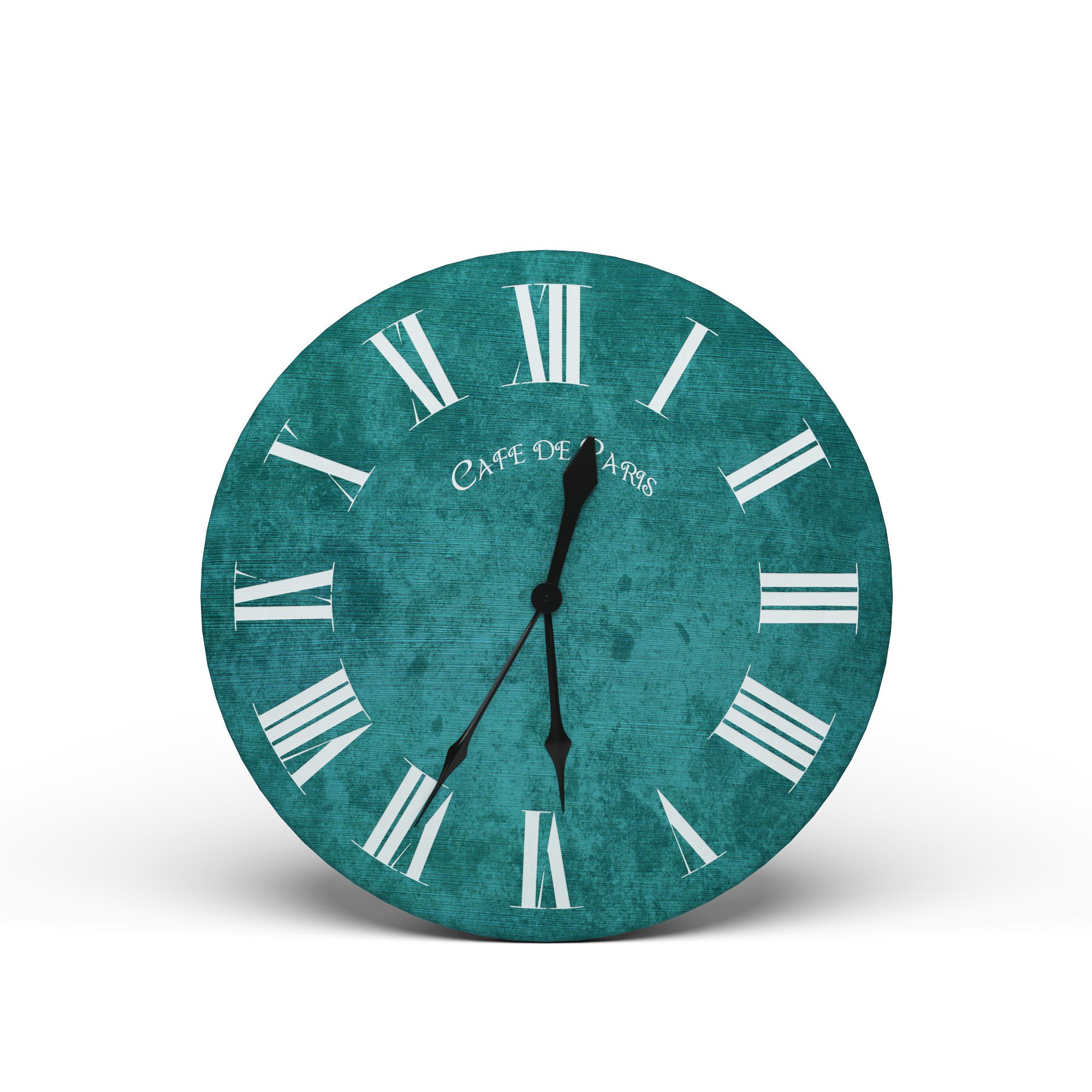
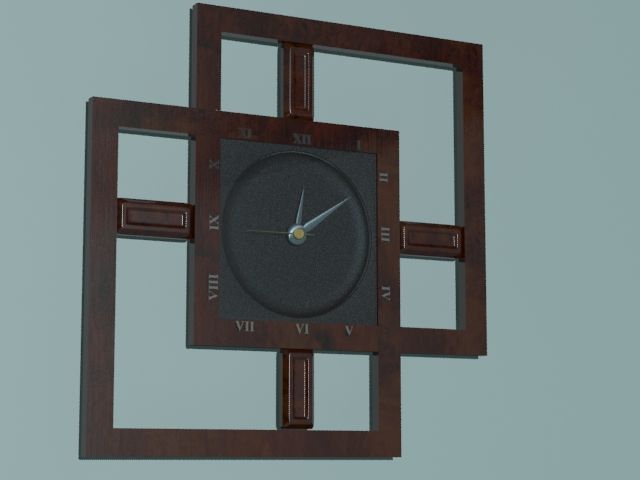
These models represent three unique, contemporary wall clocks; each unique in their style and design. Use these models to create an elegant flair and feel to any wall in your virtual world. The models were designed as architectural decor, and static props, and each element of the clocks can be assigned different materials, if you so desire. Each clock has been built with a balance of detail, and polycount in mind. All three clocks together make up 27,409 total polygons, with 26,043 vertices. The topology is all quads, with support loops for further subdivision if you decide you need it for extreme close-up rendering. However, all preview renders were created using the exact models in this package, without any topology or surface modifications.
These models are available as both custom-scaled OBJ files, and 3dsmax 2012 native scene file.
Each clock has been UV unwrapped, and can display tileable or procedural textures just fine. I recommend using good procedural materials, such as a colored plastic, to represent a realistic surface material for these clocks as they might appear in the real world.
*All preview renders were made with the Octane render engine, using a SSS plastic shader material, and no textures.
You are free to use or modify these models as you see fit, for your own projects or scenes. As with all my freebies, these models can be used for both commercial and non-commercial renders. You may NOT, however, resell or redistribute these models or textures, or any derivative of them; individually, or as part of a package/set.
*** OBJ USERS: There are 3 different OBJ files for each clock. Each clock has only 1 material (MTL file). You will notice that two of the three OBJ files are labeled for specific applications (Poser and Blender). It's recommended to use these in the specific application. POSER USERS: The clocks with "_POSER.obj" suffix were exported with a scale conversion that will allow the objects to load, with appropriate scaling, into Poser 9 and above. To import the file into Poser, please BE SURE to DE-select all the check box options in the OBJ Import Options dialogue box. DESELECT the "Centered", "Place On Floor", "Percent of Standard Figure Size", etc. so that no options are checked. This will import the object exactly as intended into the scene, with proper scaling. DAZ STUDIO users: Select "File/Import", then navigate to the folder on your hard drive that contains the models in this pack. Choose a clock with the "_POSER.obj" name. In the Import Options dialogue box, pick the Poser (1unit=8ft) option in the "FROM" dropdown list. Be sure all other options are checked, and click "Accept". BLENDER USERS: Select the "_BLENDER.obj". All other software packages should import the "STANDARD".
Aug 06, 2020
添加日期
Mar 31, 2022
最后更新
评测
此产品当前没有评测。
为什么不做第一个评测者呢?