
-->
建筑车辆人物飞行器家具电子产品动物植物武器体育食品解剖学

3D models on TurboSquid

已加入书签
书签已删除

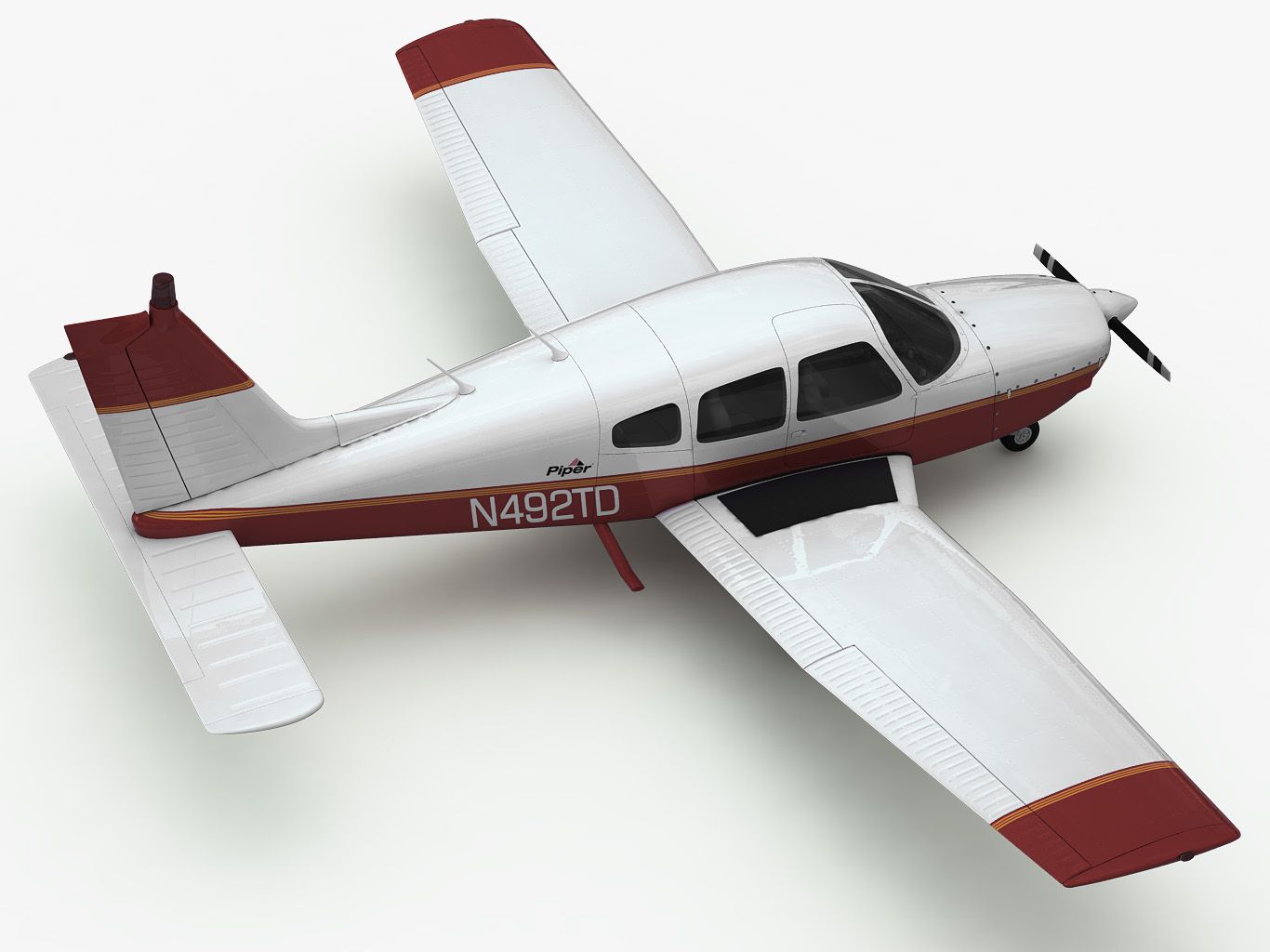
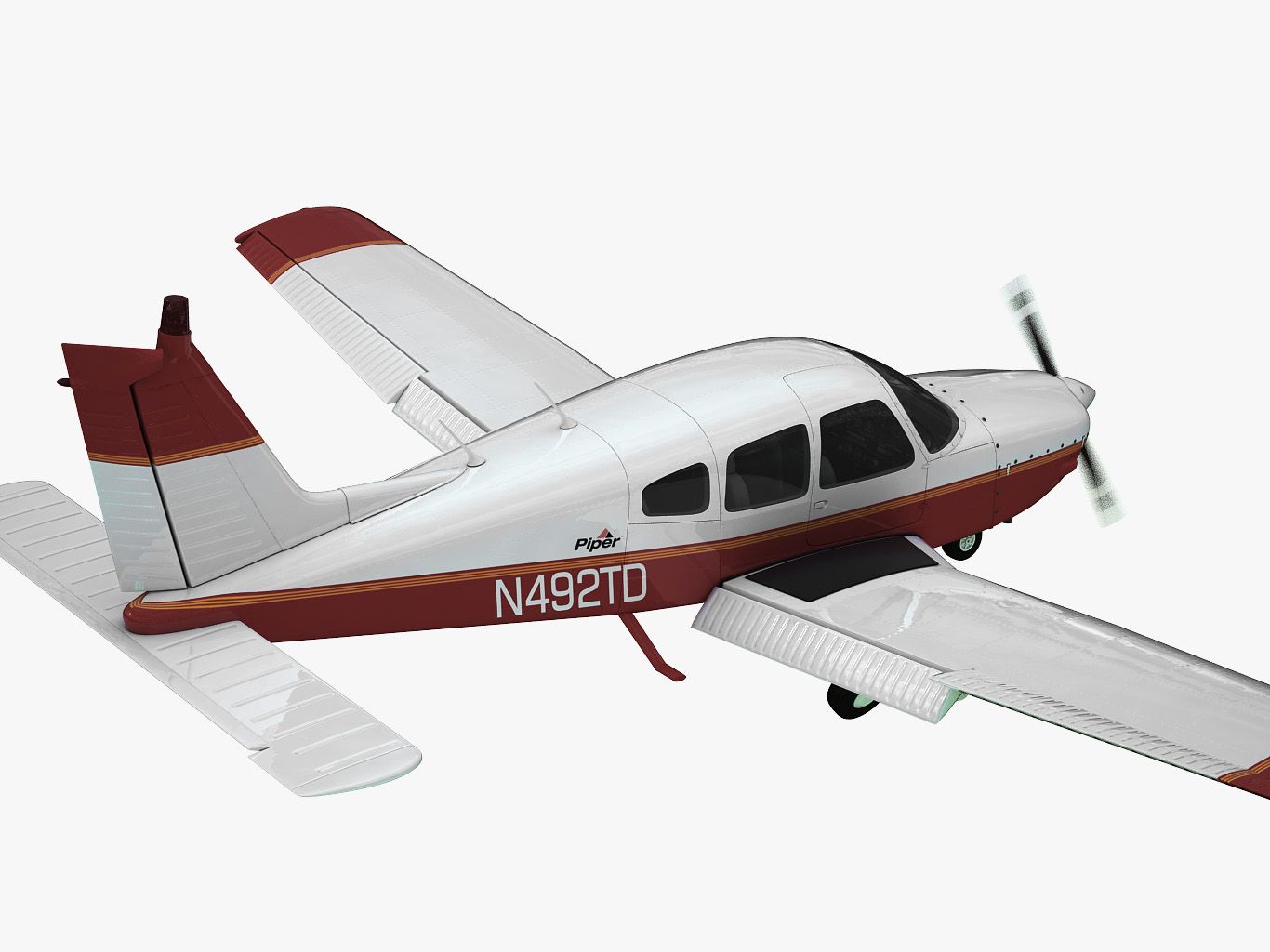
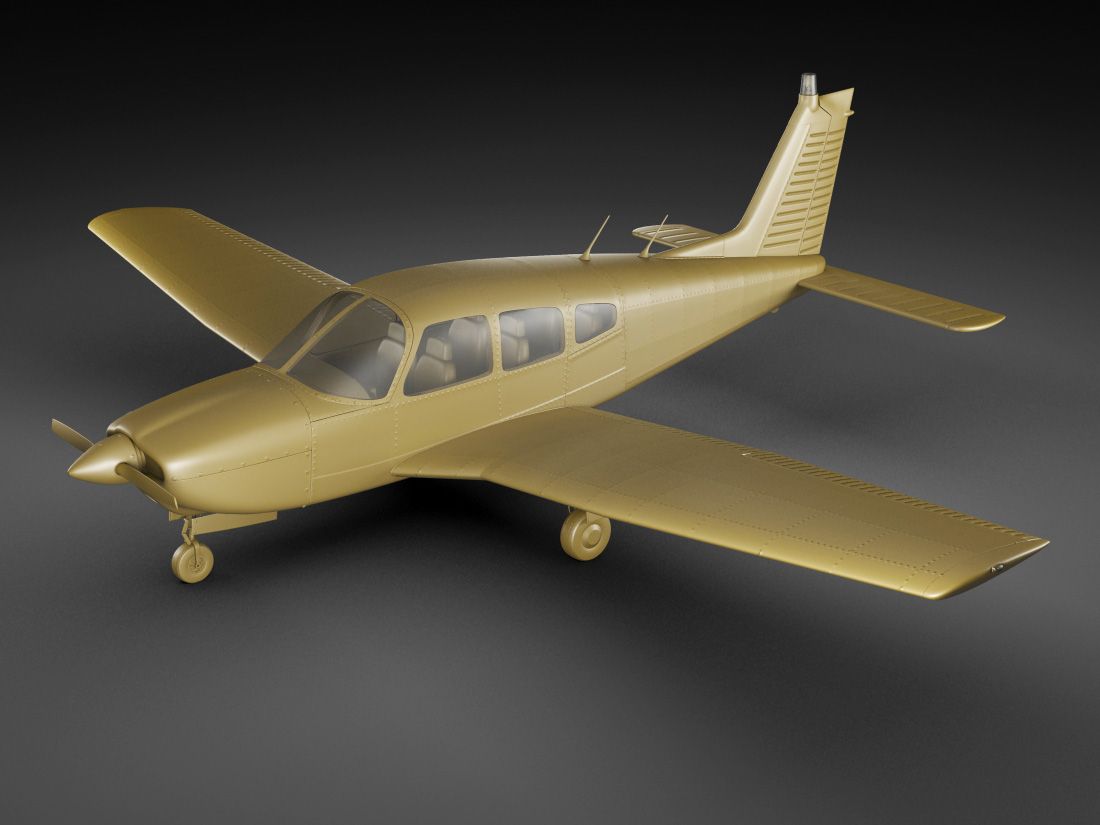
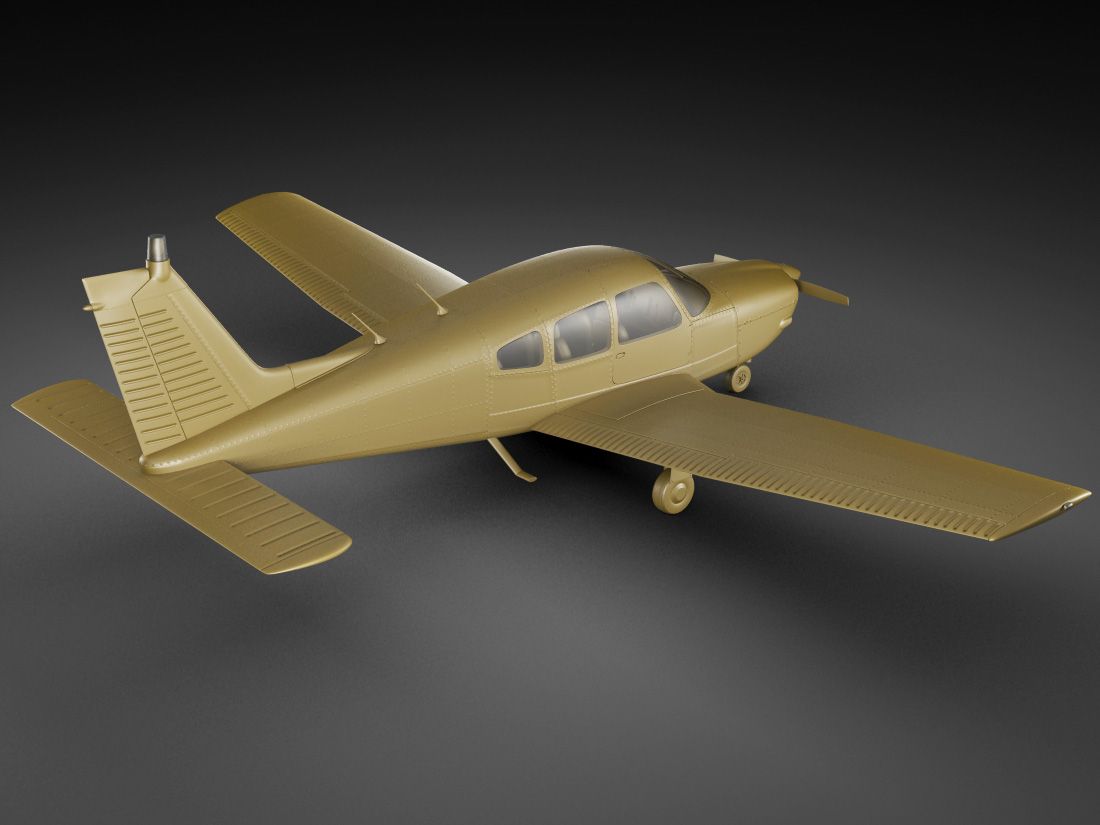
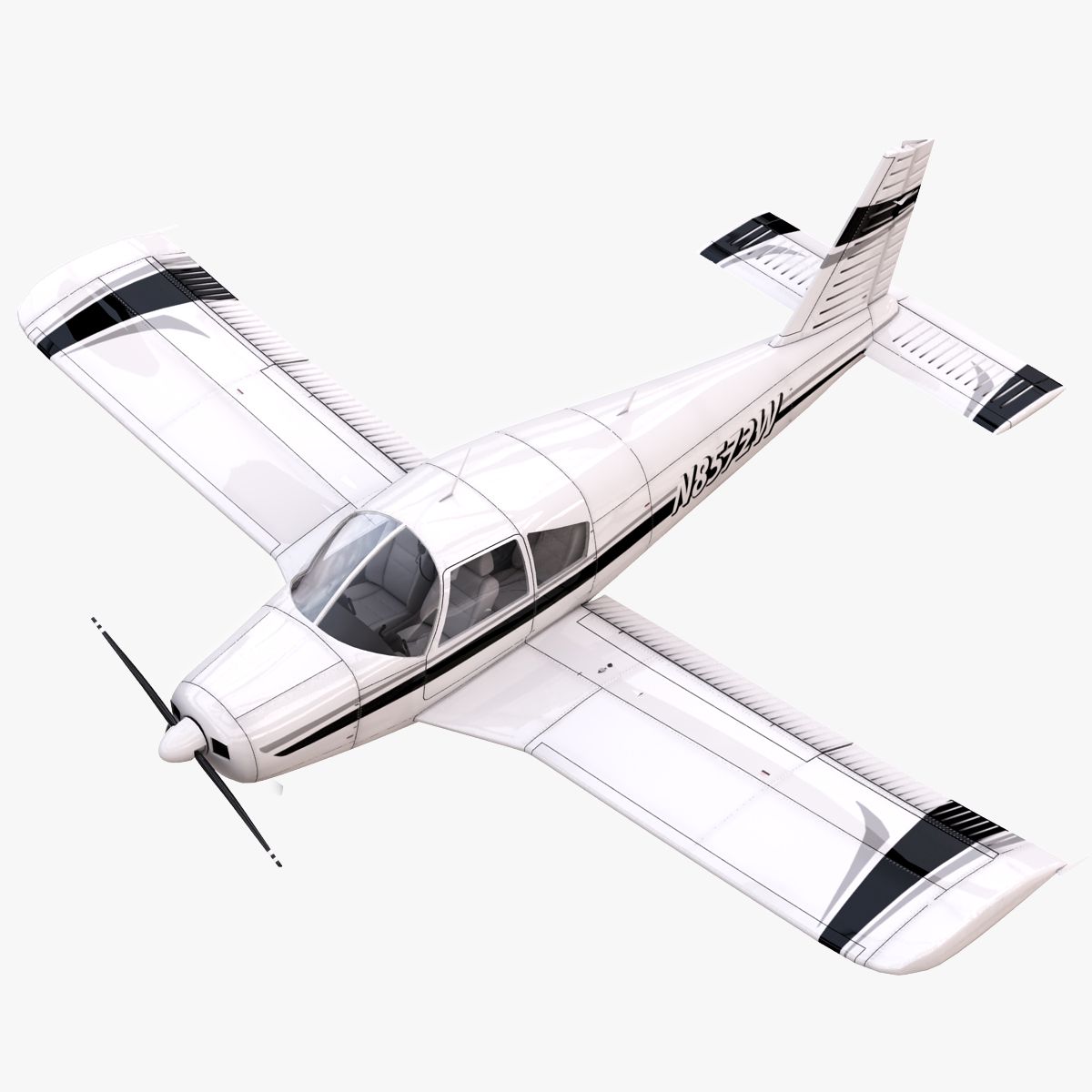
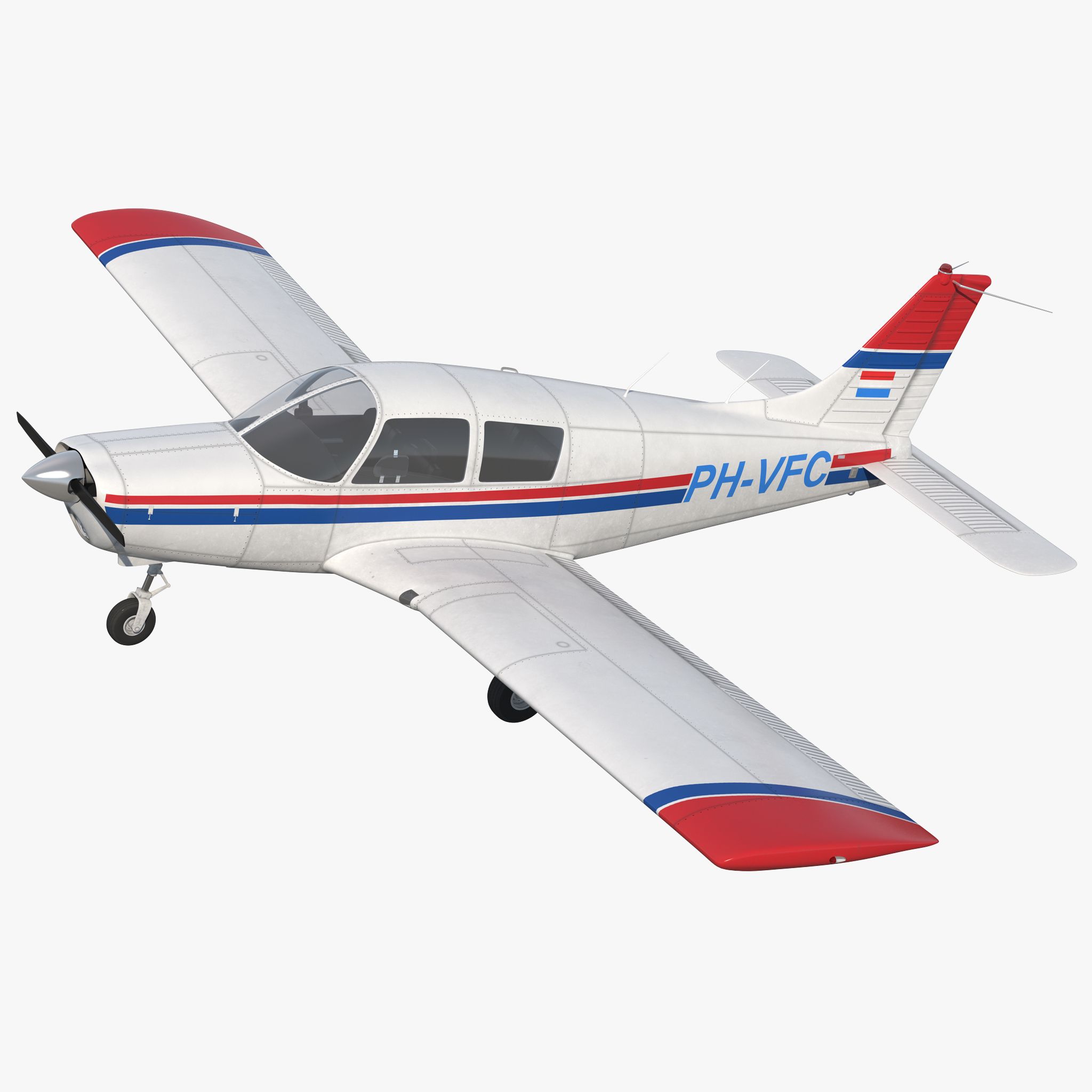
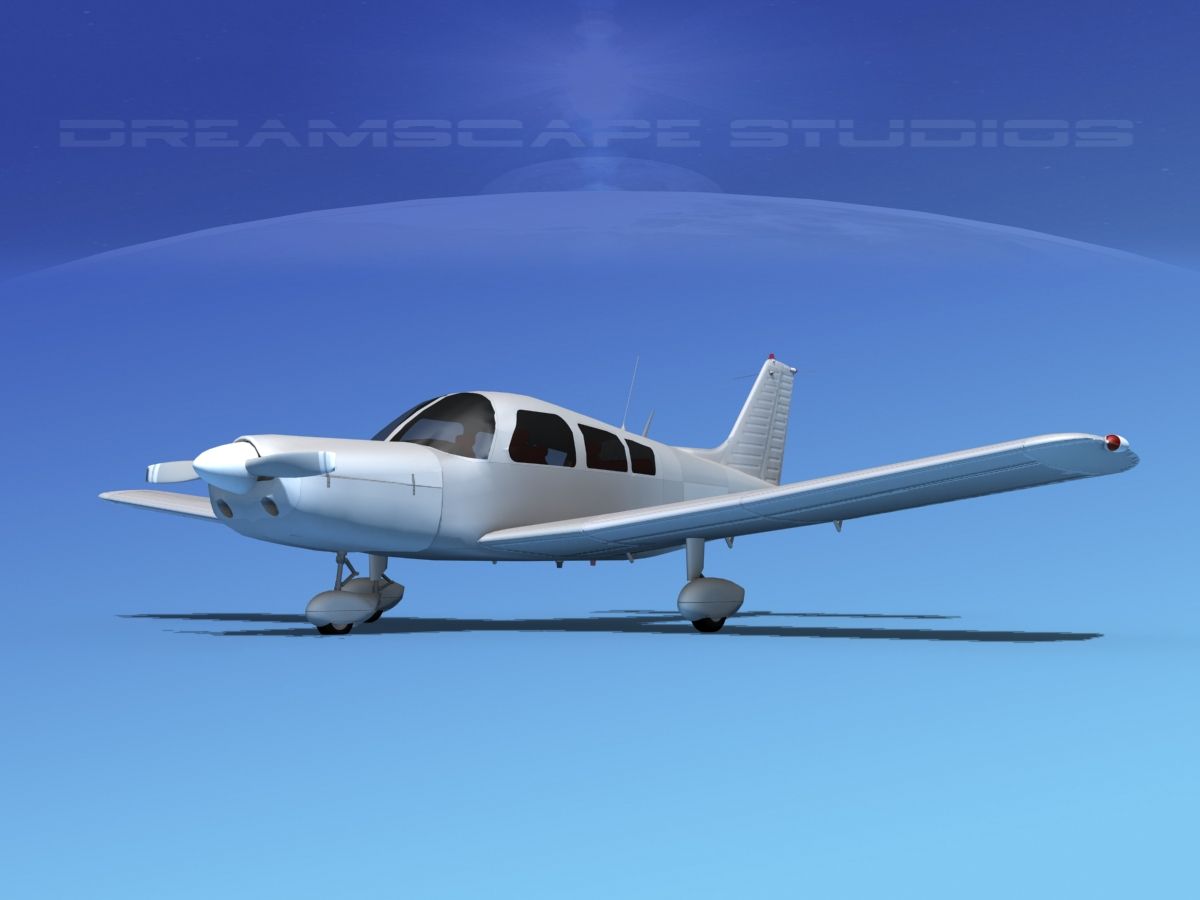
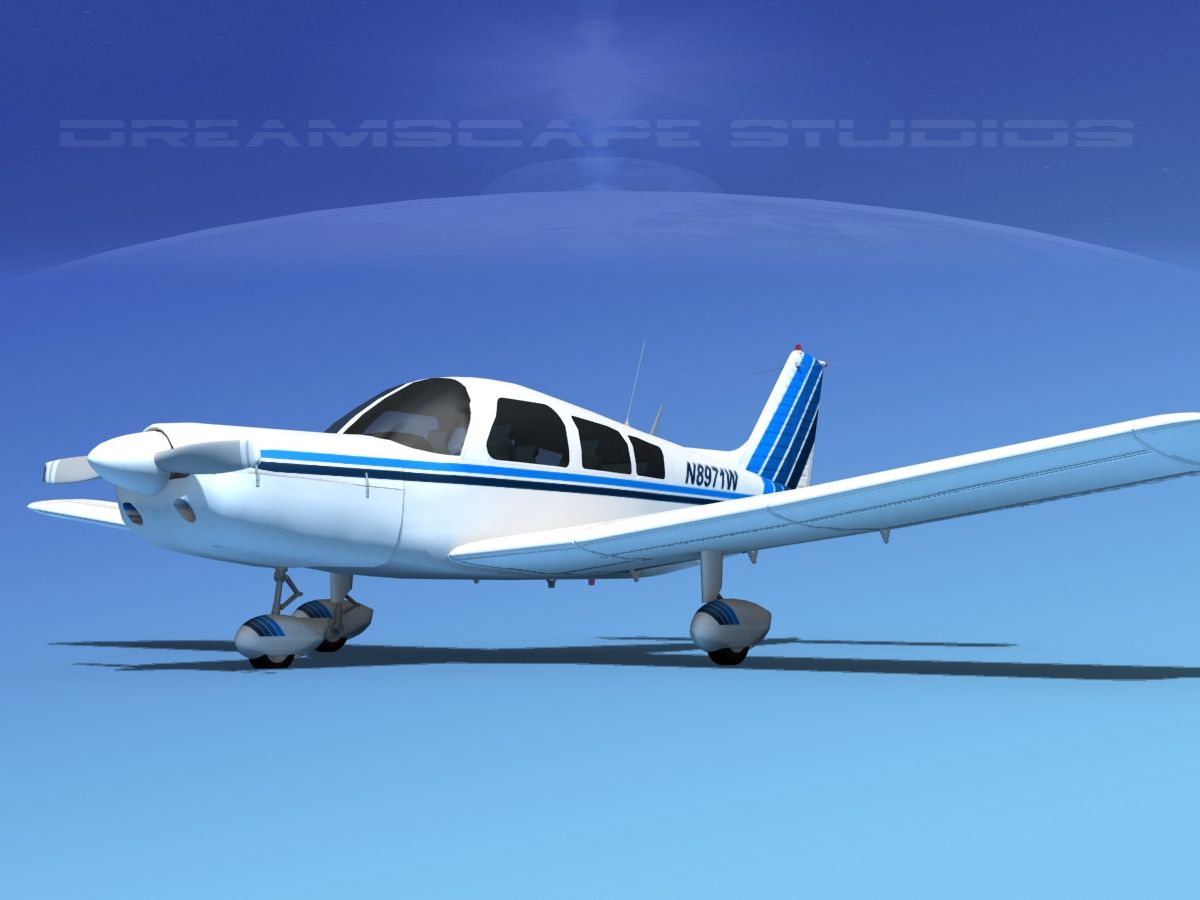
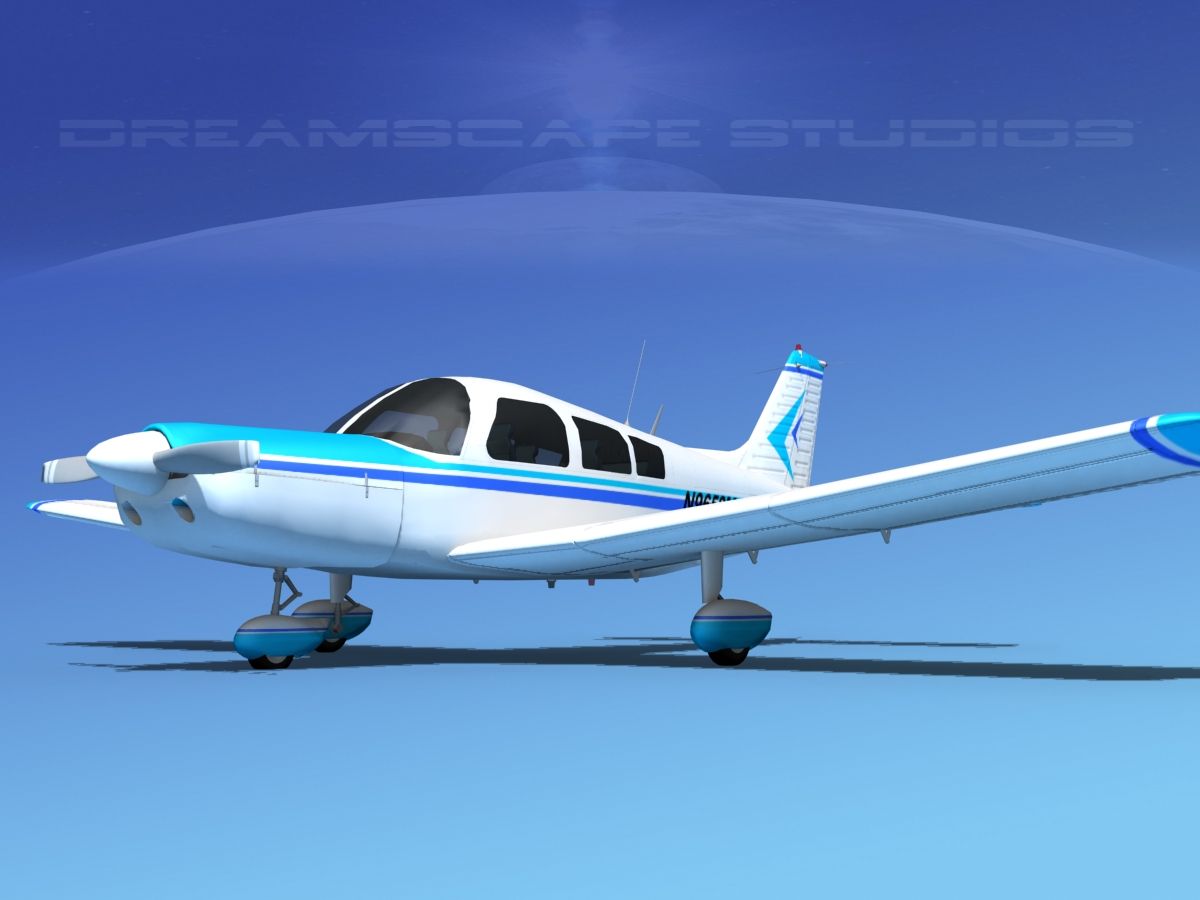
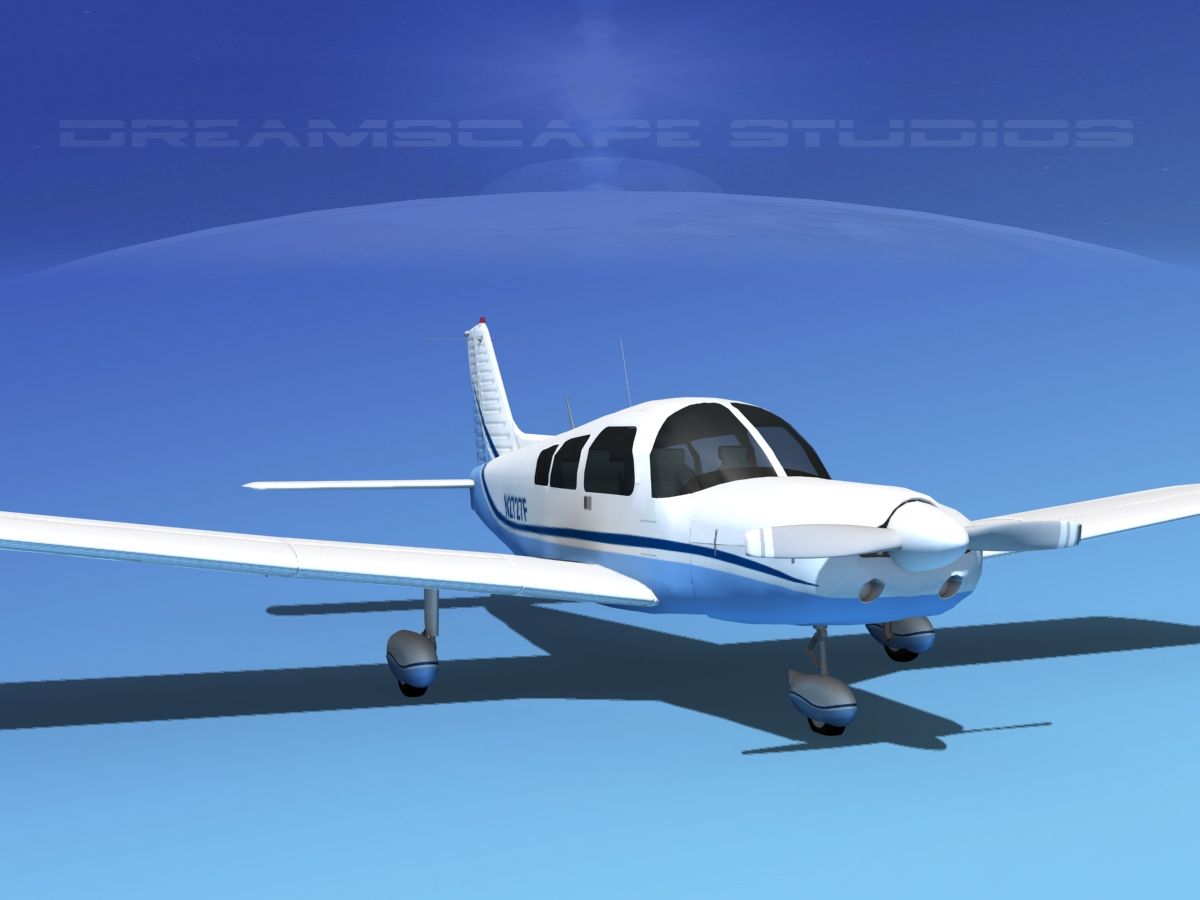
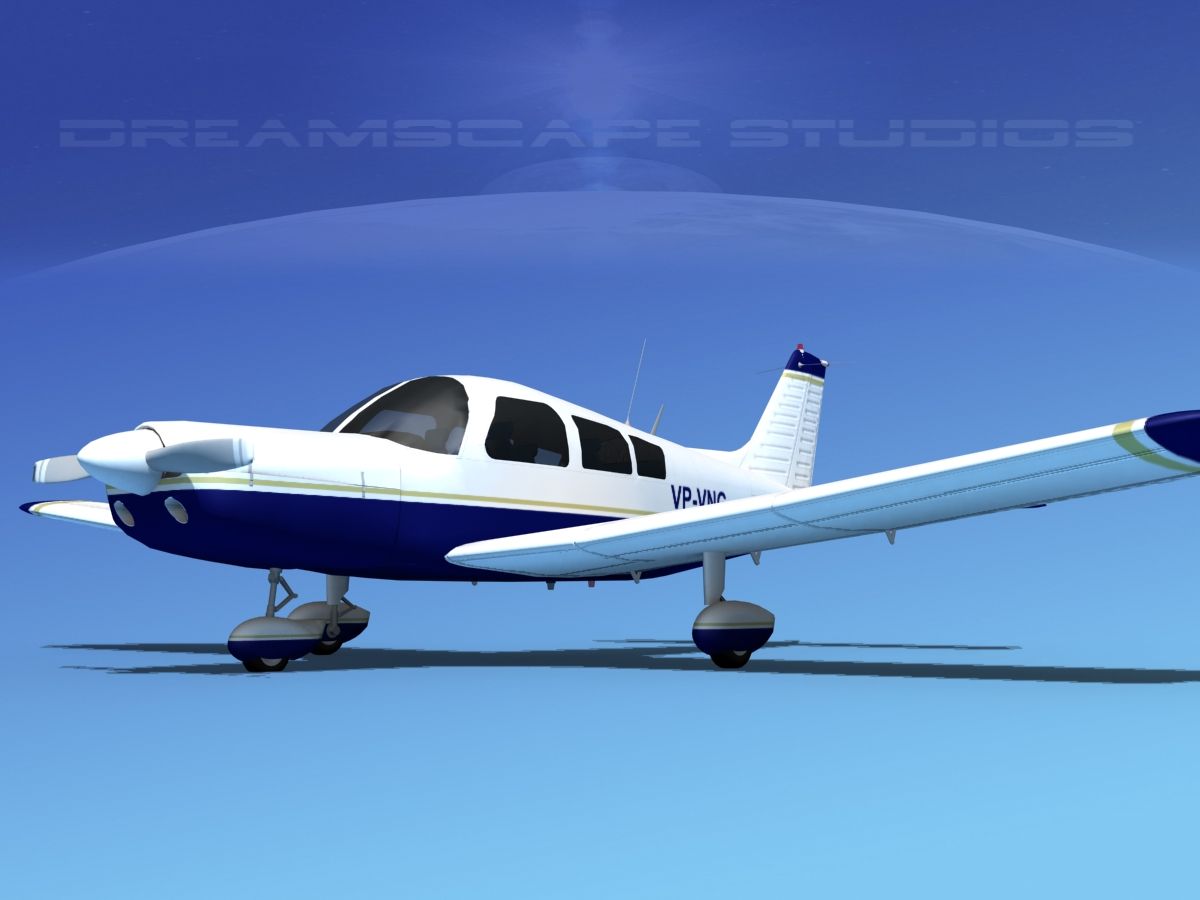
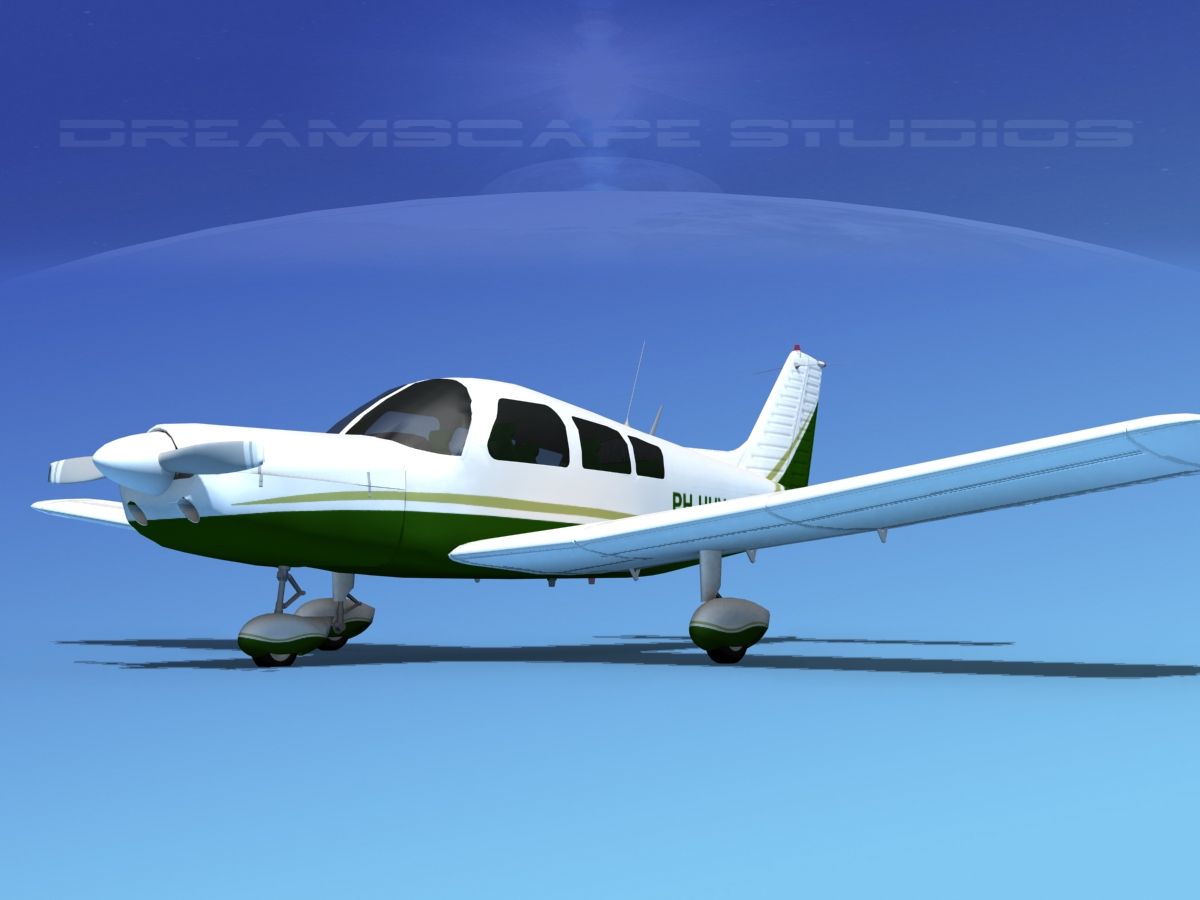
派珀 PA-28 切诺基箭头 3D模型

0
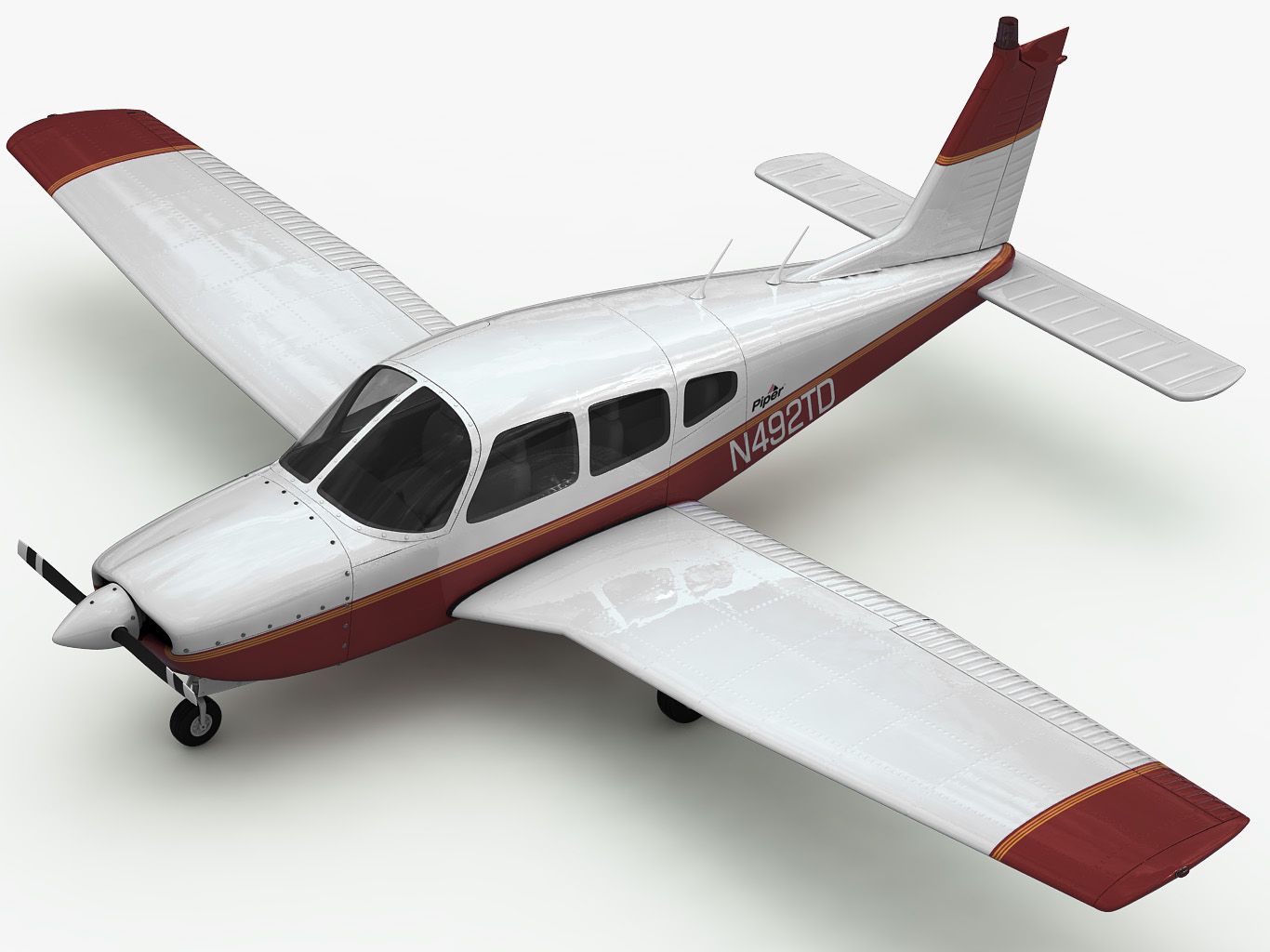
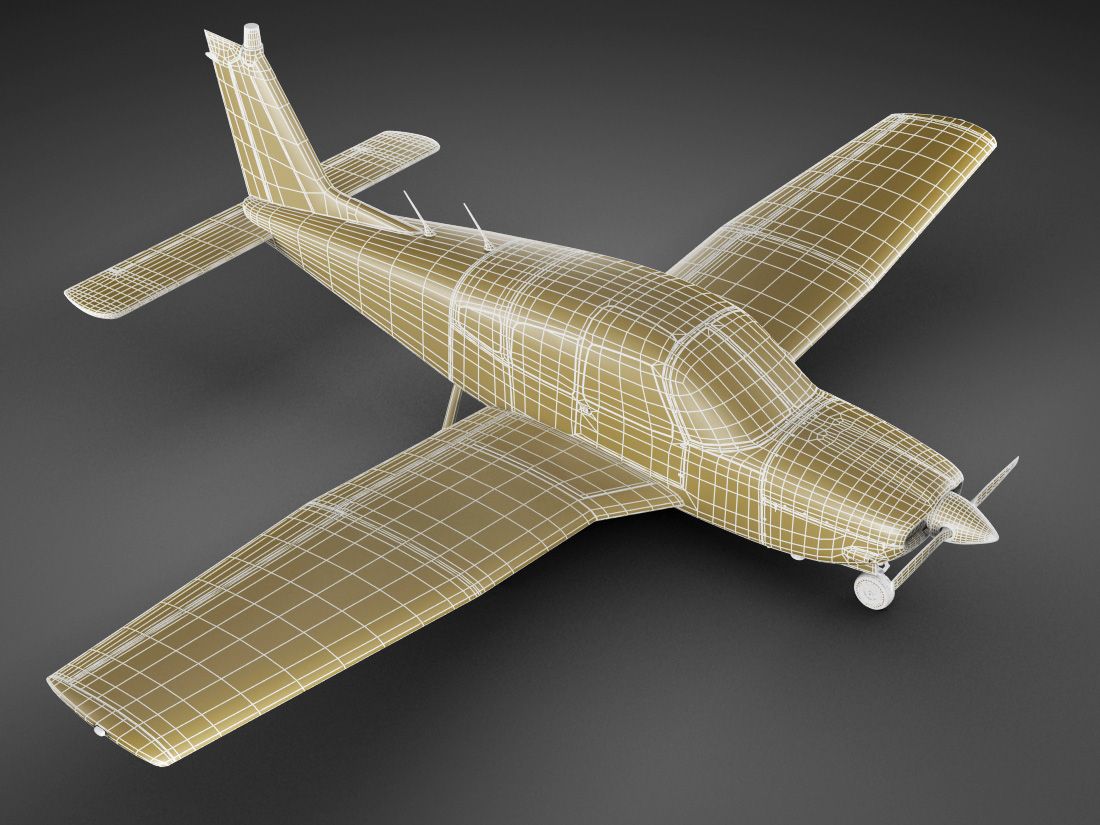
派珀 PA-28 切诺基箭头 royalty-free 3d model - Preview no. 1
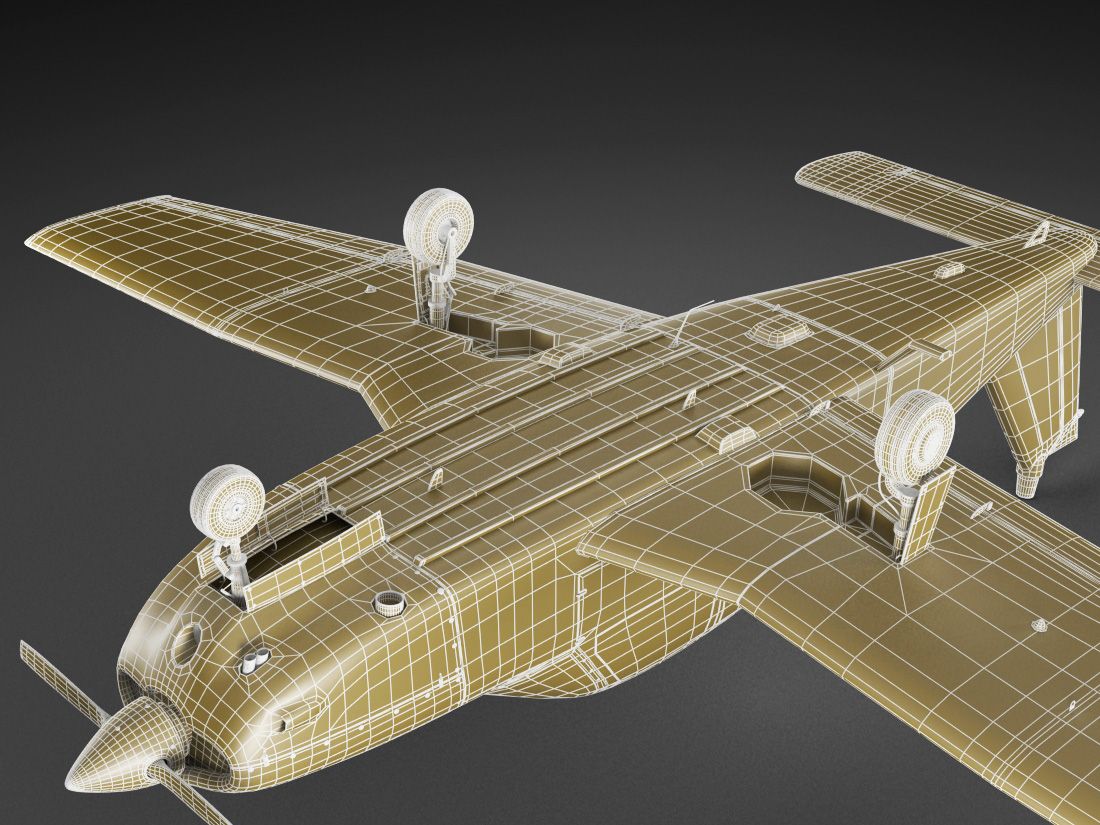
派珀 PA-28 切诺基箭头 royalty-free 3d model - Preview no. 2
派珀 PA-28 切诺基箭头 royalty-free 3d model - Preview no. 3
派珀 PA-28 切诺基箭头 royalty-free 3d model - Preview no. 4
派珀 PA-28 切诺基箭头 royalty-free 3d model - Preview no. 5
派珀 PA-28 切诺基箭头 royalty-free 3d model - Preview no. 6
派珀 PA-28 切诺基箭头 royalty-free 3d model - Preview no. 7
派珀 PA-28 切诺基箭头 royalty-free 3d model - Preview no. 8
派珀 PA-28 切诺基箭头 royalty-free 3d model - Preview no. 9
派珀 PA-28 切诺基箭头 royalty-free 3d model - Preview no. 10
派珀 PA-28 切诺基箭头 royalty-free 3d model - Preview no. 11
派珀 PA-28 切诺基箭头 royalty-free 3d model - Preview no. 12
派珀 PA-28 切诺基箭头 royalty-free 3d model - Preview no. 13
派珀 PA-28 切诺基箭头 royalty-free 3d model - Preview no. 14
派珀 PA-28 切诺基箭头 royalty-free 3d model - Preview no. 15
派珀 PA-28 切诺基箭头 royalty-free 3d model - Preview no. 16
派珀 PA-28 切诺基箭头 royalty-free 3d model - Preview no. 17
派珀 PA-28 切诺基箭头 royalty-free 3d model - Preview no. 18
派珀 PA-28 切诺基箭头 royalty-free 3d model - Preview no. 19
派珀 PA-28 切诺基箭头 royalty-free 3d model - Preview no. 20
派珀 PA-28 切诺基箭头 royalty-free 3d model - Preview no. 21
派珀 PA-28 切诺基箭头 royalty-free 3d model - Preview no. 1
派珀 PA-28 切诺基箭头 royalty-free 3d model - Preview no. 2
派珀 PA-28 切诺基箭头 royalty-free 3d model - Preview no. 3
派珀 PA-28 切诺基箭头 royalty-free 3d model - Preview no. 4
派珀 PA-28 切诺基箭头 royalty-free 3d model - Preview no. 5
派珀 PA-28 切诺基箭头 royalty-free 3d model - Preview no. 6
派珀 PA-28 切诺基箭头 royalty-free 3d model - Preview no. 7
派珀 PA-28 切诺基箭头 royalty-free 3d model - Preview no. 8
派珀 PA-28 切诺基箭头 royalty-free 3d model - Preview no. 9
派珀 PA-28 切诺基箭头 royalty-free 3d model - Preview no. 10
派珀 PA-28 切诺基箭头 royalty-free 3d model - Preview no. 11
派珀 PA-28 切诺基箭头 royalty-free 3d model - Preview no. 12
派珀 PA-28 切诺基箭头 royalty-free 3d model - Preview no. 13
派珀 PA-28 切诺基箭头 royalty-free 3d model - Preview no. 14
派珀 PA-28 切诺基箭头 royalty-free 3d model - Preview no. 15
派珀 PA-28 切诺基箭头 royalty-free 3d model - Preview no. 16
派珀 PA-28 切诺基箭头 royalty-free 3d model - Preview no. 17
派珀 PA-28 切诺基箭头 royalty-free 3d model - Preview no. 18
派珀 PA-28 切诺基箭头 royalty-free 3d model - Preview no. 19
派珀 PA-28 切诺基箭头 royalty-free 3d model - Preview no. 20
派珀 PA-28 切诺基箭头 royalty-free 3d model - Preview no. 21
免版税许可仅限编辑
退还简单
最优惠价格保证
开箱即用
0 访问量
fisherman3d

规格

  • 几何polygonal
  • 多边形150,000
  • 顶点150,000
  • 纹理Yes
  • 索具化Yes
  • 动画No
  • 适合3D打印No
  • 适合游戏(低多边形)No
  • UV映射Yes
  • 未封装UVoverlapping

格式和文件

3ds Max
(.max)
9 MB

vray Mental Ray
PiperArrow_max.rar
3DS
(.3ds)
5 MB

PiperArrow_3ds.rar
Cinema 4D
(.c4d)
1 MB

default_scanline
PiperArrow_c4d.rar
FBX
(.fbx)
18 MB

PiperArrow_fbx.rar
Lightwave
(.lwo)
1 MB

default_scanline
PiperArrow_lwo.rar
OBJ
(.obj)
15 MB

PiperArrow_obj.rar
(.unknown)
4 MB

PiperArrow_tex.rar
Softimage
(.xsi)
4 MB

default_scanline
PiperArrow_xsi.rar

描述

- Piper Arrow light airplane - Detailed exterior, simple interior - textured and UVW unwrapped - rigged exterior movable parts (ONLY IN .max FORMAT) - every object has material name, you can easily change or apply materials .max format: Rar archive contains two scenes 1. 3ds max 2010 with vray materials, which you can see in preview images in studio renders. 2. 3ds max 2010 with mental ray materials, which you can see in preview images in outdoor renders. 3. 3ds max 2010 with standard materials. In each scene model is provided with turbo smooth modifier on stack on objects that need it. Rigged parts: landing gear, elevator, rudder, flaps, ailerons. .obj format: Textures may have to be added manualy. Rar archive contains two versions of model with simple materials: 1. Exported without collapsing after mesh smooth. Low or med poly mesh which you can see in preview images, good if you need to edit model. 2. Exported after appllying mesh smooth. Just import, apply materials and render .lwo format: Textures may have to be added manualy. Rar archive contains model exported without collapsing after mesh smooth. Low or med poly mesh which you can see in preview images, good if you need to edit model. Simple materials. .fbx and .3ds format: Textures may have to be added manualy. Rar archive contains model exported after appllying mesh smooth. Just import, apply materials and render. Polycount: without meshsmooth max,obj,lwo: 150 000 polygons collapsed fbx,3ds,obj: 600 000 faces/300 000 poly
Nov 12, 2021 添加日期
May 19, 2025 最后更新

评测

此产品当前没有评测。
为什么不做第一个评测者呢?