



塑料椅 3 - b 3D模型
0


0
访问量

提交者
MVG86
规格
- 几何polygonal_quads/tris
- 多边形18,624
- 顶点9,331
- 纹理Yes
- 索具化No
- 动画No
- 适合3D打印No
- 适合游戏(低多边形)No
- UV映射Yes
- 未封装UVnone
描述
This is a realistic 3d model of a chair created using blender and rendered using the cycles rendering engine. I have only put the blend file. You can ask turbosquid to convert it to the format of your choice.
What You See Is What You Get --->
--> High quality 3d model which can be used in animations & static renders.
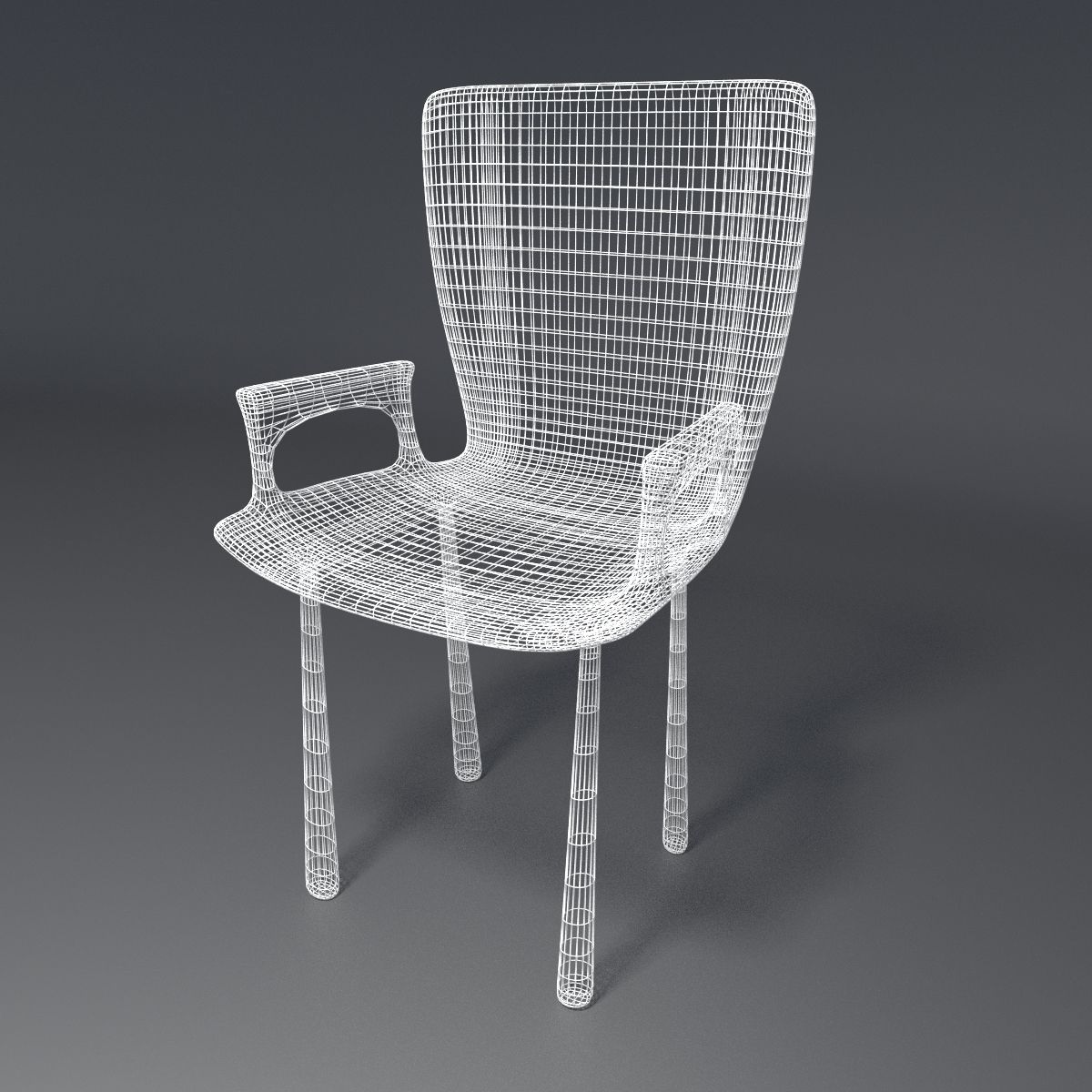
--> A Subsurf modifier is set on the object and the level can easily be increased or decreased to get a higher or lower quality model.
--> A Wireframe modifier, set to not view and not render.
--> The scene has realistic lighting; in this case, a sun for the main environment light , and a point light focused near the chair.
--> The various components are spread across a few layers.
Layer 1 contains a basic bowl shaped object which gives the illusion of an infinite plane. This object is quite big and the chair can easily be placed inside it. It also contains the lights, i.e., sun & point light.
Layer 2 contains the camera.
Layer 3 contains the main chair object.
Layer 11 contains a basic room and a basic floor. It is very simple but you can expand it further for your renders. I have not included it in any of the presentation images.
*** You can also check out my profile for other models of these and other kind of chairs.****
*** Also note that the model which you get has the subdivision modifier set to view as 1 and render as 2, the final renders which you see above are because the modifier is set to render at 2.
********************************************************************
**** Poly count when the rendered images are exactly as above. *****
********************************************************************
Tris --> 18624
Vertices --> 9331
********************************************************************
**** Poly count which you get when you download the file.***********
********************************************************************
Tris --> 5712
Vertices --> 2875
Note that the difference in renders between the two subsurf settings is not that much but enough to get more realism out of it.
Nov 12, 2021
添加日期
Nov 12, 2021
最后更新
评测
此产品当前没有评测。
为什么不做第一个评测者呢?