-->
建筑车辆人物飞行器家具电子产品动物植物武器体育食品解剖学

3D models on TurboSquid

已加入书签
书签已删除

拼图20 x 20件 3D模型

0
拼图20 x 20件 royalty-free 3d model - Preview no. 1
拼图20 x 20件 royalty-free 3d model - Preview no. 2
拼图20 x 20件 royalty-free 3d model - Preview no. 3
拼图20 x 20件 royalty-free 3d model - Preview no. 4
拼图20 x 20件 royalty-free 3d model - Preview no. 5
拼图20 x 20件 royalty-free 3d model - Preview no. 6
拼图20 x 20件 royalty-free 3d model - Preview no. 7
拼图20 x 20件 royalty-free 3d model - Preview no. 1
拼图20 x 20件 royalty-free 3d model - Preview no. 2
拼图20 x 20件 royalty-free 3d model - Preview no. 3
拼图20 x 20件 royalty-free 3d model - Preview no. 4
拼图20 x 20件 royalty-free 3d model - Preview no. 5
拼图20 x 20件 royalty-free 3d model - Preview no. 6
拼图20 x 20件 royalty-free 3d model - Preview no. 7
免版税许可所有扩展用途
退还简单
最优惠价格保证
开箱即用
0 访问量
AntoniVV

规格

  • 几何polygonal
  • 多边形189,264
  • 顶点163,917
  • 纹理Yes
  • 索具化No
  • 动画No
  • 适合3D打印No
  • 适合游戏(低多边形)No
  • UV映射Yes
  • 未封装UVnon-overlapping

格式和文件

Blender
(.blend)
43 MB

cycles 2.78
puzzle_20x20.blend

描述

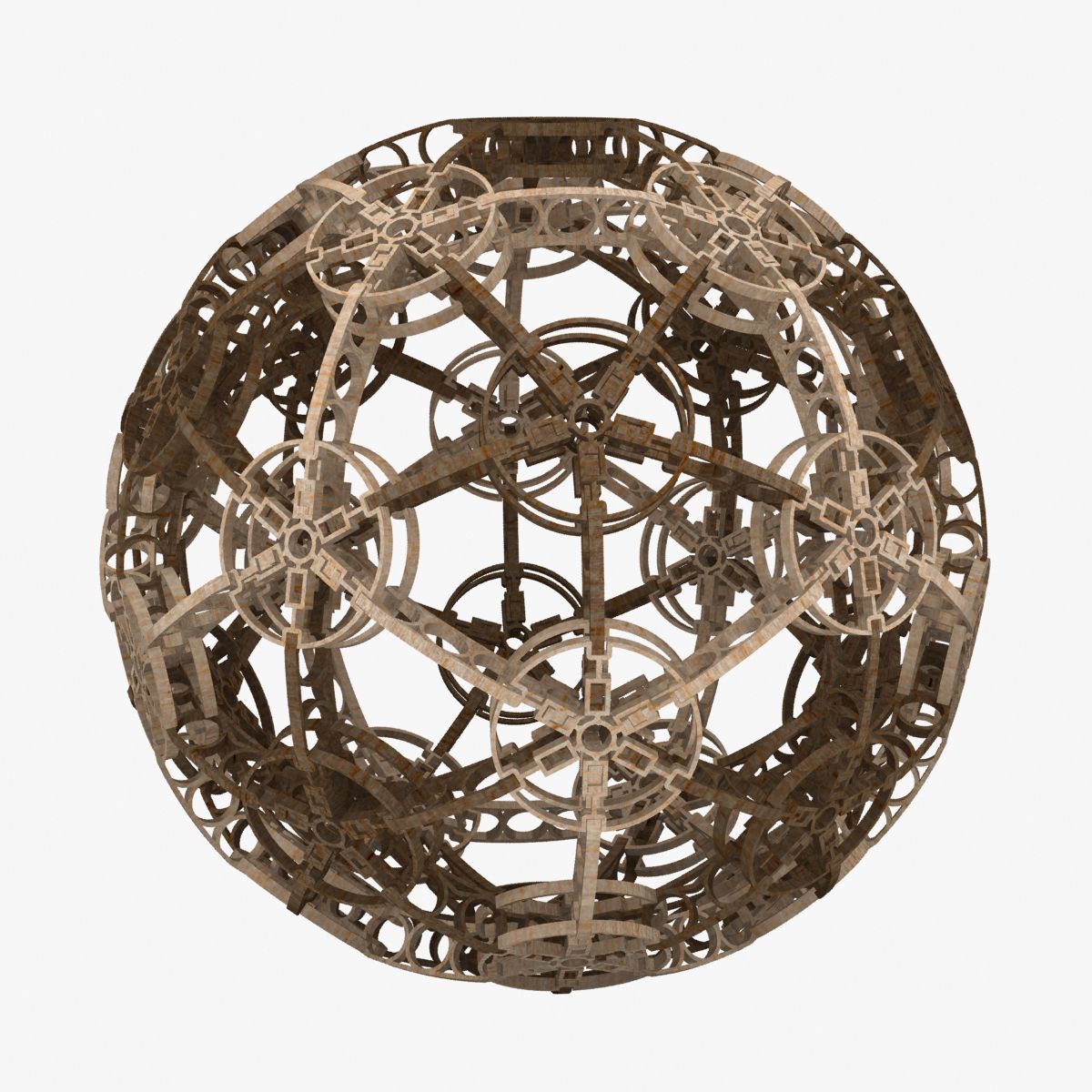
Puzzle with 400 pieces (20 x 20), in just 1 object. You can separate the pieces after chosing the photo you want as image for the puzzle. Cycles material, with the nodes ready to substitute the texture image. To separate the pieces: - in Edit Mode, go to 'Mesh/Vertices/Separate' (or 'P' key), and choose 'By loose parts'. - After that, if you want to animate the pieces, better if you put the object origins in the center of the pieces: in Object Mode, go to the menu 'Objet/Transform/Origin to Geometry'. Then you'll have all pieces with the same material and UVmap, using the image properly.
Jun 17, 2020 添加日期
Oct 20, 2021 最后更新

评测

此产品当前没有评测。
为什么不做第一个评测者呢?