-->
建筑车辆人物飞行器家具电子产品动物植物武器体育食品解剖学
已加入书签
书签已删除

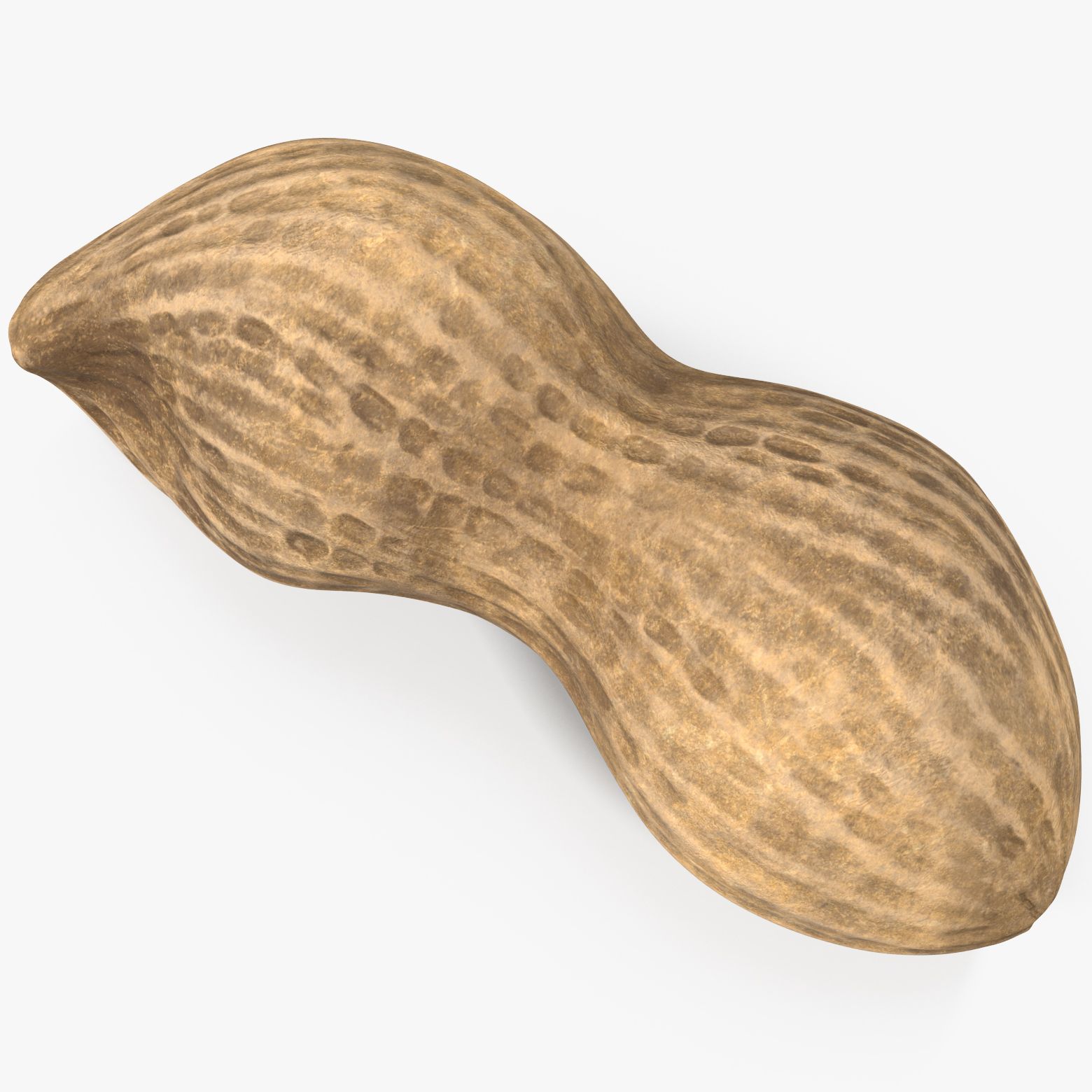
现实花生桩2 3D模型

0
现实花生桩2 royalty-free 3d model - Preview no. 1
现实花生桩2 royalty-free 3d model - Preview no. 2
现实花生桩2 royalty-free 3d model - Preview no. 3
现实花生桩2 royalty-free 3d model - Preview no. 4
现实花生桩2 royalty-free 3d model - Preview no. 5
现实花生桩2 royalty-free 3d model - Preview no. 6
现实花生桩2 royalty-free 3d model - Preview no. 7
现实花生桩2 royalty-free 3d model - Preview no. 8
现实花生桩2 royalty-free 3d model - Preview no. 9
现实花生桩2 royalty-free 3d model - Preview no. 10
现实花生桩2 royalty-free 3d model - Preview no. 11
现实花生桩2 royalty-free 3d model - Preview no. 12
现实花生桩2 royalty-free 3d model - Preview no. 13
现实花生桩2 royalty-free 3d model - Preview no. 14
现实花生桩2 royalty-free 3d model - Preview no. 15
现实花生桩2 royalty-free 3d model - Preview no. 16
现实花生桩2 royalty-free 3d model - Preview no. 1
现实花生桩2 royalty-free 3d model - Preview no. 2
现实花生桩2 royalty-free 3d model - Preview no. 3
现实花生桩2 royalty-free 3d model - Preview no. 4
现实花生桩2 royalty-free 3d model - Preview no. 5
现实花生桩2 royalty-free 3d model - Preview no. 6
现实花生桩2 royalty-free 3d model - Preview no. 7
现实花生桩2 royalty-free 3d model - Preview no. 8
现实花生桩2 royalty-free 3d model - Preview no. 9
现实花生桩2 royalty-free 3d model - Preview no. 10
现实花生桩2 royalty-free 3d model - Preview no. 11
现实花生桩2 royalty-free 3d model - Preview no. 12
现实花生桩2 royalty-free 3d model - Preview no. 13
现实花生桩2 royalty-free 3d model - Preview no. 14
现实花生桩2 royalty-free 3d model - Preview no. 15
现实花生桩2 royalty-free 3d model - Preview no. 16
免版税许可所有扩展用途
退还简单
最优惠价格保证
开箱即用
14 访问量
Litarvan

规格

  • 几何polygonal_quads/tris
  • 多边形4,611
  • 顶点4,678
  • 纹理Yes
  • 索具化No
  • 动画No
  • 适合3D打印No
  • 适合游戏(低多边形)No
  • UV映射Yes
  • 未封装UVnon-overlapping

格式和文件

3DS
(.3ds)

PeanutsFullPile_2nd_3ds.rar
FBX
(.fbx)

PeanutsFullPile_2nd_fbx.rar
OBJ
(.obj)

PeanutsFullPile_2nd_obj.rar
3ds Max
(.max)
26 MB

default_scanline
PeanutsFullPile_2012_Standard_max.rar
3ds Max
(.max)
20 MB

vray 2
PeanutsFullPile_2012_V-Ray_max.rar
3ds Max
144 MB

PeanutsFullPile_2nd_TIF_Textures.rar

描述

V-Ray and standard materials - Hi-Res Realistic product - Correct scale - Object(s) in their own layer (name via product name) Maps in max archives : Diffuse 4096*4096px JPG Normals 2048*2048px TIF 32 bit Displacement 2048*2048px exr 16 bit Displacement 2048*2048px TIF These are optimized and are indistinguishable from 8192*8192px TIFFs (which take more RAM during rendering etc.) Nevertheless if you want 105% quality, you can download the separate hires TIFF textures archive (around 250MB), which contains: Diffuse 8192*8192px TIF Normal 4096*4096px TIF Displacement 16bit 4096*4096px TIF Displacement 32bit 4096*4096px EXR If you need just the original mesh without using displacement map during rendering, take the low poly version, subdivide it a couple of times and use the displacement map in 'displace' modifier (in 3ds max) or similiar in other applications, which will deform your mesh in viewport realtime, so you get the original hipoly mesh. You can use it, or use it as proxy or decimated it etc. Objects are in their own layer called '_Merged_Buyed'. No part-name confusion when importing. Centered on 0,0,0. Lighting 'rig' is not included in the scene as previous checkmate specifications demanded.
Oct 20, 2019 添加日期
Mar 08, 2022 最后更新

评测

此产品当前没有评测。
为什么不做第一个评测者呢?