



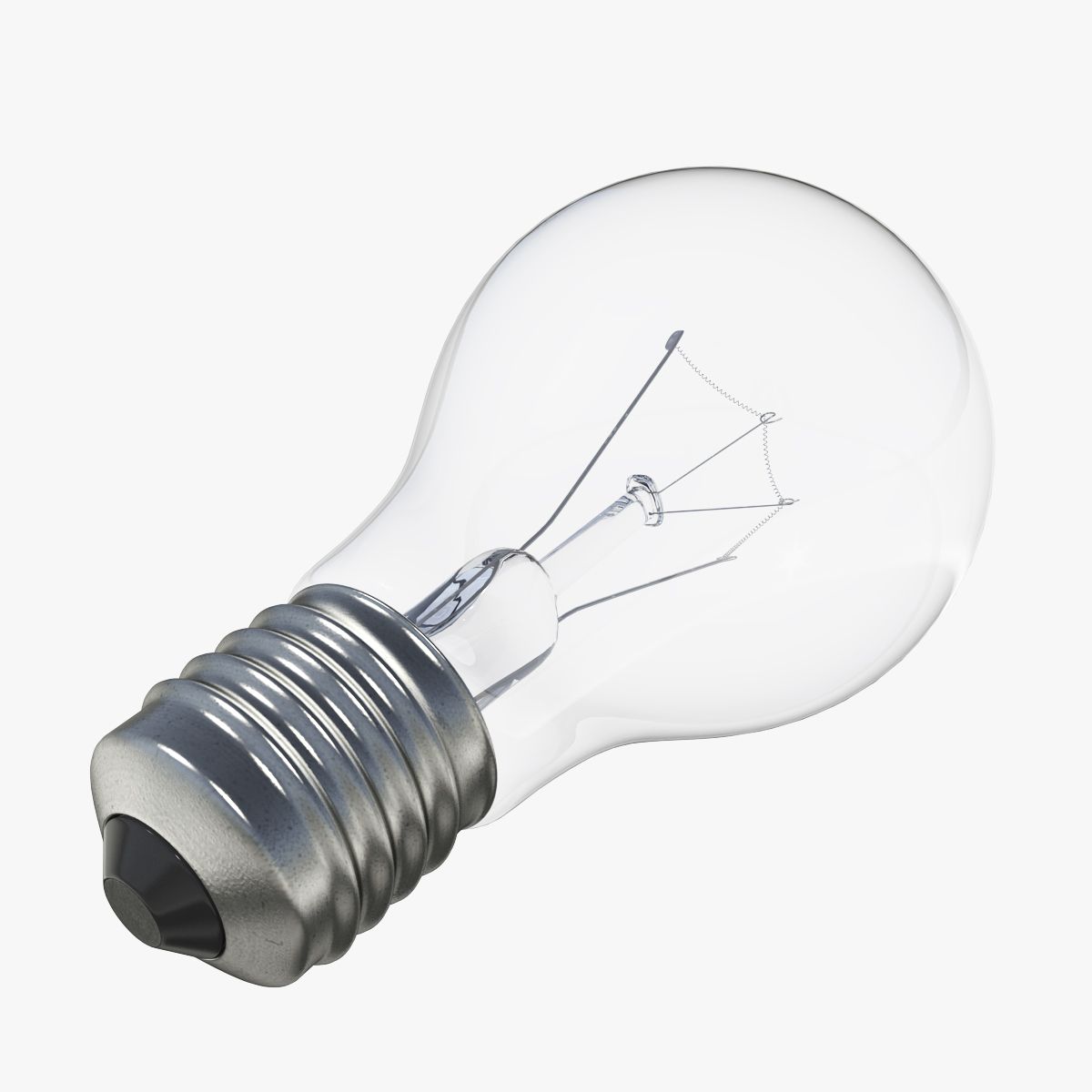


台灯4 3D模型
0


0
访问量

提交者
XZModels
规格
- 几何polygonal_quads only
- 多边形4,284
- 顶点4,340
- 纹理Yes
- 索具化No
- 动画No
- 适合3D打印No
- 适合游戏(低多边形)No
- UV映射Yes
- 未封装UVnon-overlapping
描述
Note: To toggle light ON/OFF in your render, follow these steps:
For 3Ds Max + Corona:
Select Corona Lights
Located in the group
'SM_Table_Lamp_4_XZModels' > 'SM_Table_Lamp_4_Lights_XZModels'
Go to Modify panel and in 'Corona Light',
increase/decrease intensity as you prefer to toggle ON/OFF.
For 3Ds Max + VRay:
Select VRay Lights
Located in the group
'SM_Table_Lamp_4_XZModels' > 'SM_Table_Lamp_4_Lights_XZModels'
Go to Modify panel and in 'General', increase/decrease
Multiplier as you prefer to toggle ON/OFF.
Geometry:
- Mesh is completely sub-dividable.
- Maintained perfect edge loop through out 3D Model.
- Used only Quad geometry. Making it versatile in every aspect.
- No Triangles and N-Gons at all.
Materials:
- Providing perfectly organized folders for suitable renderer.
- Every Material is named uniquely. Editing materials were never been easier.
Textures:
- All Textures are in 4096px X4096px Resolution.
- Well organized PSD is included for your changes and preferences.
Organization of scene:
- Perfectly named Objects and Materials (Even Textures) for best editing experience.
- Relative paths for Texture to avoid missing errors.
- Long descriptive names to avoid conflicting names with your scene.
- Easy to read file structure.
- real world size (system units - mm)
- coordinates of location of the model in space (x0, y0, z0)
- does not contain extraneous or hidden objects (lights, cameras, shapes etc.)
File Formats:
Native used Software:
Autodesk 3dsmax 2014 + VRay 3.30.05
&
Autodesk 3dsmax 2014 + Corona 1.6
Other Provided file formats:
Fbx, Obj and more...
PSD for editing Textures
All standard 4K Jpeg Textures
Renders:
- All previews are Rendered in 3dsmax 2014 and Corona 1.6.
- Model is hot and ready to drag it in your scene.
Press render to create wonder!
Thankyou - XZModels
Jul 16, 2020
添加日期
Mar 06, 2022
最后更新
评测
此产品当前没有评测。
为什么不做第一个评测者呢?