


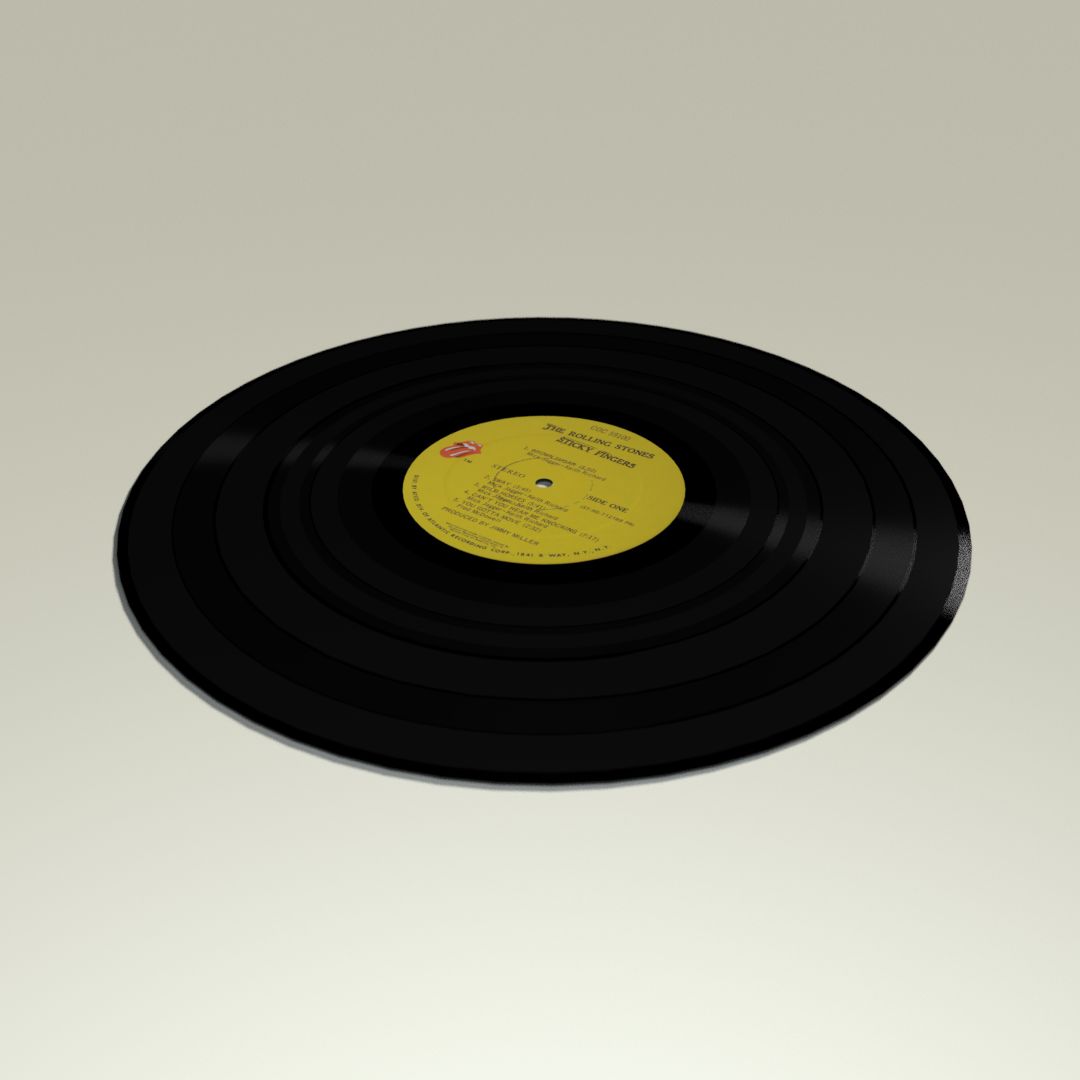

Technics 黑胶唱片机 3D模型
0


0
访问量

提交者
outofourlives
规格
- 几何polygonal
- 多边形189,533
- 顶点190,776
- 纹理Yes
- 索具化Yes
- 动画No
- 适合3D打印No
- 适合游戏(低多边形)No
- UV映射Yes
- 未封装UVnon-overlapping
描述
Technics SL-1200GR Turntable.
All preview images shown are rendered with Octane Render. Plus a few screenshots of the model in the viewports of Cinema 4D, Substance Painter, and Element 3D. Enviroments and lighting setups are not included. The Technics logo is present in all of the textures, but easily removable. The vinyl has no texture on the bottom side.
Files include:
_C4D_Octane- Cinema 4D project file with Octane shaders, using dedicated 8K texture maps. This is where all the renders come from. Rigged as specified above.
_ORBX- Octane Standalone Package with embeded textures. Can be unpacked as OCS, or imported into any host program running Octane (or Standalone), using the orbx importer.
_SPP- Substance Painter project file. You can edit the textures for all file formats bellow.
_TEX- Textures exported from Substance Painter and used for all the files bellow. Textures are 4K 16bit png files (Spec/Gloss PBR). Unpack in the root folder. All files point to these textures by default.
_TEX_8K- Textures exported from Substance Painter and used for all the files bellow. Textures are 8K 16bit png files (Spec/Gloss PBR).
_C4D- Cinema 4D scene file with Physical/Standard shaders using the PBR textures exported from Substance Painter. Rigged as specified above.
_FBX- Autodesk FBX exported from C4D. You may need to re-tweak the shaders abit, depending on the program you open it in, but all PBR textures should maintain link.
_E3D- Ready to use in Video Copilot's Element 3D, plus an After Effects project file with the model already loaded. I have exposed the Glass Cover rotation in Aux Channel 1, with proper pivot points, for easy animation. You may need to re-link the model/textures upon opening it for the first time, so just point to the root folder, where you extracted the pbr texture pack.
_OBJ- OBJ/MTL exported from Cinema 4D.
_MAX- 3ds Max project file with default shaders, using the PBR textures. May need adjustments.
Extra formats with embeded textures at various resolutions (Metal/Rough PBR):.dae(Collada), .usdz(AR), .gltf/.glb(Khronos Group).
All files are zipped.
All preview images shown are rendered with Octane Render. Plus a few screenshots of the model in the viewports of Cinema 4D, Substance Painter, and Element 3D. Enviroments and lighting setups are not included. The Technics logo is present in all of the textures, but easily removable. The vinyl has no texture on the bottom side.
- Real world scale.
- Most of the geomety is subdivision ready, with the exception of a few small parts, but i have set their weights so they wont lose shape if you subdivide the whole thing (if you use the C4D/FBX files).
- The Glass Cover is rigged (in Cinema 4D and Element 3D) to open and close from 0% to 100% (189 degrees of rotation).
- The Tonearm is rigged (in Cinema 4D) to animate from seated position to the begining of the vinyl (0% to 50%) and from the begining of the vinyl to the end of the vinyl (50% to 100%).
- The Platter is rigged (in Cinema 4D) and calibrated at 30 fps (project settings) to accurately represent the following: 33.333 RPM, 44.445 RPM, and 77.778 RPM. You can also set any RPM from 0 to 100, and the Platter/Vinyl will automatically calculate the rotation based off of your project fps.
- Fully unwrapped, non-overlapping UV's.
- 8K PBR Textures.
- No N-gons or Isolated Vertices.
Files include:
_C4D_Octane- Cinema 4D project file with Octane shaders, using dedicated 8K texture maps. This is where all the renders come from. Rigged as specified above.
_ORBX- Octane Standalone Package with embeded textures. Can be unpacked as OCS, or imported into any host program running Octane (or Standalone), using the orbx importer.
_SPP- Substance Painter project file. You can edit the textures for all file formats bellow.
_TEX- Textures exported from Substance Painter and used for all the files bellow. Textures are 4K 16bit png files (Spec/Gloss PBR). Unpack in the root folder. All files point to these textures by default.
_TEX_8K- Textures exported from Substance Painter and used for all the files bellow. Textures are 8K 16bit png files (Spec/Gloss PBR).
_C4D- Cinema 4D scene file with Physical/Standard shaders using the PBR textures exported from Substance Painter. Rigged as specified above.
_FBX- Autodesk FBX exported from C4D. You may need to re-tweak the shaders abit, depending on the program you open it in, but all PBR textures should maintain link.
_E3D- Ready to use in Video Copilot's Element 3D, plus an After Effects project file with the model already loaded. I have exposed the Glass Cover rotation in Aux Channel 1, with proper pivot points, for easy animation. You may need to re-link the model/textures upon opening it for the first time, so just point to the root folder, where you extracted the pbr texture pack.
_OBJ- OBJ/MTL exported from Cinema 4D.
_MAX- 3ds Max project file with default shaders, using the PBR textures. May need adjustments.
Extra formats with embeded textures at various resolutions (Metal/Rough PBR):.dae(Collada), .usdz(AR), .gltf/.glb(Khronos Group).
All files are zipped.
Nov 13, 2021
添加日期
Nov 13, 2021
最后更新
评测
此产品当前没有评测。
为什么不做第一个评测者呢?